
The best app for plumbers centralizes your operations, automating tasks like scheduling, dispatching, and invoicing to free up valuable time. This operational efficiency directly improves your customer experience, which fuels the positive reviews needed to rank higher in local search and convert more calls, messages, and bookings. Ultimately, the right software is a critical tool for turning your excellent service into measurable business growth.
Key Facts
- Operational Efficiency: The primary function of a plumbing app is to automate administrative tasks, reducing manual entry and saving an estimated 5–10 hours per week for office staff.
- Local SEO Impact: These apps improve customer service (e.g., on-time arrivals, professional invoices), leading to more positive reviews, which directly influences your Google Business Profile (GBP) ranking.
- Conversion Tools: Top platforms include features like online booking, automated review requests, and in-field payment processing, which can increase lead conversion rates by up to 20%.
- Scalability: Solutions range from simple tools for owner-operators to enterprise-level platforms for multi-location franchises, with pricing models based on users, jobs, or features.
- Financial Integration: Most leading apps integrate directly with accounting software like QuickBooks, eliminating double entry and providing real-time job profitability insights.
How to Choose the Right App for Your Plumbing Business
Choosing the right software can feel overwhelming, but a structured approach simplifies the process. This step-by-step guide helps you select an app that solves your biggest operational challenges and sets you up for growth.
Step 1: Identify Your Core Problem (30 minutes)
Before looking at any software, pinpoint your single biggest bottleneck.
- Is it scheduling chaos and inefficient dispatching?
- Is it slow invoicing and poor cash flow?
- Is it inconsistent pricing and missed sales opportunities in the field?
- Is it a lack of new leads and poor online visibility?
Your primary problem determines your "must-have" features. For example, a business struggling with lead flow should prioritize apps with integrated online booking and reputation management tools.
Step 2: Define Your Budget and Scale (15 minutes)
Determine what you can afford and how the cost will scale as you grow.
- Owner-Operator (1-2 techs): Look for apps with free or low-cost entry tiers ($50–$150/month). Per-user pricing is less of a concern.
- Growing Business (3-10 techs): Compare per-user models (like Jobber) vs. unlimited user plans (like Service Fusion). Your hiring plans will dictate which is more cost-effective.
- Established Company (10+ techs): Budget for enterprise-level software ($500+/month) and factor in one-time implementation and training fees.
Step 3: Shortlist 3-4 Contenders
Using your core problem and budget, select 3-4 apps from the list below that seem like the best fit. Avoid "demo fatigue" by focusing only on the most relevant options.
Step 4: Schedule Demos and Ask Specific Questions
During each demo, ask targeted questions related to your plumbing business:
- "Show me exactly how a technician builds a 'good-better-best' quote for a water heater replacement in the field."
- "How does your QuickBooks integration handle partial payments and refunds?"
- "Can I set up automated service reminders for customers with annual maintenance plans?"
- "What is your process for migrating my existing customer list?"
Step 5: Make a Decision and Plan for Implementation
Choose the app that best solves your core problem and provides a clear path for implementation. Use our 7-day launch checklist in the templates section below to ensure a smooth rollout.
Templates & Scripts for Your Plumbing Business
Use these practical assets to improve customer communication and streamline your operations from day one.
Review Request Templates
SMS Template (Send within 1 hour of job completion):
"Hi [Customer Name], this is [Tech Name] from [Your Company]. Thanks for having us out to your home in [City] today. If you have a moment, we'd appreciate you sharing your experience on Google: [Review Link]. Thank you!"
Email Template (Send same-day):
Subject: How did we do at [Customer Address]?
Hi [Customer Name],
Thank you for choosing [Your Company] for your plumbing needs today. Our goal is to provide 5-star service to all our neighbors in the [City] area.
Could you take 30 seconds to leave us a review on Google? Your feedback helps others find a trustworthy plumber.
[Click Here to Leave a Review]
We appreciate your business!
The [Your Company] Team
Review Response Templates
Positive Review (5 Stars):
"Hi [Customer Name], thank you so much for the fantastic review! We're thrilled to hear that [mention a specific positive point, e.g., 'the water heater installation went smoothly']. We appreciate you trusting us with your home in [City], and we look forward to helping you again in the future. Thanks again from the entire team at [Your Company]!"
Negative Review (1-3 Stars):
"Hi [Customer Name], thank you for bringing this to our attention. We are very sorry to hear that your experience did not meet our standards. Providing excellent service is our top priority, and we have clearly fallen short here. The owner/manager will be reaching out to you personally at [Customer Phone Number] within 24 hours to understand what happened and work to make this right."
7-Day Launch Checklist for a New Review Program
- Day 1: Platform Setup. Sign up for a reputation management platform. Connect your Google Business Profile and other key review sites (e.g., Yelp, Angi).
- Day 2: Customize Templates. Input your business name, logo, and review links into the SMS and email templates.
- Day 3: Integrate with Your CRM/FSM. Connect your customer management software to automate review requests after a job is marked "complete." If no direct integration exists, plan your manual export/import process.
- Day 4: Train Your Team. Hold a 15-minute meeting. Explain why reviews are important ("They bring us more jobs like this one"). Show technicians how to let customers know a feedback request is coming.
- Day 5: Internal Test. Send a test request to yourself and a few team members to ensure links work and messages look correct.
- Day 6: Go Live. Activate the automation. Monitor the dashboard for the first few review requests that go out.
- Day 7: Respond to First Reviews. As the first new reviews come in, respond to them within 24 hours using your templates. This establishes a positive habit from the start.
Measuring Success: KPIs for Your Plumbing App
To ensure your software investment delivers a positive ROI, track these key performance indicators (KPIs). Aim to review them monthly.
- Review Volume & Recency:
- Target: 5–15 new Google reviews per month, per location. Recency is critical; a review from last week is more valuable than one from last year.
- Average Star Rating:
- Target: Maintain a 4.5-star rating or higher on Google. Ratings below 4.0 can significantly deter potential customers.
- Response Time:
- Target: Respond to 100% of reviews (positive and negative) within 24 business hours. Fast responses show you are engaged and value customer feedback.
- GBP Performance:
- Target: A 15–25% increase in GBP Views and Phone Calls within 90 days of implementing a review generation strategy.
- How to Track: Monitor your Google Business Profile Insights. To track calls specifically from your GBP, use a dedicated call-tracking number. You can create a UTM-tagged link for your website in GBP (e.g.,
?utm_source=google&utm_medium=organic&utm_campaign=gmb) to track website clicks in Google Analytics. This helps you see how many GBP visitors turn into website leads.
- Lead-to-Sale Conversion Rate:
- Target: Measure the percentage of leads from your app’s online booking tool or tracked phone lines that become paying customers. An increase of 5-10% indicates your streamlined process is working.
Optimizing for "Near Me" Searches
Google’s local search algorithm prioritizes Proximity, Relevance, and Prominence to answer queries like "plumber near me."
- Proximity: How close your business is to the searcher. You can't change this, but you can ensure your address is accurate.
- Relevance: How well your business category and services match the search query. A detailed GBP service list helps.
- Prominence: How well-known your business is. This is where reviews, photos, and citations (mentions of your business online) are critical. A steady stream of positive reviews is the most powerful signal you can send to Google that your business is prominent and trustworthy.
Google Business Profile Optimization Checklist
- Verify your business location(s).
- Ensure your Name, Address, and Phone number (NAP) are 100% consistent everywhere online.
- Select "Plumber" as your primary category and add all relevant secondary categories.
- Add all services you offer (e.g., "Drain Cleaning," "Water Heater Repair").
- Upload at least 10 high-quality photos of your team, vans, and work.
- Turn on the GBP Messaging feature.
- Use the Q&A feature to proactively answer common questions.
- Create a plan to get new reviews every week.
1. Reviews To The Top
Reviews To The Top (powered by Birdeye) stands out as a premier all-in-one reputation management platform, making it an exceptional app for plumbers aiming to dominate their local market. It moves beyond simple review collection by integrating listings accuracy, customer messaging, and powerful AI into a single dashboard. This unified approach directly addresses the core challenge for plumbing businesses: turning online visibility into scheduled jobs and measurable revenue.
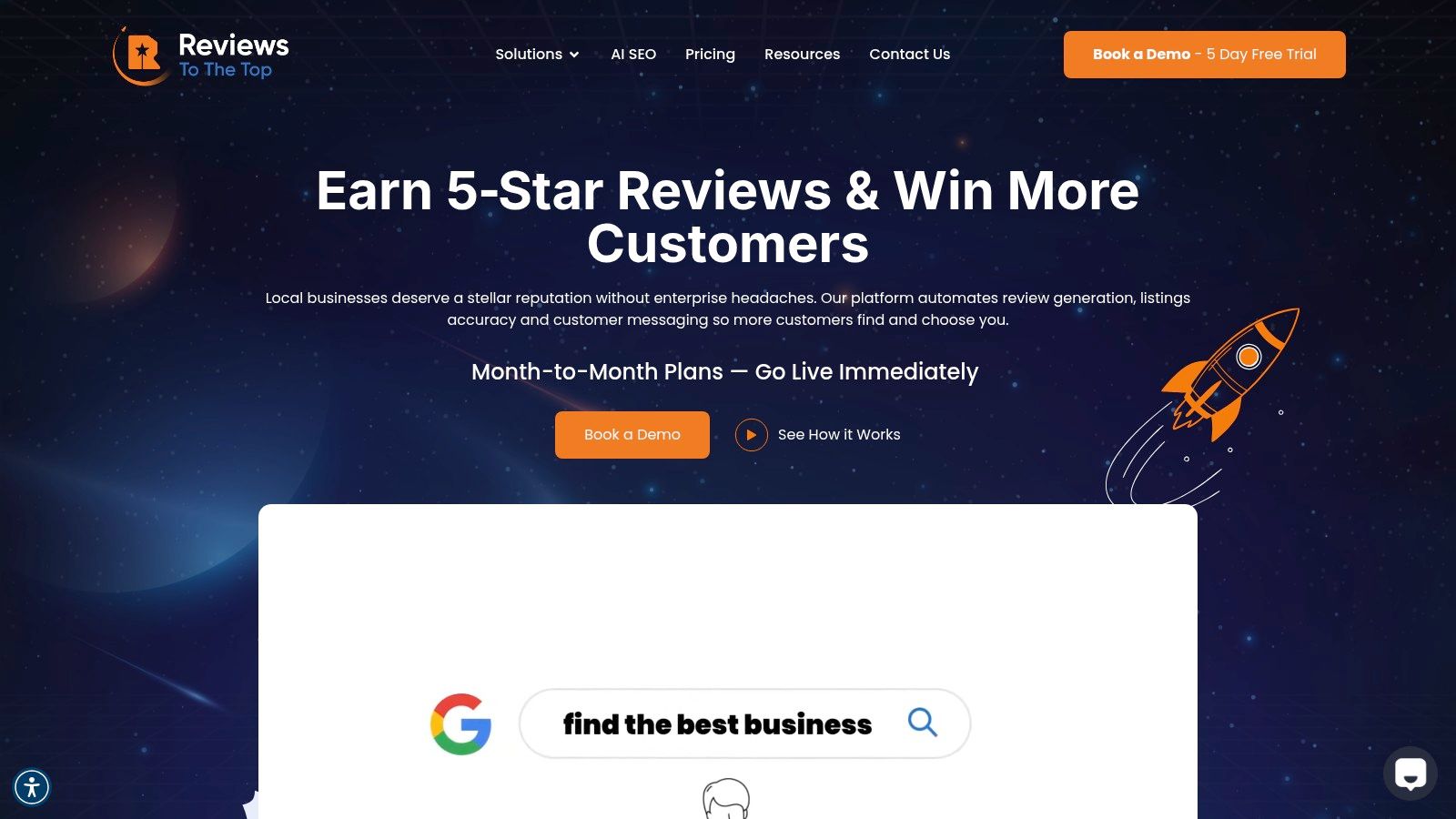
This platform excels at automating the tedious tasks that drive local search performance. Its system synchronizes your business information across more than 150 directories, fixing costly inaccuracies and boosting your ranking signals. Simultaneously, it automates review requests via SMS and email after a job is completed, ensuring a steady stream of fresh feedback on over 200 review sites. This consistent activity is crucial for improving placement in Google’s highly competitive Maps Pack.
For multi-location plumbing businesses or franchises, the platform provides essential governance tools. You can set up templates, manage user permissions, and maintain brand consistency across all locations from one central hub. The inclusion of a dedicated account manager and white-glove onboarding ensures a smooth implementation process, tailored to your specific operational needs.
Core Features & Use Cases
- Listings AI: Automatically syncs and corrects your NAP (Name, Address, Phone) data across 150+ sites. This fixes inconsistent listings that hurt local SEO and confuse potential customers looking for emergency plumbing services.
- Reviews AI: Centralizes review monitoring and uses AI to draft context-aware responses. Your team can approve or edit replies, speeding up response times while a human escalation path handles sensitive feedback to protect your brand’s reputation. For practical tips, you can learn more about how to get Google reviews.
- Messaging AI: Unifies texts, social DMs, webchat, and emails into one inbox. This allows your office staff to manage all customer inquiries efficiently, converting more leads into booked appointments without juggling multiple platforms.
Pricing and Onboarding
Reviews To The Top offers a transparent, flexible pricing model without setup fees or long-term contracts.
- Launch Plan: $299/location/month
- Lift Plan: $399/location/month
- Orbit Plan: Custom pricing for large, multi-location operations.
The month-to-month structure allows you to scale up with add-on modules like Mass Texting or a Chatbot AI as your business grows. They offer a free trial and demo to validate the platform's value before you commit.
Limitations to Consider
While the per-location pricing is straightforward for single shops or small groups, it can become a significant investment for large enterprises with dozens of locations if not negotiated under a custom Orbit plan. Additionally, the website focuses more on platform features than on published third-party awards, so businesses requiring extensive case studies should request them during the demo process.
2. ServiceTitan
ServiceTitan is a comprehensive, all-in-one field service management platform designed for established and scaling residential home service businesses, including plumbing, HVAC, and electrical. It acts as the central operating system for a business, connecting dispatch, technician management, sales, and marketing into a unified workflow. This platform is the go-to app for plumbers who have outgrown simpler tools and need robust, enterprise-level functionality to manage a growing team and customer base.
What makes ServiceTitan a top-tier solution is its deep feature set tailored specifically for the trades. The native mobile app empowers technicians in the field with a digital pricebook, multi-option "good-better-best" estimates, and in-field payment processing. For the back office, it provides powerful reporting and business intelligence tools, integrates with accounting software like QuickBooks and Sage Intacct, and includes built-in marketing and call-booking features to drive growth. This end-to-end control is a significant differentiator.
Key Features & Use Cases
- Best For: Mid-to-large-sized plumbing companies (10+ technicians) and multi-location or franchise operations needing a scalable, all-in-one system.
- Pricing: Quote-based only. Expect a significant initial investment for implementation and training, making it a premium option.
- Pros: Purpose-built for plumbing workflows, powerful reporting, and an ecosystem that supports aggressive growth. Its marketing and call-booking tools can also help a business with its local SEO for plumbers by tracking ROI from different channels.
- Cons: The high cost and complexity can be prohibitive for smaller shops. Some users report occasional outages and a feeling of vendor lock-in due to the platform's extensive nature.
Website: https://www.servicetitan.com
3. Housecall Pro
Housecall Pro is a modern, user-friendly field service management (FSM) app designed for small to mid-sized residential service businesses, including plumbers, electricians, and HVAC technicians. It excels at simplifying core operations like scheduling, dispatching, invoicing, and payment processing. This platform is an ideal app for plumbers who prioritize ease of use, rapid implementation, and a powerful mobile experience for their technicians without the complexity of enterprise-level software.
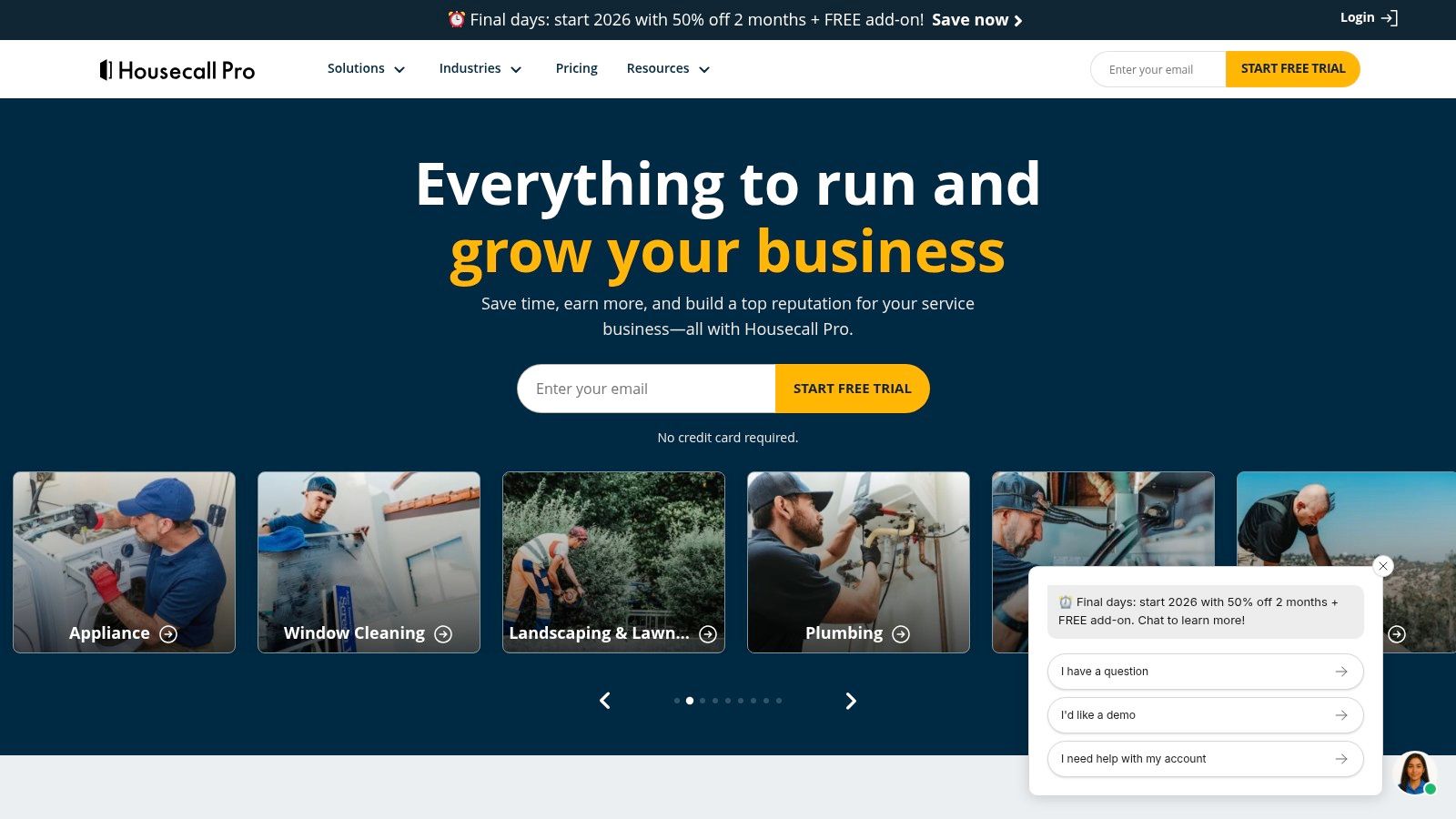
What sets Housecall Pro apart is its focus on growth tools that are built directly into the platform. Its standout feature is a direct "Reserve with Google" integration, allowing customers to book appointments straight from Google Search and Maps. This streamlines lead generation and conversion. The platform also includes built-in review requests, customer financing options, and email marketing campaigns, empowering plumbing businesses to not just manage their work but also to actively market their services and manage their online reputation.
Key Features & Use Cases
- Best For: Owner-operators and small-to-medium residential plumbing businesses (1-15 technicians) seeking an all-in-one tool that is easy to adopt and helps drive new business.
- Pricing: Tiered monthly subscriptions based on the number of users, starting around $49/month. Higher tiers unlock more advanced marketing and sales features.
- Pros: Very intuitive mobile app and fast setup. The integrated marketing tools, especially for online booking and review generation, are a significant advantage for growth. This is great for any company looking into Google Business Profile optimization to capture more local leads.
- Cons: Reporting capabilities are less robust compared to enterprise systems. It may lack the depth needed for complex commercial plumbing jobs or multi-location franchise management.
Website: https://www.housecallpro.com
4. Jobber
Jobber is an end-to-end job management platform designed for the operational needs of small and mid-sized home service businesses, including plumbing, landscaping, and cleaning. It provides a user-friendly system that combines quoting, scheduling, dispatching, invoicing, and payment processing into one cohesive workflow. This makes it an excellent app for plumbers who need a robust, all-in-one solution with transparent pricing and less complexity than enterprise-level software.
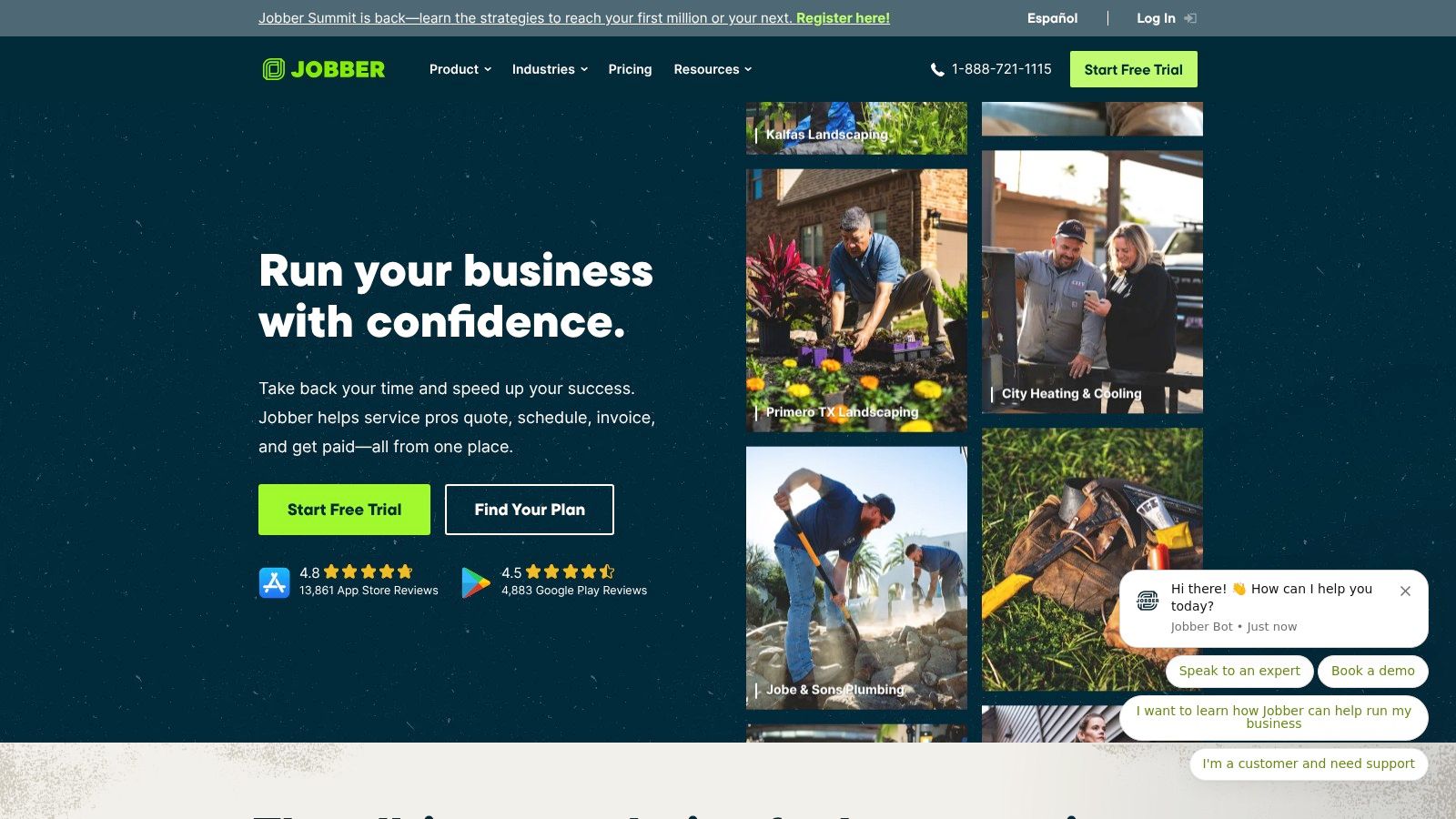
What sets Jobber apart for growing plumbing shops is its balance of powerful features and ease of use, supported by clear, published pricing tiers. The platform excels with its client hub, a self-service online portal where customers can view quotes, check appointment details, pay invoices, and request new work. This professional touch improves customer communication and streamlines administrative tasks. Optional add-ons, like an automated marketing suite and an AI receptionist, allow businesses to expand their capabilities as they grow without overcomplicating the core system.
Key Features & Use Cases
- Best For: Small-to-mid-sized plumbing businesses (1-15 technicians) that want a powerful, user-friendly system with transparent, scalable pricing.
- Pricing: Starts at $49/month (Core plan for 1 user). Higher tiers (Connect and Grow) add more users and advanced features like routing, job costing, and an open API.
- Pros: Transparent, predictable pricing and a fast setup process. The strong client hub and excellent payment options (including in-app tap-to-pay) are perfect for modernizing customer interactions. Its role as a complete customer relationship management for small businesses is a significant asset.
- Cons: Per-user costs can add up for larger teams, potentially making it less cost-effective than competitors at scale. Some advanced automations and integrations are gated behind the more expensive tiers.
Website: https://www.getjobber.com
5. FieldEdge
FieldEdge is a field service management platform specializing in dispatch, sales enablement, and deep accounting integration for home service businesses like plumbing and HVAC. It stands out by offering a real-time, two-way sync with both QuickBooks Desktop and Online, making it an ideal app for plumbers who prioritize seamless financial workflows. The platform is built on the foundation of the popular Coolfront flat-rate pricing system, giving it a strong legacy in price presentation and sales.
What makes FieldEdge a preferred choice for many established businesses is its mature and reliable QuickBooks integration. Unlike platforms where syncing can be a manual or batch process, FieldEdge ensures that invoices, payments, and customer records are updated in both systems instantly, eliminating double entry and reducing accounting errors. Its technician mobile app empowers field staff with powerful quote-building tools and on-the-spot payment processing, which is a key component in successful customer communication strategies. This focus on connecting field sales directly to back-office accounting is a significant differentiator.
Key Features & Use Cases
- Best For: Small to mid-sized plumbing businesses that are heavily reliant on QuickBooks for their accounting and need a robust, real-time integration to connect field operations with financials.
- Pricing: Quote-based only. The cost depends on the number of users and specific features required, with no free trial available.
- Pros: Best-in-class, real-time QuickBooks sync for both Desktop and Online versions. The integrated flat-rate pricebook and proposal tools are excellent for sales enablement in the field.
- Cons: Pricing is not transparent and requires engaging with a sales representative. The lack of a free trial means businesses must commit before fully testing the software.
Website: https://fieldedge.com
6. Service Fusion
Service Fusion is a field service management software designed to be accessible and scalable for small to mid-sized businesses. It provides a robust suite of tools that cover scheduling, dispatching, invoicing, and payment processing, all integrated within a single platform. The system is particularly noted for its pricing model, which offers unlimited users across all plans, making it a predictable and cost-effective app for plumbers looking to grow their team without incurring escalating software fees. This makes it an attractive alternative to per-user pricing models that can penalize growth.
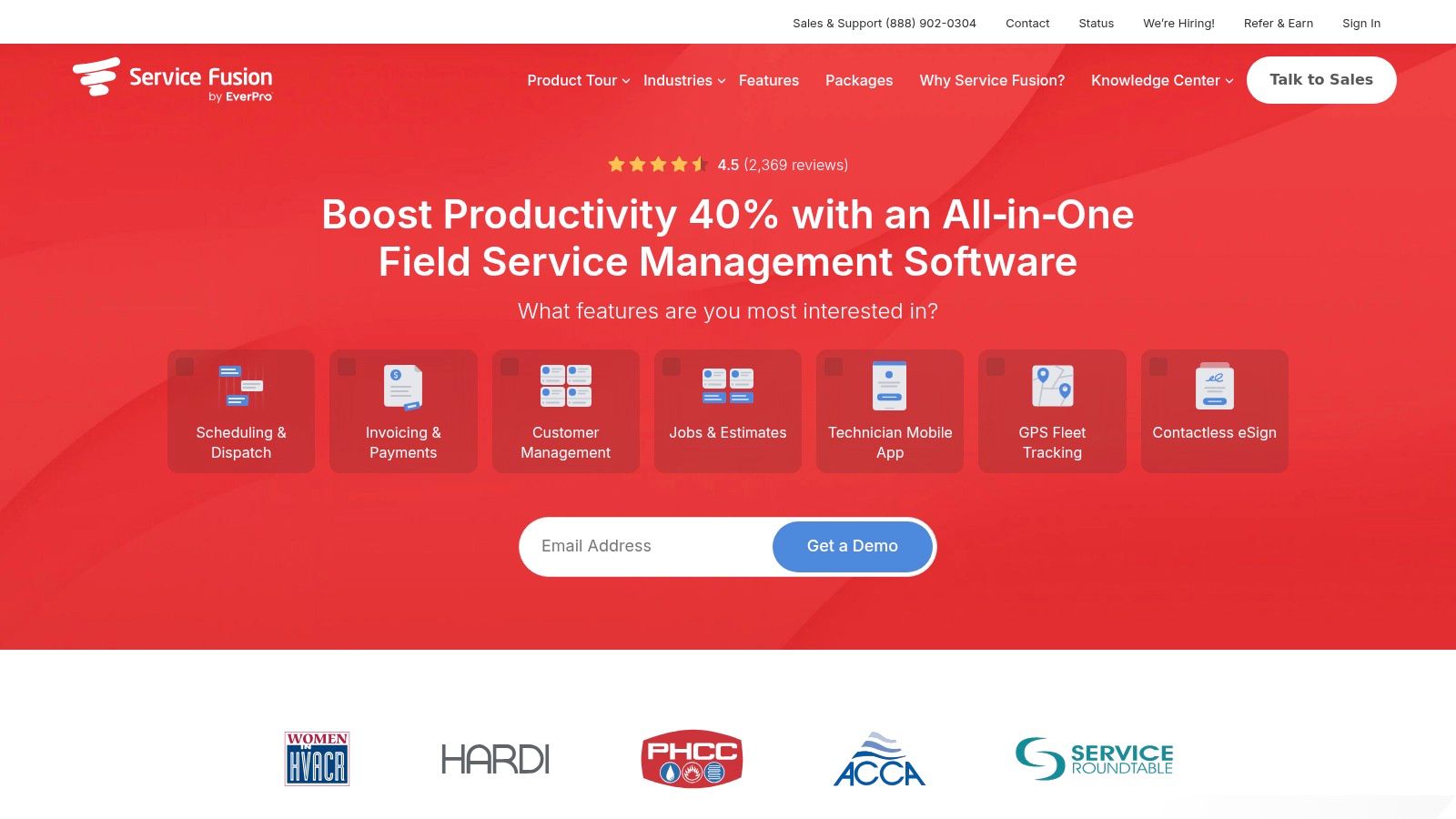
What sets Service Fusion apart is its balance of powerful features and a straightforward user experience. Technicians get a native mobile app for both iOS and Android, allowing them to manage jobs, create estimates, and collect payments in the field. For the office, its deep integration with both QuickBooks Online and Desktop simplifies accounting workflows significantly. While it offers advanced capabilities like inventory management and job costing in higher tiers, its core functionality provides a comprehensive solution for streamlining daily plumbing operations from start to finish.
Key Features & Use Cases
- Best For: Small to medium-sized plumbing businesses (2-20 technicians) who need a full-featured management tool with predictable costs that can scale as they add employees.
- Pricing: Starts at $149/month (Starter plan). Higher tiers (Plus, Pro) add more advanced features. Month-to-month billing is available, with discounts for annual commitments.
- Pros: The unlimited user model offers excellent value and cost predictability. It also features strong QuickBooks integration and responsive customer support, which are crucial for day-to-day operations.
- Cons: Some advanced features, like a customer web portal, progressive billing, and API access, are locked behind the more expensive Pro plan. This can require an upgrade as a business's needs become more complex.
Website: https://www.servicefusion.com
7. Workiz
Workiz is a field service management platform designed for growing residential home service teams who want to supercharge their customer communication and lead management. It integrates core operational tools like scheduling, invoicing, and payments with a powerful, built-in communications suite, including a phone system and text messaging. This platform is a strong contender as an app for plumbers looking to not only manage jobs but also improve their lead capture and booking experience with modern tools.
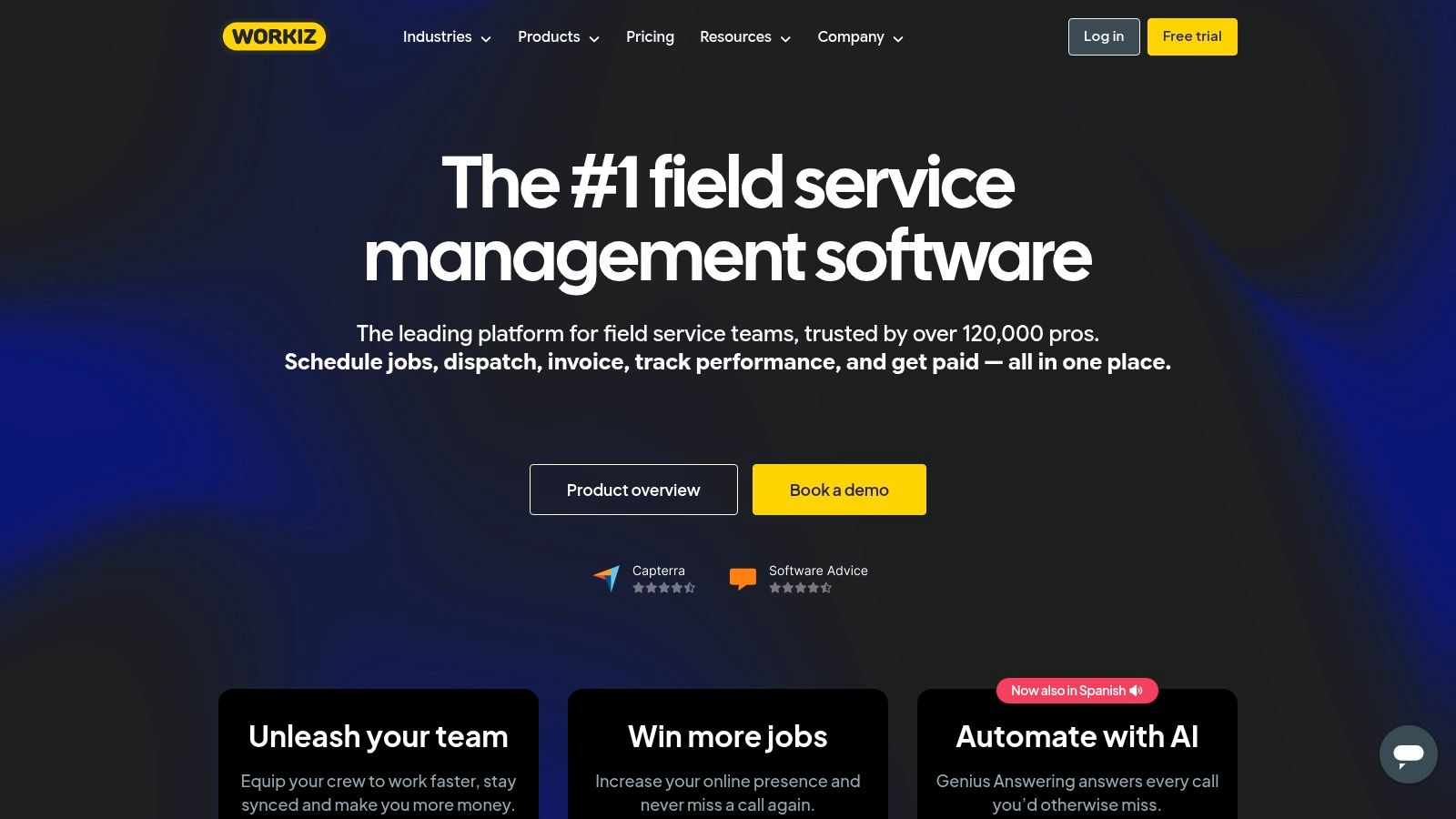
What makes Workiz stand out is its emphasis on communication and lead generation. Features like Reserve with Google integration allow customers to book directly from search results, while its emerging AI "Genius" tools assist with qualifying leads and automating scheduling. This focus on front-end business growth, combined with solid back-end field management, provides a unique advantage for service businesses aiming to scale efficiently without juggling multiple disconnected software tools.
Key Features & Use Cases
- Best For: Small to mid-sized plumbing companies (2-20 technicians) that prioritize lead management, customer communication, and leveraging new booking channels.
- Pricing: Offers a free "Lite" tier for up to 2 users to test core features. Paid plans have competitive entry-level pricing with inclusive user counts at each tier, making it accessible for growing teams.
- Pros: Strong built-in communications stack (local numbers, texting, call tracking) and a generous free plan for getting started. Its direct integration with Reserve with Google is a significant plus for customer acquisition.
- Cons: The most powerful features, including the AI tools and advanced reporting, are reserved for the higher-priced subscription tiers. This may limit smaller businesses on a tight budget.
Website: https://www.workiz.com
8. Simpro
Simpro is a comprehensive job management platform designed for trades that handle both quick service calls and complex, multi-stage projects. It excels for plumbing businesses that manage maintenance contracts, planned service agreements, and extensive installations alongside their reactive repair work. This platform serves as a powerful end-to-end solution, integrating job costing, asset maintenance, and project management into one system, making it a standout app for plumbers with diverse service offerings.
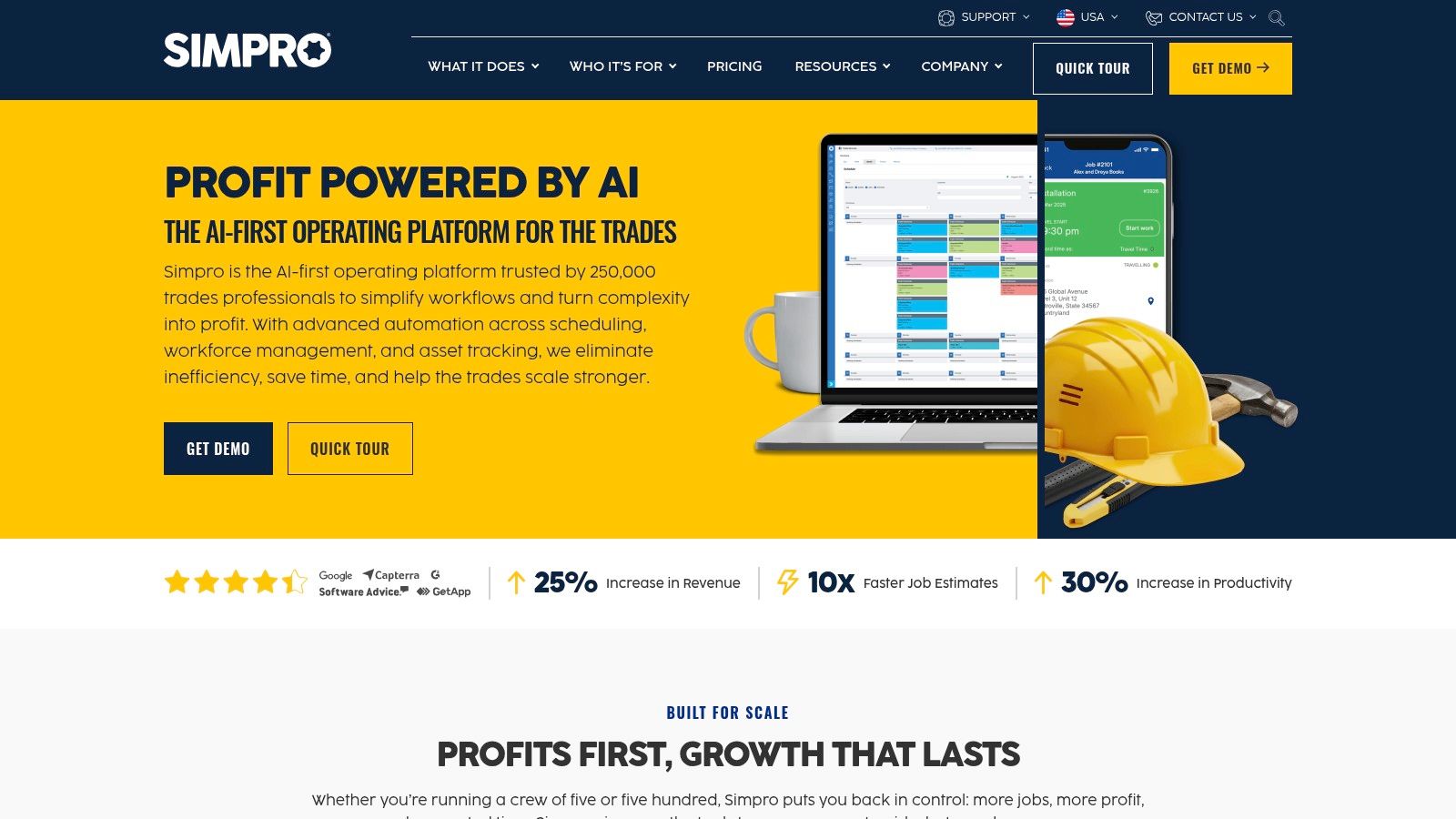
What sets Simpro apart is its deep functionality in asset management and planned preventative maintenance. Plumbers can track every customer asset they install or service, schedule recurring maintenance jobs automatically, and even integrate IoT devices for real-time monitoring. The Simpro Mobile app provides technicians with robust offline capabilities, ensuring they can access job details, update timesheets, and manage stock even without a reliable internet connection. This combination of project and service management makes it ideal for contractors balancing commercial and residential work.
Key Features & Use Cases
- Best For: Commercial and mixed-service plumbing companies that manage long-term projects, service contracts, and asset maintenance programs.
- Pricing: Quote-based and customized to your business needs. Implementation fees and a setup process are typically required, positioning it as a premium solution.
- Pros: Excellent for managing preventative maintenance and multi-day projects. The platform is highly scalable with deep inventory and asset control features, supported by extensive 24/6 customer service.
- Cons: The custom pricing structure requires a direct sales consultation, and the initial investment for implementation can be a barrier for smaller businesses.
Website: https://www.simprogroup.com
9. BuildOps
BuildOps is an operations management platform built from the ground up for the commercial service industry, making it an ideal app for plumbers who specialize in large-scale projects, property management, and complex service agreements. Unlike residential-focused software, BuildOps unifies dispatch, project management, service contracts, and advanced accounting into a single system designed for multi-crew and multi-site commercial workflows. It directly addresses the unique challenges of commercial plumbing, such as managing change orders, asset tracking, and maintenance schedules across multiple properties.
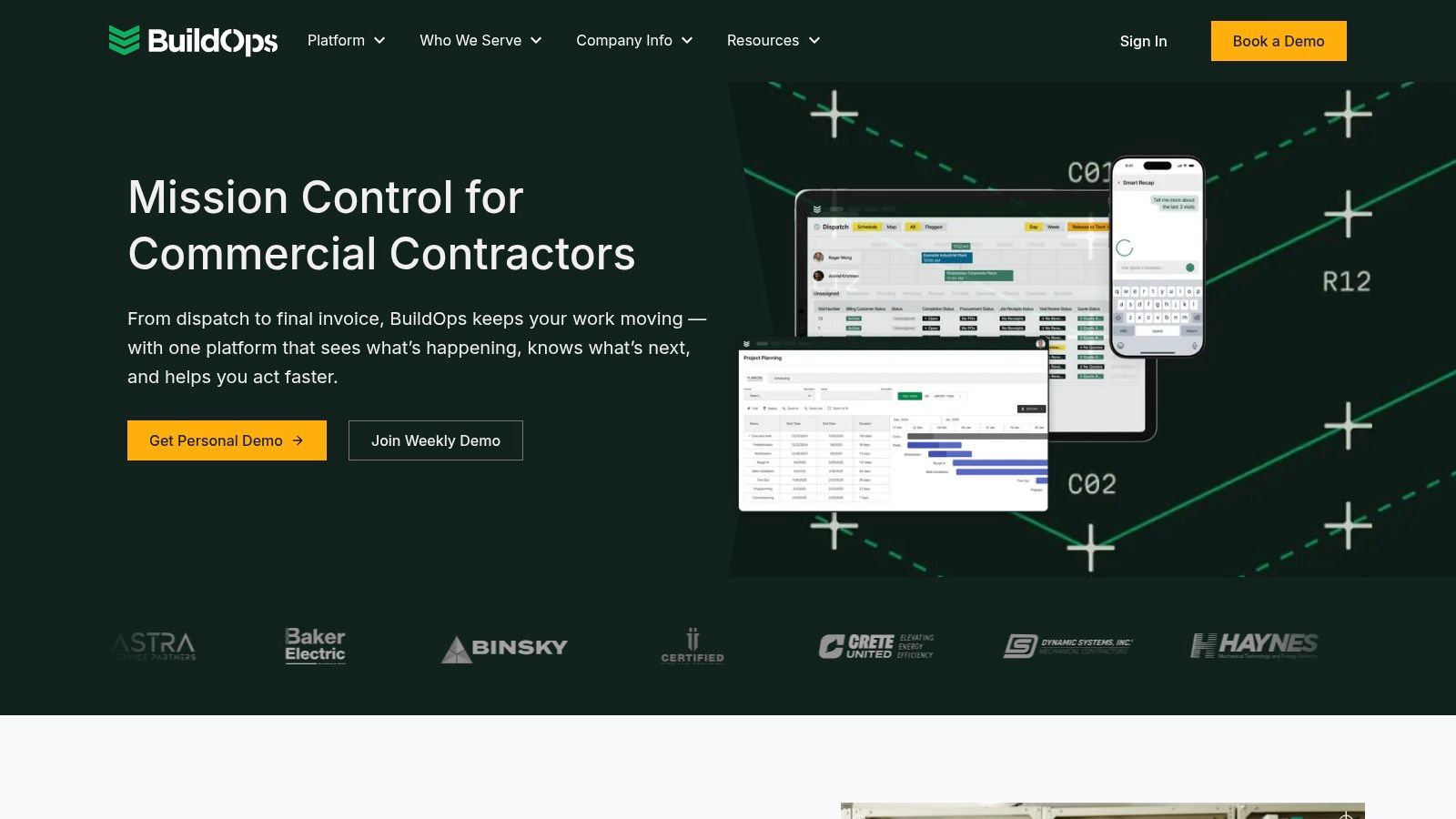
The platform’s strength lies in its ability to connect field operations with enterprise-level back-office functions. The mobile app gives technicians access to critical job information, asset history, and real-time data entry, while the office has full visibility over project profitability, scheduling, and invoicing. This seamless integration with high-end accounting software like NetSuite and Sage Intacct sets it apart for businesses that have outgrown the financial limitations of simpler field service management tools.
Key Features & Use Cases
- Best For: Commercial plumbing contractors, mechanical service companies, and businesses managing large projects or extensive service maintenance agreements.
- Pricing: Quote-based only. Pricing is tailored to company size, feature requirements, and integration needs, so you must request a demo.
- Pros: Purpose-built for complex commercial jobs with robust project management and enterprise-grade accounting integrations. The unified customer portal improves client communication and transparency.
- Cons: The platform's complexity and focus on commercial workflows may be overkill for smaller residential plumbing shops. Its premium pricing reflects its enterprise target market.
Website: https://buildops.com
10. ServiceM8
ServiceM8 is a streamlined job management app for plumbers optimized for Apple's iOS ecosystem, making it a powerful choice for small-to-medium teams that primarily use iPhones and iPads. It focuses on accelerating the entire job workflow from the initial customer inquiry to final payment. The platform is designed for high-volume service businesses that handle numerous short jobs, offering rapid quoting, invoicing, scheduling, and communication tools that keep technicians efficient and customers informed.
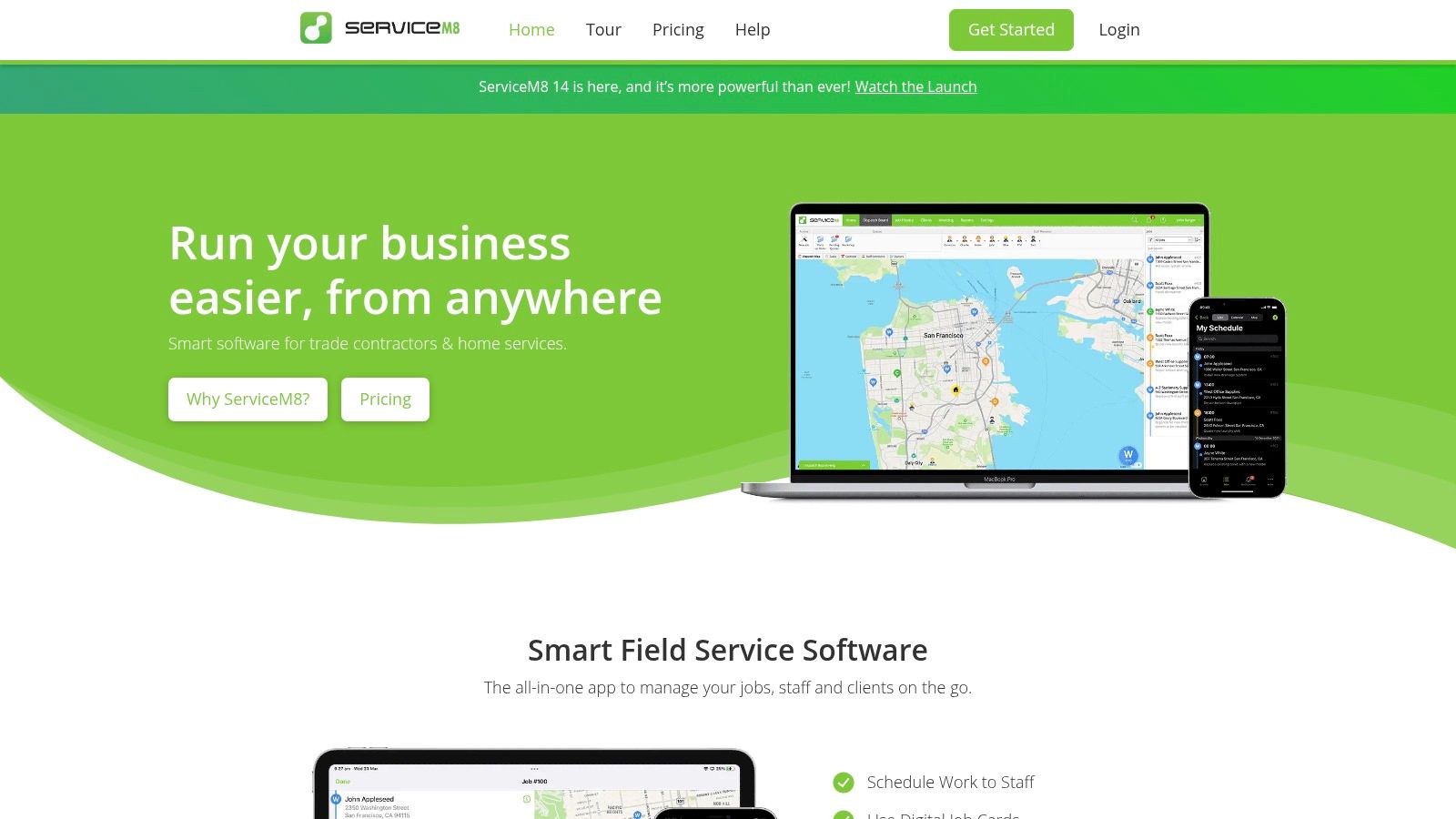
What makes ServiceM8 a unique app for plumbers is its job-credits pricing model and deep integration with iOS features like tap-to-pay. Instead of charging per user, most plans are based on the number of jobs completed, which can be highly cost-effective for businesses with part-time staff or those looking to avoid steep per-seat fees. While it offers an Android "Lite" app for essential field tasks, its full power and advanced functionality are unlocked on Apple devices, making it a top contender for plumbing businesses already invested in that ecosystem.
Key Features & Use Cases
- Best For: Small-to-medium plumbing businesses (1-15 technicians) that are iOS-centric and manage a high volume of relatively short service calls.
- Pricing: Starts with a free plan for up to 20 jobs/month. Paid plans are based on job credits and feature tiers, starting from $9/month for the "Lite" plan, making it very accessible.
- Pros: Extremely fast and easy to deploy, especially for small teams. The job-credit pricing model is budget-friendly and scales predictably with job volume rather than headcount.
- Cons: The full feature set is heavily biased towards iOS users; the Android app is functional but lacks the advanced capabilities of its Apple counterpart. Exceeding job credit limits requires upgrading to a higher-priced plan.
Website: https://www.servicem8.com/us
11. mHelpDesk
mHelpDesk is a well-established field service management (FSM) software designed for small to mid-sized businesses, including plumbing contractors. Its core strength lies in providing a straightforward, end-to-end workflow that covers everything from the initial customer call to the final invoice and payment. Affiliated with Angi and HomeAdvisor, it offers a proven system for service businesses looking to streamline operations without the complexity of enterprise-level platforms.
What makes mHelpDesk a solid choice as an app for plumbers is its focus on the essential quote-to-invoice cycle. The platform simplifies scheduling, work order creation, invoicing, and payment processing into a cohesive, easy-to-manage process. Its native integration with both QuickBooks Desktop and Online provides a reliable two-way sync, which is a critical feature for small businesses managing their finances. This focus on core functionalities makes it an accessible yet powerful tool for growing plumbing shops.
Key Features & Use Cases
- Best For: Small to mid-sized plumbing companies seeking a reliable, all-in-one system with a strong, streamlined quote-to-payment workflow and solid QuickBooks integration.
- Pricing: Quote-based only; prospective users must request a demo to receive pricing information. Third-party sites sometimes show estimated pricing, but this is not official.
- Pros: Simple and effective quote-to-invoice process with integrated payment options. It also boasts a broad list of integrations beneficial for small service businesses.
- Cons: The lack of public pricing requires a sales call, which can be a barrier for owners who prefer to research transparently. The user interface, while functional, is not as modern as some newer competitors.
Website: https://www.mhelpdesk.com
12. Fergus
Fergus is a cloud-based job management platform built specifically for tradespeople, including plumbers, who need clear financial visibility on a per-job basis. It bridges the gap between simple invoicing apps and complex enterprise systems by focusing on job costing, profitability tracking, and streamlined field-to-office communication. This platform is an excellent app for plumbers managing small-to-mid-sized teams who want transparent pricing and powerful mobile tools without an overwhelming feature set.
What makes Fergus a standout choice is its laser focus on job profitability. The system allows you to see a real-time profit and loss (P&L) statement for every single job, factoring in labor, materials from supplier price books, and other costs. Its mobile app, Fergus Go, empowers technicians with digital job cards, photo uploads, and GPS time tracking. For payments, Fergus Pay integrates Stripe to offer modern solutions like Tap to Pay on iPhone, simplifying in-field transactions and improving cash flow.
Key Features & Use Cases
- Best For: Small-to-medium plumbing businesses (2-15 technicians) that prioritize job costing, real-time profitability tracking, and straightforward mobile workflows.
- Pricing: Offers transparent, published pricing plans on its website with a 14-day free trial. Plans are tiered based on user count and feature access.
- Pros: Strong focus on per-job P&L gives owners critical financial insight. The mobile app is user-friendly and the pricing structure is clear and upfront.
- Cons: Larger teams may need to purchase timesheet add-ons or move to enterprise-level plans, which increases the cost. Some advanced integrations are limited compared to larger platforms.
Website: https://fergus.com/us
Frequently Asked Questions (FAQ)
1. What is the single most important feature in an app for plumbers?
For most plumbers, the most critical feature is the mobile app for technicians. It must be fast, easy to use, and reliable (even with poor cell service). It should allow techs to view job details, build multi-option quotes, and collect payment in the field to improve efficiency and cash flow.
2. How much should I expect to pay for plumbing software?
Pricing varies widely. Owner-operators can start for $50–$150 per month. A growing business with 5–10 technicians should budget $250–$600 per month. Large, multi-location companies using enterprise software like ServiceTitan can expect to pay over $1,000 per month plus implementation fees.
3. Do these apps integrate with QuickBooks?
Yes, nearly all top-tier apps integrate with QuickBooks Online and/or Desktop. However, the quality of the sync varies. Platforms like FieldEdge offer a real-time, two-way sync, while others may require a manual or batch sync process. Always ask for a detailed demo of the integration.
4. How does an app help me get more local customers?
The app streamlines your operations, which leads to better customer service (e.g., accurate arrival times, faster invoicing). This improved service generates more 5-star reviews. A high volume of recent, positive reviews is a major ranking factor for Google's local search and Maps Pack, making you more visible to customers searching "plumber near me."
5. Can I switch to a new app if I don't like my first choice?
Yes, but it can be a significant undertaking. Migrating your customer list, job history, and price book to a new system takes time and effort. This is why it's crucial to take advantage of free trials and conduct thorough demos before committing to a platform. Choosing a provider with month-to-month contracts also reduces your risk.
6. What is FSM software?
FSM stands for Field Service Management. It's a category of software that helps companies manage all resources and operations that occur outside the office, including scheduling, dispatching, work order management, and field technician support.
7. Why is a digital pricebook important?
A digital pricebook ensures consistent and profitable pricing on every job, regardless of which technician is on site. It allows you to present professional, multi-option ("good-better-best") quotes to customers, which has been shown to increase the average ticket size by empowering customers to choose a higher-value service.
Choosing the right technology is the first step to scaling your business and dominating your local market. An efficient operation powered by the right app for plumbers gives you the time to focus on what truly drives growth: building a 5-star reputation.
If you’re ready to automate your growth and make your business the top choice in your area, book a strategy call with our team. We offer expert, month-to-month support to help you win more jobs.


