
Getting customers to write a Google review for your business is the most direct way to build trust with new prospects and climb local search rankings. A steady flow of authentic reviews signals to both Google and potential customers that you are a relevant, trustworthy choice, which directly drives more calls, bookings, and sales.
Summary: Why Google Reviews Matter
For local and multi-location businesses, mastering how to get customers to write a Google review for a business is a critical growth lever. Positive reviews are a top factor in Google's local search algorithm, influencing how prominently your business appears in the "Map Pack" for searches like "dentist near me." More high-quality reviews lead to higher visibility, increased trust, and ultimately, more conversions—from phone calls and appointment bookings to in-store visits. This guide provides step-by-step instructions, templates, and measurement tactics to build a predictable review generation engine.
Key Facts
- Ranking Signal: Customer reviews are a primary factor in Google's local search ranking algorithm, which weighs proximity, relevance, and prominence.
- Conversion Driver: 81% of consumers use Google to evaluate local businesses, and positive reviews directly influence their decision to call, book, or visit.
- Review Volume Goal: Aim for 5-10 new reviews per location, per month, to maintain recency and relevance signals for Google.
- Target Star Rating: A 4.5-star rating or higher is the threshold needed to build maximum trust and compete effectively in most markets.
- Response Time is Critical: Responding to 100% of reviews within 24 hours shows engagement and can improve customer sentiment.
- GBP Impact: A strong review profile directly increases actions on your Google Business Profile (GBP), such as calls, website clicks, and requests for directions.
How-To: Launch Your Review Program in 7 Days
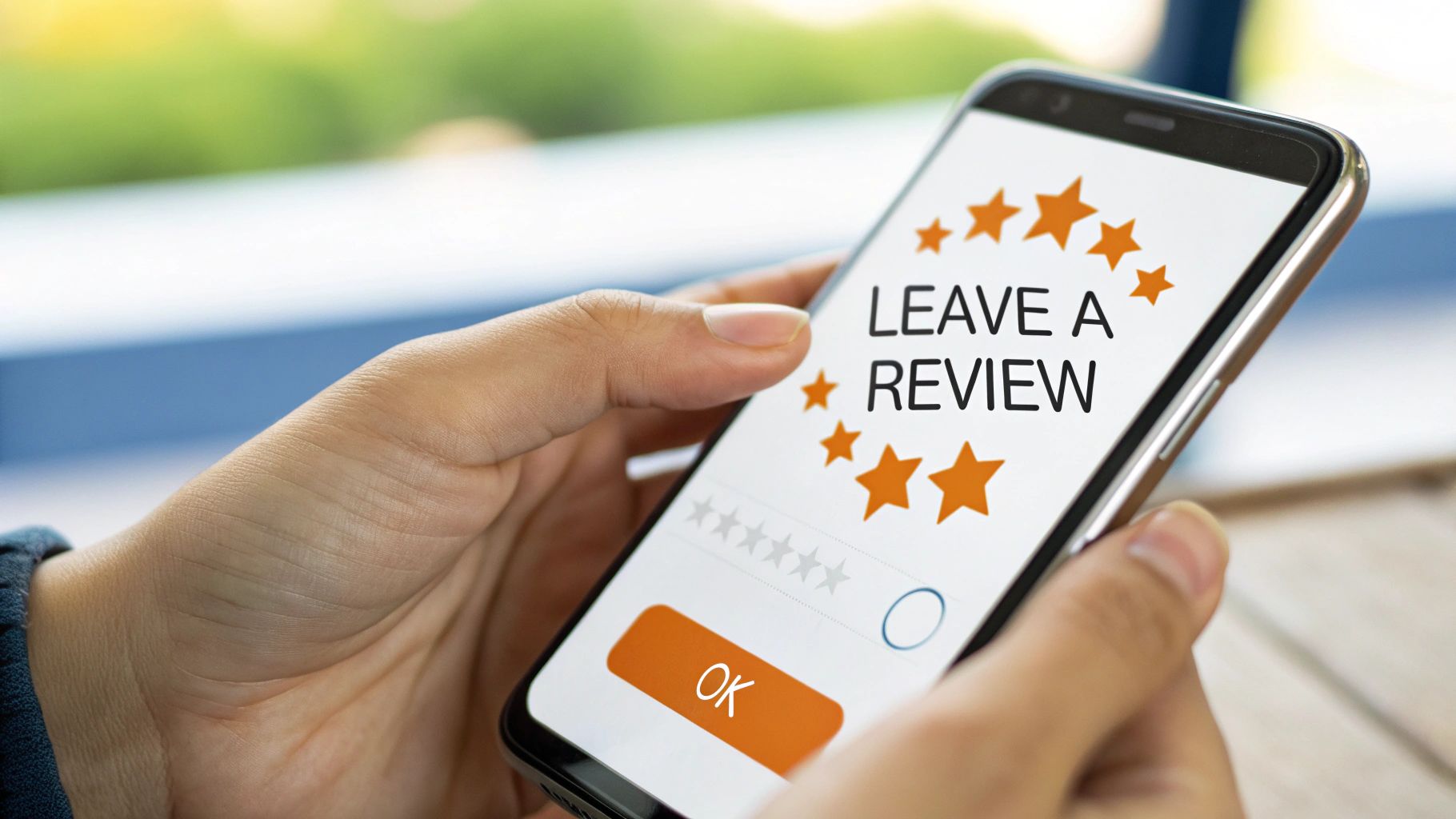
Getting a review program off the ground doesn't have to be a massive undertaking. With a focused, one-week plan, you can build a system that consistently brings in new reviews. This checklist is designed for busy operators to implement quickly.
7-Day Review Program Launch Checklist
| Day | Action Item | Goal |
|---|---|---|
| 1 | Claim & fully optimize your Google Business Profile (GBP). | Ensure your listing is 100% accurate, complete, and professional. This is your foundation. |
| 2 | Create your direct Google review link. | Make it frictionless for customers to leave a review in a single click. |
| 3 | Draft review request templates (SMS & email). | Have ready-to-go, personalized messages that are proven to convert. |
| 4 | Train your team on when and how to ask for reviews. | Make asking for feedback a natural part of your customer service workflow. |
| 5 | Identify 10-15 recent, happy customers to test your requests. | Start with a "soft launch" to gather your first few reviews and confirm the process works. |
| 6 | Send your first batch of review requests and track responses. | Begin actively generating new, recent reviews to boost your profile. |
| 7 | Review your process and respond to 100% of new reviews. | Refine your approach and show engagement by replying to every customer. |
By following this simple plan, you create a repeatable process that turns getting reviews from a random occurrence into a predictable part of your marketing and operations. To learn more, see our full guide on how to optimize your Google Business Profile.
Google’s Local Ranking Model: Proximity, Relevance, and Prominence
Understanding why this works is key. Google’s local search algorithm boils down to three main pillars:
- Proximity: How close is the searcher to your business location? You can't control this, but you can dominate the others.
- Relevance: How well does your business profile match a person's search query (e.g., "emergency vet in [City]")? When customers leave detailed reviews mentioning specific services, they add relevant keywords to your profile for you.
- Prominence: How well-known and respected is your business? Google measures this using your review count, average star rating, and review recency. A steady stream of positive feedback tells Google you're a trusted leader in your market.
Your review strategy is your most powerful tool for boosting relevance and prominence, which directly impacts your ability to rank in local search.
Templates & Scripts for Requesting and Responding to Reviews
The secret to getting more reviews is to ask at the right time and make it incredibly simple. The best moment is immediately after a positive service experience when the customer is happy and the value you provided is fresh in their mind. Always send a direct link to your Google review page.
Review Request Scripts
SMS Request Template (Med Spa):
"Hi [Patient Name], it was a pleasure seeing you at [Clinic Name] today! We hope you love the results. If you have 30 seconds, could you share your experience on Google to help others in [City] find us? [Link to Google Review]"
Email Request Template (Auto Repair Shop):
"Hi [Client Name], thanks for trusting [Shop Name] with your vehicle. We hope everything is running smoothly! Your feedback helps other drivers in the [Neighborhood] area find a reliable team. Would you mind leaving us a quick review on Google? [Link to Google Review]"
Review Response Templates
Responding to reviews is non-negotiable for effective reputation management. It shows prospective customers that you're engaged and that you care about the customer experience. A prompt, professional reply is critical.
Positive Review Response Template
"Hi [Reviewer Name], thank you so much for the fantastic feedback! We're thrilled to hear you had a great experience with [mention a specific positive point from their review]. I'll be sure to share your kind words with [Staff Member's Name]. We look forward to seeing you again!"
Negative Review Response Template
"Hi [Reviewer Name], thank you for sharing your feedback. We are sorry to hear that your experience did not meet expectations. We take this very seriously and would like to learn more to make things right. Please give our manager, [Manager's Name], a call at [Phone Number] at your convenience."
This approach shows accountability and moves the conversation offline, which is best practice for handling sensitive feedback (especially in healthcare settings to remain HIPAA-aware).
How to Measure Your Review Program's ROI
A review program is only worthwhile if it generates a positive return on investment (ROI). You need to connect your efforts to real business outcomes like calls, bookings, and revenue. Tracking the right key performance indicators (KPIs) will show you exactly how your online reputation is driving growth.
Key Metrics and Target Goals
Set clear, measurable goals to keep your team focused on what drives results.
- Average Star Rating: Aim for a 4.5-star rating or higher. This is a major trust signal that directly impacts conversion rates.
- Review Volume: Target 5-10 new reviews per location, every month. This shows Google that your business is active and relevant right now.
- Response Time: Respond to 100% of reviews within 24 hours. This demonstrates excellent customer service to both current and potential customers.
- Google Business Profile (GBP) Actions: Track the monthly calls, website clicks, and direction requests from your GBP Insights. A healthy 10-15% month-over-month increase is a strong sign your strategy is working.
- Lead-to-Sale Conversion: Measure the percentage of leads from GBP that become paying customers.
Tying Reviews to Revenue with UTM Tracking
To directly link reviews to your bottom line, use UTM parameters on your GBP website link. A UTM (Urchin Tracking Module) is a snippet of code added to a URL to track its source, medium, and campaign name.
Create a link like this: yourwebsite.com/?utm_source=google&utm_medium=organic&utm_campaign=gbp.
This tag tells your website analytics (like Google Analytics) exactly where visitors came from. You can now see how many website visits, form submissions, or online bookings originated from your Google profile. By connecting this data to your Customer Relationship Management (CRM) system, you can track that lead all the way to a final sale, giving you a clear ROI on your reputation management efforts.
Frequently Asked Questions (FAQs)
Here are answers to common questions business operators have about Google reviews.
1. Can a business delete a negative Google review?
No, a business cannot delete a review simply because it's negative. They can, however, flag a review that violates Google's content policies (e.g., spam, hate speech, or a conflict of interest). Google's team will then review the flag and make the final decision on whether to remove it.
2. Is it okay to offer incentives for reviews?
No. Offering incentives like discounts or gift cards in exchange for reviews is against Google's policies. It can lead to the removal of those reviews and potential penalties for your profile. The best approach is to provide excellent service and make it easy for genuinely happy customers to share their feedback.
3. How long does it take for a new Google review to appear?
Most reviews appear almost instantly. However, some may be delayed by up to 48 hours as Google's automated systems screen them for spam or policy violations.
4. What should I do if a competitor leaves a fake negative review?
If you suspect a review is fake or malicious, flag it immediately for Google's review. Click the three-dot menu next to the review and select "Report review." Provide as much context as possible. While waiting, post a calm, professional public response stating that you have no record of the individual as a customer but would be happy to discuss the matter offline.
5. Does the text in a review matter for SEO?
Yes, absolutely. The text within reviews is a rich source of keywords and semantic context for Google. When customers describe their experience using terms like "best deep tissue massage in [Neighborhood]" or "fast emergency AC repair in [City]," it reinforces your relevance for those specific services in your area.
6. Can I ask customers to edit a negative review?
Yes. If you resolve a customer's issue after they've left a negative review, it is acceptable to politely let them know you've addressed their concerns and that they have the ability to edit their original review if they feel the situation has changed. Never pressure them to do so.
7. How do I get a direct link for customers to write a review?
In your Google Business Profile dashboard, find the "Get more reviews" card. Clicking it will generate a shareable short URL that takes customers directly to the review submission window for your business.
Ready to build a powerful review strategy that drives real growth for your business? Reviews To The Top provides expert services for HVAC, dental, and other local industries. With our month-to-month support, we make it simple to earn more reviews, respond faster, and see a measurable impact on your bottom line.


