
Choosing the top small business apps for your operation is about converting local searchers into paying customers. The right tools for reputation management, payments, and scheduling make your business more visible and easier to book, directly increasing calls, messages, and sales. This guide provides a clear, step-by-step process for selecting apps that solve operational problems and fuel measurable growth.
Key Facts
- Centralized Management is Key: The best app stacks unify critical functions like reviews, business listings, and customer messaging into one dashboard to save time and ensure consistency.
- SEO Impact: Your choice of apps directly influences your local search ranking. Tools that help you manage your Google Business Profile (GBP) and gather reviews are essential for appearing in the "Map Pack" for "near me" searches.
- Integration Over Everything: Disconnected apps create data silos and manual work. Prioritize tools that integrate with each other (e.g., via Zapier or native connections) to automate workflows.
- Measurement is Non-Negotiable: Track key metrics like review volume, star rating, GBP views, calls, and lead-to-conversion rates to prove the return on investment (ROI) of your software.
Summary: Finding Apps That Fuel Growth
For local and multi-location operators, the goal is simple: find software that saves time and generates more revenue. The most effective approach is to build an integrated "tech stack" that addresses your biggest operational bottlenecks while simultaneously improving your online visibility. This means prioritizing apps that help you get found online, convert searchers into leads, and deliver an excellent customer experience.
Google's algorithm for local search results relies on proximity, relevance, and prominence.
- Proximity: How close your business is to the searcher.
- Relevance: How well your business profile matches the search query.
- Prominence: How well-known your business is, largely determined by online reviews (quantity, quality, and recency) and accurate business listings.
The right apps directly boost your prominence and relevance, helping you rank higher for valuable searches like "med spa near me" or "HVAC repair in [City]."
How-To Guide: Building Your App Stack in 5 Steps
Follow this process to choose tools that solve real problems and work together seamlessly.
Step 1: Identify Your Top 3 Bottlenecks
Before looking at any software, pinpoint your biggest operational headaches.
- Example (Dental Practice): "We spend too much time manually confirming appointments," "We struggle to get new patient reviews," and "Our online listings have inconsistent hours."
- Example (Auto Repair Shop): "Technicians can't easily send photos to customers for approvals," "We have no system for following up on quotes," and "Our Google rating is stuck at 3.8 stars."
Step 2: Research Integrated Solutions
Use the marketplaces listed below (like G2, Capterra) to find apps that solve your specific problems. Crucially, check if they integrate with your existing core software (like your practice management software or CRM). Use Zapier to connect apps that don't have a direct integration.
Step 3: Shortlist and Demo 2-3 Options
Never choose the first app you see. Create a shortlist of 2-3 top contenders for each need. Schedule demos and take advantage of free trials. During the trial, involve the team members who will use the software daily. Their feedback is critical.
Step 4: Verify Local SEO and GBP Features
For any marketing or reputation app, confirm it can:
- Automate review requests via SMS and email.
- Manage and update listings across dozens of sites from one dashboard.
- Provide tools to respond to reviews efficiently.
- Track performance metrics from your Google Business Profile.
Step 5: Review Pricing and Contracts
Calculate the total cost of ownership, including any setup fees or per-user charges. Prefer vendors with flexible, month-to-month contracts over long-term commitments, as your business needs may change.
Google Business Profile Optimization Checklist
To maximize visibility from local searches, ensure your GBP is fully optimized:
- Claim and verify your profile.
- Ensure Name, Address, and Phone number (NAP) are 100% consistent everywhere online.
- Select all relevant primary and secondary business categories.
- Add high-quality, recent photos of your location, team, and work.
- Enable messaging and set up automated responses.
- Use the Q&A feature to proactively answer common questions.
- Create regular GBP Posts to share updates and offers.
- Actively request and respond to all customer reviews.
Templates and Scripts for Implementation
Use these practical assets to launch your new programs effectively.
Review Request Templates
SMS Script (for a Vet Clinic):
Hi [Pet Owner Name], this is [Clinic Name]. We loved seeing [Pet Name] today! We'd be grateful if you could share your experience with our team in a quick review: [Review Link]
Email Script (for an HVAC Company):
Subject: How was your service with [Company Name]?
Hi [Customer Name],
Thanks for choosing us for your recent HVAC service at [Customer Address]. Our goal is to provide 5-star service to every customer in the [City] area.
Could you take 30 seconds to leave us a review on Google? Your feedback helps us improve and helps your neighbors find trusted local service.
[Link to Google Review Page]
Thank you,
The [Company Name] Team
Review Response Templates
Positive Review Response (5 Stars):
Hi [Customer Name], thank you so much for the wonderful 5-star review! We're thrilled to hear you had a great experience with our team. We appreciate your business and look forward to seeing you again soon.
Negative Review Response (1-3 Stars):
Hi [Customer Name], thank you for bringing this to our attention. We are sorry to hear that your experience did not meet your expectations. Providing excellent service is our top priority, and we would appreciate the opportunity to learn more about what happened. Please call our manager, [Manager Name], at [Phone Number] at your convenience.
7-Day Launch Checklist for a Review Program
- Day 1: Finalize and sign up for your chosen reputation management app.
- Day 2: Integrate the app with your CRM or patient management system to automate review requests.
- Day 3: Train your front-desk and service teams on the new process. Explain why reviews are important for business growth.
- Day 4: Customize and activate the SMS and email review request templates.
- Day 5: Respond to your 10 most recent reviews (positive and negative) to establish a baseline.
- Day 6: Launch the automated request campaign. Monitor the first batch of requests that go out.
- Day 7: Review the first new reviews that come in. Share positive feedback with the team to build momentum.
How to Measure Success
To justify your investment in the top small business apps, you must track the right Key Performance Indicators (KPIs).
Recommended Targets:
- Star Rating: Aim for an average of 4.5 stars or higher.
- Review Volume: Target 10+ new reviews per location per month.
- Review Recency: Ensure your latest review is less than two weeks old.
- Response Time: Respond to all new reviews within 24 hours.
- GBP Performance: Monitor month-over-month increases in GBP Views, Clicks-to-Call, and Clicks-for-Directions.
- Lead-to-Sale Conversion: Track how many leads from your GBP become paying customers. Aim for a 15-20% conversion rate from qualified calls.
Tracking Conversions from GBP
To track calls and bookings from your Google Business Profile, use UTM (Urchin Tracking Module) parameters. A UTM is a snippet of code added to the end of a URL.
- Tag Your Links: Use Google's Campaign URL Builder to add UTM tags to the website and appointment links on your GBP. For example:
yourwebsite.com/book-now?utm_source=google&utm_medium=organic&utm_campaign=gbp - Track in Analytics: In Google Analytics, you can now filter for traffic and conversions that came specifically from your GBP by looking at the "Source / Medium" report. This shows you exactly how many website visits, form fills, and bookings originated from your profile.
- Use Call Tracking: Implement a call tracking number (many reputation platforms offer this) specifically for your GBP to accurately measure phone leads.
Frequently Asked Questions (Q&A)
1. What is the most essential app for a local service business?
An all-in-one reputation management platform. It combines review generation, business listing management, and customer messaging, which are the foundational elements for ranking in local search and converting customers.
2. How do I choose between so many different apps?
Start with your biggest operational pain point. If you're struggling with scheduling, focus on finding the best scheduling app first. If your online reputation is poor, start with a review management tool. Prioritize integration to ensure your apps work together.
3. Are free business apps good enough to start with?
Free apps are excellent for basic, single-function tasks (e.g., a simple project management board). However, they often lack the automation, integration, and support needed for a growing business. Paid apps typically provide a strong ROI through time savings and lead generation.
4. How many apps does the average small business use?
The number varies widely, but most small businesses use between 10 and 40 different software applications. The key is not the number of apps, but how well they are integrated to create a seamless workflow.
5. What is "app sprawl" and how can I avoid it?
App sprawl is when a business subscribes to too many disconnected, overlapping, or underutilized applications, leading to wasted money and inefficiency. Avoid it by auditing your software subscriptions quarterly and choosing platforms that consolidate multiple functions into one.
Top 12 Small-Business App Resources — Comparison
| Product | Core offering | Quality & UX ★ | Price / Value 💰 | Target audience 👥 | Unique selling points ✨ |
|---|---|---|---|---|---|
| Reviews To The Top 🏆 | Reputation & local-search platform: reviews, listings, AI replies, messaging, dashboards | ★★★★★ | 💰 From $299/location/mo; month-to-month; 5‑day trial | Multi-location & local SMBs seeking growth | ✨ Centralized reviews+listings; AI on‑brand replies; white‑glove onboarding; SEO & LLM optimization |
| G2 — Small‑Business Software | Peer-review marketplace with rankings & comparisons | ★★★★☆ | 💰 Free to browse; vendor-led premium reports | SMB buyers shortlisting software | ✨ Verified user grids; side‑by‑side comparisons; SMB rankings |
| Capterra — Directory | Wide category directory, buyer tips, editorial lists | ★★★★☆ | 💰 Free discovery; vendor referral model | Early-stage buyers exploring categories | ✨ Broad coverage; clear buyer guidance and category hubs |
| GetApp — SMB Shortlists | SMB-focused rankings and category leaders | ★★★★☆ | 💰 Free browsing; sponsored placements possible | SMBs needing curated shortlists | ✨ Consistent ranking methodology; SMB filters |
| Google Workspace Marketplace | Apps integrated with Gmail/Drive/Docs/Meet/Gemini | ★★★★☆ | 💰 Mix of free/freemium/paid; one‑click domain installs | Teams standardized on Google Workspace | ✨ Tight Workspace integration; editor’s collections; admin installs |
| Microsoft Marketplace | Apps/agents for M365, Dynamics, Azure with SMB page | ★★★★☆ | 💰 Trial & paid; consolidated billing options | Microsoft‑centric SMBs & IT buyers | ✨ Centralized procurement; vendor vetting & certifications |
| Shopify App Store | 10k+ eCommerce apps built for Shopify admin | ★★★★☆ | 💰 App-specific pricing; many trials | Online merchants on Shopify | ✨ In‑admin install; “Built for Shopify” quality filter |
| Zapier App Directory | 8,000+ no‑code integrations for automation | ★★★★☆ | 💰 Free tier; paid plans for multi‑step Zaps | SMBs automating workflows without devs | ✨ Broadest no-code integrations; admin governance |
| QuickBooks App Store (U.S.) | Apps extending QuickBooks Online (payments, sync) | ★★★★☆ | 💰 App pricing varies; one‑click connect | Finance-led SMBs using QuickBooks | ✨ Tight accounting sync; compliance‑vetted listings |
| Square App Marketplace | Integrations for Square POS: loyalty, scheduling, payments | ★★★★☆ | 💰 App subscriptions via partners; some free | Retail, restaurant, service SMBs on Square | ✨ Seamless POS integration; in‑dashboard installs |
| Apple App Store — Business Apps | Mobile-first business apps and Apple Business Manager | ★★★★☆ | 💰 Free/freemium/paid; in‑app purchases | Mobile-first SMB owners on iOS/macOS | ✨ Strong mobile UX; private B2B distribution |
| AppSumo — Deals Marketplace | Time‑limited lifetime/discounted SMB software deals | ★★★☆☆ | 💰 Deep discounts; some lifetime offers | Budget-conscious teams testing tools | ✨ Cost-effective deals; refund/store‑credit protections |
1. Reviews To The Top
Reviews To The Top stands out as a premier all-in-one platform designed for small businesses aiming to dominate local search and manage their online reputation effectively. Powered by Birdeye's robust technology, it consolidates review generation, listings management, and customer messaging into a single, intuitive AI-driven dashboard. This integration is crucial for busy operators who need to convert customer feedback into tangible outcomes like more calls, bookings, and foot traffic.
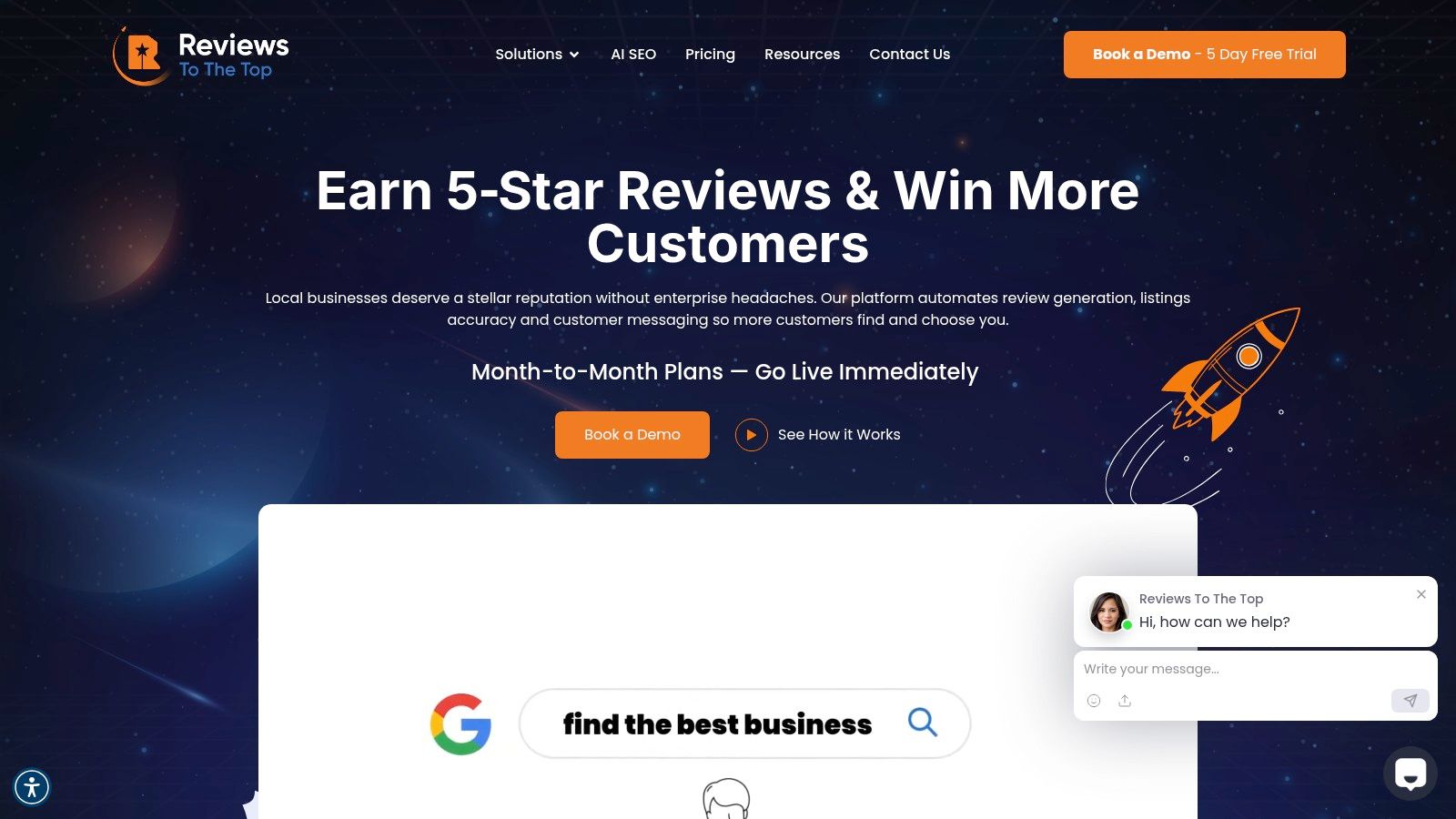
What truly distinguishes this service is its blend of powerful AI with dedicated human oversight. The platform's AI can draft on-brand replies to customer reviews and messages, saving significant time, while automatically escalating sensitive feedback to a human for personalized resolution. This ensures both efficiency and a high-touch customer experience, making it one of the top small business apps for service-based industries.
Key Features & Benefits
- Unified Platform: Centralizes management of reviews from over 200 sites and business listings across 150+ directories. This dramatically reduces manual work and ensures brand consistency.
- AI-Powered Efficiency: Uses AI to generate review responses and messages, answer common questions, and analyze customer sentiment, freeing up your team to focus on high-value tasks.
- Targeted SEO Optimization: Actively works to improve your ranking in Google’s Maps Pack and enhances visibility in new conversational search engines by keeping business information accurate and generating fresh, service-specific content.
- White-Glove Support: Provides a dedicated account manager and industry-specific playbooks (for verticals like dental, home services, and automotive) to ensure strategies are tailored to your business needs. If you're looking for a partner in your growth, their approach to reputation management is comprehensive.
Practical Considerations & Pricing
The platform's structure is built for scalability and ease of adoption. It integrates with over 3,000 other business applications, ensuring it fits smoothly into your existing tech stack.
Pricing is transparent and flexible, with month-to-month plans and no setup fees. A 5-day free trial allows you to test the platform's capabilities firsthand.
- Launch: $299/location/month (Includes Reviews AI, Listings AI, Messaging AI)
- Lift: $399/location/month (Adds Social AI for social media management)
- Orbit: Custom pricing for advanced features like Chatbot AI, Surveys, and Referrals.
While the per-location pricing can become a consideration for enterprises with hundreds of locations, the value delivered through time savings and lead generation often provides a strong return on investment. The need to upgrade for certain advanced features also requires careful planning during rollout.
Website: https://reviewstothetop.com
2. G2 — Small‑Business Software
G2 is the world's largest peer-review marketplace for business software, providing a crucial starting point for any small business owner vetting new technology. Instead of relying on vendor marketing, you can use G2's extensive database of verified user reviews to shortlist the top small business apps based on real-world satisfaction and performance data. Its structured scoring and side-by-side comparison tools cut through the noise, helping you make an informed decision faster.
The platform's strength lies in its transparency and SMB-specific focus. G2 uses a proprietary Grid® methodology that plots software based on user satisfaction and market presence, giving you a clear visual map of category leaders. You can filter results by company size, ensuring the reviews and rankings are relevant to your operational scale, whether you're a single-location dental practice or a multi-state home services franchise.
How to Use G2 Effectively
To get the most out of G2, start by navigating to its dedicated "Best Software for Small Businesses" lists. Use the powerful filters to narrow down options by specific features, pricing models, and user ratings. When you find a promising app, dive into the reviews and pay attention to comments from users in similar industries. This approach provides practical insights into how a tool performs for a business like yours.
Key Features & Considerations
- Verified Reviews: G2 verifies the identity of reviewers to ensure authenticity, reducing the risk of fake or biased feedback.
- Grid® Scoring: This visual methodology helps you quickly identify market leaders versus niche players with high user satisfaction.
- Side-by-Side Comparisons: Directly compare up to four products on features, pricing, and user ratings.
While G2 is an invaluable free resource, be aware that some in-depth reports and category analyses are gated, requiring you to submit contact information. Additionally, the most popular vendors often have the highest volume of reviews, which can sometimes overshadow smaller, innovative solutions.
Website: https://www.g2.com/best-software-companies/small-business
3. Capterra — Business Software Directory
Capterra is a comprehensive, long-standing directory that helps small businesses discover and compare software across more than 900 categories. It’s an excellent starting point for early-stage research, allowing you to understand the key players and must-have features in any given software vertical, from CRM to scheduling. By providing category definitions and buyer guides, Capterra helps you create a foundational list of potential solutions.
The platform’s main value is its sheer breadth of coverage. Whether you are searching for niche veterinary practice management software or widely used marketing automation tools, Capterra likely has a dedicated category for it. Its user-friendly filters for pricing models, features, and deployment options make it easy to narrow down the vast landscape of top small business apps to a manageable list of contenders relevant to your specific operational needs.
How to Use Capterra Effectively
Begin your search by browsing Capterra's categories or using its search bar for a specific function like "payment processing." Once on a category page, use the filters on the left-hand side to specify your business size, required features, and pricing model. Read the "Buyers Guide" section to get a quick education on what to look for, then review the top-rated products and read user reviews from businesses in similar industries.
Key Features & Considerations
- Broad Category Coverage: Capterra covers an extensive range of software types, making it a one-stop-shop for initial research.
- Buyer Guidance: Each category includes helpful guides, articles, and research to educate you on what to look for when purchasing.
- Detailed Filtering: Powerful filters allow you to narrow down options by industry, business size, features, and pricing.
While Capterra is a free and powerful resource, its referral-fee model means that software vendors can pay for more prominent placement, which can influence visibility. Additionally, the quality and verification of individual reviews can vary, so it's wise to cross-reference your findings with other sources.
Website: https://www.capterra.com/categories/?utm_source=openai
4. GetApp — SMB‑Focused Reviews and Shortlists
GetApp, a sister site to Capterra, serves as a powerful discovery engine specifically tailored to the needs of small and medium-sized businesses. It helps operators move beyond generic recommendations by providing structured, data-driven "Category Leaders" lists. This allows you to quickly identify the top small business apps in any given category, from CRMs to scheduling software, based on a transparent scoring methodology.
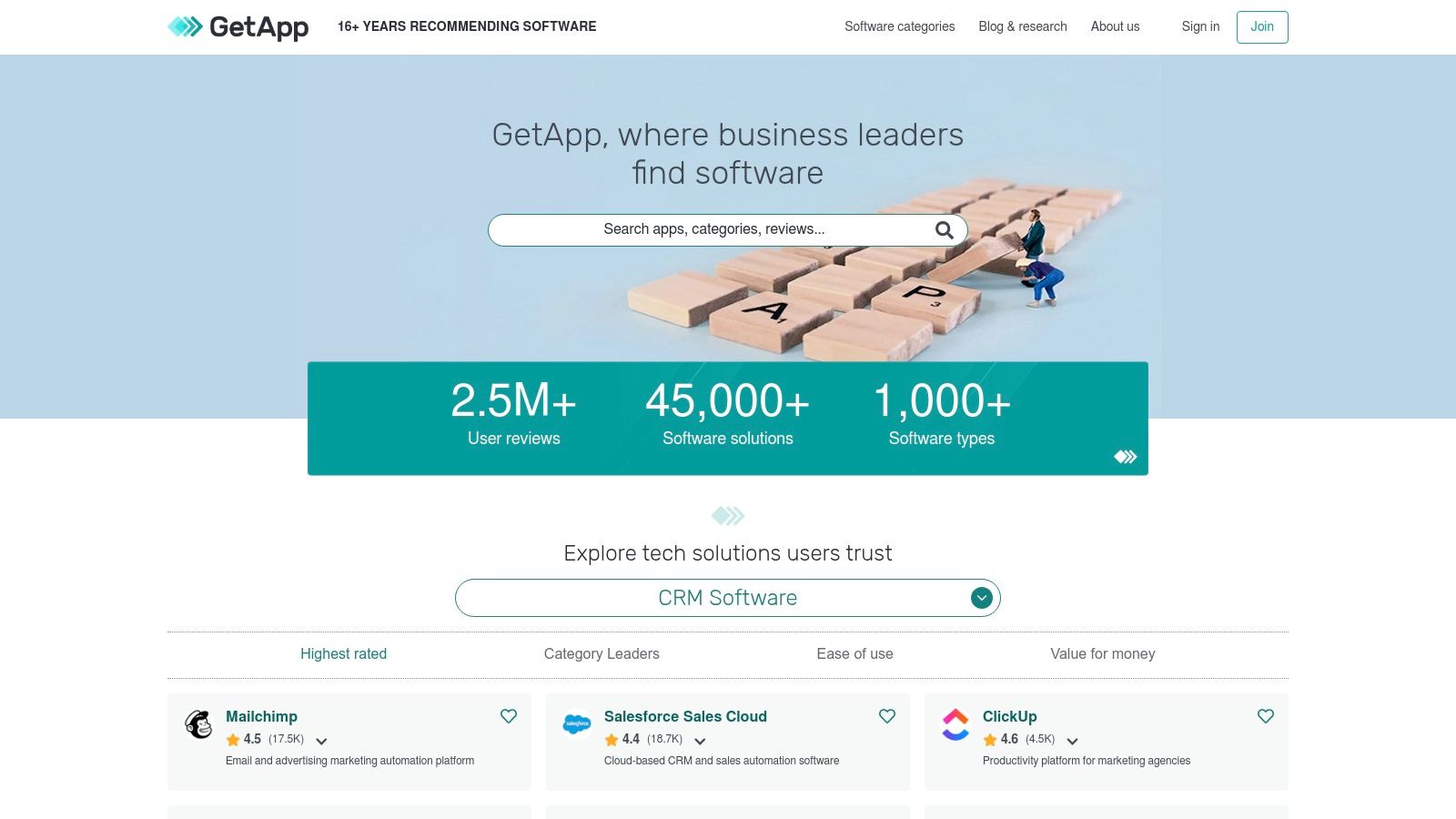
The platform’s key differentiator is its consistent, criteria-based shortlisting process. Rather than just aggregating reviews, GetApp scores software on five key data points: ease of use, value for money, functionality, customer support, and likelihood to recommend. This provides a balanced view that helps a busy practice manager or home services owner evaluate tools holistically, ensuring a potential app is not just popular but also practical for their specific operational needs.
How to Use GetApp Effectively
To maximize GetApp, begin by searching for a software category like "Medical Spa Software" or "Field Service Management." Immediately navigate to the "Category Leaders" report for that segment. Use the filters to narrow the results by business size and specific features you require. When comparing options, focus on the individual scores for each of the five criteria to see where an app truly shines or falls short for a business like yours. This granular data helps you understand if a tool's strengths align with your priorities.
Key Features & Considerations
- Category Leaders Rankings: A 5-criteria scoring system provides a consistent and transparent way to evaluate software performance.
- SMB-Specific Filters: Easily refine searches to see tools and reviews relevant to small business operations and budgets.
- Side-by-Side Comparisons: Evaluate up to four apps simultaneously on features, pricing, and user ratings.
While GetApp's SMB focus is a major advantage, some niche software categories may feel dominated by widely known, enterprise-level tools. You may also notice occasional overlap with its sister site, Capterra, though GetApp's ranking methodology offers a distinct analytical perspective.
Website: https://www.getapp.com
5. Google Workspace Marketplace
For small businesses already invested in Google's ecosystem, the Google Workspace Marketplace is the central hub for finding and deploying integrated applications. It allows you to extend the functionality of core tools like Gmail, Drive, and Calendar, creating a seamless workflow without leaving your primary productivity suite. This direct integration is key for finding top small business apps that enhance your existing processes, from project management to e-signatures, all managed under your Google admin console.
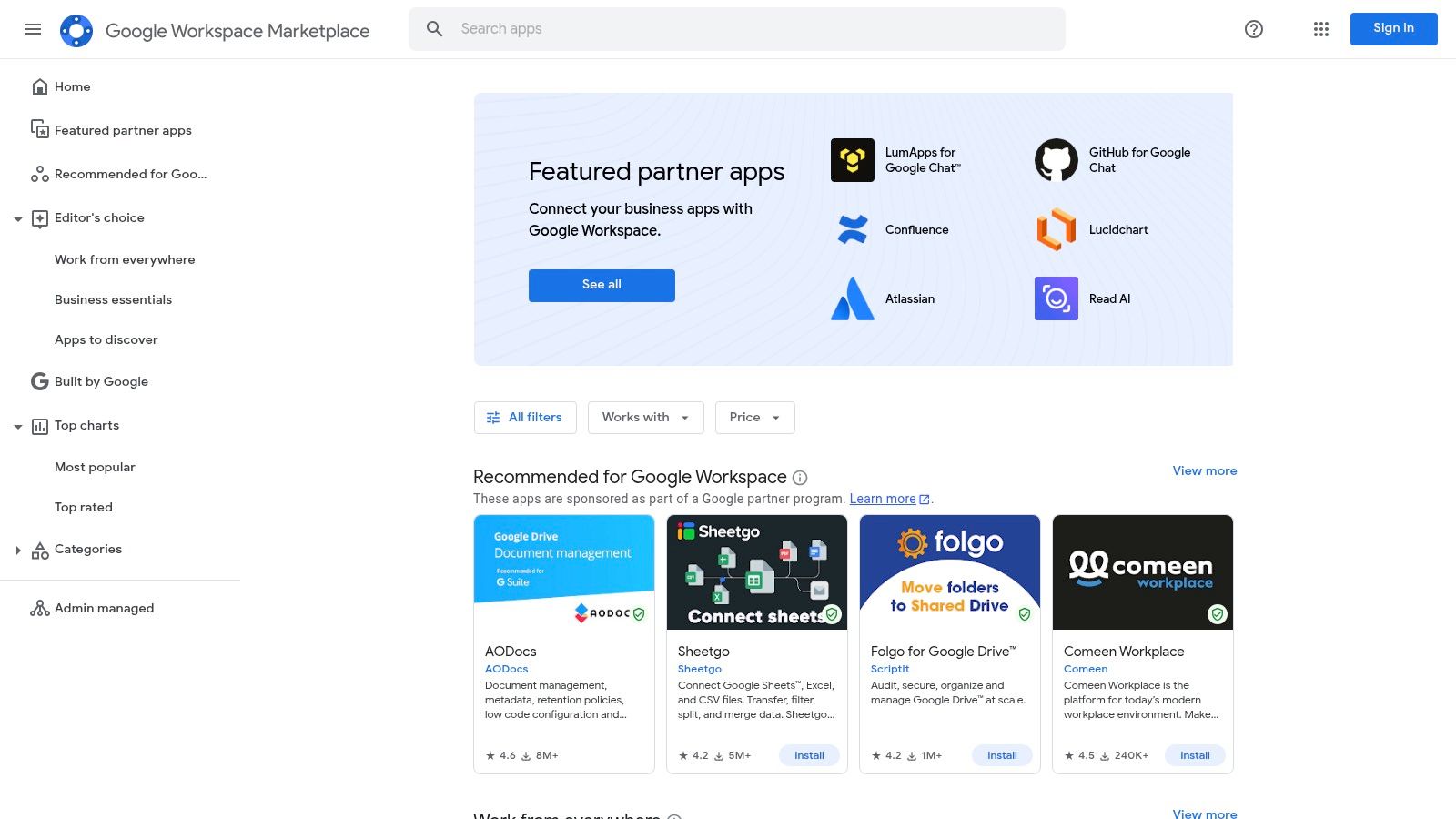
The platform’s main advantage is its tight security and administrative control. Since apps are vetted and installed directly into your Workspace environment, you maintain centralized management over permissions and data access. This is particularly valuable for businesses like dental practices or home service franchises that need to ensure consistency and security across all users and devices. The marketplace features apps that add CRM capabilities to Gmail, turn Google Sheets into a project management tool, or integrate video conferencing directly into Google Calendar.
How to Use Google Workspace Marketplace Effectively
Start by exploring the curated collections, such as "Editor's Picks" or categories like "Business Tools" and "Productivity." Use the search bar to find apps for specific needs, like "CRM" or "invoicing." Before installing, carefully review the app's permissions, user ratings, and recent reviews. The "Works with" labels clearly indicate which Google products the app integrates with, ensuring compatibility.
Key Features & Considerations
- Curated Collections: "Editor's Choice" groupings and staff picks help you discover high-quality, vetted applications quickly.
- One-Click Admin Installs: Administrators can deploy an application across the entire organization with a single click, simplifying rollouts.
- Clear Compatibility Labels: Each app listing specifies exactly which Workspace tools it integrates with (e.g., Gmail, Drive, Docs).
While the tight integration is a major benefit, the marketplace is primarily useful for teams already committed to Google Workspace. Some of the most powerful and feature-rich add-ons require specific subscription plans or advanced administrator permissions to install and manage effectively.
Website: https://workspace.google.com/marketplace/
6. Microsoft Marketplace (AppSource + Azure Marketplace)
For small businesses deeply integrated with the Microsoft ecosystem, the Microsoft Marketplace is the central hub for discovering, trying, and deploying new business applications. It unifies AppSource (for business apps like Microsoft 365 add-ins) and Azure Marketplace (for cloud infrastructure tools) into one platform. This provides a secure and streamlined way to find vetted top small business apps that are guaranteed to work with the software you already use, from Outlook and Teams to Dynamics 365.
The primary advantage is centralized procurement and governance. Instead of managing dozens of separate subscriptions, you can consolidate billing through your existing Microsoft account. The platform’s vetting and certification process also provides a baseline of security and quality control, reducing the risk of adopting unreliable third-party tools. This is especially useful for businesses in regulated industries like healthcare or finance that need to maintain strict data compliance.
How to Use Microsoft Marketplace Effectively
Start by visiting the dedicated SMB page to filter for solutions built for your business size. Use the "Try before you buy" option whenever possible to test an app's functionality within your actual workflow before committing. For businesses looking to enhance their digital presence, you can find marketing and customer management tools that integrate directly into your Microsoft stack, which can help you optimize your Google Business Profile by connecting customer data across platforms.
Key Features & Considerations
- Unified Billing: Consolidate subscriptions for third-party apps into a single invoice from Microsoft, simplifying expense management.
- Certified Applications: Apps undergo a security and functionality review, ensuring they meet Microsoft's standards before being listed.
- Direct Integration: Find add-ins and tools that work natively inside Microsoft 365, Dynamics 365, and other core products.
While the marketplace simplifies discovery, its greatest value is for businesses already invested in Microsoft's technology stack. Be aware that some listings don't offer instant checkout and instead route you to a partner's sales team, which can slow down the procurement process.
Website: https://www.microsoft.com/en-us/marketplace/
7. Shopify App Store
For eCommerce small businesses running on Shopify, the Shopify App Store is the essential marketplace for extending platform functionality. It hosts over 10,000 apps designed to solve specific challenges across marketing, customer reviews, inventory management, and fulfillment. Instead of searching for third-party tools that might not integrate well, merchants can find, install, and manage top small business apps directly from their Shopify admin, ensuring seamless operation.
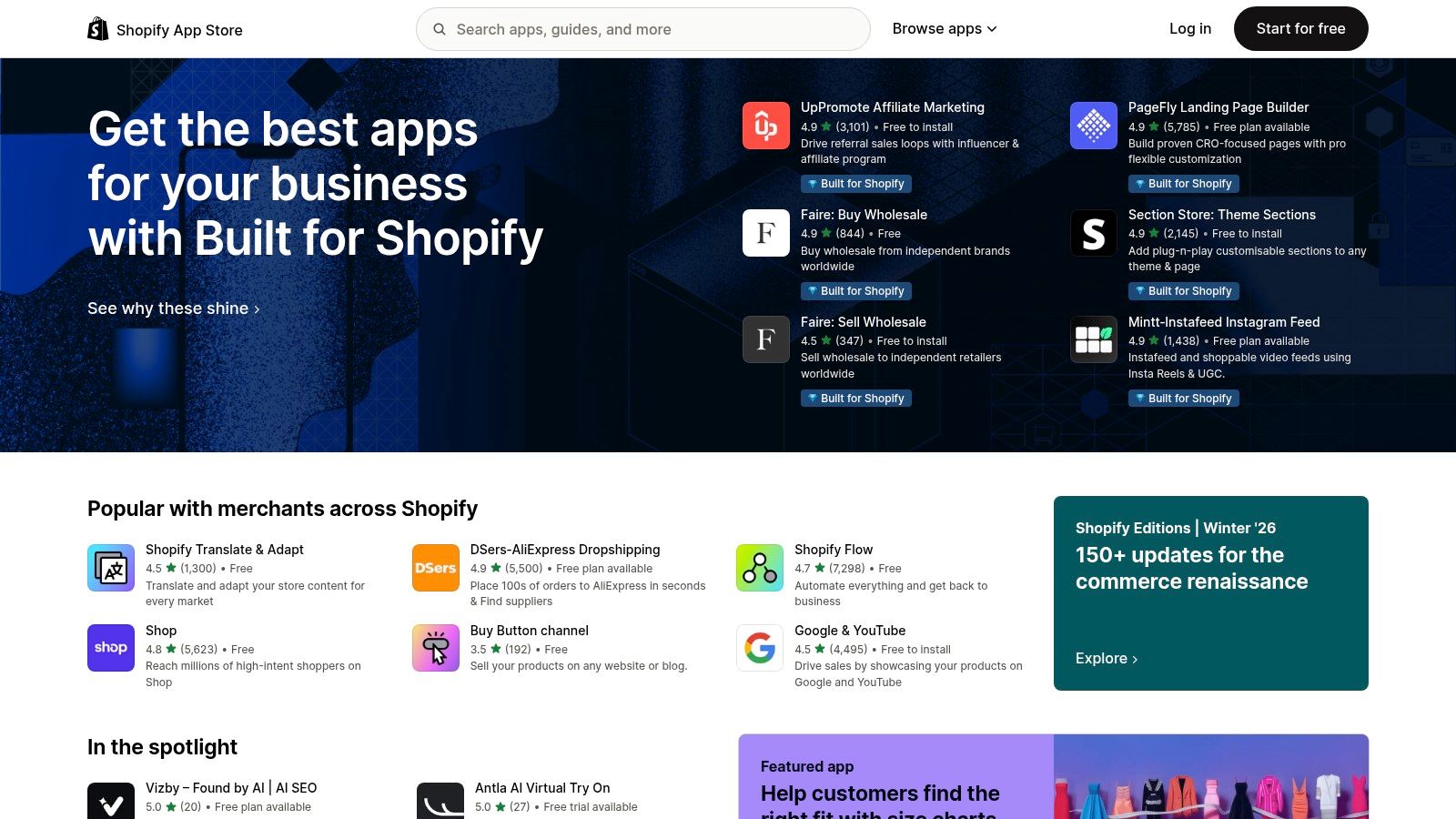
The strength of the Shopify App Store lies in its purpose-built ecosystem. Apps are created specifically for the platform, which minimizes compatibility issues that can plague businesses using disparate systems. Categories are tailored to eCommerce needs like "Store design" and "Orders and shipping," making it simple to find a solution. The "Built for Shopify" designation helps merchants identify apps that meet the highest standards for performance, security, and usability.
How to Use the Shopify App Store Effectively
Start by identifying your most significant business challenge, whether it’s reducing abandoned carts, managing customer support, or launching a loyalty program. Use the store's search and category navigation to find relevant apps. Prioritize those with a high volume of positive reviews and the "Built for Shopify" badge. Take advantage of free trials to test an app’s impact on your store's performance and workflow before committing to a paid plan.
Key Features & Considerations
- Tight eCommerce Integration: Install and manage apps directly from the Shopify dashboard for a unified experience.
- "Built for Shopify" Filter: This quality filter helps you find apps that meet Shopify's rigorous standards for performance and support.
- eCommerce-Specific Categories: Find solutions for everything from marketing and conversion to inventory and fulfillment.
While the ecosystem is incredibly powerful, be mindful of "app sprawl," where adding too many apps can increase monthly costs and potentially slow down your site. Always vet apps carefully, as quality can vary significantly. Focus on solutions that deliver a clear return on investment.
Website: https://apps.shopify.com/
8. Zapier App Directory
Zapier is the essential glue for the modern small business tech stack, allowing you to connect disparate apps and automate workflows without writing a single line of code. Its app directory is the starting point, showcasing over 8,000 potential integrations for the top small business apps you already use. Instead of manually transferring data from a new lead form to your CRM or from your CRM to an email marketing list, Zapier automates the process, saving hundreds of hours and preventing costly human error.
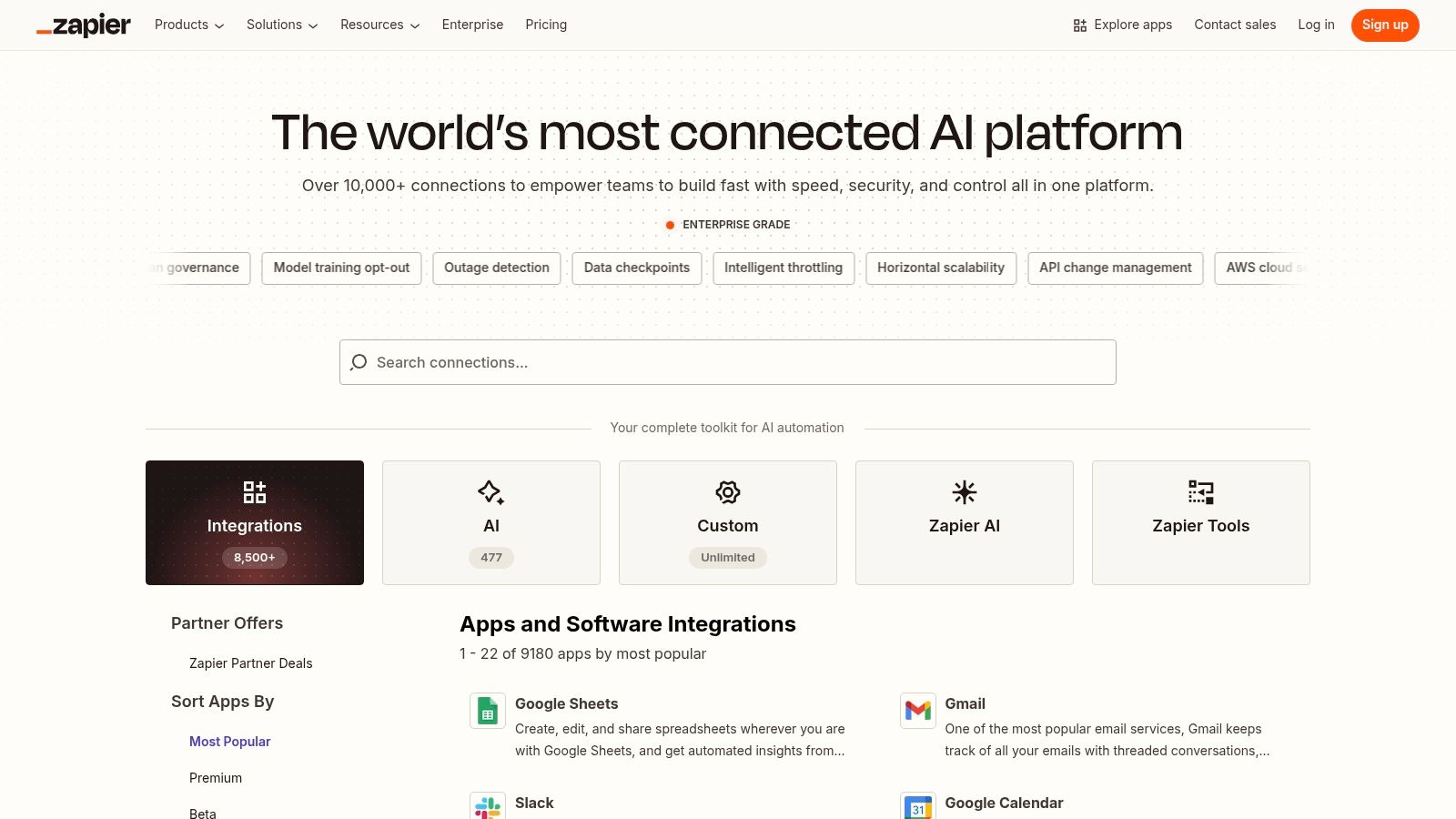
The platform's power lies in its simple "trigger and action" logic. When a specific event (trigger) happens in one app, it automatically initiates a corresponding event (action) in another. This no-code approach empowers non-technical business owners to build sophisticated, multi-step automations that stitch their entire operational software together. For service-based businesses like plumbing, having the right app for plumbers that integrates seamlessly with booking and billing software can be a game-changer.
How to Use Zapier Effectively
Start by searching the directory for the apps you currently use, such as your CRM, calendar, and marketing tools. Explore the pre-built workflow templates (called "Zaps") for inspiration. For instance, you could automatically create a new customer record in your CRM whenever you receive a new form submission from your website. As you grow, you can create multi-step Zaps that perform several actions from a single trigger, like adding a new customer to a spreadsheet, sending them a welcome email, and notifying your team on Slack.
Key Features & Considerations
- Extensive App Directory: Connects over 8,000 apps, covering nearly every popular tool a small business would use.
- Triggers and Actions: Simple, intuitive logic allows you to define exactly how your apps should interact.
- Admin Controls: Team and Enterprise plans offer governance features to manage shared connections and app permissions.
While a free plan exists, many high-value integrations and multi-step Zaps require a paid subscription. Be mindful of the task limits and update times on lower-tier plans, as high-volume automations may require a more robust package to run effectively.
Website: https://zapier.com/apps
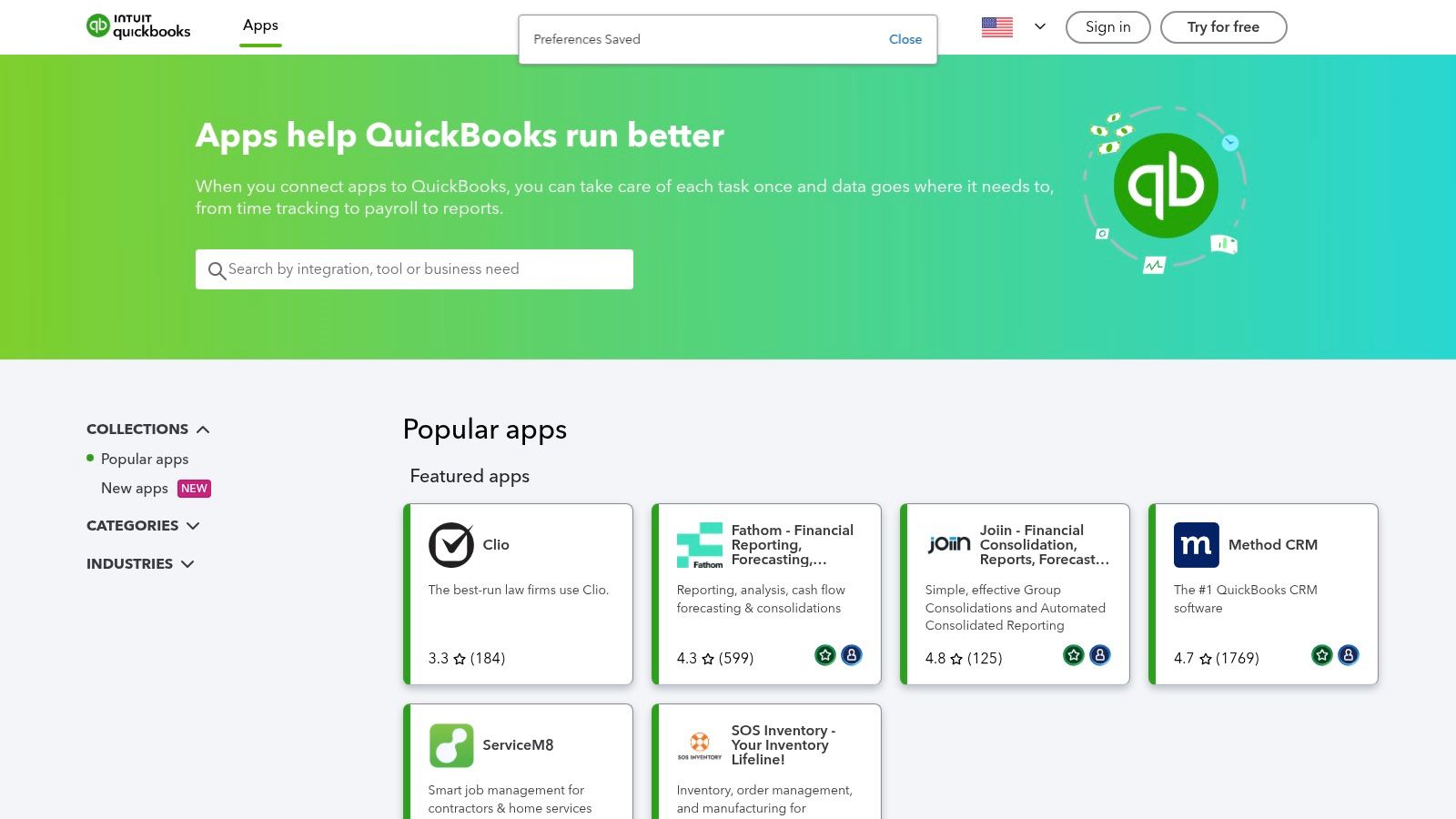
9. QuickBooks App Store (U.S.)
For small businesses already relying on QuickBooks for their accounting, the official QuickBooks App Store is an essential resource. It serves as a centralized marketplace for applications specifically designed to extend the platform’s core functionality. Instead of searching the web for disparate tools, you can find vetted apps for payments, inventory, time tracking, and more, all guaranteed to sync tightly with your financial data. This integration is crucial for maintaining accounting accuracy and streamlining workflows.
The store’s main advantage is its focus on creating a seamless, finance-led ecosystem. Because Intuit reviews apps annually for compliance and security, you can connect tools with greater confidence. This curated approach makes it one of the top small business apps platforms for building a reliable tech stack around your accounting software, ensuring that data from your CRM, eCommerce site, or scheduling tool flows directly into your general ledger.
How to Use the QuickBooks App Store Effectively
Begin by logging into your QuickBooks Online account and navigating to the "Apps" section. Use the search bar or browse categories like "CRM" or "Project Management" to find solutions for your specific needs. Pay close attention to the number of reviews and average star rating, as this provides real-world user validation. Many apps offer a free trial, allowing you to test the connection and data sync before committing to a subscription. For a deeper dive into managing customer data, you can learn more about customer relationship management for small businesses.
Key Features & Considerations
- Vetted Listings: Apps are reviewed annually by Intuit to ensure they meet security and compliance guidelines.
- One-Click Connection: Integrate new apps directly from your QuickBooks dashboard with a single click for easy setup.
- Centralized Management: Manage all connected third-party apps from one place within your QuickBooks account.
While the tight integration is a huge benefit, this platform is primarily useful only for businesses already committed to the QuickBooks Online ecosystem. Furthermore, an app may occasionally be removed if it fails to meet ongoing compliance standards, which could disrupt your workflow.
Website: https://quickbooks.intuit.com/app/apps/home/
10. Square App Marketplace
For small businesses built on the Square ecosystem, the Square App Marketplace is the central hub for extending the functionality of your point-of-sale (POS) system. It acts as an integrations catalog, allowing you to connect specialized third-party tools directly to your Square account. This transforms your POS from a simple payment processor into a comprehensive business management command center, ideal for retail, restaurant, and service-based SMBs.
Instead of juggling disparate systems, you can seamlessly link apps for accounting, marketing, loyalty programs, and delivery services. The marketplace ensures that data flows automatically between platforms, reducing manual data entry and minimizing errors. This integrated approach is crucial for creating efficient workflows, whether you're syncing daily sales to your bookkeeping software or managing online orders through a connected delivery partner.
How to Use Square App Marketplace Effectively
To leverage the marketplace, log into your Square Dashboard and navigate to the "Apps" section. You can browse applications by category, such as Accounting & Tax, or by specific business needs like scheduling and inventory management. Once you find a suitable app, the installation process is typically a few clicks. Managing connected apps is also done directly within your dashboard, providing a single point of control for your entire software stack.
Key Features & Considerations
- Direct POS Integration: Apps are designed to connect directly with your Square POS, ensuring smooth data synchronization for sales, inventory, and customer information.
- Curated & Vetted Partners: Square has a partner program with quality requirements, offering a curated selection of reliable and secure applications.
- Centralized Management: You can easily install, manage, and uninstall apps directly from your Square Dashboard.
The primary limitation of this resource is its Square-centric nature; it offers minimal value if you do not use Square for payment processing. Also, remember that while you manage the connections through Square, each app subscription is billed separately by the third-party developer.
Website: https://squareup.com/app-marketplace
11. Apple App Store — Business Apps
For the millions of small business owners who run their operations from an iPhone or iPad, the Apple App Store's dedicated Business category is an essential starting point. It serves as a curated, secure marketplace for discovering mobile-first tools designed for on-the-go tasks like invoicing, document scanning, team messaging, and payment processing. Apple's rigorous review process provides a baseline of quality and security, making it a trusted environment to find and download the top small business apps.
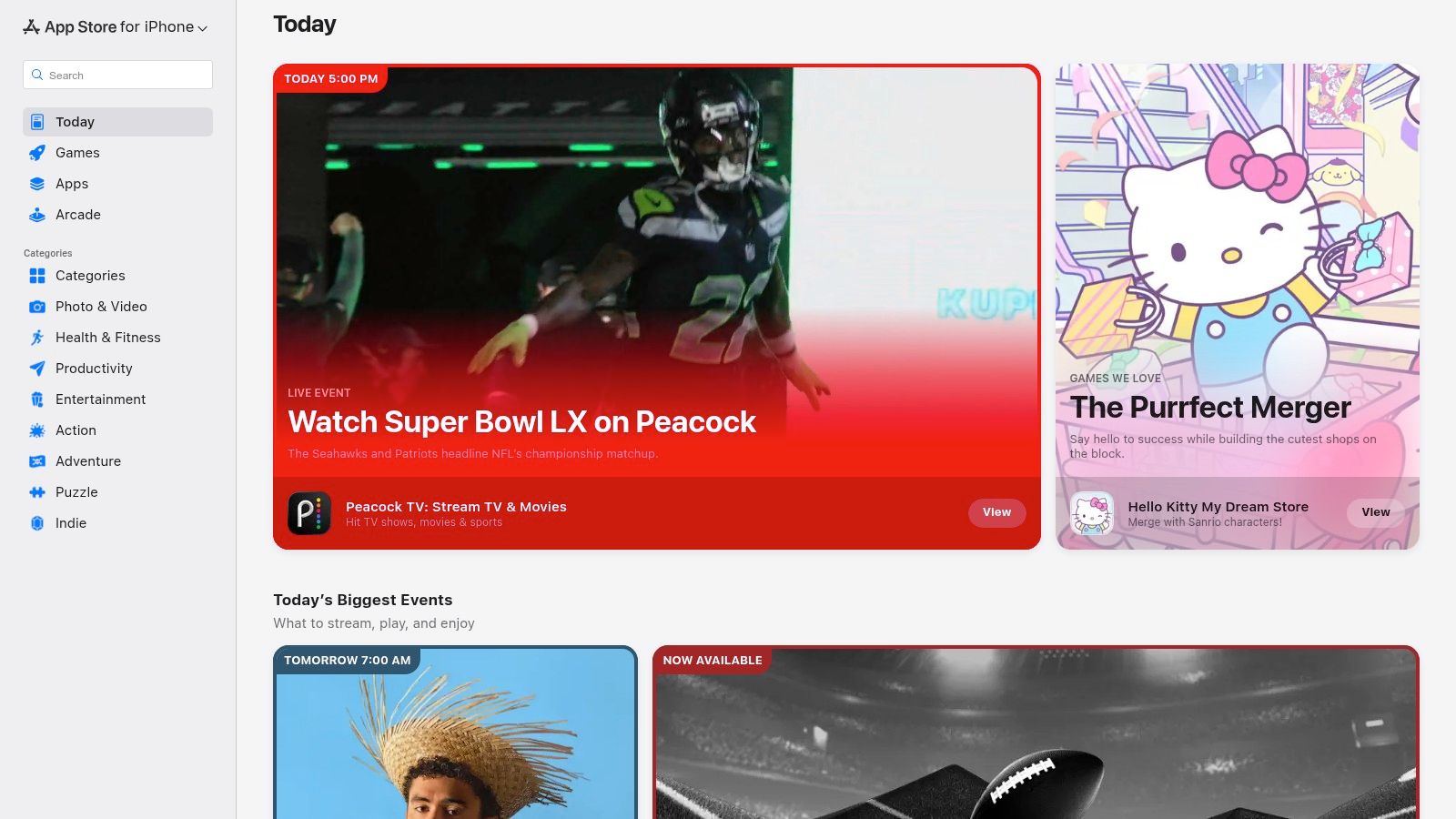
The platform's primary strength is its seamless integration into the Apple ecosystem, offering a superior mobile experience for owners who rely on their devices. It features editorial collections, user ratings, and clear in-app purchase disclosures that help you vet tools quickly. For businesses developing proprietary software, Apple Business Manager also allows for the private B2B distribution of custom apps to company-owned devices, ensuring secure and controlled deployment.
How to Use the App Store Effectively
To maximize the App Store, navigate directly to the "Business" category and explore the curated collections like "Apps for Small Business" or "Essential Business Apps." Use the search function with specific keywords such as "HVAC invoicing" or "dental scheduling" to find niche solutions. Always check the "What's New" section for recent updates and pay close attention to user reviews and the developer's response history to gauge app quality and support.
Key Features & Considerations
- Curated Collections: Apple's editorial team regularly features and organizes apps, making it easier to discover high-quality, relevant tools.
- User Ratings & Reviews: Provides social proof and real-world feedback on an app's performance and reliability.
- Apple Business Manager: A powerful tool for IT administrators to privately distribute custom B2B apps to employees.
While the mobile experience is excellent, you cannot install apps directly from the web store; discovery on a desktop must be completed on an iOS or macOS device. Also, be aware that many listings are mobile companions to larger, subscription-based SaaS platforms rather than fully standalone solutions.
Website: https://apps.apple.com
12. AppSumo — SMB Software Deals Marketplace
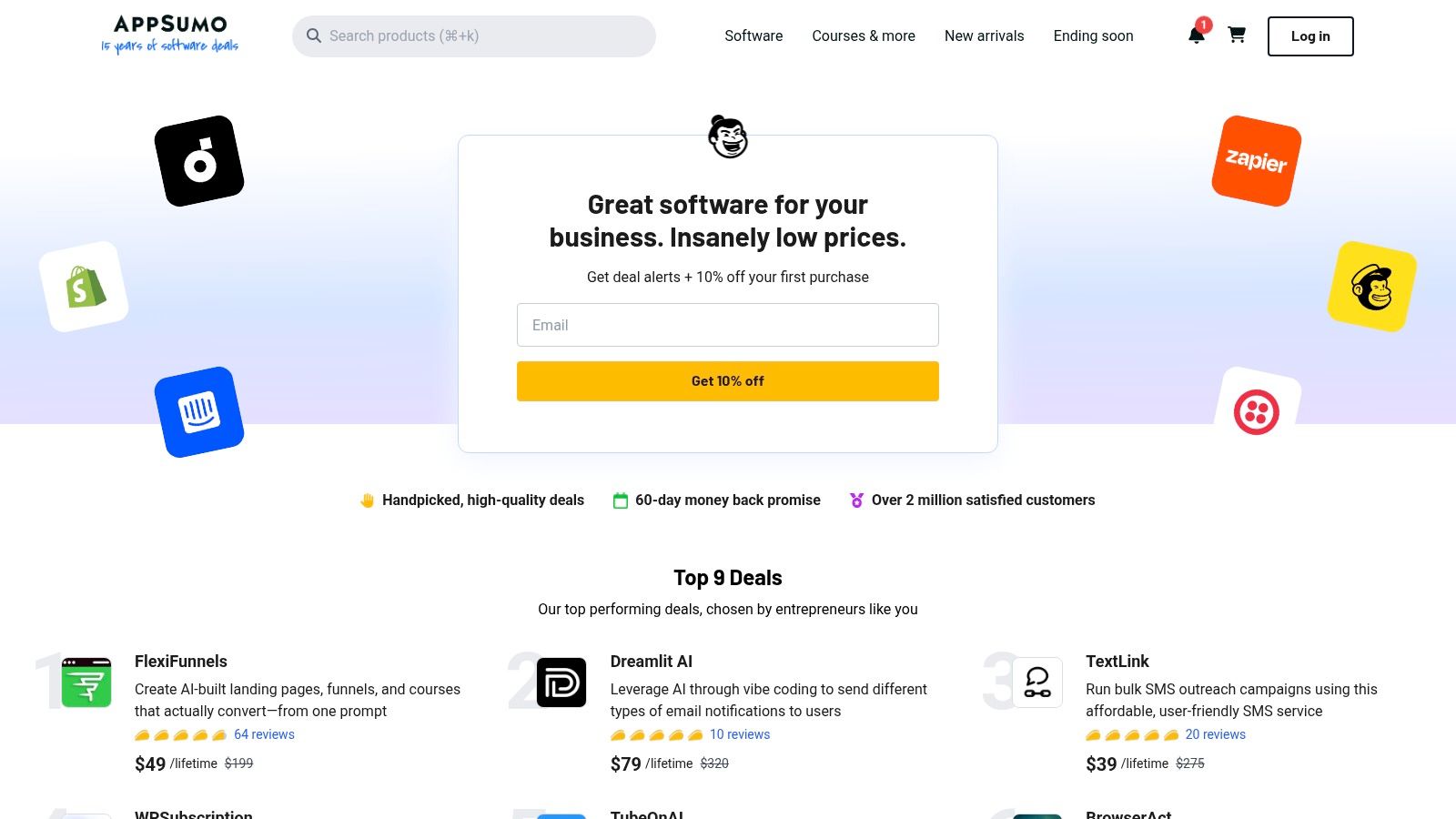
AppSumo is a marketplace for lifetime and heavily discounted software deals, making it a powerful resource for budget-conscious small businesses. Instead of committing to high monthly subscriptions, you can use AppSumo to acquire emerging top small business apps in marketing, AI, and productivity for a one-time fee. This model allows you to experiment with new technology and build a robust software toolkit without the recurring financial burden.
The platform's value lies in its unique deal structure, which provides access to innovative tools that are often not yet mainstream. For a local service provider or a new healthcare practice, this is a cost-effective way to secure licenses for tools that can streamline operations, from social media schedulers to CRM systems, often before they adopt traditional subscription pricing.
How to Use AppSumo Effectively
To get the most out of AppSumo, check its new listings frequently as the best deals are time-limited. Before purchasing, carefully read the deal terms, user reviews on the AppSumo page, and the product's own roadmap. Pay close attention to stacking options, which allow you to buy multiple codes for higher usage limits, a key consideration for growing businesses. Always test the software thoroughly within the stated refund window to ensure it meets your specific needs.
Key Features & Considerations
- Lifetime Deals (LTDs): Pay once to own a software license for life, eliminating monthly subscription fees.
- Generous Refund Window: Most deals come with a 60-day money-back guarantee, allowing for risk-free testing.
- AppSumo Plus Membership: An optional subscription that provides extra discounts, extended access to deals, and other perks.
While AppSumo offers incredible value, remember that many listed products are from early-stage startups, so product longevity can vary. Additionally, not all listings are refundable, and customer support for the software itself is handled by the developer, not AppSumo.
Website: https://appsumo.com/
Ready to see how the right platform can turn your online reputation into your best source of new customers? Our team provides dedicated, month-to-month support to help you get the most out of your investment and dominate your local market. Book a strategy call with us to learn how we help businesses like yours increase calls and bookings.


