
To remove a fake Google review, you must flag it and provide evidence that it violates Google's content policies, as you cannot remove it yourself. This is critical because a single fake review can damage your online reputation, lower your star rating, and directly reduce conversions like calls, bookings, and new customer inquiries. This guide provides a step-by-step process for identifying, reporting, and appealing fake reviews to protect your business.
Key Facts
- You Cannot Delete Reviews Directly: Only Google can remove a review after you flag it for a policy violation.
- Evidence is Crucial: Your success depends on proving the review is fake by documenting things like a lack of customer records.
- Flag First, Respond Second: Always report the review to Google before you post a public reply.
- Appeals are an Option: If your initial flag is denied, Google provides a one-time appeal process where you can submit your evidence.
- Proactive Strategy is Best: Drowning out fake reviews with a steady stream of authentic positive ones is the most effective long-term strategy.
- Response Time Matters: Aim to respond to all new reviews (positive and negative) within 24 hours.
Step-by-Step: How to Get a Fake Review Removed
Getting a fake Google review taken down requires a methodical approach. You can't just report a review because it's negative; you need to build a solid case that proves it violates Google's policies. For local businesses, from a dental practice in [City] to an auto shop in the [Neighborhood] area, your online reputation directly impacts your visibility in "near me" searches. Google’s algorithm prioritizes proximity (how close you are), relevance (how well you match the search), and prominence (how well-known and reputable you are). Fake reviews directly attack your prominence, making this process essential.
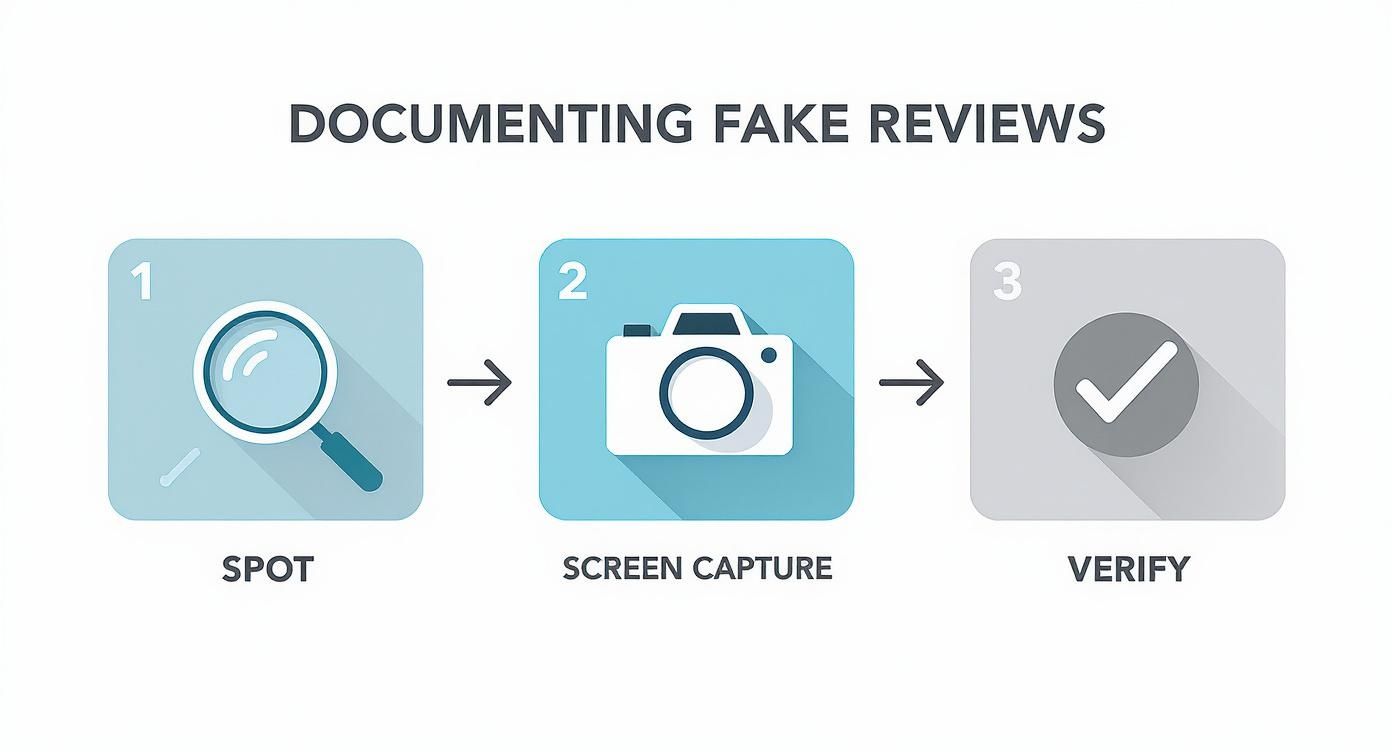
Step 1: Identify and Document the Fake Review
Think of yourself as a detective. The first step is to scrutinize the review for red flags and gather proof.
Common Red Flags to Look For:
- Vague Complaints: The review is generic and lacks specific details about their experience.
- Incorrect Information: It mentions services you don't offer or employees who don't work for you (e.g., a vet clinic getting a review about a bad furnace repair).
- Suspicious Profile: The reviewer has no profile picture, a generic name, and has only left one review—the negative one on your profile.
- Competitor Mention: The review directly names and promotes a competitor.
- Unusual Timing: You get a sudden flood of 1-star reviews all at once.
Build Your Evidence File (Before Responding):
- Screenshot Everything: Take a full screenshot of the review showing the name, text, rating, and date.
- Copy the Profile URL: Get the direct link to the reviewer’s Google profile.
- Check Your Records: Search your Customer Relationship Management (CRM), Point of Sale (POS), or patient management system for the reviewer's name. Document that you have no record of them as a customer.
- Identify the Policy Violation: Pinpoint the specific Google policy it violates (e.g., "Conflict of Interest," "Spam," "Not a real experience"). This kind of systematic approach is a huge part of effective reputation management.
Step 2: Flag the Review for Removal
Once you have your evidence, it's time to report the review. You can do this from Google Search, Google Maps, or your Google Business Profile (GBP) dashboard.
- Find the review.
- Click the three-dot menu icon next to it.
- Select "Report review."
- Choose the most accurate violation type. Common choices are "Conflict of interest" (from competitors or ex-employees), "Spam" (promotional or repetitive content), or "Off-topic."
After you submit, Google will email you a confirmation. Expect a decision within 3-7 business days.
Step 3: Appeal If Your Request is Denied
Don't panic if your initial request is rejected; this is common. Google provides a one-time appeals process. This is where your evidence file becomes critical.
- Use the case ID from Google's rejection email to access the Review Management Tool.
- Select the option to appeal the decision.
- Submit your evidence: the screenshots, your CRM check notes, and a clear, concise explanation of why the review violates a specific policy.
- For a good example of how to frame your case, check out an Amazon Plan of Action template; the principles of clear, evidence-backed arguments apply here too.
Step 4: Respond Publicly (After Flagging)
While you wait for Google's decision, post a professional public reply. This shows potential customers that you are attentive and gives you the last word.
Keep it short and factual. For example:
"Thank you for the feedback. However, we have no record of a customer matching your name or the details of this experience. We believe this review may have been posted in error or violates Google's policies and have reported it for further investigation."
This calmly signals to readers that the review is questionable without starting a public argument. For more guidance, see this negative review response example.
Templates & Scripts for Proactive Reputation Management
The best defense against fake reviews is a strong offense. A steady stream of genuine positive reviews buries the occasional fake one and builds a powerful, trustworthy online presence.
Review Request Templates
For an HVAC Company (SMS Script):
Hi [Customer Name], this is [Your Name] from [Company Name]. Thanks for letting us handle your AC tune-up today. If you have a moment, would you mind sharing your experience on Google? It helps other homeowners in [City] find us. Link: [Link to Google Review]
For a Med Spa (Email Script):
Subject: Your feedback on your visit to [Spa Name]
Hi [Client First Name],
Thank you for choosing us for your recent treatment. We are dedicated to providing a 5-star experience and would love to hear your thoughts.
Your feedback helps us improve and guides others in our community. If you were happy with your visit, please consider leaving us a review on Google.
[Click Here to Leave Your Review]
We look forward to seeing you again soon!
Best,
The Team at [Spa Name]
Review Response Templates
Positive Review Response:
"Hi [Reviewer Name], thank you so much for your kind words! We're thrilled you had a great experience with [Mention specific detail, e.g., 'your HydraFacial treatment']. We appreciate you choosing us and can't wait to welcome you back!"
Negative Review Response:
"Hi [Reviewer Name], thank you for sharing your feedback. We are sorry to hear your experience did not meet expectations. Our goal is 100% satisfaction, and we'd like to learn more and make things right. Please call our practice manager, [Manager Name], at [Phone Number] at your convenience."
7-Day Review Program Launch Checklist
- Day 1: Finalize your SMS and email request scripts and templates.
- Day 2: Train your front-desk and service teams on when and how to ask for reviews.
- Day 3: Set up a simple spreadsheet or dashboard to track review volume, star rating, and response time.
- Day 4: Send your first batch of review requests to 5-10 recent, happy customers.
- Day 5: Monitor for new reviews and respond to every single one within 24 hours.
- Day 6: Hold a quick team meeting to review initial results and make any needed adjustments.
- Day 7: Integrate the process into your daily workflow.
Measuring the Impact of Your Review Management
You need to connect your reputation efforts to business results. By tracking the right metrics, you can prove the return on investment (ROI) of fighting fake reviews and generating positive ones.
Key Performance Indicators (KPIs) to Track
- Average Star Rating: Target 4.5 stars or higher.
- Review Volume & Recency: Aim for 5-10 new reviews per location per month.
- Response Time: Respond to 100% of reviews within 24 hours.
- GBP Views & Calls: Monitor the "Performance" report in your Google Business Profile for a steady increase in profile views, website clicks, and calls.
- Lead-to-Sale Conversion Rate: Track how many leads from GBP turn into paying customers.
How to Track Conversions from GBP
Use UTM tracking codes to connect your GBP listing to your website analytics. A UTM is a simple tag you add to your website link in your GBP settings.
Example Link: yourwebsite.com/?utm_source=google&utm_medium=organic&utm_campaign=gbp
This tag allows Google Analytics to show you exactly how many people clicked from your business profile to your website. You can then track how many of those visitors booked an appointment or filled out a contact form, tying your reputation management directly to revenue. Combine this with other customer satisfaction measurement tools for a complete picture.
Frequently Asked Questions (FAQ)
1. How long does it take for Google to remove a review?
Typically, it takes 3-7 business days for Google to make a decision after you flag a review. If you submit an appeal, the process can take an additional 5-7 business days.
2. What if Google refuses to remove a clearly fake review?
If your initial flag and one-time appeal both fail, shift your focus to damage control. Post a calm, professional public response stating that you have no record of the individual as a customer and that you believe the review is not genuine. This signals to other potential customers that the review is suspect.
3. Should I respond publicly to a review I know is fake?
Yes, but only after you have flagged it for removal. Keep your response brief, professional, and factual. Avoid an emotional back-and-forth.
4. Can I sue someone for posting a fake Google review?
While you can technically pursue legal action for defamation, it is extremely difficult, expensive, and time-consuming. For most businesses, the cost and complexity are not worth it. Focusing on Google's removal and appeal process is a far more practical and effective use of your resources.
5. How can I protect my business from fake reviews in the future?
The best protection is a proactive review generation strategy. Consistently earning new, authentic reviews creates a positive buffer that minimizes the impact of any single fake review. Also, regularly optimizing your Google Business Profile helps improve your overall prominence and authority.
Google Business Profile Optimization Checklist
- Claim and fully verify your profile.
- Ensure your Name, Address, and Phone number (NAP) are 100% accurate.
- Choose the most relevant primary and secondary business categories.
- Add high-quality, recent photos of your business, team, and work.
- Enable the messaging and Q&A features and respond to inquiries quickly.
- Post regular updates using Google Posts to share offers and news.
- Actively request and respond to all customer reviews.
Managing your online presence is a continuous effort. If you need expert help to protect your reputation and turn reviews into revenue, our team offers month-to-month support tailored to your business. To learn how we can help you optimize your Google Business Profile, book a strategy call with us today.


