
A smart review and response strategy turns customer feedback into your best marketing tool, directly boosting calls, messages, and bookings. By responding to every review, you show potential customers you are trustworthy and engaged, which is critical for converting local searchers into paying clients. This active management proves your commitment to service and helps you stand out in a crowded market.
When someone searches for "best HVAC near me" or "dental office in [City]," your reviews and responses are often the deciding factor. It's a public conversation that demonstrates how you treat customers after the sale, building the trust that drives real-world growth.
Key Facts About Review and Response
- Drives Conversions: Businesses that respond to reviews see conversion rates lift by up to 80%.
- Builds Trust: 89% of consumers are more likely to use a business that responds to all of its online reviews.
- Boosts Local SEO: Review signals (quantity, recency, ratings, and responses) account for over 15% of Google's local ranking factors.
- Customer Expectation: 53% of customers expect a business to reply to a negative review within one week.
- Revenue Impact: Improving your star rating by just half a star can increase revenue by up to 9%.
A Step-by-Step Guide to Managing Your Review and Response Workflow
An effective review and response system doesn't have to be complicated. By breaking it down into a few repeatable steps, you can create a powerful engine for customer engagement and local growth.
Step 1: Optimize Your Google Business Profile (GBP)
Your Google Business Profile is your digital storefront. Before asking for reviews, ensure it's complete and accurate for every location.
GBP Optimization Checklist:
- Claim and verify your listing for each location.
- Ensure your business Name, Address, and Phone number (NAP) are 100% correct.
- Fill out all sections: services, hours, photos, Q&A, and attributes (e.g., "wheelchair accessible" for a clinic, "24/7 emergency service" for an HVAC company).
- Set up alerts to receive an email or push notification the moment a new review is posted.
- Add UTM-tagged links to your website and booking pages to track conversions.
A complete profile makes you easier to find and review, forming the foundation of your entire strategy.
Step 2: Ask for Reviews Systematically
Don't wait for reviews to happen. Actively and systematically request them. The best time to ask is within 1–2 hours of a positive experience, like after a successful auto repair or a positive visit to a med spa.
Automated SMS and email requests are the most effective methods. The key is to make it incredibly simple for a happy customer to click a link and share their feedback while the positive experience is still fresh.
Step 3: Respond to Every Review Promptly
Responding to reviews is where you build public trust. Aim to reply to 100% of reviews within 24 hours. A quick, personalized response to a positive review reinforces a customer's good decision. A thoughtful, professional reply to a negative review shows accountability and can often win back a customer.
Your responses also send powerful signals to Google. The search engine's algorithm for local search is built on the proximity–relevance–prominence model:
- Proximity: How close is the business to the searcher?
- Relevance: How well do your services match the search query (e.g., "emergency vet in [Neighborhood]")?
- Prominence: How well-known and trusted is your business? A high volume of recent reviews and consistent responses directly boosts your prominence, helping you rank higher.
Effective benefits of reputation management depend on this simple, three-step workflow.
Ready-to-Use Templates and Scripts
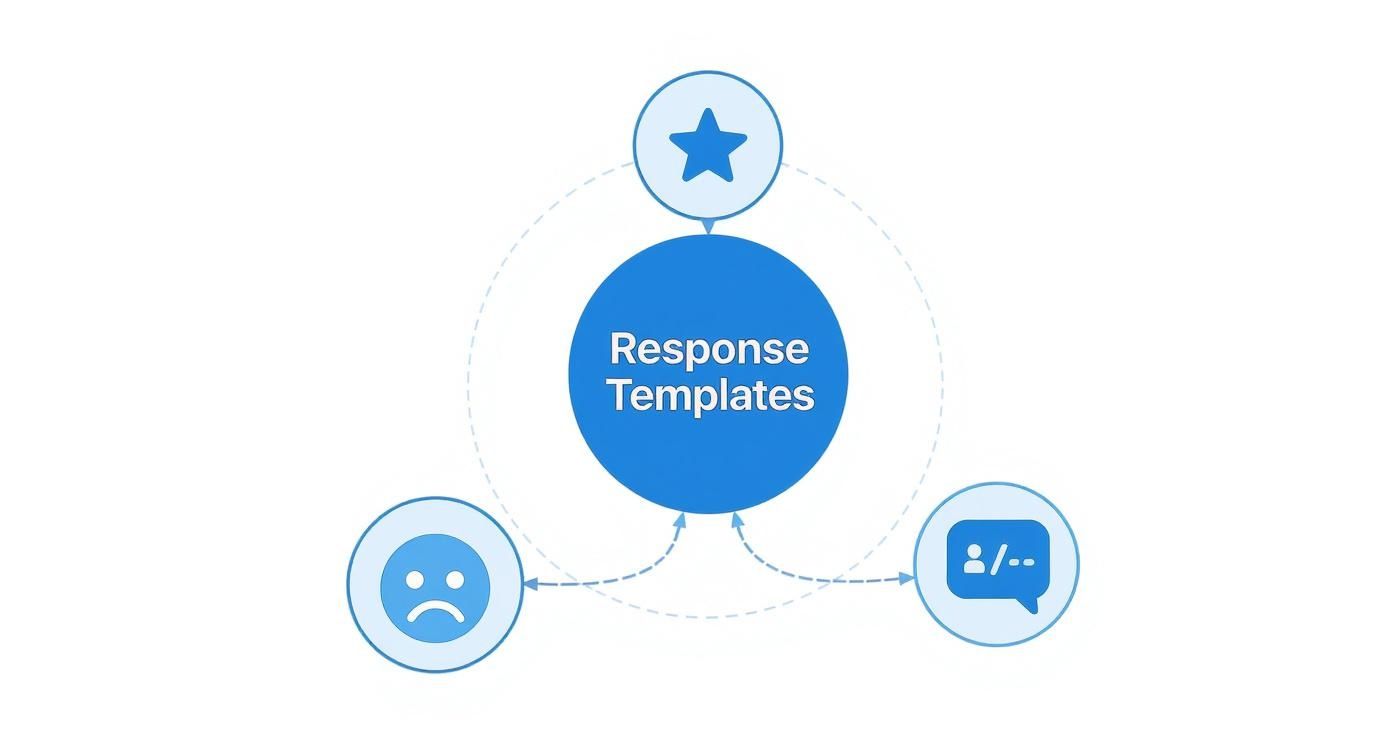
Use these templates as a starting point. Always personalize your response by mentioning a specific detail from the customer's review to show you're listening.
(a) Review Request Scripts
SMS Request Script (For an HVAC Company)
"Hi [Customer Name], this is [Your Name] from [Company Name]. Thanks for trusting us with your AC repair today! If you have a moment, we'd appreciate you sharing your experience on Google. Your feedback helps homeowners in [City] find reliable service. [Link to Google Business Profile]"
Email Request Script (For a Dental Practice – HIPAA-Aware)
"Dear [Patient Name],
Thank you for visiting [Dental Practice Name] today. We are committed to providing exceptional care to the [Neighborhood] community and value your trust in our team.
We would be grateful if you would take a moment to share your feedback about your visit. Your perspective is incredibly helpful to others seeking dental care in our area.
You can leave us a review here: [Link to Google Business Profile]
We look forward to seeing you at your next appointment.
Sincerely,
The Team at [Dental Practice Name]"
(b) Review Response Templates
Positive Review Response Template (5-Stars)
"Hi [Customer Name], thank you so much for the wonderful 5-star review! We're thrilled to hear you had a great experience with [mention specific detail, e.g., 'our hygienist Sarah' or 'your recent teeth whitening']. Our entire team works hard to provide the best dental care in [City], and your kind words mean the world to us. We look forward to seeing you again soon!"
Negative Review Response Template (1-3 Stars)
"Hi [Customer Name], thank you for bringing this to our attention. We are very sorry to hear that your experience did not meet your expectations. Providing excellent service is our top priority, and we are concerned about the issues you described. We would like to learn more and make things right. Please call me directly at [Phone Number] or email me at [Email Address] at your convenience.
Sincerely,
[Your Name], [Your Title]"
How to Measure the ROI of Your Review Program
To prove your review and response strategy is working, you must track its impact on your bottom line. Connecting your reputation efforts to calls, bookings, and revenue is crucial.
Key Metrics and Target Benchmarks
| Metric | Target Benchmark | Why It Matters |
|---|---|---|
| Review Volume | 5-10 new reviews per location, per month | Fresh reviews signal relevance to Google, boosting local rankings. |
| Recency | Multiple reviews within the last 30 days | Recent reviews have a greater impact on consumer decisions. |
| Response Time | Under 24 hours | Fast responses show you are attentive and can mitigate negative sentiment. |
| Average Star Rating | Maintain 4.5+ stars | This is a primary conversion factor. Most consumers filter out businesses below 4.0 stars. |
| GBP Views/Calls | 10%+ monthly growth | Your profile is working if it's driving more direct engagement. |
| Lead-to-Sale Conversion | Track leads from GBP to closed deals | This is the ultimate proof of ROI. |
Tracking Conversions from Your Google Business Profile
Use UTM codes to trace the customer journey from your GBP to your website. A UTM (Urchin Tracking Module) is a snippet of text added to a URL that tells your analytics software exactly where the click came from.
- Create Tagged URLs: Use Google's Campaign URL Builder. Create unique links for your website and appointment scheduler. Set the source to
google, the medium toorganic, and the campaign togbp_profile. - Add Links to Your GBP: Update the website and appointment links on your Google Business Profile with these new UTM-tagged URLs.
- Track in Analytics: In Google Analytics, you can now see precisely how many website visits, form submissions, and calls originated from your GBP. This allows you to connect your review and response efforts directly to new business.
Your 7-Day Review Program Launch Checklist

Follow this simple checklist to get your review program up and running in one week.
- Day 1: Audit & Optimize. Audit your current reviews on Google and Yelp. Note your average star rating and response rate. Fully complete your Google Business Profile for all locations.
- Day 2: Set Up Alerts. Turn on email or mobile notifications for new reviews on all platforms. Assign one person to monitor them.
- Day 3: Create Templates. Draft your review request scripts (SMS/email) and your response templates (positive/negative).
- Day 4: Define Workflow. Document who is responsible for responding, the target response time (aim for <24 hours), and the escalation path for serious negative reviews.
- Day 5: Team Training. Hold a 15-minute huddle to explain the new process, why it matters for growth, and who is responsible for what.
- Day 6: Implement Tracking. Create and add UTM-tagged links to your GBP to prepare for performance measurement.
- Day 7: Go Live. Begin sending review requests to recent, happy customers. Monitor for new reviews and respond promptly using your new workflow.
Frequently Asked Questions (FAQ)
1. How do I handle a fake review?
Do not engage in a public argument. First, flag the review for removal through your Google Business Profile dashboard, citing it as spam or a conflict of interest. If it is not removed after a few days, post a calm, professional response stating you have no record of the individual as a customer and invite them to contact your manager directly to resolve the issue.
2. Is it okay to offer incentives for reviews?
No. Offering discounts, gift cards, or other incentives for reviews is a direct violation of policy for platforms like Google and Yelp. This practice can lead to penalties and erodes customer trust. Focus on earning authentic reviews.
3. Should I respond to every review, even positive ones?
Yes. Responding to 100% of reviews is a best practice. Thanking a customer for a positive review reinforces their good experience and shows prospective customers that you are engaged and appreciative. It's also an opportunity to naturally mention your services and location (e.g., "Thanks for the kind words about our vet services in [City]!").
4. How long should a review response be?
Keep it concise. Two to four sentences is ideal. For positive reviews, thank the customer, personalize the response by referencing their comment, and add a warm closing. For negative reviews, acknowledge their concern, apologize for their experience, and provide a direct offline contact to resolve the issue.
5. What if a negative review mentions an employee by name?
Respond publicly without confirming details or discussing employee matters. Acknowledge the customer's feedback and state that you take it seriously. Immediately provide an offline channel (phone number or email) for them to connect with a manager. Handle the internal follow-up privately.
6. How do reviews impact my local search ranking?
Google's local algorithm considers review signals like quantity, velocity (recency), rating, and your response activity. A steady stream of positive reviews and prompt responses demonstrates that your business is prominent and trusted, which helps you rank higher in the "local pack" and on Google Maps for "near me" searches. To optimize your Google Business Profile fully, a strong review strategy is essential.
7. Can I delete a negative review?
You cannot delete a negative review yourself. You can only report or flag a review if it violates the platform's content policy (e.g., it contains hate speech, is fake, or is off-topic). The platform will then review your request and decide whether to remove it.
Ready to build a five-star reputation without adding more work to your plate? Our team can manage your entire review and response program, from generating new feedback to crafting professional replies that win over new customers. Book a strategy call to learn more about our flexible, month-to-month support.


