
To consistently request a review on Google, you need a repeatable system that prompts happy customers to share feedback within 24 hours of service. This is the single most important activity for boosting local search rankings and increasing conversions, turning searchers into calls, messages, and bookings. More high-quality reviews build trust and directly impact your bottom line.
Key Facts
- Google's Policy: Google encourages businesses to proactively and impartially ask all customers for reviews.
- Ranking Factors: Google's local search algorithm prioritizes businesses with Proximity (near the searcher), Relevance (matching the search query), and Prominence (high-quality, recent, and frequent reviews).
- Target Metrics: Aim for a 4.2+ star rating, 5-10 new reviews per month per location, and a 100% response rate within 48 hours.
- Best Practice: Send review requests via SMS or email within 1-24 hours after a service or purchase.
- Prohibited Actions: Never offer incentives for reviews ("quid pro quo") or selectively solicit positive reviews ("review gating").
Step-by-Step: How to Ask for Google Reviews
Before you can ask for a single review, you need your unique Google review link. This URL takes a customer directly to the review pop-up for your business, removing friction and increasing the chances they’ll follow through. Getting this link is the first step in building a review generation machine that works.

Step 1: Find and Shorten Your Google Review Link
First, sign into the Google account that manages your Google Business Profile (GBP). The easiest way to access your dashboard is to search for your business name on Google.
- In the management panel that appears, find the button labeled “Ask for reviews” or “Get more reviews.”
- Click it. A small window will appear with your unique review link (
g.page/r/.../review). - Copy this link.
- Use a free URL shortener like Bitly to create a clean, memorable link (e.g.,
bit.ly/Review-[YourBizName]). This looks more professional and allows you to track clicks.
This short, branded link is now the cornerstone of your entire review strategy.
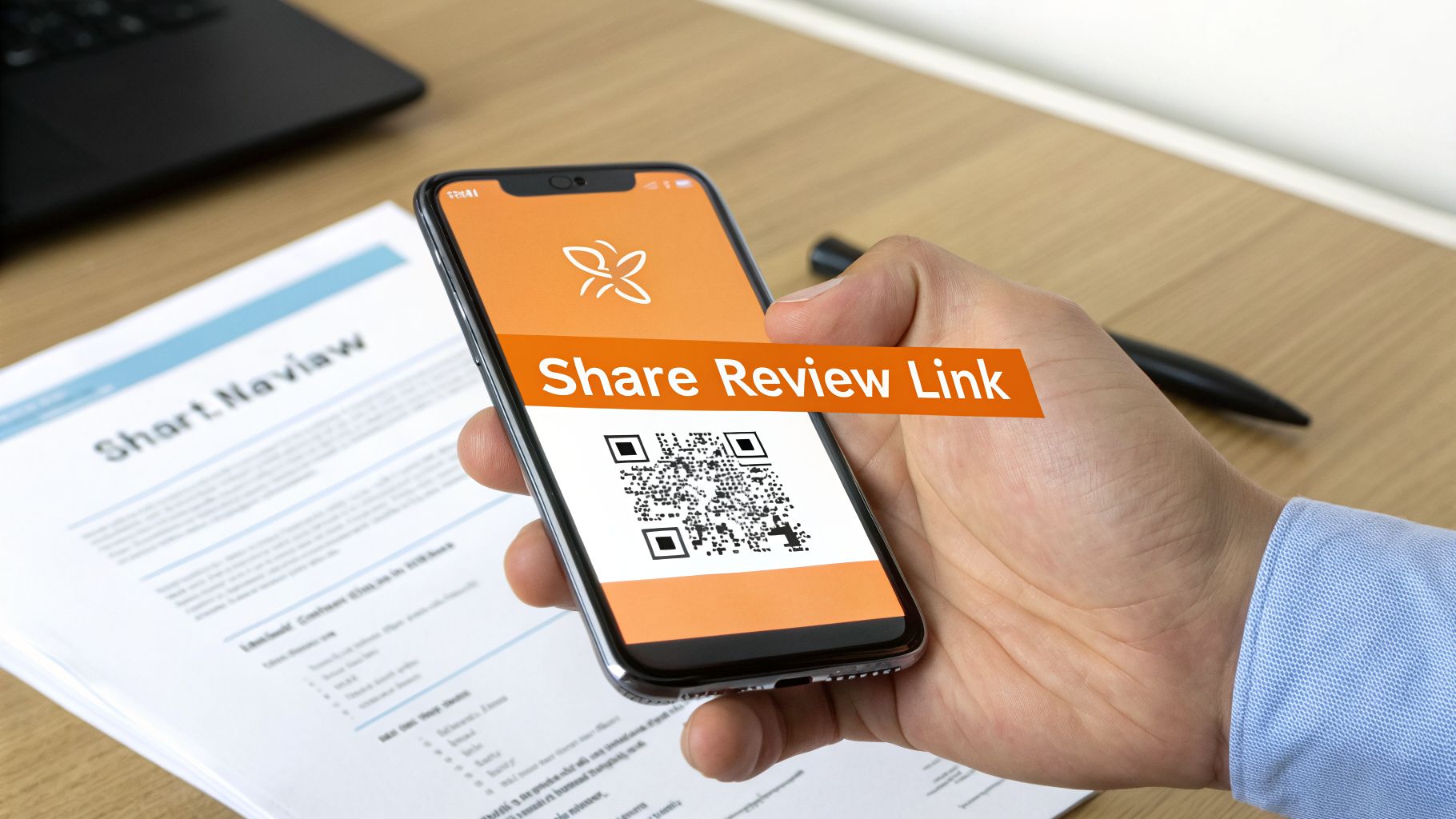
Step 2: Create a QR Code for Physical Locations
For businesses with a physical location like a med spa in [City] or a vet clinic in [Neighborhood], a QR code bridges the gap between an in-person experience and an online review.
- Take your shortened link from Step 1.
- Go to a free online QR code generator.
- Paste your link to create the code.
- Download it as a high-quality image (PNG or SVG) for printing.
Place the QR code on invoices, appointment cards, tabletop signs, or service vehicle decals. The goal is to make leaving a review a seamless part of the customer journey, a key principle of effective reputation management.
Step 3: Optimize Your Google Business Profile
A complete, professional profile encourages conversions. Before launching your review campaign, perform a quick audit.
- NAP Consistency: Ensure your Name, Address, and Phone number are 100% accurate.
- Hours: Update business and holiday hours for all locations.
- Photos: Add at least 10 recent, high-quality photos of your team, location, and work.
- Services: List all your services with clear descriptions.
A polished profile ensures the new traffic you get from positive reviews has the best chance to convert. Learning to optimize your Google Business Profile is critical for local SEO success.
Templates & Scripts for Requesting and Responding
Knowing how to ask for a review is as important as when. The best time to send a request is within 1 to 24 hours of service, while the experience is fresh. Here are field-tested templates for common verticals.
SMS Request Script (for Home Services like HVAC, Auto Repair)
Text messages are immediate and have high open rates, perfect for customers who value speed and simplicity.
SMS Template:
"Hi [Customer Name], this is [Technician Name] from [Company Name]. Thanks for having us out to your home in [City] today. We'd love your feedback on our service. Could you take 30 seconds to leave us a Google review? [Your Short Review Link]"
This script is personal, confirms the service location, and sets a clear time expectation, which increases response rates.
Email Request Script (for Healthcare like Dental, Med Spa)
Email strikes a more professional tone, appropriate for practices where compliance is a factor. Remember to keep requests HIPAA-aware and never mention Personal Health Information (PHI).
Email Template:
Subject: A quick question about your visit to [Practice Name]Hi [Customer Name],
Thank you for choosing [Practice Name] for your recent visit. We hope you had a positive experience with our team.
Online reviews from patients like you help others in the [City] area find trusted care. If you have a moment, we would be grateful if you shared your feedback with us on Google.
[Click Here to Leave a Review]
We truly value your input and look forward to seeing you again.
Best,
The Team at [Practice Name]
Positive Review Response Template
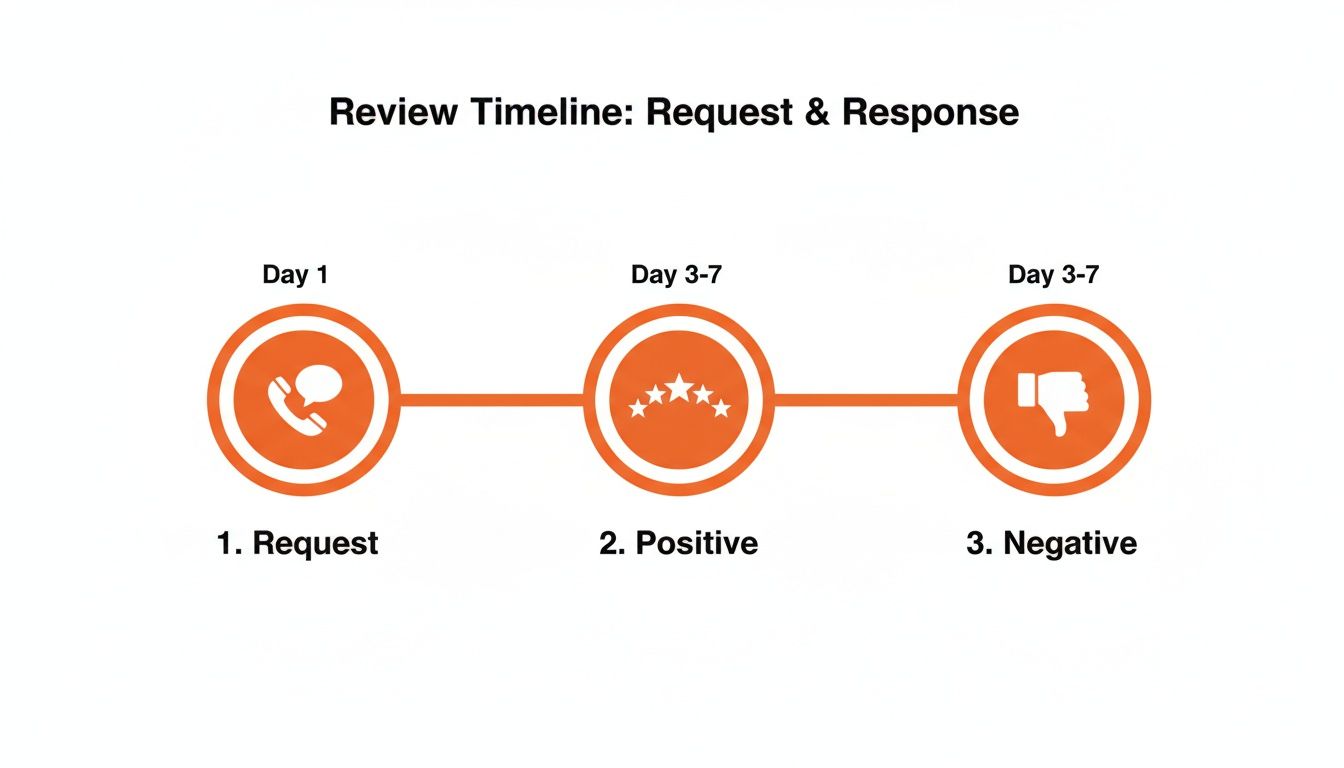
Always reply to positive reviews within 48 hours. It shows appreciation and encourages others to leave feedback.
Response Template:
"Hi [Customer Name], thank you so much for your kind words! We’re thrilled to hear you had a great experience with our team. We really appreciate you taking the time to share your feedback and look forward to serving you again."
Negative Review Response Template
A negative review is an opportunity to demonstrate excellent customer service. Respond quickly and empathetically, and move the conversation offline.
Response Template:
"Hi [Customer Name], thank you for bringing this to our attention. We're very sorry to hear your experience did not meet expectations. We are committed to providing the best possible service and would appreciate the chance to learn more and make things right. Please contact us at [Phone Number] or [Email Address] at your convenience."
This approach acknowledges the issue without defensiveness, showing prospective customers you take satisfaction seriously. This is a pillar of smart reputation management.
How to Measure Your Review Program's Success
You can’t improve what you don’t measure. A successful review strategy must be tied to tangible business outcomes like more calls and bookings. Tracking the right metrics proves that your efforts to request a review on Google are generating a positive return on investment (ROI).
Key Metrics and Performance Targets
Focus on these key performance indicators (KPIs) to measure the health and impact of your review program.
| Metric | Target for Local/Multi-Location Business | Why It Matters |
|---|---|---|
| New Reviews Per Month | 5-10 per location | Signals relevance and activity to Google's algorithm. |
| Average Star Rating | Maintain 4.2+ | The minimum threshold for building high customer trust and conversion rates. |
| Review Response Rate | 100% | Shows engagement and helps mitigate negative reviews. |
| Review Response Time | Under 48 hours | Demonstrates attentiveness and excellent customer service. |
| GBP Profile Interactions | 10-15% monthly growth | Indicates that your improved reputation is driving visibility and engagement. |
| GBP Phone Calls | 5-10% monthly growth | The clearest link between your online reputation and qualified leads. |
Tracking Performance in Your GBP Dashboard
Your Google Business Profile "Performance" report is your command center. Monitor these three metrics weekly:
- Profile Interactions: The total number of engagements with your profile. An upward trend means your improved visibility is working.
- Website Clicks: The number of users who clicked from your GBP listing to your website. This is a strong indicator of purchase intent.
- Phone Calls: For most service businesses, this is the money metric. An increase in calls is a clear sign your reputation is driving qualified leads.
Tying It All to Revenue with UTMs
To prove direct ROI, use Urchin Tracking Module (UTM) parameters. These are simple tags added to your review link that tell analytics software exactly where a click came from.
Your standard short link: bit.ly/Review-YourBizName
Your link with UTMs: bit.ly/Review-YourBizName?utm_source=google&utm_medium=sms&utm_campaign=post-service-review
This tag tells you the click came from a Google review request, sent via SMS, as part of your "post-service" campaign. When that user books an appointment or makes a purchase, you can trace that conversion directly back to your review program in Google Analytics. This is how sophisticated reputation management proves its value.
7-Day Launch Checklist for a Review Program
Launch a powerful review generation program in just one week with this day-by-day plan.
- Day 1: Audit and Optimize Your GBP. Check that your name, address, phone number (NAP), and hours are 100% correct. Upload at least 10 high-quality photos.
- Day 2: Create Your Toolkit. Generate your Google review link, shorten it with Bitly, and create a QR code. Finalize and save your SMS/email request scripts in a shared doc for your team.
- Day 3: Train Your Team. Hold a 15-minute huddle. Explain why reviews matter for business growth and walk through the script for asking. Role-play the ask to build comfort.
- Day 4: Send Your First 5-10 Manual Requests. Select recent, happy customers and send them your new request. This tests your process and seeds your profile with positive feedback.
- Day 5: Automate Your Requests. Integrate your review request with your Point of Sale (POS) or Customer Relationship Management (CRM) system. Set a trigger to automatically send the request within 24 hours of a transaction.
- Day 6: Monitor and Respond. Watch for new reviews. Use your templates to respond to every single one, good or bad, within 24-48 hours.
- Day 7: Review and Refine. Analyze your first week's data. How many requests sent? How many reviews received? Identify what's working and where to improve. This iterative process is crucial to optimize your Google Business Profile for the long term.
If managing this process feels overwhelming, we can help. Feel free to book a strategy call to discuss our month-to-month support.
Q&A: Your Google Review Questions Answered
Here are concise, factual answers to the most common questions from local and multi-location operators.
1. Is it against Google's policy to ask for reviews?
No. Google encourages businesses to proactively request reviews from their customers. However, you must ask everyone impartially and cannot selectively ask only happy customers (this is called "review gating").
2. Can I offer customers an incentive for a review?
No. Offering discounts, gift cards, or any other compensation in exchange for a review is a strict violation of Google's policy. This can lead to review removal and penalties against your profile.
3. What should I do if I get a fake or malicious review?
First, post a polite, public reply stating you have no record of the person as a customer. Then, flag the review for removal within your GBP dashboard by clicking the three-dot menu and selecting "Report review." Be aware that Google's bar for removal is high; it must clearly violate their content policy.
4. How can I remove a bad review from a real customer?
You cannot remove a legitimate negative review. If a real customer had a poor experience, their feedback is permitted to stay. The best strategy is to respond professionally and drown out the negative review with a steady flow of new, positive ones.
5. How many reviews do I need to see an impact on my business?
While there is no magic number, a business typically needs 10-20 recent reviews and a 4.2+ star rating to appear credible. More important is review velocity: a consistent stream of 5-10 new reviews per month per location signals to Google that your business is active and relevant for searches like "HVAC near me" or "best dentist in [City]." This is especially critical for our dental program clients.
6. Where do I find my Google review link?
In your Google Business Profile dashboard, click the button that says "Ask for reviews" or "Get more reviews." A pop-up window will appear with a unique, shareable link that takes customers directly to the review form.
7. How does Google rank local businesses?
Google's local algorithm uses three main factors: Proximity (how close you are to the searcher), Relevance (how well your business category and services match the search query), and Prominence (how well-known your business is, which is heavily influenced by your review quantity, quality, and recency).
Building a 5-star reputation is an ongoing process, not a one-time project. Our team provides the software and dedicated support to manage your online reviews, all on a flexible month-to-month basis so you can focus on running your business. If you're ready to turn more searchers into customers, let's talk. Book a strategy call with our team today.


