
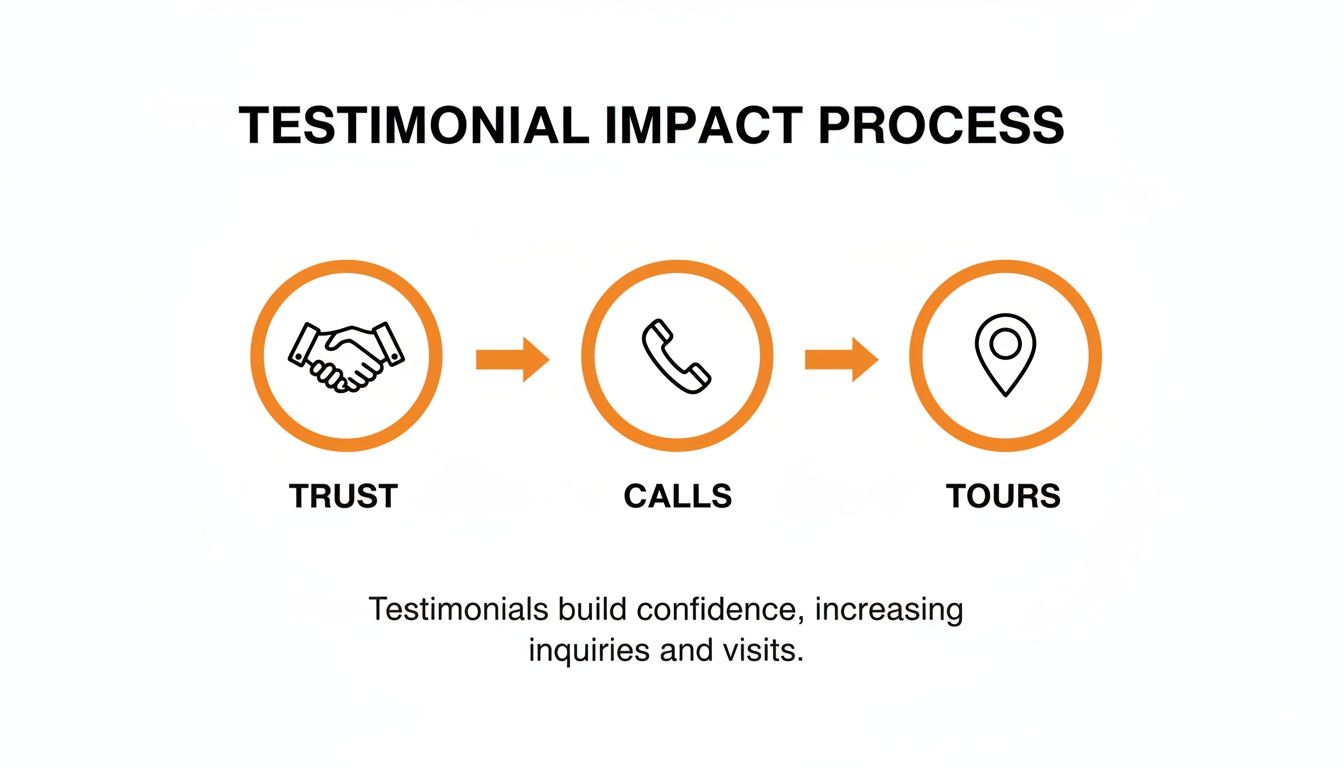
A real estate testimonial is a client’s firsthand story about working with your agency—and it can drive more calls, messages, bookings, and tours. By showcasing genuine feedback from buyers and sellers in [City] and nearby [Neighborhood], you reinforce trust and nudge prospects toward action.
Including “top agents near me” phrases and local success stories taps into Google’s proximity–relevance–prominence model, helping you rank higher in the Maps Pack and capture intent-driven leads.
Key Facts
- Testimonials can lift conversion rates by up to 50%
- 72% of homebuyers trust online reviews as much as personal referrals
- Local testimonials improve Google Maps Pack placement via proximity signals
- Video testimonials generate 80% more engagement than text quotes
Quick Q&A
- Q: What is a real estate testimonial?
A: A client’s review or story about their experience with your agency, used to build credibility. - Q: Why focus on “near me” searches?
A: Local intent drives high-converting traffic—searchers want agents in their area. - Q: How do testimonials affect SEO?
A: They feed Google’s prominence signal and boost relevance when you tag reviews with location keywords.
1. Step-by-Step How-To
Follow this five-step process to collect, format, and publish compliant, high-impact testimonials:
Step 1: Set Up Your Workflow
- Define timing: request feedback within 24 hours of closing or key milestones.
- Use a shared tracking sheet (Google Sheets or CRM) to log requests, follow-ups, and permissions.
- Assign roles: branch managers oversee review volume and response rates at each location.
“Consistent timing and clear tracking ensure no request slips through the cracks.”
Step 2: Obtain Client Consent
- Deploy a neutral script and consent form for website, social, and video content.
- Store signed approvals in a centralized folder for 3 years.
- Train teams on Fair Housing and privacy guidelines: no steering, no PHI.
Step 3: Collect Testimonials
- SMS or email requests (see Templates & Scripts below).
- Use on-site tablets or QR codes at open houses for in-the-moment feedback.
- Record short video interviews (30–60 seconds) to capture emotion and details.
Step 4: Format for Local SEO
- Wrap reviews in
<div itemscope itemtype="https://schema.org/Review">with JSON-LD schema. - Mirror visible text exactly in your structured data:
reviewBody,author, andratingValue. - Transcribe video testimonials to feed voice-search queries.
Step 5: Publish and Promote
- Embed text quotes near CTAs on listing pages.
- Rotate video snippets in your Google Business Profile gallery.
- Share branded images with captions and geotags on social channels.

2. Templates & Scripts
Equip agents with ready-to-use assets for quick rollout.
SMS & Email Review Requests
- SMS Request
Hi [ClientName], thanks for choosing [YourAgency] in [City]. Could you share a quick testimonial about your experience? Reply here and grant permission to use it on our site. - Email Request
Subject: Your Feedback Means a Lot
Hi [ClientName],
Congrats on your new home in [Neighborhood]! Would you mind writing a short testimonial about working with [AgentName]? Please reply with your feedback and a “yes” to publish on our website and social channels.
Thank you!
Review Response Templates
- Positive Reply
Hi [ClientName], thanks for sharing your experience in [City]. We’re thrilled we helped you find your dream home and look forward to working together again! - Negative Reply
Hi [ClientName], I’m sorry your experience in [Neighborhood] wasn’t perfect. Please call us at [Phone] so we can make it right and improve our service.
Seven-Day Launch Checklist
- Brand and upload SMS/email scripts to your CRM.
- Train agents on consent, timing, and personalization.
- Pilot requests with a small client group.
- Gather feedback, refine templates, and confirm permissions.
- Launch full campaign targeting buyers and sellers in [City].
- Monitor daily submissions and tag links with
utm_source=SMSorutm_source=email. - Respond to each review within 24 hours.

For more examples, see our Best Reviews for Realtors and explore reputation management.
3. Measurement & Tracking
Tie testimonials to real results with clear targets and tracking.
Key Metrics & Targets
| Metric | Target | Industry Avg |
|---|---|---|
| Review Volume | 15/mo | 12/mo |
| Star Rating | 4.5+ | 4.3 |
| Response Time | <24 h | 30 h |
| GBP Views Growth | 20% QoQ | 12% QoQ |
| Lead-to-Sale Conversion | 5% | 4% |
Dashboard Setup
- Link Google Analytics to your Google Business Profile.
- Append UTM parameters (
utm_campaign,utm_source) to every testimonial link. - Feed review counts, star ratings, and response times into a live BI report or Google Sheet.
Tracking testimonial metrics consistently can lift lead volume by 25% year over year.
Real-World Examples
- An HVAC team in Riverdale saw a 10% uptick in service calls after weekly review audits.
- A downtown vet clinic tagged testimonials by treatment type and boosted appointment requests by 18%.
- An auto dealer group matched UTM-tagged pages to phone calls, increasing sales attributed to testimonials by 12%.
See our guide on how to track customer feedback for step-by-step tagging advice.
4. FAQ
How Do I Request a Testimonial Without Violating Fair Housing?
Use the same neutral wording for every client, obtain written consent, and store approvals in your compliance records.
When Is the Best Time to Ask for a Testimonial?
Request feedback within 24 hours of closing or a major milestone to hit response rates above 40%.
How Should I Respond to Negative Testimonials?
Keep replies under 100 words, acknowledge the concern, and invite the client to a private conversation.
Can I Use Testimonials in Paid Ads?
Yes. Short, approved quotes work well in PPC or sponsored social—just ensure you have written permission and follow platform policies.
How Many Testimonials Should I Display on My Website?
Aim for 5–10 recent reviews per location, rotating them weekly to feed Google’s proximity–relevance–prominence signals.
Where Should I Publish Testimonials for Maximum Impact?
- On your website next to CTAs
- In your Google Business Profile gallery and posts
- Across social channels (Facebook, LinkedIn, Instagram)
- In email newsletters for subscribers in [City] and nearby [Neighborhood]
Ready to optimize your Google Business Profile and turn real client stories into real growth? Book a strategy call for month-to-month support and start seeing more calls, messages, and bookings today.


