
Online reputation management in UK is the process of monitoring and influencing what customers see and say about your business online. For a local operator, this means actively managing reviews on Google and industry sites to build trust and attract new customers. Getting this right is critical because a strong online reputation directly impacts conversions, leading to more calls, messages, and bookings.
Key Facts About Online Reputation Management in the UK
- Drives Conversions: Positive reviews act as powerful social proof, giving potential customers the confidence to choose your business.
- Boosts Local SEO: A steady flow of recent, positive reviews signals to Google that your business is active and relevant, improving your rank in "near me" searches.
- Signals Trust: Responding to all reviews, good and bad, shows you are an engaged, professional business that cares about customer experience.
- Provides Operational Insight: Customer feedback is a free source of business intelligence, highlighting what you do well and where you can improve.
- Impacts Revenue: A one-star increase in your average rating can lead to a 5–9% increase in revenue.
Step-by-Step Guide to Managing Your Online Reputation
Step 1: Understand How Reputation Drives Local Search Rankings
Ever wonder how Google decides which local business gets the top spot? A massive piece of that puzzle is your online reputation. Google’s local search algorithm rests on three pillars: Proximity, Relevance, and Prominence.
- Proximity: How close your business is to the person searching.
- Relevance: How well your business profile matches what the person is searching for (e.g., "emergency dentist in [City]").
- Prominence: How well-known and trusted your business is. This is where your reputation management efforts have the biggest impact.
Google measures Prominence using signals like review quantity, your average star rating, and how frequently you get new reviews. Nailing these signals tells Google you're a trustworthy and popular choice in [Neighborhood], which can push you ahead of competitors. Strong prominence means more visibility, which leads to more calls and bookings.
Google Business Profile (GBP) Optimization Checklist:
Your Google Business Profile is the foundation of your local reputation. Use this checklist to optimize it:
- Complete 100% of your profile: Fill out every section, including services, attributes, accessibility info, and business hours.
- Upload at least 15 high-quality photos: Show your team, your location (inside and out), and your work.
- Enable the messaging feature: Allow customers to contact you directly, but be sure to respond within 24 hours.
- Publish Google Posts weekly: Share updates, offers, or news to show your business is active.
- Manage the Q&A section: Answer new questions promptly and proactively add common questions and their answers.
Step 2: Systematically Generate New Customer Reviews
The single most effective way to build a stronger online reputation is to ask every happy customer for feedback. When you turn this "ask" into a repeatable system, you create a steady stream of positive social proof that tells Google your business is active and trusted.
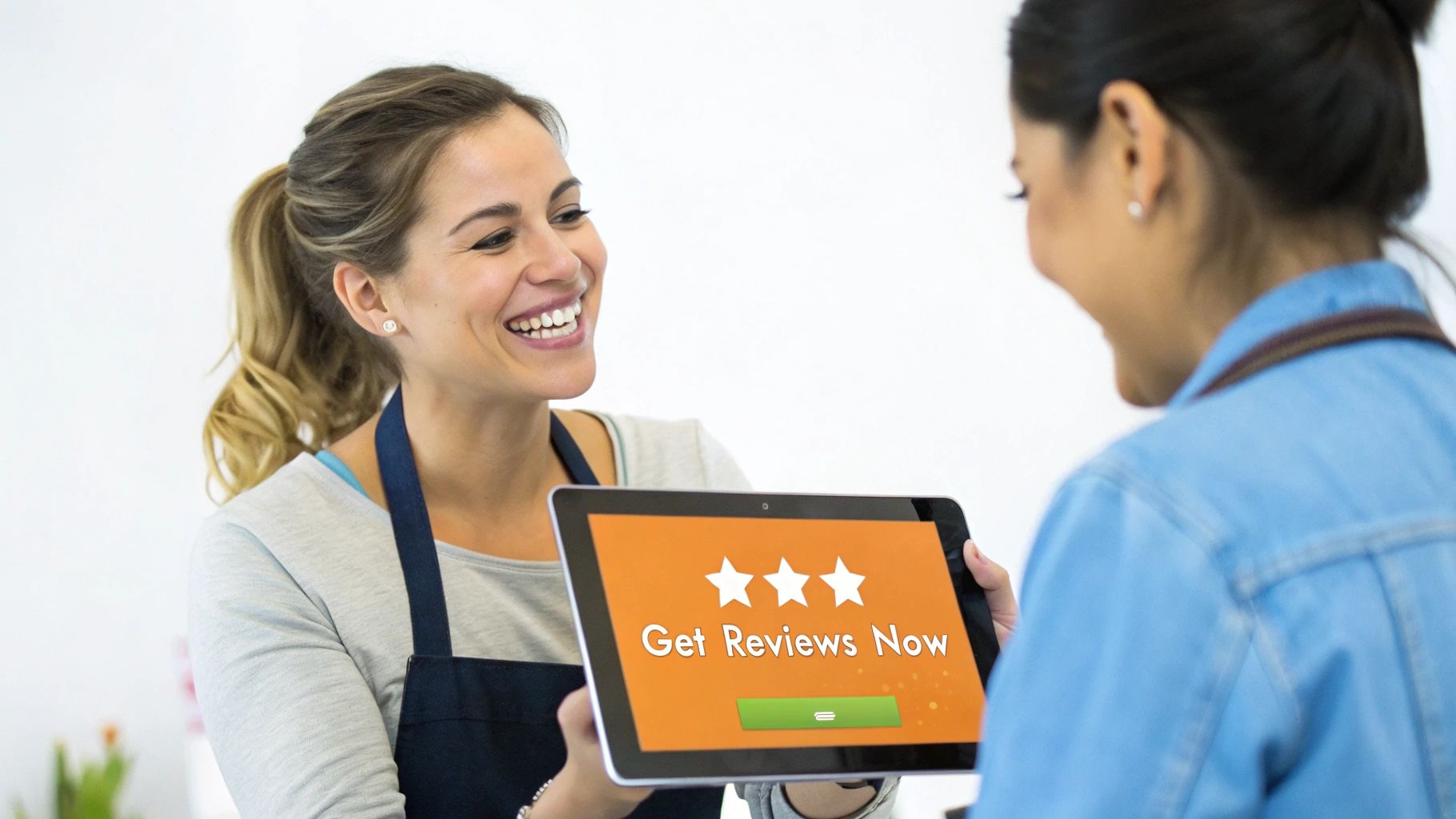
The best time to ask is immediately after a positive experience, such as:
- Right after service completion: For an HVAC technician, this is when the customer’s heating is back on.
- At the point of payment: For a med spa or dental practice, this is after a successful treatment.
- Following unsolicited praise: If a customer emails you a compliment, thank them and ask if they'd mind sharing it online.
Step 3: Respond to Every Review (Good and Bad)
Replying to every single review shows potential customers that you are engaged and value feedback. This simple act builds trust and can be the deciding factor that pushes a customer to choose you over a competitor in [City].
A prompt, professional response to a negative review can defuse a tense situation and demonstrates public accountability. For multi-location businesses, consistent response quality across all sites is crucial for maintaining a strong brand image. For a deeper look, see our guide on how to respond to reviews.
Templates and Checklists for Your Reputation Program
Review Request Scripts
SMS Template (For a Dental Practice)
Hi [Client Name], it was a pleasure seeing you at [Practice Name] today. Would you mind taking 30 seconds to leave us a review on Google? Your feedback helps other patients in [City] find us. [Link to Google Review]
Email Template (For an Auto Repair Shop)
Subject: How was your service at [Garage Name]?
Hi [Customer Name],
Thanks for trusting us with your vehicle today. We'd love to hear about your experience.
If you have a minute, please leave us a review on Google. It helps our family-run business and lets other drivers know what to expect.
[Link to Google Review]
We appreciate your business!
The Team at [Garage Name]
Review Response Templates
Positive Review Response Template
Hi [Customer Name], thank you so much for your kind words! We’re thrilled to hear you had a great experience with [mention specific service or staff member]. We pride ourselves on [mention a brand value, e.g., 'providing clear and honest advice'], and your feedback confirms we’re on the right track. We look forward to seeing you again at our [City] location!
Negative Review Response Template
Hi [Customer Name], thank you for sharing your feedback. We are genuinely sorry to hear that your experience did not meet expectations. This is not the standard we aim for, and we've shared your comments with our team to [mention corrective action, e.g., 'review our booking process']. Please contact our manager at [Phone Number or Email] so we can learn more and work to resolve this for you.
7-Day Launch Checklist for Your Review Program
| Day | Action Item |
|---|---|
| Day 1 | Setup: Choose your reputation management software and connect it to your CRM. Get your direct Google review link. |
| Day 2 | Customise: Finalise your SMS and email request templates to match your brand voice. |
| Day 3 | Train: Hold a 15-minute meeting with your front-line team. Explain why reviews matter and demonstrate the request process. |
| Day 4 | Test: Send test requests to yourself and a colleague to ensure links work and messages display correctly. |
| Day 5 | Launch: Go live! Start sending review requests to every eligible customer at the key moments you identified. |
| Day 6 | Monitor: Keep an eye on incoming reviews. Be ready to respond to all feedback within 24 hours. |
| Day 7 | Review: Check in with your team. Answer questions, solve any issues, and celebrate the first new reviews! |
How to Measure Your Reputation Management Success
To prove your reputation efforts are paying off, you must track Key Performance Indicators (KPIs) that connect directly to business growth. This moves you from guesswork to data-driven strategy.
Key Metrics and Recommended Targets
- Review Volume: Aim for 10–15 new reviews per location, per month.
- Average Star Rating: Maintain an average of 4.5 stars or higher.
- Response Time: Respond to 100% of reviews within 24 hours.
- Recency: Ensure you have multiple reviews from the last 30 days.
- GBP Views & Actions: Track the monthly number of views, clicks-to-website, and clicks-to-call from your Google Business Profile.
- Lead-to-Sale Conversion: Measure the percentage of leads from GBP that become paying customers.
Tracking Your ROI from Google Business Profile
The best way to measure return on investment (ROI) is to track how many leads and sales originate from your Google Business Profile. You can do this by using UTM (Urchin Tracking Module) tags.
A UTM tag is a small piece of code added to the end of your website URL in your GBP listing. This allows your analytics software (like Google Analytics) to identify exactly how many website visitors came from your profile. By tracking these visitors through to a contact form submission or online booking, you can directly attribute revenue to your reputation management and local SEO efforts.
Frequently Asked Questions (FAQs)
1. What is online reputation management?
Online reputation management (ORM) is the practice of actively monitoring, influencing, and managing the public perception of a business online. For UK businesses, this primarily involves generating and responding to customer reviews on platforms like Google, Trustpilot, and other industry-specific sites.
2. Why is online reputation management important for UK businesses?
It is important because the vast majority of UK consumers (77%) read online reviews before choosing a local business. A positive reputation builds trust, improves local search engine rankings, and directly drives conversions like phone calls and bookings.
3. Can I get a bad Google review removed?
Generally, no. You cannot remove a review simply because it is negative. Google will only remove reviews that violate its content policies, such as spam, fake content, hate speech, or the inclusion of private information. The best strategy is to post a professional public response.
4. How long does it take to see results from reputation management?
You can see an increase in your average star rating within a few weeks of starting a systematic review generation program. However, seeing a significant impact on local search rankings and lead volume typically takes 3 to 6 months of consistent effort.
5. Which review sites matter most in the UK?
For nearly every local business, Google is the most important platform due to its integration with Search and Maps. After that, focus on industry-specific sites. For trades, this might be Checkatrade; for hospitality, TripAdvisor; and for many B2C services, Trustpilot is also highly influential.
6. How do I start an online reputation management program?
Start by fully optimizing your Google Business Profile. Next, implement a system to consistently ask every happy customer for a review via SMS or email. Finally, commit to responding to all new reviews within 24 hours.
7. How do you measure the ROI of reputation management?
Measure ROI by tracking key metrics like review volume, star rating, and response time. Use UTM tags on your Google Business Profile website link to track how many clicks, leads, and sales are generated directly from your profile.
At Reviews To The Top, we help businesses across the UK build a powerful online reputation that drives measurable growth. Our month-to-month support helps you generate positive reviews, keep your listings accurate, and get seen by more local customers. Ready to turn your customer feedback into your best marketing asset? Book a strategy call with our team today.


