
A solid marketing strategy for retail stores connects your digital presence to your physical storefront to attract more local customers. This approach is critical for conversions because it ensures that when someone searches for products you sell "near me," your store is the top choice, driving more calls, messages, and in-store visits. A well-executed strategy turns online searches into real-world foot traffic and revenue.
Key Facts
- Proximity, Relevance, Prominence: Google’s local search algorithm prioritizes businesses that are close to the searcher (Proximity), match the search query (Relevance), and have a strong online reputation through reviews and mentions (Prominence).
- Google Business Profile is Crucial: Optimizing your Google Business Profile (GBP) is the single most important step for local visibility, as nearly 90% of consumers use Google to find local businesses.
- Reviews Drive Decisions: Over 93% of shoppers report that online reviews influence their purchasing decisions, making a proactive review management strategy essential.
- Omnichannel is Standard: Customers expect a seamless experience, whether they are on your website, social media, or in your store. Consistent branding and information are key.
- Measure What Matters: Track Key Performance Indicators (KPIs) like GBP calls/direction requests, review volume, and lead-to-sale conversion rates to measure your marketing ROI.
Step-by-Step Guide to a High-Converting Retail Marketing Strategy
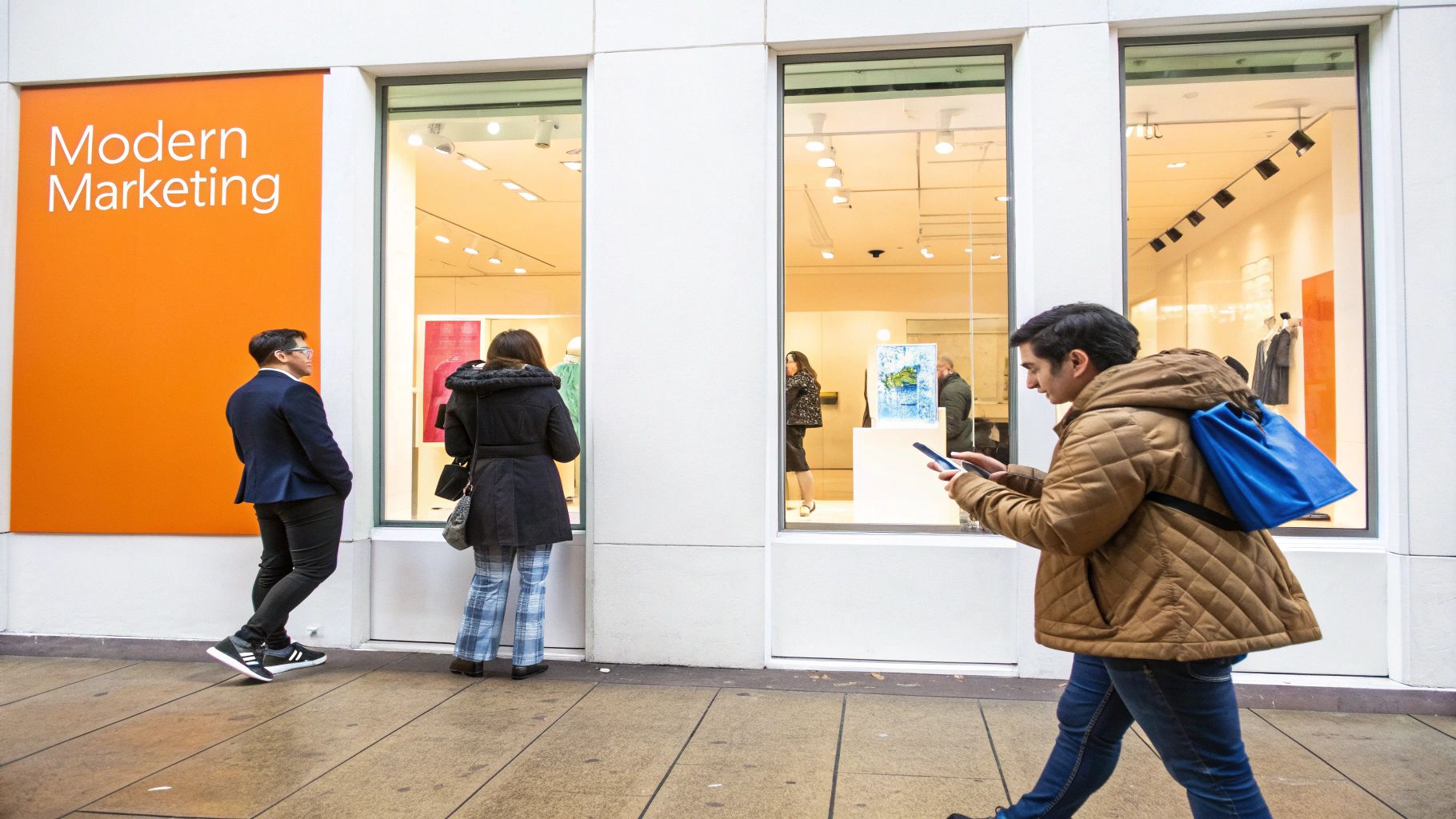
The modern customer journey almost always starts online. They're on their phone, searching for "HVAC services in [City]" or "med spa near me." A smart marketing strategy for retail stores bridges the gap between that online search and an in-store sale.
Step 1: Master Local SEO with Google Business Profile
To get found by local customers, you must play by Google's rules. Its local search algorithm focuses on three key signals:
- Proximity: How close is your store to the person searching? You can't move your building, but you can ensure your service areas are clearly defined in your online profiles.
- Relevance: Does your online presence match what a customer is searching for? If they search "emergency dental clinic," Google scans your business categories, services, and even customer reviews for those keywords.
- Prominence: This is your store's online authority. Google measures this by looking at the quantity and quality of your online reviews, how well-known your business is, and the overall quality of your website.
A strong marketing plan addresses all three. The first step is to optimize your Google Business Profile.
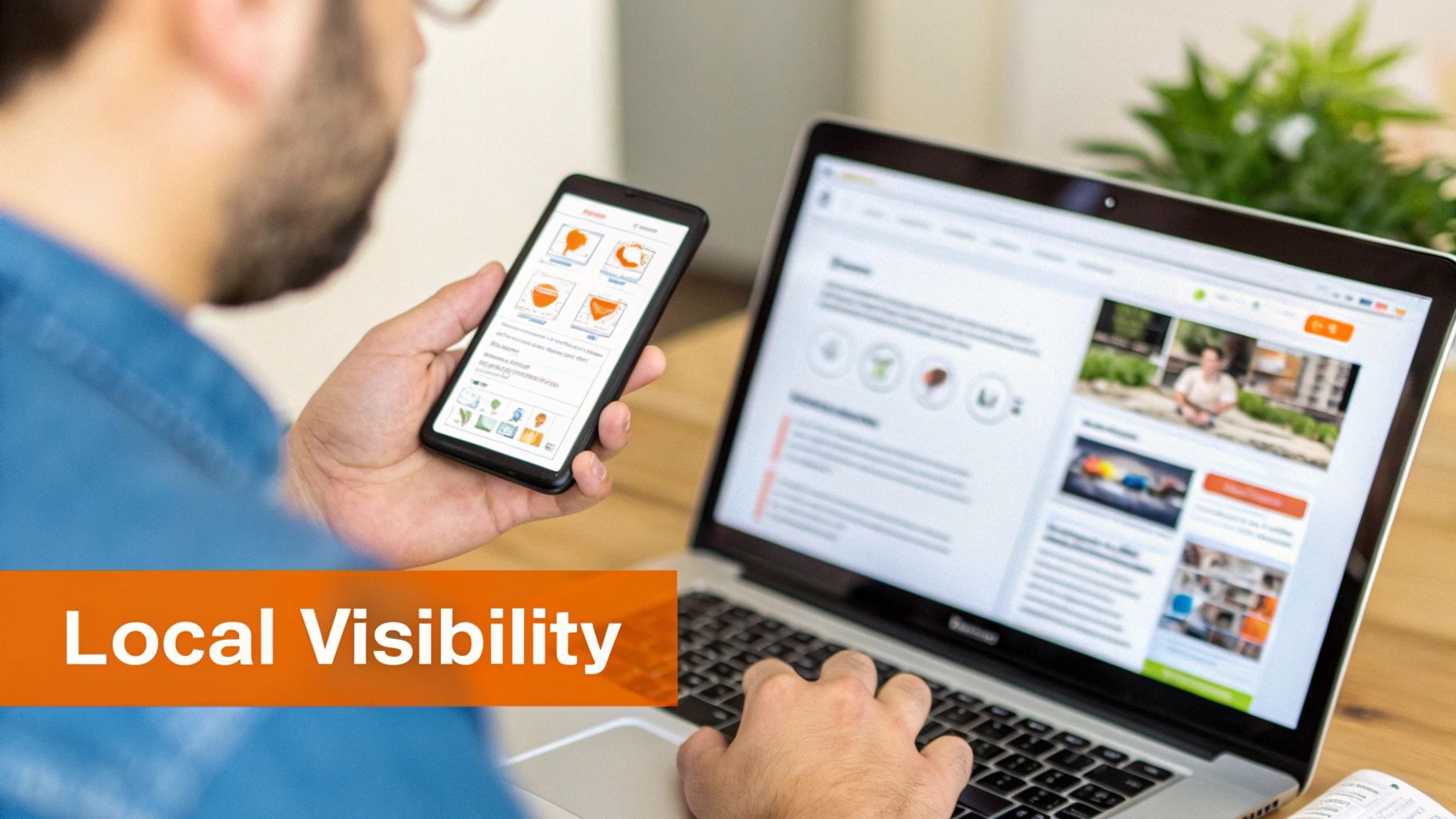
Google Business Profile Optimization Checklist
- Core Information: Verify your business Name, Address, and Phone (NAP) are 100% accurate and consistent everywhere online.
- Categories: Select a specific primary category (e.g., "Veterinary Clinic," not just "Business") and add all relevant secondary ones.
- Photos: Upload at least 10-15 high-quality photos of your storefront, interior, products, and team.
- Posts: Publish a Google Post at least once a week to announce sales, new products, or events.
- Messaging: Turn on the Messaging feature and commit to responding to inquiries within a few hours.
- Q&A Section: Proactively add and answer frequently asked questions (FAQs) about your store.
Step 2: Build a 5-Star Reputation Through Reviews
Positive reviews are modern word-of-mouth. Businesses with higher star ratings and more recent reviews dominate the Google "Map Pack"—the top three local results. An effective reputation management strategy is active, not passive. You must ask for reviews, respond to every single one, and use the feedback to improve.
Step 3: Create a Seamless Omnichannel Experience
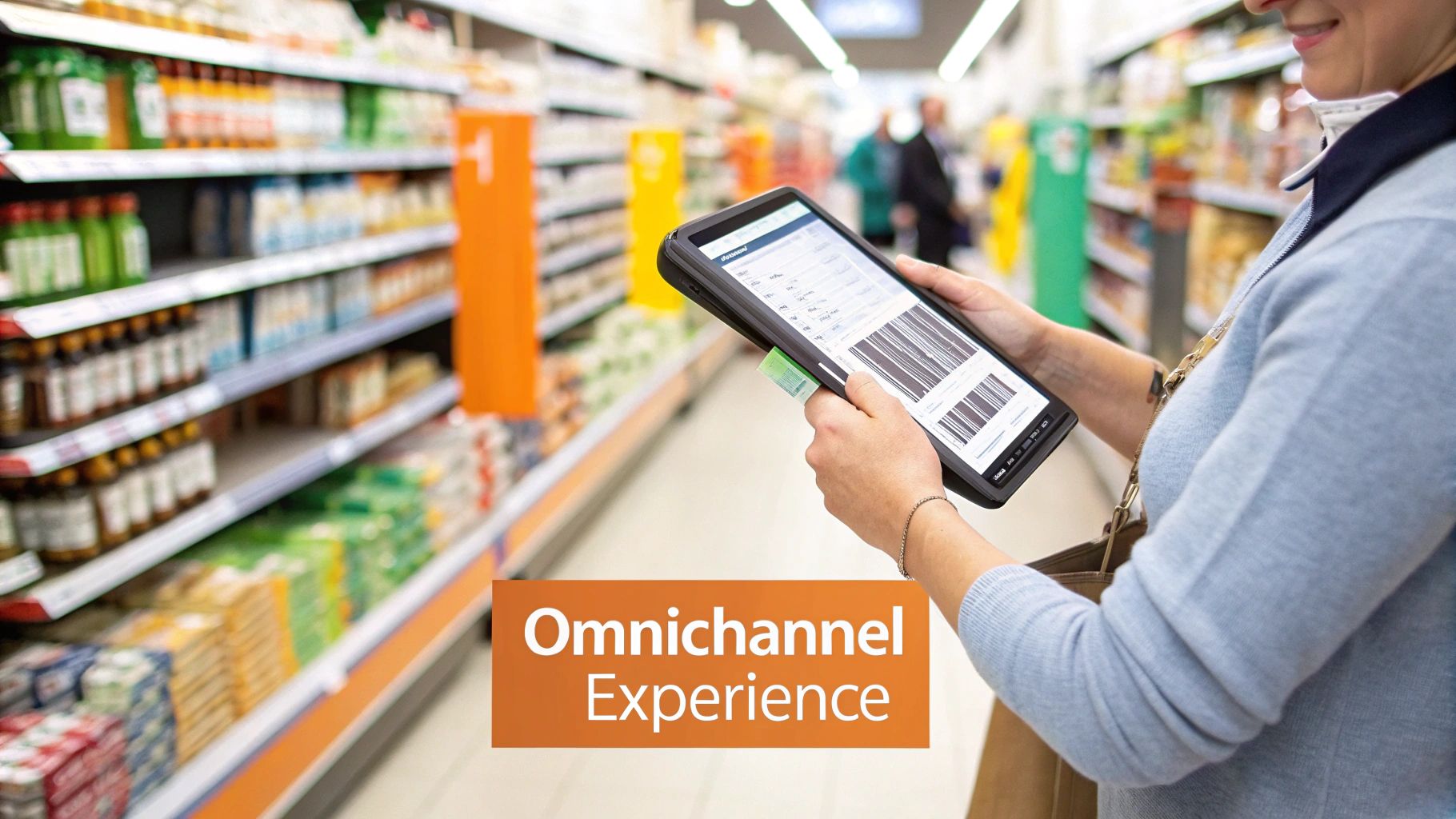
Your customers see your website, social media, and physical store as one brand. An omnichannel strategy ensures a smooth journey from online discovery to in-store purchase.
- Connect Digital Ads to In-Store Action: Use local targeting in your ads. A senior living community in [City] can run Facebook ads targeting adults in the area whose parents are of a certain age, with a call-to-action to "Book a Tour."
- Leverage In-Store Mobile Use: Place QR codes on product displays. A customer at an auto parts store can scan a code to see a video on how to install a specific part, keeping them engaged and moving them toward a purchase.
Templates & Scripts for Your Retail Marketing Strategy
Here are practical assets to help you implement your strategy immediately, from generating reviews to responding professionally.
Review Request Scripts
SMS Request Template (For Retail/Service)
"Hi [Customer Name], thanks for visiting [Your Store Name] in [City] today! We'd love to hear about your experience. Could you take 30 seconds to leave us a review? [Link to Google Review Page]"
Email Request Template (For Retail/Service)
Subject: How was your visit to [Your Store Name]?
"Hi [Customer Name],
Thank you for choosing us. We are always working to improve, and your feedback is a huge part of that. If you have a moment, we would appreciate it if you could share your experience by leaving us a review.
[Link to Google Review Page]
We look forward to seeing you again soon!
Best,
The Team at [Your Store Name]"
Review Response Templates
Positive Review Response Template
"Hi [Customer Name], thank you so much for your kind words! We're thrilled to hear you had a great experience at our [Neighborhood] store. We've passed your compliments on to the team and hope to see you again soon!"
Negative Review Response Template
"Hi [Customer Name], thank you for bringing this to our attention. We're very sorry to hear that your experience did not meet expectations. We take this feedback seriously and would appreciate the opportunity to learn more. Please contact us at [Phone Number] or [Email] so we can make things right."
7-Day Review Program Launch Checklist
| Day | Focus Area | Key Actions |
|---|---|---|
| Day 1 | Foundation | Claim and fully optimize your Google Business Profile. Ensure your NAP is consistent everywhere. |
| Day 2 | Tools & Training | Choose a review management tool. Hold a brief team meeting to explain the new program and review scripts. |
| Day 3 | Internal Kickoff | Practice role-playing the review request process with your team. Set clear goals for response time. |
| Day 4 | Initial Outreach | Identify a small group of recent, happy customers and send them your first review requests. |
| Day 5 | Monitor & Respond | As reviews come in, respond to every single one within 24 hours using the templates. |
| Day 6 | Integrate | Add a link to your review profiles on your website and in your email signature. |
| Day 7 | Review & Refine | Review the week's results. Did the scripts work well? Does the team feel confident? Make adjustments. |
How to Measure Your Marketing Success
You cannot improve what you do not measure. A successful marketing strategy requires tracking the right Key Performance Indicators (KPIs) to prove your efforts are driving sales and to identify opportunities for improvement.
Defining Your Key Metrics and Targets
Set specific, quantifiable targets that directly impact your business. For a local retail store, start with these goals:
- Review Volume: Target 10+ new Google reviews per month.
- Review Recency: Ensure you have multiple reviews from the last 30 days.
- Response Time: Respond to 100% of new reviews within 24 hours.
- Star Rating: Maintain an average rating of 4.5 or higher.
- GBP Performance: Monitor monthly growth in GBP views, calls, and direction requests.
- Lead-to-Sale Conversion: Aim for a target conversion rate (e.g., 25%) from calls/messages to in-store purchases.
Tracking Conversions from Clicks to Customers
To connect online activity to real-world sales, use UTM (Urchin Tracking Module) parameters. A UTM is a simple code added to a URL to track its source.
For example, you can tag the website link on your Google Business Profile. This tells Google Analytics that anyone who clicks it came directly from your local profile. Now you can track how many of those clicks turned into a booked appointment, a filled-out contact form, or an online purchase. This process connects your GBP performance directly to your business goals. Check out our resources for more on local SEO reporting.
Frequently Asked Questions (FAQs)
1. What is the most important part of a marketing strategy for retail stores?
The most important part is optimizing your Google Business Profile (GBP). It is the foundation of your local online presence and directly impacts how customers find you in "near me" searches.
2. How do I get more positive reviews for my store?
The best way is to ask consistently and make it easy. Use automated SMS or email requests sent shortly after a purchase when the positive experience is fresh. Provide a direct link to your Google review page.
3. How much should a retail store spend on marketing?
A common benchmark is 5-10% of your total revenue. New stores or those in competitive markets may need to invest closer to 12-15% initially to gain traction.
4. How can a small shop compete with large chains?
Compete on local expertise and customer service. Dominate local search results, build a stellar online reputation with personal review responses, and create unique in-store experiences that large chains cannot replicate.
5. What is the Google "Proximity, Relevance, Prominence" model?
It's how Google ranks local businesses. Proximity is how close you are to the searcher. Relevance is how well your business profile matches the search query. Prominence is your business's reputation, based on factors like review count, star rating, and mentions across the web.
6. What are UTMs and why do they matter?
UTMs (Urchin Tracking Modules) are tags added to a URL to track where website visitors come from (e.g., your Google Business Profile). They matter because they allow you to measure the direct return on investment (ROI) of your marketing channels by showing which sources drive the most calls, bookings, and sales.
7. How often should I post on my Google Business Profile?
You should aim to publish a Google Post at least once per week. This signals to Google that your business is active and engaged, which can positively influence your local search ranking.
Ready to turn customer feedback into your best marketing asset? Reviews To The Top helps businesses like med spas build a 5-star online reputation that drives foot traffic and grows revenue. We manage everything from optimizing your Google Business Profile to ensuring every review gets a prompt, professional response. Book a no-obligation strategy call to see how our month-to-month support can help your store thrive.


