
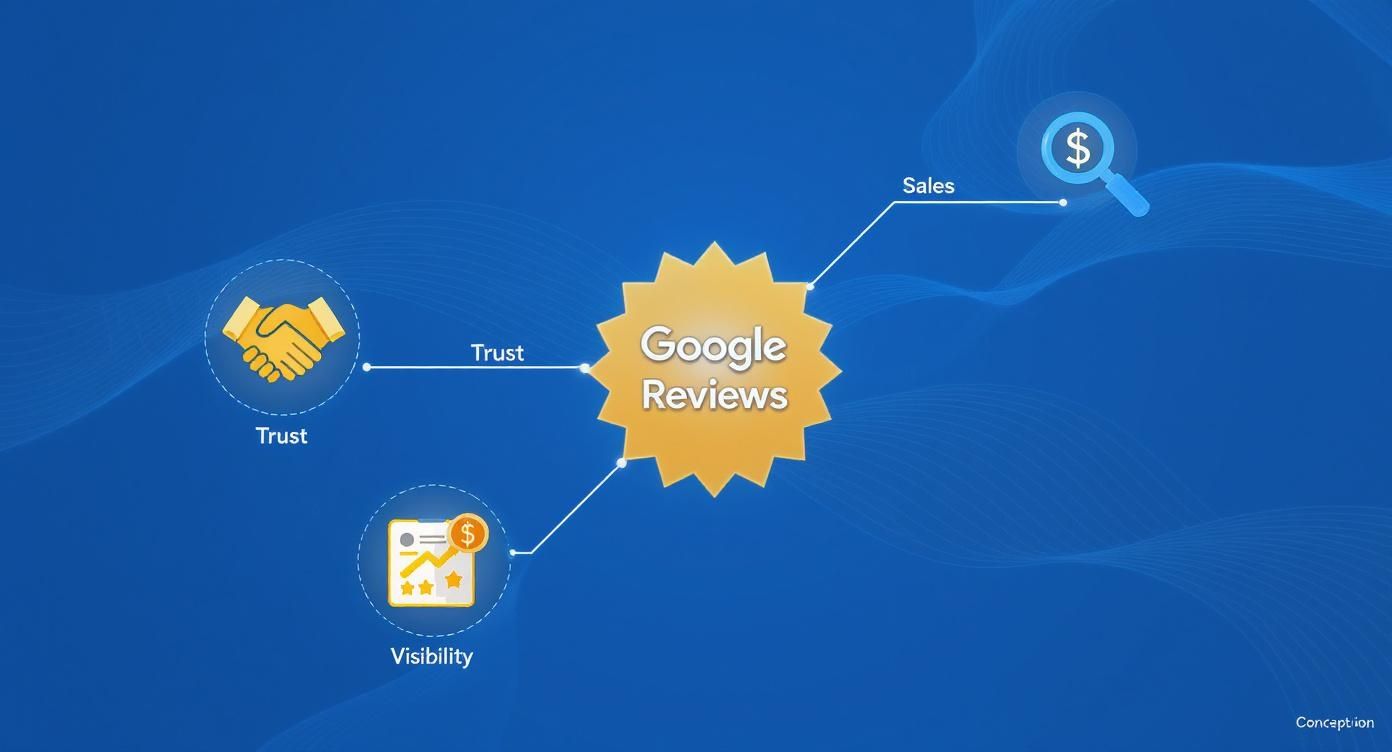
The importance of Google reviews is simple: they are the single most powerful factor that convinces a potential customer in your area to call you instead of a competitor. For busy local operators, a steady stream of positive reviews builds immediate trust and improves your ranking on Google Maps, directly leading to more calls, messages, and bookings. This makes a strong review strategy essential for converting online searchers into paying customers.
Quick Summary: Why Google Reviews Matter
For any business that serves a local community, from a dental practice in [City] to an HVAC company in the [Neighborhood] area, Google reviews are the modern-day equivalent of word-of-mouth. They directly influence both customer decisions and your visibility in search results. A strong review profile is critical for growth.
Key Facts
- Conversion Driver: 81% of consumers use Google to evaluate local businesses, making your star rating and recent reviews the most critical factor for converting searchers into customers.
- SEO Impact: Reviews are a primary factor in Google's local ranking algorithm, which considers Proximity (how close you are), Relevance (how well you match the search), and Prominence (how well-known you are). More high-quality reviews boost your prominence.
- Trust Signal: 92% of consumers will choose a local business with at least a 4-star rating, while 73% only trust reviews written in the last 30 days.
- Market Dominance: Google holds approximately 73% of the online review market share, making it the most important platform to manage for your reputation management strategy.
How to Build and Manage Your Google Reviews
Let's be blunt: your Google reviews are a huge deal when it comes to showing up in local search. Imagine a potential customer in [City] searching for “emergency HVAC repair near me.” In that split second, Google’s algorithm is scrambling to find the best, most trustworthy businesses. A massive part of that decision comes down to the quality and quantity of your reviews.
Step 1: Understand Google’s Local Ranking Factors (Proximity, Relevance, Prominence)
Google’s goal is to show the best local result. To do this, its algorithm relies on three core pillars for the "Map Pack" (the top three local listings):
- Proximity: How close is your business to the person searching? You can’t change your address, but an optimized profile ensures you appear for all relevant searches in your service area.
- Relevance: How well does your Google Business Profile (GBP) match the search term? If a user searches "med spa for facials in [City]," Google looks for those keywords in your services, description, and reviews.
- Prominence: How well-known and respected is your business? This is where reviews are critical. A steady stream of 4- and 5-star reviews is the strongest signal of prominence you can send. A business with 150 positive reviews will almost always outrank a closer competitor with only 20.
Step 2: Optimize Your Google Business Profile
Before asking for reviews, ensure your digital storefront is pristine.
Google Business Profile Optimization Checklist:
- Verify ownership of all your location profiles.
- Ensure Name, Address, Phone (NAP) are 100% consistent everywhere online.
- Select all relevant primary and secondary business categories.
- Write a keyword-rich business description.
- Upload at least 10 high-quality, recent photos.
- Use the Q&A feature to answer common customer questions proactively.
- Enable the direct messaging feature for faster communication.
Step 3: Actively Request Reviews
Don't wait for reviews to happen organically. The best time to ask is within 1-2 hours of a positive service experience, when the customer's satisfaction is highest.
For example, a vet clinic can automate a text message to a pet owner shortly after a successful check-up. This proactive approach is key to building review velocity (the speed at which you get new reviews). You can learn more about how to get Google reviews.
Ready-to-Use Templates & Scripts
Responding to reviews and asking for new ones takes time you don't have. These templates provide a consistent, professional starting point for your team.
Review Request Scripts
-
SMS Template (for a Med Spa): "Hi [Client Name], it's [Your Name] from [Spa Name]. We loved seeing you today! Would you mind taking 30 seconds to share your experience on Google? It helps others in [City] find us. [Link to Google Review Page]"
-
Email Template (for an Auto Repair Shop):
- Subject: How was your service at [Shop Name]?
- Body: Hi [Customer Name], Thanks for trusting us with your vehicle. We're always working to provide the best service in [Neighborhood], and your feedback is a huge help. If you have a moment, we'd appreciate you leaving us a review on Google: [Link to Google Review Page]. Thank you, The [Shop Name] Team
Review Response Templates
How you respond is just as public—and important—as the review itself. For a full framework, see our guide on how to manage Google reviews.
-
Positive Review Response Template: "Hi [Customer Name], thank you so much for the kind words! We’re thrilled to hear you had a great experience with [mention a specific detail from their review, e.g., 'your technician, Mike']. We truly appreciate your business and hope to see you again soon at our [City] location!"
-
Negative Review Response Template (HIPAA-Aware for a Dental Practice): "Hi [Reviewer Name], thank you for your feedback. We take patient experience very seriously and are sorry to hear your visit did not meet expectations. To protect patient privacy, we cannot discuss specific details here, but we want to make this right. Please contact our Practice Manager, [Manager Name], at [Phone Number] so we can address your concerns directly."
Your 7-Day Plan to Launch a Review Program
Getting a review program off the ground doesn't have to be overwhelming. This simple one-week plan provides the momentum you need.
| Day | Action Item | Goal |
|---|---|---|
| Day 1 | Optimize Google Business Profile | Ensure 100% accuracy for NAP, hours, and services for all locations. |
| Day 2 | Conduct Team Training | Explain the "why" and define everyone's role in asking for reviews. |
| Day 3 | Set Up Automation Platform | Choose and configure an SMS or email tool for automated requests. |
| Day 4 | Customize Request Templates | Infuse your brand's voice and specific service details into all messaging. |
| Day 5 | Identify the "Moment of Delight" | Pinpoint the perfect time to ask for a review (e.g., after a successful senior living tour). |
| Day 6 | Go Live with the Program | Begin sending requests to recent, happy customers. |
| Day 7 | Establish a Monitoring Routine | Set a daily 15-minute check-in to respond to new reviews promptly. |
How to Measure Your Success
You can’t manage what you don’t measure. Connecting your review management efforts to actual business growth is what separates a good strategy from a great one.
Key Performance Indicators (KPIs) and Targets
- Average Star Rating: Maintain 4.5 stars or higher. Anything below 4.0 significantly hurts conversion.
- Review Volume & Recency: Aim for 5-10 new reviews per location, per month.
- Response Time: Respond to all reviews within 24 hours.
- GBP Views & Calls: Track your Google Business Profile Insights for month-over-month growth in calls, website clicks, and direction requests.
- Lead-to-Sale Conversion: Monitor if more positive reviews correlate with a higher closing rate on inbound leads.
Tying Reviews to Revenue with UTM Tracking
To prove Return on Investment (ROI), tag the links in your Google Business Profile. UTMs (Urchin Tracking Modules) are small snippets of code added to a URL to track its source.
How to do it:
- Go to Google’s Campaign URL Builder.
- Enter your website's booking or contact page URL.
- Set
campaign sourcetogoogle,campaign mediumtoorganic, andcampaign nametogbp_profile. - Use the generated URL as the website link in your GBP.
Now, in Google Analytics, you can see exactly how many website visits, form fills, and booked appointments originated directly from your Google profile.
Frequently Asked Questions (FAQ)
1. How many Google reviews do I need?
There is no magic number, but a good goal is to reach at least 50 total reviews to establish credibility. After that, focus on recency and aim for 5–10 new reviews per location each month to show that your business is consistently delivering quality service.
2. Should I respond to every single review?
Yes, if possible. It is critical to respond to 100% of negative reviews within 24 hours to show you care about resolving issues. Responding to positive reviews reinforces the customer relationship and shows prospective customers that you are engaged.
3. Can I remove a fake or negative review?
You cannot delete a review yourself, but you can flag it for removal if it violates Google's policies (e.g., spam, fake content, hate speech). To do this, click the three dots next to the review and select "Report review." Since removal is not guaranteed, your first step should always be to post a calm, professional public reply.
4. Is it okay to offer discounts or gifts for reviews?
No. Offering incentives for reviews is a direct violation of Google's terms of service and can result in penalties, including the removal of your reviews. Instead, focus on providing excellent service and making it easy for happy customers to share their genuine experience.
5. How do Google reviews impact my SEO?
Google reviews are a major local SEO ranking factor. A high quantity of positive, recent reviews signals to Google that your business is prominent and trusted, which helps you rank higher in the local "Map Pack" for searches like "dentist near me" or "best auto repair in [City]." You can dig deeper into why Google reviews are essential for business.
6. Do I need special software to manage reviews?
While you can manage reviews manually, reputation management software makes it easier to request, monitor, and respond to reviews across multiple locations. It also helps automate the process, ensuring you never miss an opportunity to engage with a customer.
Building and managing a strong online reputation takes consistent effort, but the payoff is more qualified leads and a stronger local brand. If you need a partner to create a powerful review program, our team offers the tools and hands-on expertise with month-to-month support. To see how we can help you optimize your Google Business Profile, book a strategy call with our team today.


