
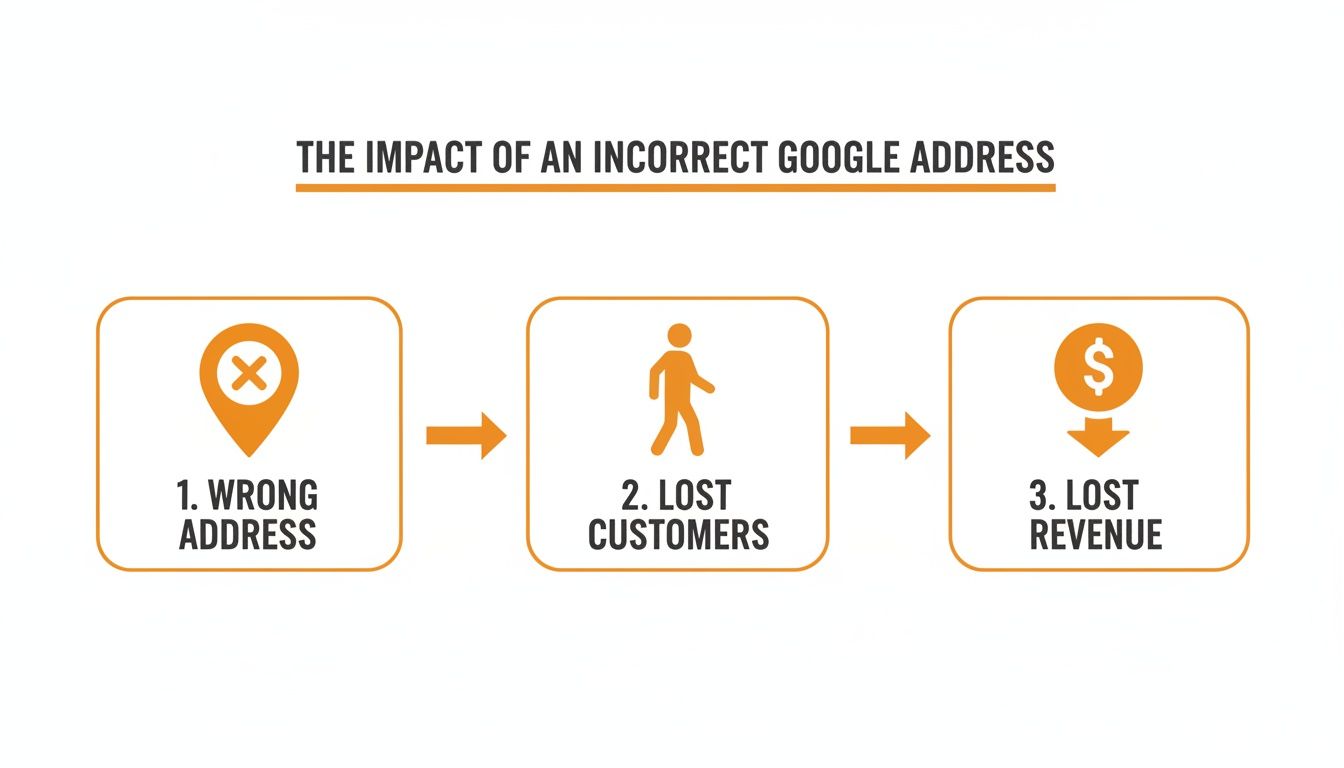
Changing your business address on Google is a critical task for local operators, as an incorrect address makes you invisible to customers searching "near me." A correct address is the foundation of local SEO, ensuring you show up in map searches and can drive conversions like calls, bookings, and store visits. Getting this update right protects your revenue stream and keeps your customer pipeline full.
Key Facts
- Verification is Required: Updating your address will trigger a re-verification process from Google, which can take 1 to 7 business days.
- Reviews are Safe: You will not lose your existing customer reviews or photos when you update the address on an existing profile.
- Expect a Temporary Dip: It's normal to see a temporary 10-15% dip in search views for up to 30 days as Google's algorithm recalibrates your new location.
- Consistency is Crucial: Your address must be updated and consistent across all major online directories (like Yelp, Apple Maps, and Facebook) to maintain local SEO authority.
- P.O. Boxes are Prohibited: Using a P.O. Box or virtual office as your address violates Google's guidelines and can lead to profile suspension.
How to Complete a Google Address Change for Your Business
Changing your business address on Google is a deceptively simple task, but it's one that has a massive impact on your ability to connect with local customers. When a potential client searches for a service "near me" in [City], you want your business to pop up right on their map. This step-by-step guide will walk you through the process for single and multi-location businesses.
Step 1: Updating a Single Location Profile
If you're running a single storefront—say, a local dental practice in the [Neighborhood] area or a neighborhood vet clinic—you can make the change directly inside your Google Business Profile (GBP) dashboard.
Here’s the breakdown:
- Sign in to the Google account that manages your profile.
- Search for your business name on Google to access the management panel.
- Click "Edit profile," then select the "Location" tab.
- Next to "Business location," click the pencil icon to edit.
- Carefully enter your new street address, suite number, city, state, and ZIP code.
- Click "Save."
This will almost certainly trigger a re-verification from Google to confirm you're at the new address. Common verification methods include a postcard mailed to the new address (takes 5-7 business days), a video verification (approved within 24-48 hours), or instant email/phone verification for trusted profiles.
Step 2: Understanding How Google's Local Search Works
Your address is the most powerful signal you send to Google’s local search algorithm, which relies on three pillars:
- Proximity: How close are you to the searcher? This is entirely dependent on your verified address pin. An HVAC company in North [City] won’t appear for an "emergency AC repair near me" search happening in South [City] if its address is wrong.
- Relevance: Does your profile match the searcher's intent? This is determined by your business category, services listed, and keywords in customer reviews.
- Prominence: How well-known is your business? Google measures this through review volume, star rating, and brand mentions online.
Your address powers proximity, the first filter Google applies. Without it, you can't compete on relevance or prominence for valuable local searches.
Step 3: Updating Multiple Locations
For multi-location brands, updating addresses individually is inefficient. Google offers a bulk upload spreadsheet to update up to 100 locations at once. You download your locations, edit the address columns, and upload the sheet back to your Business Profile Manager. This will trigger re-verification for all changed profiles. For a more streamlined approach, a centralized platform can push address changes to Google and other directories simultaneously, which is key to how you can optimize your Google Business Profile at scale.
Templates & Checklists for a Smooth Transition
A smooth transition requires a coordinated plan. These templates and checklists provide a clear framework to manage customer communications, gather social proof for the new location, and keep your online presence in sync.
7-Day Launch Checklist for Your Address Change Program
- Day 1-2 (Prep): Finalize the move-in date and inform your team. Take new photos of the building exterior and interior spaces.
- Day 3 (Update Website): Before touching Google, update the address on your website's contact page, footer, and any location pages. This maintains local SEO consistency.
- Day 4 (Update Google): Log in to your Google Business Profile, submit the address change, and begin the re-verification process.
- Day 5 (Monitor & Communicate): Watch for verification confirmation. Draft announcement emails and social media posts.
- Day 6-7 (Announce & Audit): Once verified, announce the move across all channels. Start using the review request templates below. Begin auditing major directory listings like Yelp and Apple Maps to ensure they have the new address. A complete local SEO checklist is useful here.
Templates for Review Requests & Responses
Fresh reviews mentioning your new space are gold. They send strong trust signals to Google and potential customers. A focused reputation management strategy is key.
SMS Review Request Script (For an Auto Shop):
"Hi [Customer Name], thanks for visiting us at our new [Neighborhood] shop today! We'd love to know what you thought of the new space. Would you mind sharing your experience on Google? [Link to Google Review]"
Email Review Request Script (For a Senior Living Community):
Subject: How was your tour of our new [City] community?
Hi [Family Member Name],
Thank you for taking the time to tour our beautiful new community in [Neighborhood]! We have worked hard to create a warm and welcoming environment for our residents.
When you have a moment, we would be so grateful if you could share your feedback on Google. Your review helps other families discover our new location and learn about our community.
[Link to Google Review]
We look forward to connecting again soon!
The Team at [Community Name]
Positive Review Response Template:
"Thank you so much, [Reviewer Name]! We're thrilled you love the new [City] location as much as we do. We put a lot of thought into the design to make it comfortable for our amazing customers like you. We can't wait to welcome you back!"
Negative Review Response Template (for Location Confusion):
"Hi [Reviewer Name], thank you for your feedback, and we sincerely apologize for the confusion and frustration this caused. We recently moved to our new address at [New Address] to better serve our community. We have updated our Google profile, but we understand some map services can take time to catch up. We'd appreciate a chance to make this right. Please call us at [Phone Number] at your convenience."
Measuring the Impact of Your Address Change
You must measure key performance indicators (KPIs) to know if your address change was successful. Track your Google Business Profile Insights before and after the move to connect your local SEO efforts to real-world results like calls and bookings.
Key Metrics and Success Benchmarks
Focus on a few core metrics in your GBP Insights dashboard. Create a simple table to track them for 30 days before and 30 days after the change.
| Metric (Monthly) | 30 Days Before (Baseline) | 30 Days After (Target) |
|---|---|---|
| GBP Search Views | 5,000 | 4,500 (initial dip) -> 5,200 |
| Direction Requests | 150 | 160+ |
| Website Clicks (UTM) | 200 | 210+ |
| Phone Calls | 75 | 75+ |
| Star Rating | 4.7 Stars | Maintain or Improve to 4.8 Stars |
| Review Response Time | Under 48 Hours | Under 24 Hours |
How to Track Conversions with UTMs
Use UTM parameters to track how GBP activity translates to website conversions. A UTM is a code snippet added to your website URL in your profile that tells Google Analytics where traffic came from. By tagging your link, you can see how many GBP clicks result in form submissions or online bookings, proving your return on investment. For example: yourwebsite.com?utm_source=google&utm_medium=organic&utm_campaign=gbp_main_street. This helps in measuring your marketing ROI effectively.
5-Point Checklist for Optimizing Your Profile Post-Move
Changing your address is the perfect opportunity to refresh your entire profile. This is a powerful marketing moment that can boost your local rankings.
- Refresh Visuals: Immediately upload at least 10-15 new, high-quality photos of the exterior, signage, entrance, and interior of your new space.
- Rewrite Your Description: Update your business description to announce the move and highlight any new benefits, like better parking or a more central location.
- Audit Business Categories: Ensure your primary and secondary categories accurately reflect the services you offer at the new location. This is a core part of local business listing optimization.
- Update Services & Products: Add any new services you're now offering. Be specific with descriptions and pricing.
- Use the Q&A Feature: Proactively add and answer a question like, "Where is your new office located?" to get ahead of customer confusion.
Frequently Asked Questions (FAQ)
1. How long does it take for my new address to show up on Google?
It depends on the verification method. Video verification is fastest (24-48 hours), while a postcard can take 5-7 business days to arrive. Your profile remains visible during this period.
2. Will I lose my reviews and rankings if I move?
No, you will keep all your existing reviews, photos, and posts. You may see a temporary dip in rankings for a few weeks as Google's algorithm recalibrates your proximity, but you can recover quickly by getting new reviews at the new location.
3. What if the map pin for my new address is in the wrong spot?
You can manually adjust it. In your GBP dashboard, go to "Edit Profile" > "Location," click the map, and drag the pin to your exact entrance. Google typically approves the change within a few days.
4. Can I use a P.O. Box or a virtual office for my address?
No. Google's guidelines require a physical address where you meet with customers. Using a P.O. Box or virtual office can get your profile suspended. If you're a service-area business, register your home address and then choose to hide it from the public.
5. Why is it important to update my address everywhere else online?
Google values consistency. Inconsistent Name, Address, and Phone number (NAP) information across the web confuses search engines and hurts your local SEO. The importance of local SEO cannot be overstated, and NAP consistency is a foundational element.
6. What are the main local SEO benefits of an accurate address?
An accurate address is the primary factor for showing up in "near me" searches and the Google Maps 3-pack. It drives targeted local traffic, increases qualified calls and direction requests, and builds trust with both customers and search engines, unlocking significant local SEO benefits.
7. How can I manage address changes for a multi-location business?
For businesses with multiple locations, like a regional dental group or HVAC franchise, using a centralized management tool is far more efficient than manual updates. This ensures consistency and minimizes the risk of errors that can harm rankings.
Managing a Google address change correctly is vital for protecting your local visibility. At Reviews To The Top, we handle these details to ensure your transition is seamless. We offer month-to-month support to help you optimize your Google Business Profile and turn customer feedback into measurable growth. If you need expert help, book a strategy call with our team.


