
Yes, a Google review can be deleted, but business owners cannot directly remove it themselves. Only the original poster or Google can delete a review, which means your only option is to report it for violating a specific policy. Mastering this process is crucial because your reviews directly impact conversions, influencing whether a potential customer calls your clinic, books your service, or schedules a tour.
Key Facts: Google Review Removal
- You can't delete reviews: As a business, you can only report a review you believe violates Google's policies. The final decision rests with Google.
- Disagreement isn't a violation: A customer simply being unhappy is not grounds for removal. The review must break a specific rule, like being spam, fake, or containing hate speech.
- Algorithms are the first filter: Google's AI automatically removes millions of reviews (both real and fake) that appear suspicious, often before you see them.
- The reviewer can always delete it: The person who wrote the review can remove it at any time from their own Google account.
- Appeals are possible: If your initial removal request is denied, you can appeal the decision with more context through Google Business Profile support.
- Proactive management is key: Your best defense against a negative review is to earn a high volume of positive reviews to minimize its impact.
How to Get a Google Review Deleted (Step-by-Step)
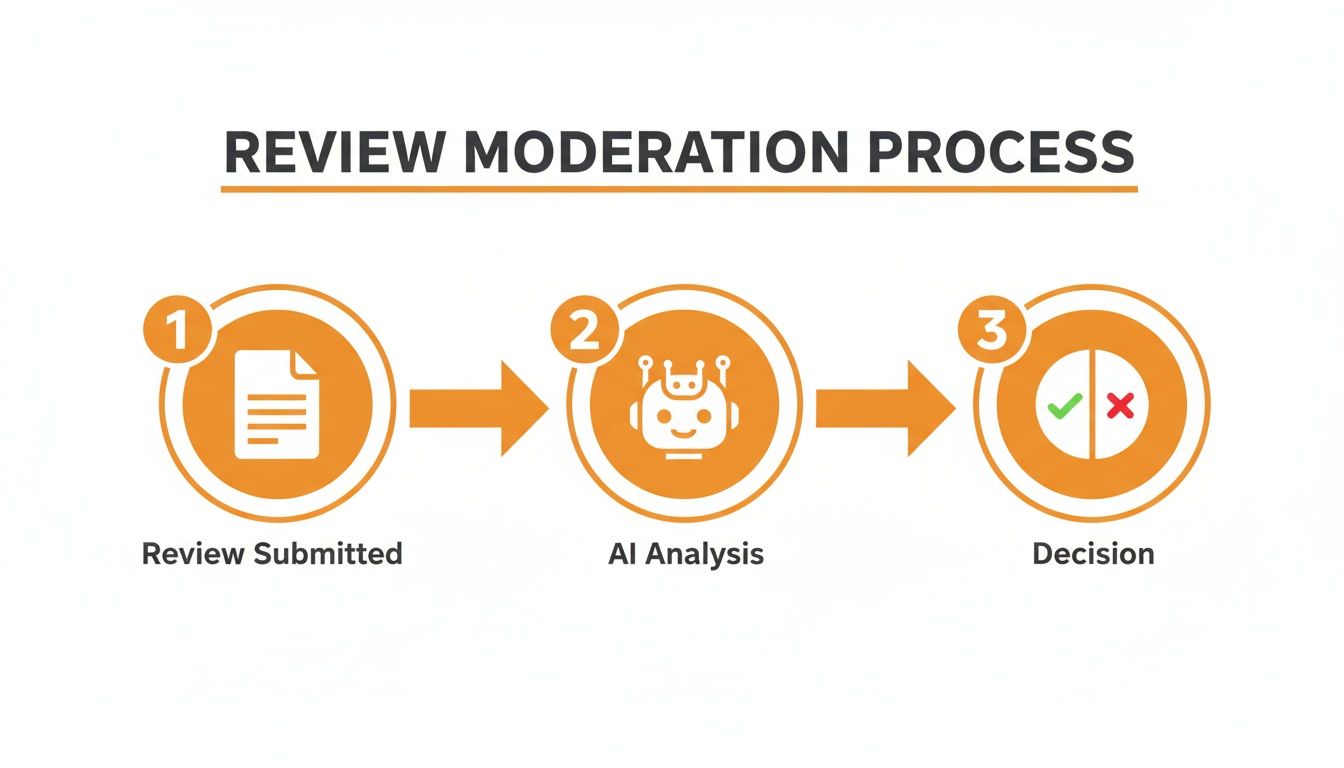
When you encounter a review that clearly crosses the line from negative opinion to policy violation, you have a direct path to request its removal. The process starts with flagging the review inside your Google Business Profile (GBP) manager. Success depends on correctly identifying the violation.
Here are the steps:
- Locate the Review: Go to your Google Business Profile and find the specific review you want to report.
- Report the Review: Click the three-dot menu next to the review and select “Report review.”
- Select the Violation: A list of potential policy violations will appear. Choose the one that most accurately describes the issue. For example, if a review was posted by a disgruntled ex-employee, you would select Conflict of interest. If it's a nonsensical rant unrelated to your business, you might choose Off-topic.
- Submit and Wait: After submitting, you'll receive an email confirmation from Google. The review process can take anywhere from a few days to over a week.
- Appeal if Denied: It's common for initial requests to be denied. If this happens, you can appeal through the Google Business Profile Help portal. This is your chance to provide more context, such as, "We have no record of a customer named John Smith, and the details in this review do not match any service we provided on that date."
This process requires patience. Your initial flag is the entry ticket; the appeal is where you make your detailed case to a human moderator.
Templates & Scripts for Proactive Reputation Management
Knowing how to remove a review is a reactive skill. A truly resilient reputation is built proactively by systematically generating positive feedback and responding professionally to all comments. Use these templates to ensure speed and consistency.
Review Response Templates
Positive Review (4-5 Stars)
Thank you, [Customer Name]! We are so glad to hear you had a great experience with our team. We work hard to provide [e.g., exceptional patient care, reliable service], and your feedback means a lot. We look forward to seeing you again at our [City] location!
Negative Review (1-3 Stars)
Hi [Customer Name], thank you for sharing your feedback. We are sorry to hear your experience did not meet expectations, and we take your concerns very seriously. We want to learn more and make things right. Please contact our manager, [Manager Name], at [Phone Number] or [Email Address] at your convenience.
Review Request Scripts
SMS for Home Services (HVAC, Auto Repair)
Hi [Client Name], this is [Tech Name] from [Company Name]. Thanks for choosing us for your service in [Neighborhood] today. If you have a moment, could you share your experience on Google? It helps others find us. [Link to GBP Review]
Email for Healthcare (Dental, Med Spa, Senior Living)
Subject: Your recent visit to [Practice Name]
Dear [Patient Name],
Thank you for trusting us with your care. Our team strives to provide the best experience for every patient. If you have a moment, we would be grateful if you would share your feedback on Google. Your perspective helps us improve and guides others seeking care in [City].
[Link to GBP Review]
We appreciate you.
Sincerely,
The Team at [Practice Name]
7-Day Review Program Launch Checklist
A structured launch builds momentum and gets your team aligned from day one.
| Day | Action Item | Goal |
|---|---|---|
| 1 | Team training on scripts & response protocols. | Ensure everyone understands the "why" and "how." |
| 2 | Customize and distribute templates. | Equip the team with approved language. |
| 3 | Set up review monitoring alerts in GBP. | Guarantee a response time under 24 hours. |
| 4 | Send the first batch of 5–10 requests. | Start generating new, positive reviews immediately. |
| 5 | Respond to all new reviews using templates. | Establish a habit of fast, professional responses. |
| 6 | Audit Google Business Profile for completeness. | Check that NAP, hours, and services are accurate. |
| 7 | Hold a weekly huddle to share wins. | Recognize team efforts and set goals for the next week. |
This proactive approach is a core part of effective reputation management.
Measuring the ROI of Your Review Strategy
A great review profile is only valuable if it drives business growth. The goal is to connect your review activities directly to key performance indicators (KPIs) like calls, bookings, and revenue. This starts by setting clear targets.

Recommended Performance Targets
- Review Volume: 10+ new reviews per location per month.
- Star Rating: Maintain a 4.5-star average or higher.
- Review Recency: Keep the average age of reviews under 90 days.
- Response Time: Respond to 100% of reviews in under 24 hours.
- Lead-to-Sale Conversion: Track the percentage of leads from GBP that become customers.
How to Track Conversions from Google Business Profile
The most effective way to measure ROI is by using Urchin Tracking Modules (UTMs). These are simple tags added to your website link in your Google Business Profile.
When a user in [City] searching for "dental implants near me" clicks the website link on your profile, the UTM tag tells your analytics platform (like Google Analytics) exactly where they came from. You can then track how many of these users book an appointment or call your office. This allows you to calculate a clear conversion rate from your GBP efforts and prove the value of your veterinarian reputation management. For detailed setup, check our guide on local SEO reporting.
Frequently Asked Questions (FAQ)
1. How long does it take for Google to remove a flagged review?
The timeline varies from 3 to 10 business days. It depends on the clarity of the violation and Google's current processing volume. You will receive an email with the final decision.
2. Why did my good reviews disappear?
This is often caused by a temporary Google system glitch or an update to its spam-detection algorithm. These reviews sometimes reappear on their own. Otherwise, the best course of action is to continue earning new, authentic reviews. A recent Search Engine Land report on record-level review deletions shows this is increasingly common.
3. What is Google's proximity-relevance-prominence model?
This is the core of Google's local search algorithm.
- Proximity: How close your business is to the person searching.
- Relevance: How well your business profile matches the search query (e.g., "emergency plumber [City]").
- Prominence: How well-known and trusted your business is, heavily influenced by your review count, star rating, and response activity.
4. Can I sue someone for a fake or defamatory Google review?
While technically possible, legal action is extremely expensive, time-consuming, and offers no guarantee of success. It is almost always more effective and cost-efficient to use Google's flagging process and focus on generating a high volume of positive reviews to suppress the negative one.
5. Is it okay to offer discounts or gift cards for reviews?
No. Incentivizing reviews is a direct violation of Google's policy. If caught, Google can remove all incentivized reviews or even suspend your entire Google Business Profile. Focus on asking for honest feedback at the right time.
6. What's a quick checklist to optimize my Google Business Profile?
- Fill out every section completely (services, attributes, accessibility, etc.).
- Ensure your Name, Address, and Phone (NAP) are 100% consistent everywhere online.
- Upload at least 10-15 high-quality, recent photos and add new ones weekly.
- Publish a Google Post at least once a week.
- Enable the messaging feature and respond to inquiries quickly.
7. How can I dispute a review if my first flag attempt fails?
Use the appeal tool in the Google Business Profile help center. When you appeal, provide a detailed, factual case explaining why the review violates a specific policy. Include any supporting evidence you have, like a lack of customer records for the reviewer.
Building a 5-star reputation is an ongoing process. We help local and multi-location businesses dominate their markets with expert reputation management and proven strategies. If you're ready to turn your reviews into a revenue engine, book a strategy call to learn about our flexible, month-to-month support.


