
A competitor in [City] keeps showing up when someone searches “[service] near me,” even though your team does good work and your phones should be busier. In most local markets, the difference is not one big campaign. It is a disciplined review on Google system that turns completed jobs, appointments, and visits into public proof that drives calls, messages, bookings, and tours.
A strong review program is not just “ask for more reviews.” It is a closed loop: request at the right moment, respond well, keep your Google Business Profile tight, and measure what turns profile views into revenue.
Why a Google Review Is Your Best Local Growth Engine
A homeowner in [City] searches for AC repair after work. A parent compares two dental offices before booking a cleaning. A driver looks for a shop that can diagnose a check-engine light today. In each case, Google is the decision screen, and reviews shape both the click and the conversion.
Google hosts a large share of online reviews, and many consumers start there when sizing up a local business, according to Ranko Media’s Google review statistics. The same source notes that businesses appearing in the local 3-pack see materially higher traffic and conversions than those outside it. For operators, the takeaway is practical. Reviews influence where you show up, how credible you look, and whether a prospect contacts you now or keeps scrolling.
That makes a review on Google more than social proof. It is part of a closed-loop growth system. The request generates fresh proof. The reply shapes trust. The profile turns that trust into calls, direction requests, and bookings. Measurement shows which locations, teams, and service lines are producing revenue, not just ratings.

Why this affects growth
Reviews do three jobs at once.
First, they support local visibility. A steady flow of recent feedback sends stronger quality and relevance signals than a profile with a high rating but old activity. Second, they improve conversion. Prospects do not read reviews in isolation. They compare rating, review volume, recency, photos, business details, and owner responses in one fast scan. Third, they expose operational friction. If three recent reviews mention long wait times, unclear estimates, or rushed chairside communication, that is not a marketing issue alone. It is a service delivery issue with revenue attached.
This matters more in high-consideration local categories. Dental patients want confidence before they trust your practice. HVAC buyers want proof that your team shows up fast and fixes the problem correctly. Auto repair customers want signs that your shop communicates clearly and charges fairly. Reviews answer those questions before your staff ever gets the call.
What operators often miss
A Google review is public sales collateral that compounds when the rest of the system is tight.
One detailed review about same-day furnace repair in [Neighborhood] can help rankings for relevant searches, improve click-through from your profile, and give your service advisor a warmer inbound lead. One thoughtful response to a complaint can recover trust with the reviewer and reassure the next ten prospects who read it. If your profile is incomplete, your response time is slow, or your request process is inconsistent, that value leaks out at every step.
That is why review strategy works best when it is connected to profile management and attribution. If you want the ranking side explained in more detail, this guide on how Google reviews help local SEO is a useful reference.
The closed-loop system that wins local demand
Strong operators treat reviews as an operating process, not a periodic marketing task. The sequence is straightforward:
- Request reviews from eligible customers right after the service outcome is clear.
- Remove friction with a direct link and a mobile-friendly path.
- Respond with purpose so prospects see accountability, professionalism, and service standards.
- Pull recurring themes into operations so reviews improve the customer experience, not just the profile.
- Measure profile actions against leads and booked work by location, provider, or service category.
That system produces better local visibility and better close rates. It also gives you a clearer picture of what drives growth, which is the difference between collecting compliments and building a repeatable local acquisition channel.
Building Your Compliant Review Request Machine
Most businesses do not have a review problem. They have a process problem.
The technician finishes the HVAC job. The dental hygienist wraps up the cleaning. The service advisor closes the ticket. Everyone says, “We should ask for a review,” and then nobody owns the next step. That is why you need a machine, not a reminder.
Start with timing, not copy
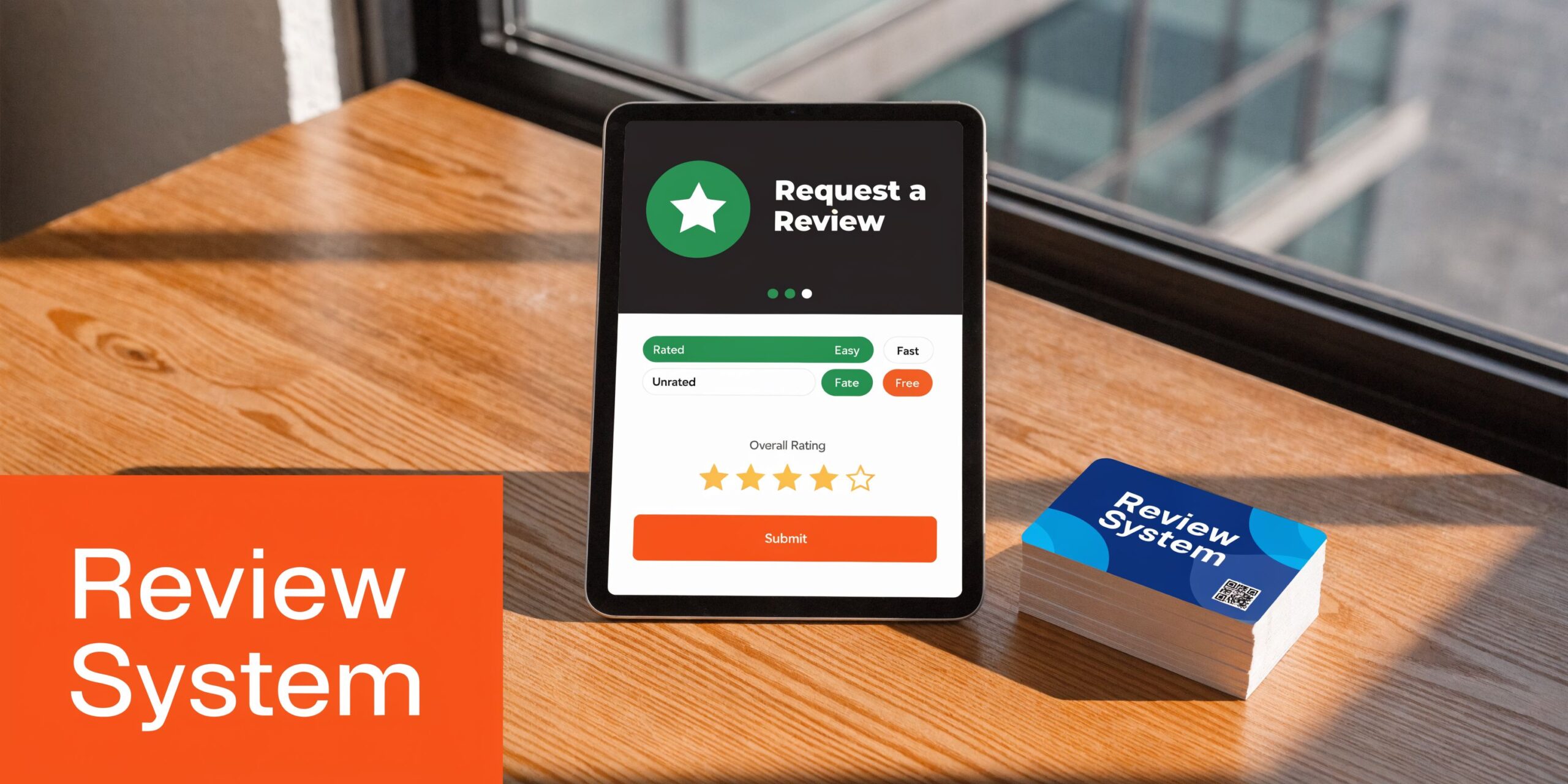
Review recency matters because 73% of consumers only trust reviews from the last 30 days, and businesses in the top 3 local search positions average 47 reviews, while typical businesses have 39 to 66, according to these review response statistics. The lesson is not “collect a burst and stop.” It is “build a steady flow.”
For most local operators, the best request window is right after value is delivered:
- Dental and healthcare: after checkout, once the visit is complete and the patient is no longer in care. Keep requests HIPAA-aware and avoid protected health information.
- HVAC, plumbing, electrical, auto repair: when the work order closes and the customer has seen the result.
- Restaurants and hospitality: soon after the visit, while details are fresh.
- Senior living and housing-related businesses: keep messaging neutral and compliant. Do not nudge for a specific sentiment.
Choose the channel your customer will use
SMS usually wins on convenience because the customer is on their phone. Email still matters when the service cycle is longer or when the customer expects a more formal follow-up.
Use both, but do it in sequence. Start with one channel. If there is no response, follow with the other. Keep the ask short. One link. One action. No survey maze.
A simple opt-in text workflow makes this much easier to manage across staff and locations, especially if you already use appointment or service reminders. This guide on opt-in text covers the permission side clearly.
What not to do
Three mistakes sink review programs fast:
| Approach | What happens | Better move |
|---|---|---|
| Review gating | You only ask happy customers or send unhappy ones somewhere else | Ask all eligible customers consistently |
| Incentives | You create compliance risk and lower credibility | Make it easy, not transactional |
| Front desk memory | Requests happen only when someone remembers | Automate sends from your CRM, PMS, or POS |
Google wants authentic feedback. That means no discounts for reviews, no gifts, no “please leave us a five-star review,” and no filtering people based on expected sentiment.
Tip: If a manager says, “Let’s only send review requests to our happiest customers,” stop there. That creates bias, weakens trust, and can create policy issues.
A simple operating model for one location or fifty
Set the workflow once, then adapt the trigger by vertical.
- Pick the trigger event. Closed invoice, completed appointment, delivered vehicle, checked-out table.
- Set the send delay. Soon enough that the experience is fresh, not so fast that the customer is still busy.
- Use one direct review link. No extra landing page if you can avoid it.
- Assign ownership. Marketing monitors volume. Ops ensures requests fire. Location managers coach staff.
- Run one follow-up only if needed. Polite reminder, then stop.
Here is a useful video walkthrough for teams setting up the basics:
Copy and paste scripts
SMS review request for HVAC or auto repair
Hi [First Name], thanks for choosing [Business Name] today. If you have a minute, would you share your feedback in a Google review? It helps other customers in [City] find us: [Google Review Link]
Email review request for dental or vet
Subject: Thanks for visiting [Practice Name]
Hi [First Name],
Thank you for visiting [Practice Name] today. We appreciate the opportunity to care for you.
If you would like to share feedback, you can leave a Google review here: [Google Review Link]
Your comments help other families in [City] choose a provider with confidence.
Thank you,
[Practice Name]
Compliance notes that matter
- Healthcare: Do not reference procedures, diagnoses, or treatment details. Never confirm someone is a patient in public responses later.
- Housing and senior living: Keep language neutral and avoid anything that could create Fair Housing concerns.
- All categories: Ask for feedback, not a positive review.
The best request machine is boring in the right way. It runs every day, across every location, with minimal staff effort and no policy shortcuts.
Mastering the Art of the Reply With and Without AI
Most owners still think replies are for the reviewer. They are not. They are for the next prospect reading your profile at 8:30 p.m. before deciding who to call in the morning.
That is why response quality matters as much as response presence. The audience is larger than the original reviewer, and they are looking for clues about professionalism, accountability, and whether your team stays calm under pressure.
What a strong reply does
A good reply has one job. It reduces buyer uncertainty.
For a positive review, that means confirming what your business stands for without sounding canned. For a negative review, it means showing control, empathy, and a path to resolution without arguing in public.
A weak reply does the opposite. “Thanks for your feedback” repeated on every review looks automated. A defensive response to a complaint makes the complaint feel bigger.
Use the A P P model for negative feedback
The simplest negative-review framework is Acknowledge, Probe, Propose.
Acknowledge the concern without admitting facts you have not verified.
Probe by inviting the person to continue the conversation offline.
Propose a next step with a name, department, or contact route.
That structure works for dental, vet, HVAC, med spa, and auto repair because it keeps the public response calm while moving sensitive detail into a private channel.
Key takeaway: Never debate facts line by line inside the review. Prospects do not reward combativeness. They reward professionalism.
Positive review response template
Thank you, [First Name]. We appreciate you taking the time to share this. Our team works hard to make [service experience] straightforward and dependable, so it is great to hear that came through during your visit. We appreciate your trust in [Business Name].
Negative review response template
Thank you for the feedback, [First Name]. We are sorry to hear this and want to understand what happened. Please contact [Name or Team] at [phone/email] so we can review the details and work toward a resolution. We take concerns about [scheduling/service/communication] seriously.
Where AI helps and where it hurts
AI can save managers time if you use it as a drafting assistant, not a personality replacement.
Use AI to:
- Draft first responses quickly for high review volume across locations
- Apply brand guardrails so every location avoids risky language
- Route sensitive reviews to operations, HR, or compliance before posting
Do not use AI to:
- Post generic replies unchanged
- Invent details that were not in the review
- Confirm private facts in healthcare or housing
- Argue more efficiently
If you are thinking beyond classic SEO and into how review content may surface in AI-driven discovery, this overview of LLM SEO and AI Search Ranking is a useful companion read.
A practical response standard
For single-location businesses, the owner or manager can often handle replies if they use templates and a short approval rule set.
For multi-location brands, centralization matters more. One option is using a platform that combines requests, monitoring, and AI-assisted drafting. Reviews To The Top, for example, centralizes those workflows and escalates sensitive issues to the team instead of leaving every location to improvise.
If you need a practical framework for day-to-day workflows, this guide on how to respond to reviews is a solid operating reference.
Keep responses compliant and believable
A few rules keep you out of trouble:
- Do not confirm patient status. In healthcare, keep replies general.
- Do not discuss billing or account details publicly.
- Do not copy-paste the same sentence fifty times.
- Do not over-apologize for positive reviews or under-react to serious complaints.
Short beats polished. Specific beats flowery. Calm beats clever.
Optimizing Your Google Business Profile for Maximum Review Impact
A common local SEO failure looks like this: the business asks for reviews, earns them, and still struggles to rank or convert because the profile around those reviews is weak. Reviews do not work as a standalone asset. They work best inside a closed-loop system where request volume, profile quality, response activity, and conversion tracking all support each other.
How reviews fit into Google’s local ranking formula
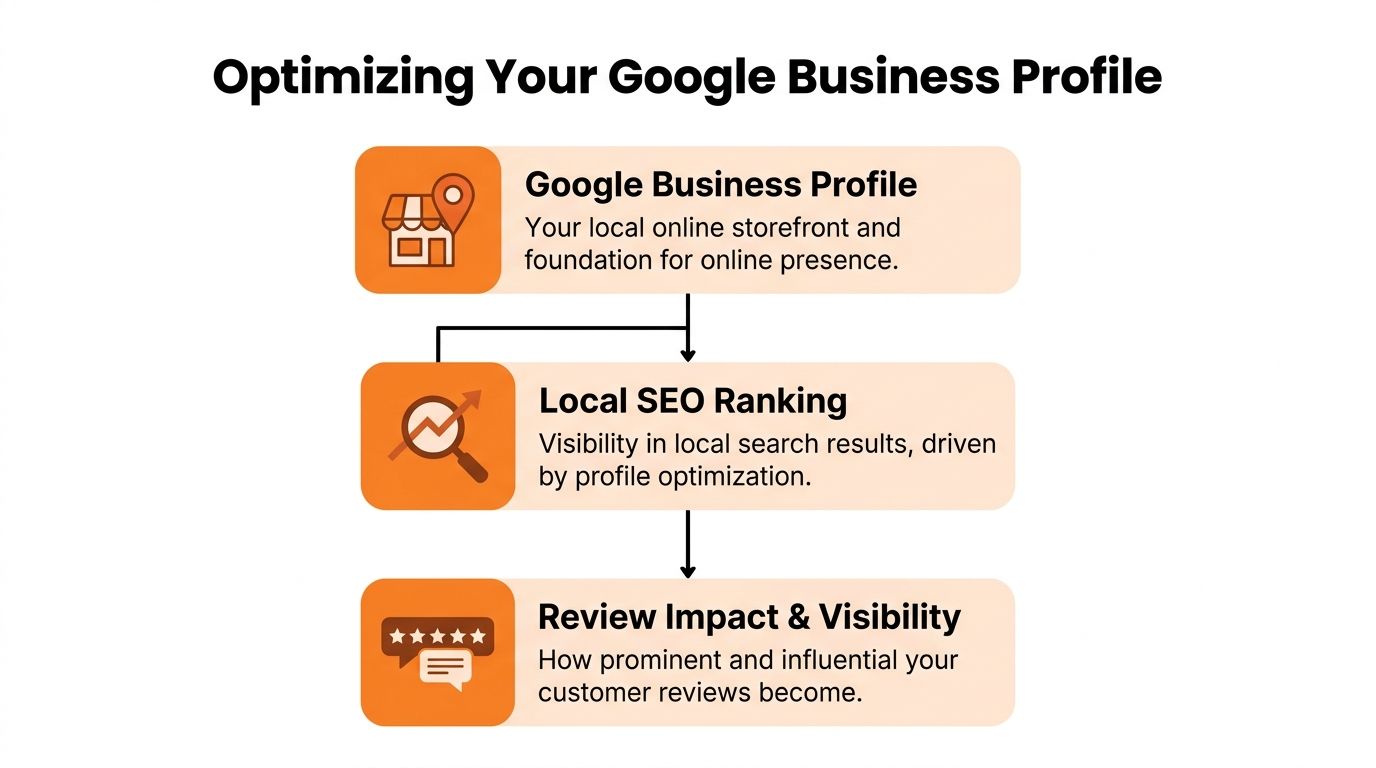
Google Business Profile performance still comes back to three practical factors: proximity, relevance, and prominence.
Proximity is straightforward. Google looks at how close your business is to the searcher or the place named in the search.
Relevance comes from how clearly your profile matches the job the customer needs done. Categories, services, description, photos, and linked landing pages all help Google connect your listing to searches like “AC repair,” “dental implants,” or “brake repair near me.”
Prominence is where reviews do their heaviest lifting. Review count, recency, review text, owner responses, and overall profile completeness all strengthen trust signals. In practice, I see this matter most when two businesses are similarly located and offer similar services. The better-managed profile usually wins more visibility and more clicks.
A believable rating usually beats a suspiciously perfect one
Operators often fixate on defending a 5.0. That is usually the wrong goal.
Research from Northwestern’s Spiegel Research Center found that purchase likelihood can peak once ratings move slightly below perfect, because shoppers may trust a near-perfect score more than a flawless one. The original research is available from the Spiegel Research Center at Northwestern University.
The practical takeaway is simple. A 4.3 with steady recent feedback, detailed service mentions, and real responses can outperform a thin 5.0 profile that looks inactive or curated. For dental offices, HVAC companies, and auto shops, credibility converts better than perfection.
What to optimize so reviews produce ranking and conversion gains
Treat this as a monthly operating check, not a one-time setup:
- Confirm core business data so name, address, phone, hours, and primary category match reality everywhere customers find you.
- Tighten service coverage with specific offerings such as “emergency AC repair,” “root canal therapy,” “transmission service,” or other high-intent terms customers search.
- Refresh photos with current team, workspace, vehicles, treatment rooms, bays, equipment, and completed jobs.
- Set up conversion paths so calls, bookings, directions, website visits, and messaging match your actual intake process.
- Align landing pages to local intent so traffic from Google lands on the right city or location page instead of a generic homepage.
- Review recurring review themes and fix the operating issues behind them, such as wait times, scheduling gaps, or unclear pricing communication.
For a stronger operating checklist, use this guide on how to optimize Google Business Profile.
Build the profile around the search you want to win
An “emergency plumber near me” search in [City] is a good example. Google is checking distance, yes. It is also checking whether your profile clearly supports that service and whether your reviews confirm fast response, completed work, and a business that looks active and trusted.
The same pattern applies to “dentist in [Neighborhood],” “vet near me,” and “auto repair [City].” Reviews strengthen the listing, but the listing has to be built to turn that trust into action. That is the bigger point. Review generation, review response, profile optimization, and measurement belong in one system. That is how reviews stop being vanity metrics and start producing rankings, calls, and booked jobs.
Handling Fake Reviews and Escalating Sensitive Feedback
A one-star review hits your profile on Friday afternoon. The front desk cannot find the name. The complaint mentions a service you do not offer. An hour later, a real patient posts a serious billing complaint with enough detail to identify the account. Those two cases need different handling because the business risk is different.
Your response strategy must separate legitimate negative feedback from fraudulent reviews. One belongs in your service recovery process. The other belongs in a documented removal process. If your team treats both as "just reputation management," you create legal risk, miss real recovery opportunities, and leave ranking signals to chance.
How to spot likely fake reviews
Fake reviews usually leave clues before you ever click "Report review."
Look for patterns like these:
- No usable detail, just a star rating or a generic complaint
- Reviewer activity that does not fit, such as posts across distant cities or unrelated industries
- No matching transaction, appointment, or work order in your records
- Review timing that looks coordinated, especially if several appear close together
Google does remove some fraudulent reviews, but the process is inconsistent. Teams that get results usually document the issue, submit through the proper channel, and keep records of follow-up instead of relying on a single report.
A practical fake-review workflow
Use a simple operating process.
- Verify the review against your records. Check CRM, scheduling software, invoices, call logs, and location notes.
- Capture evidence internally. Record the review date, reviewer name, screenshots, service mismatch, and who checked the records.
- Flag the review in Google Business Profile. Use the formal path first.
- Log the case in your review tracker. Include status, follow-up dates, and owner.
- Submit follow-up if the review stays live. Consistency matters more than outrage.
- Post a neutral public reply when needed. Do not accuse the reviewer of fraud in public.
A safe response sounds like this:
“We take feedback seriously and cannot match this review to a customer interaction at our [City] location. Please contact [team/contact method] so we can investigate.”
If your team needs the exact removal process, use this guide on how to remove fake Google reviews.
When sensitive feedback needs escalation
Some negative reviews are real, and the implications extend beyond the star rating. A dental office may see a review that raises privacy concerns. An HVAC company may get a complaint about technician conduct inside a customer's home. An auto repair shop may face an accusation tied to unsafe work or disputed charges.
Those cases should move out of the standard reply queue and into a defined escalation path.
Escalate internally when a review includes:
- Safety concerns
- Discrimination or harassment allegations
- Possible legal claims
- Employee misconduct
- Billing disputes with supporting documentation
- Healthcare privacy concerns
Marketing can draft the public response, but operations, HR, legal, compliance, or ownership should approve it before anything goes live. Keep the public reply short, factual, and procedural. Address the core issue internally.
A practical rule I use with multi-location clients is simple. If the review could lead to a refund dispute, personnel action, insurance involvement, or legal review, the location team should not improvise the response.
This is also where the closed-loop system matters. A fake review should trigger documentation and removal steps. A legitimate complaint should trigger service recovery, internal escalation, and process fixes. Both should be tagged in your tracking sheet so you can measure patterns later. If you want a clean framework for that reporting discipline, this resource on how to measure key performance indicators is a useful reference.
Handled well, this protects the profile and improves the operation behind it.
Measuring What Matters From Google Clicks to New Customers
If your team cannot connect review activity to calls, bookings, and closed revenue, the program will eventually lose priority.
Measurement does not need a complicated dashboard on day one. It needs a handful of metrics that tell you whether your review on Google system is healthy and whether your Google Business Profile is producing leads.
Track two levels of metrics
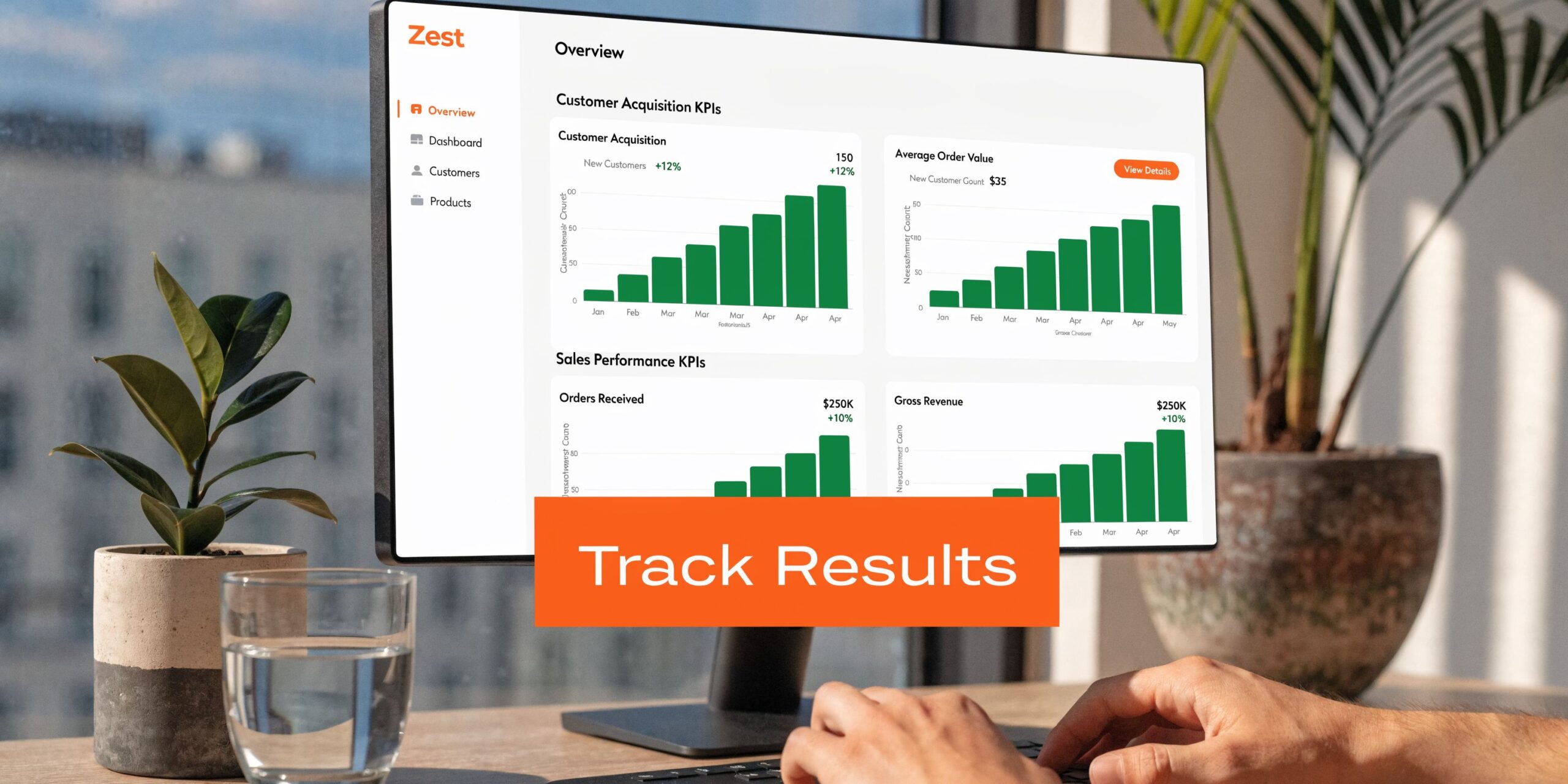
The first level is activity metrics:
- Review volume by location and by month
- Review recency so new feedback stays visible
- Average star rating
- Response rate
- Response time
- Common themes such as wait time, staff friendliness, scheduling, cleanliness, or price clarity
The second level is business outcome metrics:
- GBP views
- Calls from GBP
- Website clicks from GBP
- Bookings or appointment starts from GBP
- Lead-to-sale conversion by location
- Close rate on leads that started from local search
If your team wants a broader framework for KPI discipline, this guide on how to measure key performance indicators gives a straightforward planning model.
Use UTMs so traffic is attributable
Add UTM parameters to the website and appointment links in your Google Business Profile.
A simple format looks like this in practice:
- utm_source=google
- utm_medium=organic
- utm_campaign=gbp-locationname
That lets Google Analytics or another analytics platform separate traffic coming from your profile from other traffic sources. If you use call tracking or booking software, map those events to the same location naming convention so regional reporting stays clean.
A 7 day launch checklist
Day 1: Audit every location’s Google Business Profile for accuracy.
Day 2: Create one direct Google review link per location.
Day 3: Write approved SMS and email request scripts by vertical.
Day 4: Set response templates and escalation rules.
Day 5: Add UTMs to website and booking links in GBP.
Day 6: Train location managers on request timing and compliance.
Day 7: Launch, then review the first week of activity for gaps.
What good management looks like
A good review program creates accountability at the right level.
Corporate or regional marketing should own standards, reporting, and tooling. Local managers should own execution quality. Operations should own recurring complaints that reveal process issues. That is how reviews become a management system instead of a vanity metric.
Your Google Review Questions Answered
How many Google reviews do I need before they start helping?
There is no universal minimum. What matters more is that reviews arrive consistently, stay recent, and support a complete Google Business Profile. In competitive categories, stale profiles lose ground even if they once had strong volume.
Can I remove a negative review on my own?
No. You can respond to it, flag it if it appears to violate policy, and document why it should be reviewed. Google decides whether removal happens.
What should I do if a legitimate review disappears?
Document it, check whether the profile had any recent moderation issues, and ask the customer to confirm whether their review still appears on their account. If needed, continue monitoring and use official support paths. Disappearing reviews are frustrating, and they are not always recoverable.
Does Google verify every review?
No system catches everything. Some fake reviews remain live, which is why monitoring and repeated flagging matter.
Is it okay to ask employees or family members to leave reviews?
No. That creates credibility and policy problems. Reviews should come from real customers with real experiences.
Should I respond to every review?
Yes, as an operating standard. Positive reviews reinforce brand positioning. Negative reviews show whether your team handles friction well.
Can AI write all my responses?
AI can draft. A human should still set tone, review sensitive cases, and make sure replies match the facts and compliance requirements.
If you want help building a closed-loop review system without adding more work to your front line, Reviews To The Top offers month-to-month support for review requests, response workflows, profile optimization, and multi-location governance. If that would save your team time, book a strategy call and map out the process for your locations.


