
Birdeye reviews help you monitor what customers are saying across 200+ sites, all in one place, so you can turn that feedback into more calls, bookings, and sales. By automating review requests and responding quickly, you build the trust that converts online searchers into new customers. Let’s explore how to use Birdeye to drive tangible growth for your local or multi-location business.
Summary: What Birdeye Is and Why Reviews Matter
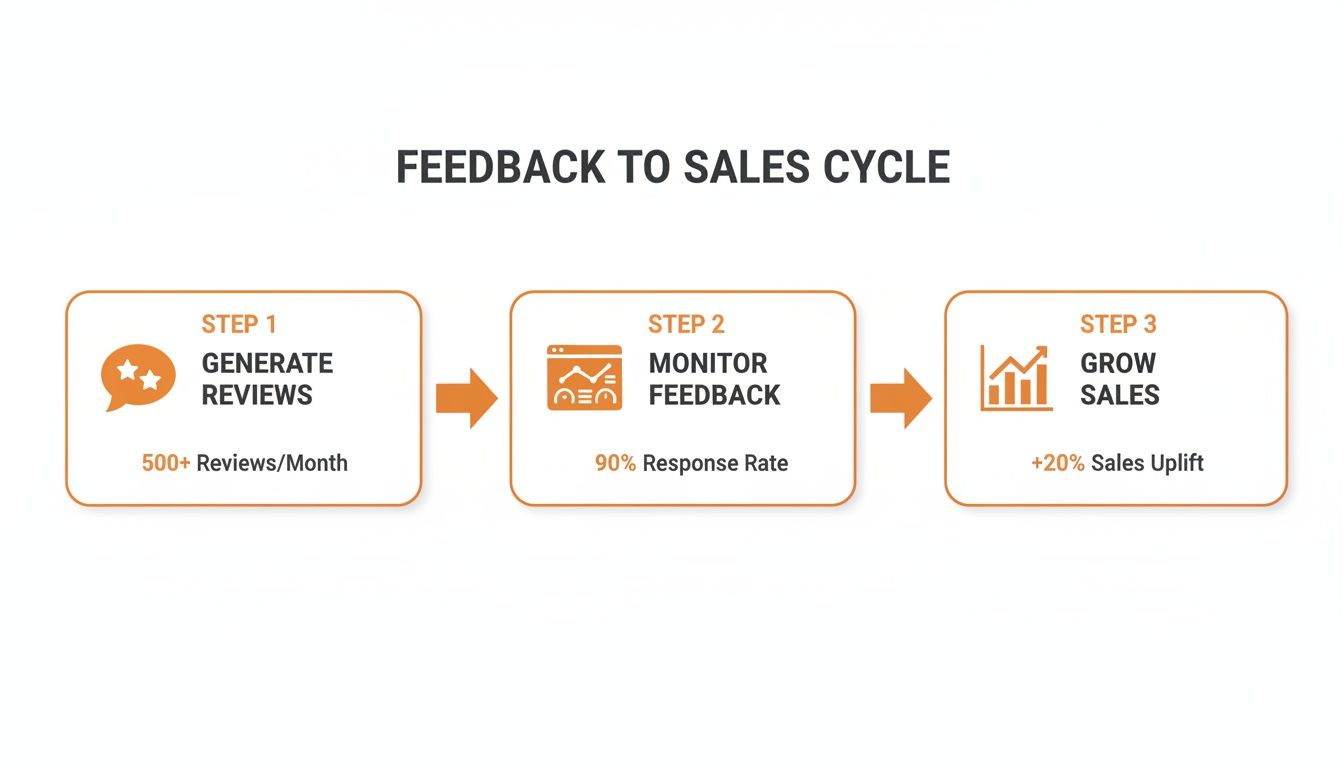
Birdeye is an all-in-one reputation management platform that helps local businesses generate, monitor, and respond to customer reviews. Instead of logging into dozens of sites like Google, Facebook, and industry-specific directories, you see all your feedback in a single dashboard. This allows you to turn customer experiences into a reliable engine for attracting new business.
Key Facts
- Centralized Hub: Birdeye consolidates customer reviews from over 200 websites into one dashboard.
- Automated Requests: The platform automatically sends review requests via SMS or email after a customer interaction, increasing review volume.
- Local SEO Impact: A steady stream of positive reviews boosts your "prominence" in Google's local search algorithm, helping you rank higher.
- Business Intelligence: Birdeye uses AI to analyze review content, helping you spot trends and identify operational strengths and weaknesses.
- Response Tools: The platform provides templates and automation to help you respond to reviews quickly, which is critical for customer trust.
- All-in-One Platform: Beyond reviews, Birdeye often includes tools for web chat, business listings, customer surveys, and payments.
Online reviews are a primary factor in how consumers choose local businesses. For a dental practice in [City], a senior living community in [Neighborhood], or an auto shop near you, a high star rating and recent, positive comments directly influence whether a potential customer makes contact. Birdeye streamlines the process of building and maintaining that crucial online reputation.
How to Launch Your Birdeye Review Program in 7 Days
Getting a review program off the ground can feel daunting, but you can go from setup to seeing fresh reviews roll in within one week. This step-by-step plan works for everyone, from single-location med spas to multi-state home service businesses. By following this checklist, you will build an automated system that boosts your visibility in local search.
7-Day Birdeye Review Program Launch Checklist
| Day | Task | Key Action Item | Pro Tip |
|---|---|---|---|
| 1 | Connect Your Profiles | Authenticate your Google Business Profile (GBP) for every location. Since over 80% of reviews happen on Google, this is non-negotiable. | Connect your Facebook page and any key industry sites (e.g., Healthgrades for doctors, Avvo for lawyers). The goal is a single hub for all feedback. |
| 2 | Customize Your Templates | Edit the default SMS and email review request templates to match your brand’s voice. Use shortcodes like [CustomerFirstName] for a personal touch. |
Keep SMS messages under 160 characters. Get straight to the point: "Hi [CustomerFirstName], how was your visit to [BusinessName] today?" |
| 3 | Set Up Automations | Integrate Birdeye with your Customer Relationship Management (CRM) or Point of Sale (POS) system to trigger requests automatically after a transaction or appointment. | Create an automation rule that sends an alert to a manager whenever a review under 3 stars is received. A fast response to a negative experience is critical. |
| 4 | Assign Team Roles | Set user permissions in the Birdeye dashboard. Give location managers access to respond to reviews only for their specific store or office. | Train one "power user" at each location to be the go-to for daily review responses. This ensures consistency in your brand voice. |
| 5 | Train Your Team | Hold a 30-minute training session. Show staff how to view new reviews, use response templates, and when to escalate negative feedback to a manager. | Provide a one-page "cheat sheet" with login info and the escalation protocol. Make it simple and accessible for everyone. |
| 6 | Run a Soft Launch | Select 10–15 recent customers and manually send your new review request campaign. Monitor the process closely to catch any glitches. | Check if the messages were delivered and if anyone left a review. This test run ensures everything works before you go live with full automation. |
| 7 | Go Live & Monitor | Activate your main automation. At the end of the day, check your Birdeye dashboard to see requests going out and your first few Birdeye reviews coming in. | This marks the beginning of active reputation management. The goal is to make this a continuous, daily process. |
Templates & Scripts for Review Generation and Response
While Birdeye automates the heavy lifting, the words you use in your requests and responses make all the difference. A personal, direct message is much harder to ignore than a generic one. Responding to the reviews you receive is just as important; it shows prospective customers you are engaged and value feedback.
Here are proven templates for busy operators, whether you run a vet clinic in [City] or a med spa in [Neighborhood].
Review Request Scripts
Send requests within 24 hours of service while the experience is fresh. Keep it short and provide a direct link.
SMS Review Request Script (Veterinary Clinic)
Hi [CustomerFirstName], this is [Your Name] from [BusinessName]. Thanks for trusting us with [PetName] today! We'd love it if you could share your experience in a quick review. It helps other pet owners in [City] find us. [Review Link]
Email Review Request Script (Senior Living Community)
Subject: Your thoughts on your recent tour of [BusinessName]?
Hi [CustomerFirstName],
Thank you for taking the time to tour our community today. We hope you found the visit helpful as you explore senior living options in the [City] area.
Your feedback is incredibly valuable to other families. If you have a moment, we would appreciate it if you could share your impressions by leaving us a review on Google.
[Link to Google Review Page]
We appreciate your consideration and are here to answer any further questions.
Sincerely,
The Team at [BusinessName]
Review Response Templates
Aim to respond to all reviews within 24 hours. This shows both Google and customers that you are attentive.
Positive Review Response (5-Star)
Hi [CustomerName], thank you so much for the wonderful review! We are thrilled to hear you had a great experience with our team. We work hard to provide the best service in [City], and your feedback makes it all worthwhile. We look forward to seeing you again soon at [BusinessName]!
Negative Review Response (1-Star, HIPAA-Aware)
Hi [CustomerName], thank you for bringing this to our attention. We are sorry to hear your experience did not meet expectations, as providing excellent care is our top priority. To protect your privacy and discuss this matter directly, please call our practice manager, [Manager's Name], at [Phone Number] at your convenience.
How to Measure the ROI of Your Review Program
Collecting positive reviews is great, but proving their impact on your bottom line is what matters. To do this, you need to connect your reputation efforts to real business growth, turning Birdeye reviews into a predictable source of new customers. It starts with setting clear performance targets.
Recommended Targets for Reputation Management
Track these key performance indicators (KPIs) to measure the health of your online reputation.
- Review Volume: Aim for 10–15 new reviews per location, per month.
- Review Recency: Keep the average age of your reviews under 90 days.
- Response Time: Respond to 100% of reviews within 24 hours.
- Star Rating: Maintain an average star rating of 4.5 or higher.
- GBP Performance: Monitor month-over-month growth in Google Business Profile views, clicks-to-website, and calls.
- Lead-to-Sale Conversion: Track the conversion rate of leads generated from your GBP.
How to Track Conversions from Your Google Business Profile
To measure return on investment (ROI), you must track how many customers come from your Google Business Profile. The best way to do this is with UTM parameters, which are small tags added to your website links.
A UTM (Urchin Tracking Module) code adds source information to a URL. When someone clicks a link with a UTM tag, tools like Google Analytics can tell you exactly where they came from.
Pro Tip: Use Google's free Campaign URL Builder. For your GBP website link, set the
utm_sourceto "google," theutm_mediumto "organic," and theutm_campaignto "gbp-profile."
By tagging the website and booking links on your GBP, you can see precisely how many clicks, form fills, and appointments originated from Google. As your Birdeye reviews improve your profile's visibility, you will see these tracked conversions increase, proving a direct line from reviews to revenue.
Frequently Asked Questions (Q&A)
Here are concise answers to the most common questions we hear from local and multi-location operators about Birdeye.
How do Birdeye reviews impact my local SEO?
Birdeye helps you generate a steady stream of reviews, which is a major factor in Google's local ranking model of Proximity, Relevance, and Prominence. More high-quality, recent reviews increase your business's "Prominence," signaling to Google that you are a trusted authority. This helps you rank higher in the local map pack for searches like "HVAC repair near me," driving more calls and website clicks. An optimized Google Business Profile is the foundation for this success.
Google Business Profile Optimization Checklist:
- Accurate NAP: Ensure your Name, Address, and Phone number are 100% consistent everywhere online.
- Correct Categories: Use specific primary and secondary categories (e.g., "Pediatric Dentist" instead of just "Dentist").
- Detailed Services: List all services you offer to capture specific searches.
- High-Quality Photos: Regularly upload recent photos of your location, team, and work.
- Enable Messaging: Allow customers to contact you directly from your GBP.
Can Birdeye remove a bad review?
No. Neither Birdeye nor any other legitimate platform can remove a negative review unless it violates a review site's terms of service (e.g., it contains hate speech or is clearly spam). The best strategy is to respond to the negative review professionally and "bury" it by generating a high volume of new, positive reviews.
What does Birdeye cost?
Birdeye's pricing is customized based on the number of business locations and the specific features you need. A single-location dental practice will have a different plan than a multi-state home services company requiring advanced analytics. The only way to get an accurate price is to request a demo and receive a quote tailored to your business.
How does Birdeye compare to competitors like Podium?
Birdeye is positioned as an "all-in-one" platform that bundles reviews, listings, web chat, surveys, and payments. Competitors like Podium are often more focused on text-based communication and payments. If you need a comprehensive solution to manage your entire customer experience and online reputation, Birdeye is a strong contender. If you only need a messaging tool, a more specialized platform might suffice.
How quickly will I see results from using Birdeye?
Most businesses see a significant increase in new review volume within the first 30–60 days of launching an automated campaign. Measurable improvements in local search rankings, GBP views, and lead generation typically follow within 90–180 days as Google's algorithm recognizes your increased review velocity and prominence.
Managing Birdeye reviews consistently is key to building a powerful online reputation, but it takes time you may not have. Partnering with a managed service ensures every review gets a timely, on-brand response while your Google Business Profile remains fully optimized. If you’re ready to turn customer feedback into a reliable growth engine with expert month-to-month support, book a strategy call with our team to learn more about our reputation management services.


