
Getting a constant stream of positive Google reviews is the fastest way to turn local searchers into paying customers. A strong review profile proves your business is trustworthy, which directly influences whether someone calls, books an appointment, or visits your location. This guide provides a step-by-step system for generating, managing, and measuring the impact of your reviews.
Key Facts About Google Reviews
- Social Proof is King: 93% of consumers read online reviews before making a purchase.
- The 4-Star Rule: Most shoppers won't consider a business with less than a 4.0-star average rating.
- Recency Matters: 73% of consumers believe reviews older than one month are no longer relevant.
- Ranking Signal: Google uses review quantity, velocity, and rating as a key "prominence" factor in local search rankings.
- Response Impact: Businesses that reply to reviews are seen as 2.7 times more reputable by customers.
How a Strong Google Review Strategy Drives Local Sales
For a local business, whether you’re a dental practice in [City] or an HVAC company in a [Neighborhood], your online reputation has become your digital storefront. A potential customer searching for "emergency plumber near me" doesn't just look for the closest option; they look for the one people trust. A steady flow of recent, positive feedback on your Google review page builds that trust and drives conversions.
The Role of Reviews in Local Search: Proximity, Relevance, Prominence
Google's local search algorithm is surprisingly straightforward. It relies on three main factors to decide who shows up in that all-important Map Pack:
- Proximity: How close you are to the searcher's physical location.
- Relevance: How well your Google Business Profile matches what they’re looking for (e.g., your services list includes "pediatric dentist").
- Prominence: How well-known and respected your business is, both online and offline.
You can't change your address (Proximity), but you have direct control over Relevance and Prominence. Prominence is where your Google reviews do the heavy lifting. A high volume of recent, positive reviews sends a powerful signal to Google that you're a popular, trustworthy choice, giving your visibility a serious boost.
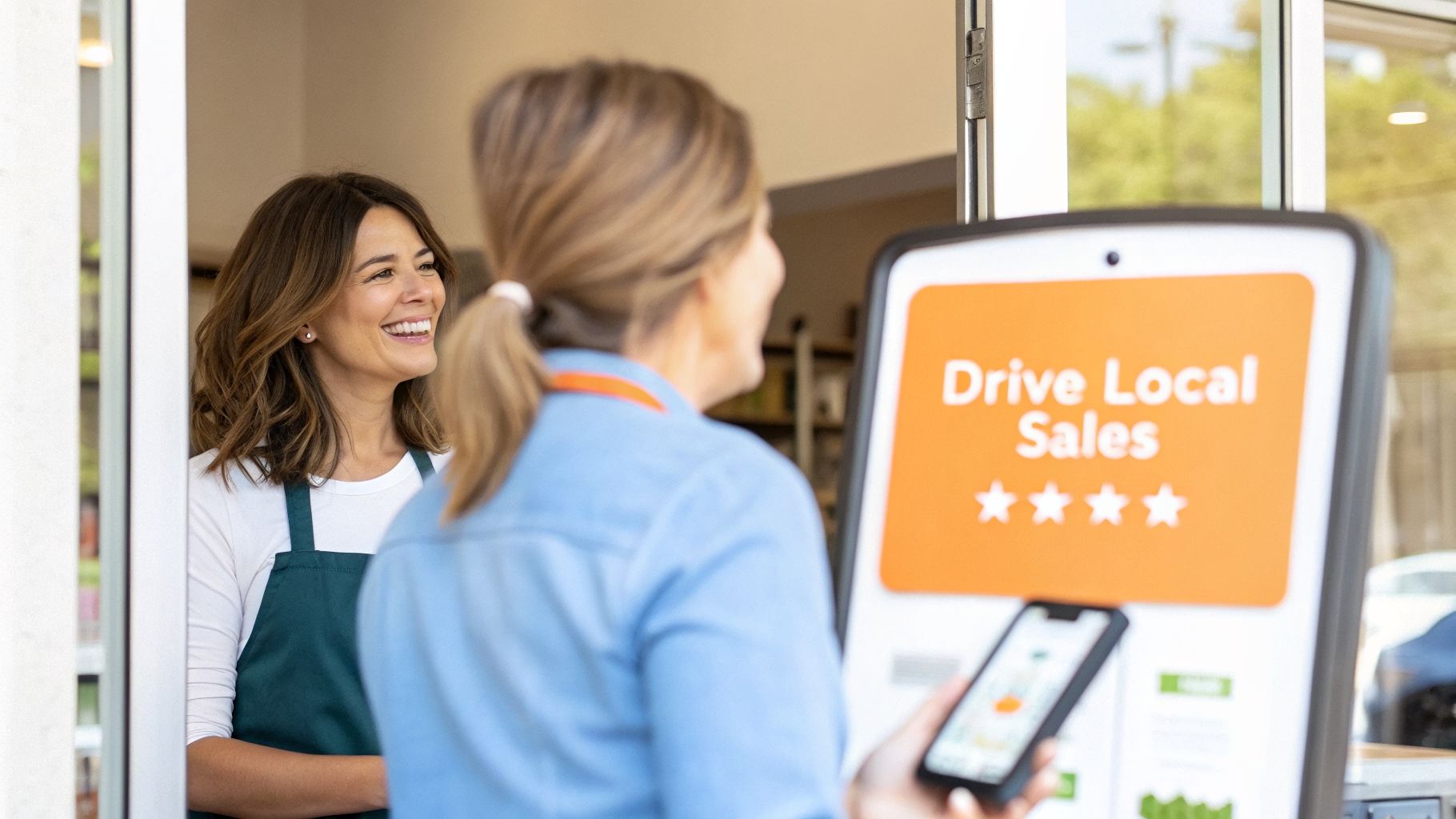
Step-by-Step: How to Systematically Generate More Reviews
Getting a steady stream of new reviews requires a reliable system. You need to build a simple, repeatable process that weaves the review request right into your customer's experience. A constant flow of recent reviews is a massive signal to Google that you're relevant, which helps you rank for searches like "best vet near me" or "emergency dentist in [City]."
Step 1: Optimize Your Google Business Profile
Before asking for reviews, ensure your digital storefront is ready for visitors. An optimized profile makes you look professional and helps Google understand what you do.
Quick GBP Optimization Checklist:
- Verify your Name, Address, and Phone Number (NAP) are 100% accurate and consistent everywhere online.
- Choose the most accurate primary category (e.g., "Veterinarian").
- Add all relevant secondary categories (e.g., "Animal Hospital," "Pet Boarding Service").
- Fill out your business description using keywords naturally.
- List every service you offer in the "Services" section.
- Upload at least 10 high-quality photos (exterior, interior, team, action shots).
- Enable Google Messaging to allow customers to contact you directly.
To learn more, you can optimize your Google Business Profile with our full guide.
Step 2: Time Your Review Request Perfectly
When you ask for a review is the single most important factor. You must catch customers while the positive experience is fresh.
- Appointment-Based (Dental, Med Spa): Send the request within 1-2 hours after the appointment ends.
- Home Services (HVAC, Plumbing): Send it the moment the technician marks the job as complete.
- Retail/Auto: Send the request shortly after the customer completes payment.
Step 3: Use a Proven System and Automate It
Sending requests manually is a good start, but automation ensures consistency. Using a reputation management platform integrated with your CRM or Point of Sale (POS) system allows you to send personalized requests without lifting a finger. This ensures no happy customer slips through the cracks, which is vital for multi-location businesses. For healthcare providers, using a HIPAA-aware platform is essential to protect Patient Health Information (PHI).
Templates & Scripts for Getting More Reviews
Generic messages get ignored. The key is to be personal, brief, and make it incredibly simple to leave a review.
Review Request Templates
SMS Request Template (Veterinary Clinic)
A text message is direct, personal, and has high open rates.
"Hi [Client Name], it was a pleasure seeing [Pet's Name] at [Clinic Name] today! We'd be so grateful if you could share your experience in a quick Google review. It helps other pet owners in [City] find us. [Link to Google Review Page]"
Email Request Template (Auto Shop)
Email works well for a slightly more formal, but still direct, approach.
Subject: How was your visit to [Auto Shop Name]?
Hi [Customer Name],
Thanks for trusting us with your vehicle today. We strive to provide the best service in [Neighborhood], and your feedback helps us improve.
Would you mind taking 30 seconds to leave us a Google review? It makes a huge difference for our team.
[Click Here to Leave a Review]
We appreciate your business!
The Team at [Auto Shop Name]
Review Response Templates
Replying to reviews shows you are engaged and value customer feedback.
Positive Review Response Template (Med Spa)
"Thank you so much, [Customer Name]! We're thrilled to hear you loved your [Service Name, e.g., HydraFacial] with [Staff Member's Name] at our [City] location. We agree, she is fantastic! We look forward to seeing you again soon."
Negative Review Response Template (HVAC Company)
"Hi [Customer Name], thank you for bringing this to our attention. We are very sorry to hear that your experience with our recent AC repair did not meet your expectations. This is not the standard we aim for. Please contact our manager directly at [Phone Number] or [Email Address] so we can learn more and work to resolve this for you."
7-Day Review Program Launch Checklist
| Day | Action Item | Goal |
|---|---|---|
| 1 | Create Your Direct Google Review Link | Get the unique URL that takes customers directly to the review pop-up for your Google Profile. |
| 2 | Customize Your SMS & Email Templates | Adapt the scripts with your business name, link, and brand voice. |
| 3 | Train Your Frontline Staff | Explain why reviews matter and the process for triggering a request. |
| 4 | Set Up Your Automation (if using a tool) | Configure your software to automatically send requests after a service or appointment. |
| 5 | Manually Send 5-10 Requests | Test the process by manually sending requests to a few recent, happy customers. |
| 6 | Review Initial Results & Tweak | Check for feedback and ensure links are working. Adjust templates or timing if needed. |
| 7 | Activate Full Automation | Flip the switch and let the system run automatically for a consistent flow of new reviews. |
How to Measure Your Google Review Success
If you can't show how reviews drive calls and bookings, it’s just a vanity metric. You must connect your Google Review performance to tangible business results.
Set Clear, Measurable Targets
Vague goals like "get more reviews" are not enough. Set specific targets to track progress.
| Metric | Target for Local Business | Why It Matters |
|---|---|---|
| Average Star Rating | 4.6 Stars or Higher | This is the trust threshold for most consumers. |
| New Review Volume | 5-10 New Reviews Per Month Per Location | Consistency and recency are key ranking factors. |
| Review Response Time | Under 24 Hours | Shows customers and Google that you are engaged. |
| GBP Views & Calls | 15% Increase Quarter-Over-Quarter | Directly measures lead flow from local search. |
| Lead-to-Sale Conversion | 5% Increase from GBP leads | Tracks the quality of leads your profile generates. |
Tracking Conversions with UTMs and Call Tracking
To measure Return on Investment (ROI), you must track the customer journey.
1. Tag Your Website Link with UTMs:
A UTM (Urchin Tracking Module) is a simple code added to your URL that tells Google Analytics where a visitor came from. Use Google's Campaign URL Builder to create a link for your GBP website field.
- Campaign Source:
google - Campaign Medium:
organic - Campaign Name:
gbp
Your URL will look like: https://yourwebsite.com/?utm_source=google&utm_medium=organic&utm_campaign=gbp. Now you can see exactly how many website visits and form submissions came from your profile.
2. Use a Tracking Phone Number:
Many customers will call directly from the "Call" button on your profile. A call tracking service like CallRail provides a unique phone number to use only on your GBP. When a customer dials it, the call is forwarded to your main line, but the system logs it as a lead from Google, giving you hard data on call volume.
By combining UTMs and call tracking, you get a complete picture of the leads and revenue your Google review strategy generates. You can learn more about this in our guide to local SEO reporting.
Frequently Asked Questions (FAQ)
1. How do I deal with a fake or malicious Google review?
First, flag the review by clicking the three-dot menu next to it and selecting "Report review." Choose the policy it violates (e.g., spam, conflict of interest, harassment). Be aware that Google will not remove a review simply because it is negative; it must clearly violate their content policy. While you wait, post a professional public response.
2. How long does it take for more reviews to improve my SEO?
While you may see an immediate increase in profile engagement, significant local SEO improvements from a consistent review strategy typically take 2 to 3 months. Google values a steady, ongoing stream of fresh reviews over a sudden, one-time burst.
3. Can I offer discounts or incentives for reviews?
No. Offering incentives for reviews is a direct violation of Google's policies and can result in the removal of your reviews or penalties to your profile. Focus on providing an excellent experience and making it easy for customers to share their feedback organically.
4. What is the "magic number" of reviews I need?
While there's no single number, a good initial goal is 50+ reviews with an average rating of 4.6 stars or higher. More importantly, aim to have more high-quality, recent reviews than your top three local competitors.
5. How important is it to respond to reviews?
It is critical. Responding to both positive and negative reviews shows potential customers that you are an engaged, attentive business. Data shows that 74% of consumers trust a business more when they see active responses to customer feedback.
6. What are the best tools for managing reviews for multiple locations?
For multi-location operators, review management software is essential. Look for platforms that offer automated review requests, centralized dashboards, AI-assisted response drafting, and performance reporting for each location. This ensures brand consistency and operational efficiency.
7. Where can I find my direct Google review link?
You can create a direct link in your Google Business Profile dashboard. Go to the "Home" tab and find the "Get more reviews" card. Click "Share review form" to get a short URL that you can send directly to customers.
Turning customer feedback into measurable growth can feel like a full-time job. We offer practical, month-to-month support to handle it for you. If you’re ready to build a system that consistently drives new business, Book a strategy call with our team.


