
Your Facebook Page URL is the unique web address for your business page, like facebook.com/YourBrandName. A clean, custom URL makes it easy for customers to find, trust, and contact you, which directly boosts conversions like calls, messages, and appointment bookings. Getting this right is a simple way to make your business look professional and credible.
Key Facts
- Boosts Trust: A custom URL like
/OakCreekDentallooks more professional than a default URL with random numbers, building immediate customer confidence. - Improves Findability: A memorable URL is easier for customers to recall and share, increasing brand visibility.
- Supports Local SEO: A consistent URL across platforms strengthens your brand's authority for Google, helping you rank for "near me" searches.
- Enhances Marketing: A simple URL is easy to add to business cards, emails, and ads, making all your marketing efforts more effective.
- Drives Conversions: A trustworthy link encourages clicks, leading to more messages, calls, and bookings from interested customers.
Step-by-Step: How to Find and Customize Your Facebook Page URL
Claiming a custom Facebook Page URL is a small task with a big payoff. Let's walk through exactly how you can swap your default, number-filled link for a clean, branded username that drives business.
Think of it this way: your page's ability to win new customers follows a simple path. A customer must find you, trust what they see, and feel confident enough to act. A good URL is the first step in that journey.
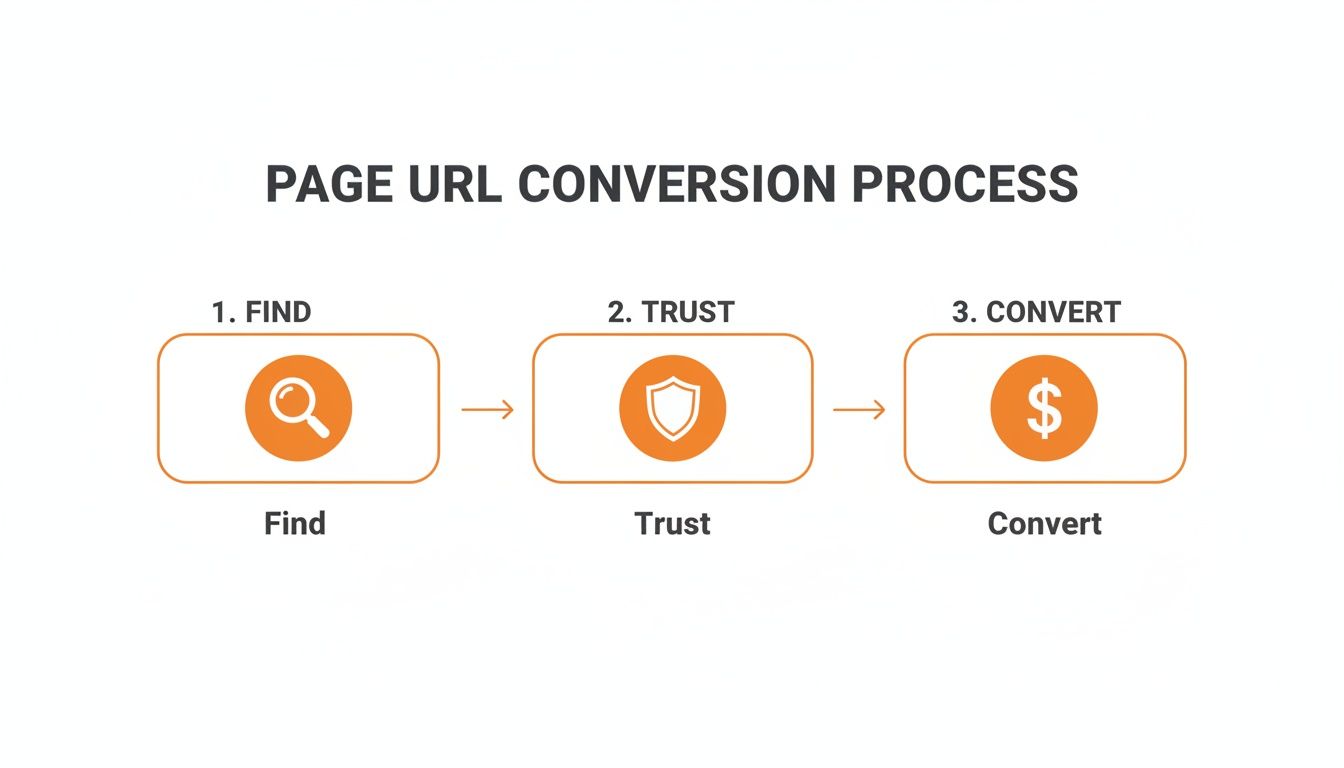
A clean Facebook Page URL is the first handshake. It helps customers find you, signals that you're a legitimate business, and paves the way for them to convert.
From Default Numbers to a Branded Username
When you first create a business Page, Facebook assigns a generic URL with a long string of numbers, like facebook.com/pages/Your-Business/1234567890. This is just a placeholder.
Your goal is to change that to a custom "vanity URL" that instantly identifies your brand, such as facebook.com/NeighborhoodVetClinic. This custom part is your Page's username. It must be unique and follow a few rules:
- It can only contain letters (A-Z), numbers (0-9), and periods (.).
- It must be at least 5 characters long.
- You cannot use generic extensions like
.com.
Changing Your URL on a Desktop Computer
The easiest way to update your URL is from a desktop browser.
- Log into Facebook as an admin of the Page and go to your Page.
- Click Settings in the left-side menu.
- In the General Page Settings, you'll see your Page's name and Username. Click Edit.
- Type in your desired username. A green checkmark will appear if it's available.
- Click Save Changes.
Pro-Tip: Keep your username consistent with your other social media handles. If your HVAC company is "Reliable Air [City]," go for
/ReliableAir[City]. This consistency makes your brand instantly recognizable.
Updating From the Mobile App and Meta Business Suite
You can also manage your URL on the go.
- On the Facebook Mobile App: Go to your Page and tap the Manage button. Scroll down to Settings, tap Page Info, and edit the Username field.
- In Meta Business Suite: This is ideal for managing multiple locations. Go to your Inbox and click the Settings gear icon. Select Business settings, then find your page under Accounts > Pages to edit the username for each location.
If you can't change your URL, the page may be too new or have fewer than 25 followers. Focus on posting quality content, and the option should appear soon.
Templates & Scripts to Promote Your Page
You've claimed your custom URL. Now it's time to put it to work driving reviews and engagement. Here are ready-to-use scripts for your business.
SMS and Email Review Request Scripts
Use your new URL to make review requests easy and effective.
SMS Review Request Script (for a Vet Clinic)
Hi [Client Name], it's [Your Name] from [Clinic Name]. Thanks for trusting us with [Pet's Name] today! We'd love to hear about your experience. Would you mind sharing your feedback on our Facebook page? [Your Custom Facebook Page URL]
Email Review Request Script (for an Auto Shop)
Subject: How was your service at [Shop Name]?
Hi [Customer Name],
Thanks for choosing [Shop Name] for your recent service. We are committed to providing top-quality work and excellent customer care.
Would you take a moment to share your thoughts on our Facebook page? Your review helps others in the [City] area find a trustworthy auto shop.
You can leave your review here: [Your Custom Facebook Page URL]
We appreciate your time and look forward to serving you again.
Sincerely,
The team at [Shop Name]
Positive and Negative Review Response Templates
How you respond to reviews shows potential customers you are engaged and care about feedback.
Positive Review Response Template
Hi [Customer Name], thank you so much for your kind words! We’re thrilled you had a great experience with our [Mention Specific Service] team. We appreciate you taking the time to share your feedback and look forward to serving you again!
Negative Review Response Template (HIPAA-Aware for Healthcare)
Hi [Customer Name], thank you for bringing this to our attention. We take all feedback seriously and are committed to providing the best possible care. To discuss your experience privately, please call our practice manager, [Manager's Name], at [Phone Number].
7-Day Launch Checklist for Your Review Program
Use this simple plan to build momentum for your review generation efforts.
- Day 1: Finalize and save your SMS and email review request templates.
- Day 2: Add your new Facebook Page URL to your email signature and website contact page.
- Day 3: Train your front-desk staff to mention leaving a review on Facebook during checkout.
- Day 4: Send your first batch of review requests to 5-10 recent, happy customers.
- Day 5: Respond to all new reviews within 24 hours.
- Day 6: Ask for permission to share a great review as a post on your Facebook page.
- Day 7: Review your progress. Note what worked and identify any areas for improvement.
How to Measure the ROI of Your Facebook Page

How do you connect your Facebook activity to real-world results like calls and sales? Measuring your return on investment (ROI) starts with setting clear goals and tracking the right metrics.
Key Performance Indicators (KPIs) to Track
For local businesses, success is measured by customer interactions and online reputation. Here are practical targets for each location:
- Review Volume: Aim for 5-10 new reviews per month.
- Star Rating: Maintain an average rating of 4.5 stars or higher.
- Response Time: Reply to all reviews and messages in under 24 hours.
- GBP Engagement: Track monthly views, clicks, and calls from your Google Business Profile to see how social activity impacts search performance.
- Lead-to-Sale Conversion: Target a 15-20% conversion rate from leads generated through your page.
Your Facebook page is a core part of your reputation management. Consistent activity signals to customers and search engines that your business is active and trustworthy.
Tracking Conversions with UTMs
UTM parameters are tags you add to a URL to track where your website traffic comes from. For example, add a UTM to a link in a Facebook post promoting a special offer. When a customer clicks and makes a purchase, your analytics will show that the sale came directly from that post.
This is how you prove ROI. You can see exactly which content drives revenue for your dental practice or senior living community.
Google Business Profile Optimization Checklist
To maximize your local SEO, ensure your Facebook page and Google Business Profile (GBP) are aligned.
- Add Your Facebook Link: Paste your new custom Facebook Page URL into the social profiles section of your GBP ("Edit Profile" > "Contact").
- Check Your NAP: Ensure your Name, Address, and Phone number (NAP) are identical across GBP, Facebook, and your website.
- Link from Your Website: Add links to both your GBP and Facebook Page in your website's footer or on your contact page.
- Match Your Visuals: Use the same logo and primary brand photos on both platforms for instant recognition.
Following these steps helps you optimize your Google Business Profile and create a stronger online presence.
FAQs About Facebook Page URLs
Here are concise answers to common questions about managing your Facebook Page URL.
What if the Facebook Page URL I want is taken?
Try a simple, professional variation like [BrandName][City] or [BrandName]Co. For a vet clinic named "Happy Paws," you could use /HappyPawsUptown and /HappyPawsMidtown for different locations. Avoid adding random numbers. If you hold the trademark, you can try to claim the name via Facebook's intellectual property process.
Can I change my Facebook Page URL after I set it?
Yes, but be careful. When you change your username, the old URL will break and show a "page not found" error. Before changing it, create a checklist to update the link on your website, email signature, Google Business Profile, and any printed materials.
Why does my Facebook Page have a long URL with numbers?
This is a default URL assigned by Facebook when a page is created. It's a temporary placeholder. You must manually set a custom "username" or "vanity URL" (e.g., facebook.com/YourBusiness) to get a clean, professional address that is easy for customers to remember.
How does my Facebook Page URL affect my local SEO?
A branded facebook page url is a key part of your online identity. It helps Google understand your business's Proximity, Relevance, and Prominence. When your URL matches your business name and other profiles, it sends a strong signal to Google that your page is official. This improves your brand's authority and helps you show up in local searches for services "near me."
How do I handle URLs for a multi-location business?
Use a consistent naming system to keep your brand organized while giving each location a local identity. A format like [BrandName][Neighborhood] or [BrandName][City] works well. For example, a senior living community called "Oakmont Gardens" could use /OakmontGardens[City] and /OakmontGardens[Neighborhood].
How long does my Facebook username need to be?
Your username must be at least 5 characters long and can only contain letters, numbers, and periods.
What is a Facebook vanity URL?
A vanity URL is another name for a custom Facebook Page URL or username. It's a clean, memorable web address (e.g., /YourBrandName) that replaces the default, number-filled URL Facebook first assigns to a page.
Managing your online presence across multiple platforms can feel like a full-time job. Reviews To The Top can help. We provide the tools and expertise to manage your reviews and business listings, all with flexible month-to-month support. Book a strategy call to learn how we can help you turn your online reputation into measurable growth.


