
SEO for landscapers is the process of optimizing your online presence to appear at the top of local search results when customers look for services like “lawn care near me.” This is critical for getting more calls and bookings because over 70% of searchers click on one of the top three local results. A strong SEO strategy makes your business the most visible, trusted choice, turning online searches directly into profitable jobs.
Key Facts: SEO for Landscapers
- Proximity, Relevance, Prominence: These are Google's three main ranking factors for local businesses. You must be close to the searcher (Proximity), offer the exact service they need (Relevance), and be seen as a trusted, well-known company (Prominence).
- Google Business Profile is #1: Your GBP is your digital storefront. A complete, active profile with frequent photo uploads and positive reviews is the fastest way to get into Google's local "Map Pack."
- Reviews are a Ranking Factor: Google uses your review count, star rating, and response rate to judge your business's prominence. Businesses should aim for a 4.5+ star rating and respond to all reviews within 24 hours.
- Local Keywords are Key: Focus on "service + location" keywords like "lawn aeration in [City]" or "patio paver installer in [Neighborhood]." Create dedicated service pages on your website for each one.
- Results Take Time: Expect to see meaningful results from a consistent SEO strategy within 4–6 months. Quick wins from GBP optimization can appear in a few weeks.
- Measurement is Crucial: Track metrics like GBP calls, website form fills, and your lead-to-sale conversion rate to prove ROI. Use UTM codes to track traffic from your GBP.
How to Build a Landscaping SEO Strategy in 4 Steps
A successful SEO strategy for landscapers turns your website and Google Business Profile into a lead-generation machine. Follow these four steps to build a system that keeps your crew busy and your calendar full.
Step 1: Optimize Your Google Business Profile (GBP)
For a local business, your Google Business Profile (GBP) is the cornerstone of your marketing. It’s what appears in Google Maps and the local "Map Pack," which is where most high-intent customers make their first contact. To win here, you need to master Google’s ranking model of Proximity, Relevance, and Prominence.
- Proximity: How close is your business to the person searching? Google prioritizes geographically close results.
- Relevance: How well do your services match the search? Your business categories and listed services must align with what users are searching for.
- Prominence: How well-known and respected is your business? Google measures this through review count, ratings, and the quality of your online presence.
A well-managed GBP signals strength in all three areas.

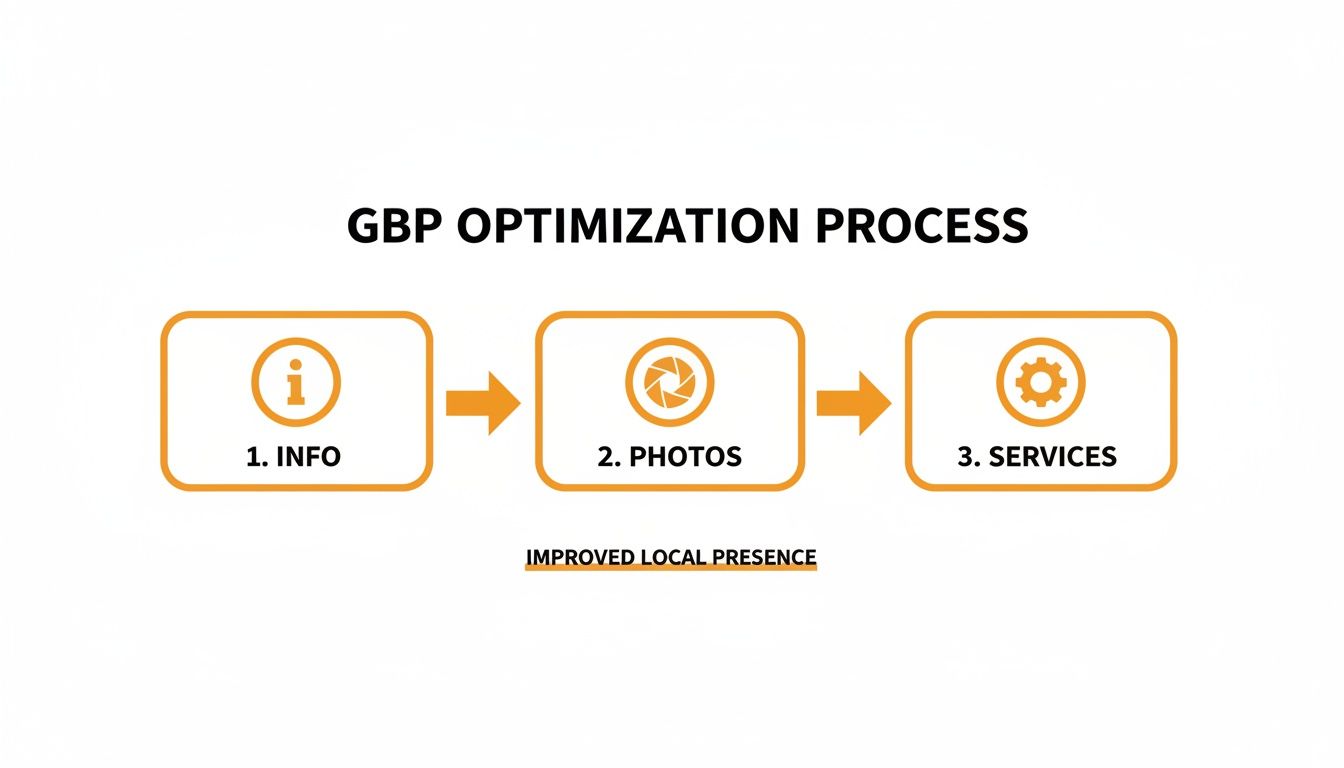
GBP Optimization Checklist:
- Claim & Verify: Go to google.com/business to claim and verify your listing. This is non-negotiable.
- NAP Consistency: Ensure your Name, Address, and Phone number (NAP) are identical everywhere online.
- Select Categories: Use "Landscaper" as your primary category, then add secondary ones like "Lawn Care Service," "Hardscape Contractor," or "Irrigation System Contractor."
- Write a Keyword-Rich Description: Use all 750 characters to describe what you do, where you do it (e.g., "[City] and surrounding areas"), and what makes you unique. Include terms like "lawn maintenance near me" and "landscape design."
- Define Your Service Area: List the specific cities, towns, and neighborhoods you serve, like "[Neighborhood]" or "[Nearby Town]."
- List All Services: In the "Services" section, add every individual service you offer, like "Mulching," "Tree Trimming," and "Retaining Wall Construction."
- Upload Photos Weekly: Add high-quality photos of your team, equipment, and before-and-after projects. This builds trust and shows Google your business is active.
- Enable Messaging: Allow customers to message you directly from your profile and respond within 24 hours.
For more detailed guidance, learn how to optimize your Google Business Profile.
Step 2: Build Keyword-Focused Service Pages
The next step is to align your website with the specific phrases your customers use. This means creating dedicated pages for each service you offer. A single "Services" page is a common mistake that confuses Google and prevents you from ranking for specific terms.
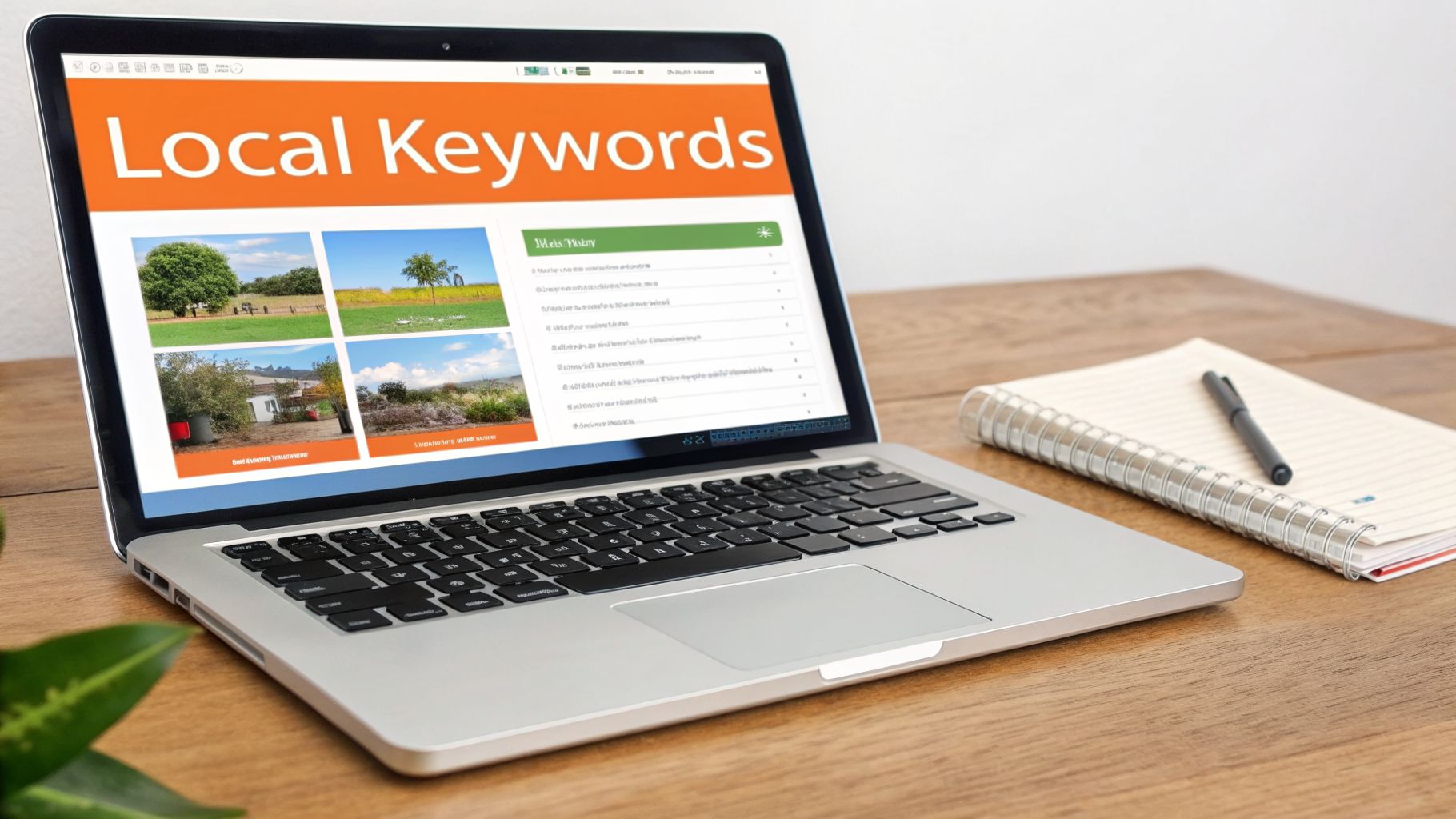
Think like your customer. They aren't searching for "services"; they're searching for a solution to their problem.
- Target "Money" Keywords: Focus on service + location phrases like "hardscaping services in [City]" or "lawn fertilization in [Neighborhood]." These searches have high purchase intent.
- Create One Page Per Service: Build a separate, detailed page for each core service (e.g., Lawn Care, Hardscaping, Irrigation, Landscape Design). This signals expertise to Google.
- Include Key Elements: Each service page should have a clear title (e.g., "Expert Hardscaping in [City]"), detailed descriptions of the work, before-and-after photos, and a strong call-to-action like "Get Your Free Quote Today."
- Create Helpful Blog Content: Attract customers in the research phase with blog posts that answer local questions, such as "Best Time to Plant Grass in [State]" or a local cost guide like this Atlanta tree removal cost guide.
This structure makes it easier for you to rank for targeted searches like "irrigation repair near me" and provides a better experience for potential customers. For a deeper dive, see a full keyword research walkthrough in our detailed example.
Step 3: Launch a Review Management Program
Nothing builds trust faster than a steady stream of positive reviews. A proactive system for getting and responding to reviews is essential for building prominence and dominating the local map pack. Your online reputation is a powerful asset in any reputation management strategy.
The best time to ask for a review is immediately after the job is complete, when the customer is happiest. Automating this process ensures consistency. Equally important is responding to every review—good and bad—to show you value customer feedback.
Templates & Scripts for Landscapers
| Asset Type | Template / Script |
|---|---|
| SMS Review Request | Hey [Client Name]! It's [Your Name] from [Company Name]. Thanks again for letting us handle your [Lawn Care/Patio Project]. If you have a moment, we'd love it if you could share your experience on Google: [Link to Google Review] |
| Email Review Request | Subject: How did we do with your landscaping project? Hi [Client Name], Thanks for choosing [Company Name]! We hope you’re loving your new [lawn/garden]. As a local business, your feedback means the world to us. Would you be willing to take 60 seconds to leave us a review on Google? It helps other homeowners in [City] find a trustworthy crew. [Click Here to Leave Your Review] Thanks for your business! The Team at [Company Name] |
| Positive Review Response | Hi [Reviewer Name], thank you so much for the 5-star review! We're thrilled you're happy with your new [paver patio]. The team really enjoyed bringing your vision to life. We appreciate your business and look forward to helping with future projects! |
| Negative Review Response | Hi [Reviewer Name], thank you for sharing your feedback. We’re sorry to hear your experience didn’t meet expectations. Our goal is 100% satisfaction, and we'd like the chance to learn more and make this right. Please call our office at [Phone Number] at your convenience. |
7-Day Review Program Launch Checklist
- Day 1: Finalize your SMS and email request scripts.
- Day 2: Get your direct Google review link.
- Day 3: Train your crew to give clients a heads-up that a review request is coming.
- Day 4: Create a list of 10–15 happy customers from the last few months.
- Day 5: Send the first batch of review requests to your list.
- Day 6: Monitor for new reviews and respond to them within 24 hours.
- Day 7: Set up a system to automatically send requests to all new customers going forward.
Need more ideas? Check out our guide on how to ask for reviews without sounding pushy.
Step 4: Measure What Matters
You can't improve what you don't measure. The goal of SEO is to generate profitable work, so you must track the metrics that connect your online activity to your bottom line.
Recommended Performance Targets
- Review Volume & Recency: Aim for 5+ new Google reviews per month.
- Star Rating: Maintain an average rating of 4.5 stars or higher.
- Response Time: Respond to all reviews within 24 hours.
- GBP Performance: Track increases in GBP views, website clicks, and calls directly from your profile.
- Lead-to-Sale Conversion: Target a 15-20% conversion rate from qualified leads to signed contracts.
How to Track Leads from Google Business Profile
To prove that your GBP is generating leads, you need to tag the website link in your profile with a UTM code. A UTM (Urchin Tracking Module) is a snippet of code added to a URL that tells Google Analytics where the visitor came from.
- Use Google's free Campaign URL Builder.
- Enter your website URL (e.g.,
https://www.yourlandscaping.com). - Set the parameters:
utm_source=googleutm_medium=organicutm_campaign=gmb
- Copy the generated URL and paste it into the "Website" field of your GBP.
Now, in Google Analytics, you can isolate traffic that came directly from your GBP listing, allowing you to connect your SEO efforts to website form fills and calls. This is a fundamental part of effective local SEO reporting.
Landscaping SEO: Frequently Asked Questions (Q&A)
Here are straightforward answers to the most common questions from busy local operators.
1. How long does SEO for landscapers take to show results?
You should see initial positive signals, like more calls from your Google Business Profile, within 1–3 months. Achieving top rankings for competitive keywords typically takes 4–6 months of consistent effort. SEO is a long-term investment that builds momentum over time.
2. What’s the difference between SEO and Google Ads?
- SEO earns you visibility in the free, organic search results. It builds long-term trust and a sustainable source of leads. It's like owning the land your business is on.
- Google Ads (PPC) is paid advertising where you pay for clicks. It delivers immediate results and is great for busy seasons or specific promotions. It's like renting a billboard.
The best strategies often use both.
3. Do I really need a blog for my landscaping business?
Yes, if it's used strategically. Don't write generic posts. Create hyper-local, helpful content that answers questions your potential customers in [City] are asking. For example, "When to Fertilize Your Lawn in [State]" or "The Best Drought-Tolerant Plants for a [Neighborhood] Summer" establishes you as the local expert.
4. Can I do SEO myself or do I need to hire someone?
You can absolutely start yourself. Mastering the fundamentals, especially fully optimizing your Google Business Profile and getting consistent reviews, will put you ahead of most competitors. Consider hiring an expert when you lack the time to be consistent or when your growth has stalled and you need advanced strategies. Some owners also how to hire a virtual assistant for internet marketing for specific tasks.
5. How much should I budget for landscaping SEO?
Costs vary based on your market's competitiveness and goals. A comprehensive agency strategy can range from $1,500 to $5,000+ per month. However, task-specific services like reputation management are more affordable. The key is to view it as an investment in a predictable lead generation system, not an expense. You can learn more about the benefits of local SEO in our article.
Ready to stop guessing and start getting real results from your online presence? We help landscaping businesses dominate local search by building a 5-star reputation and ensuring your listings are perfect. Our flexible, month-to-month support handles the details so you can focus on what you do best. Book a strategy call with us today to see how we can help.


