
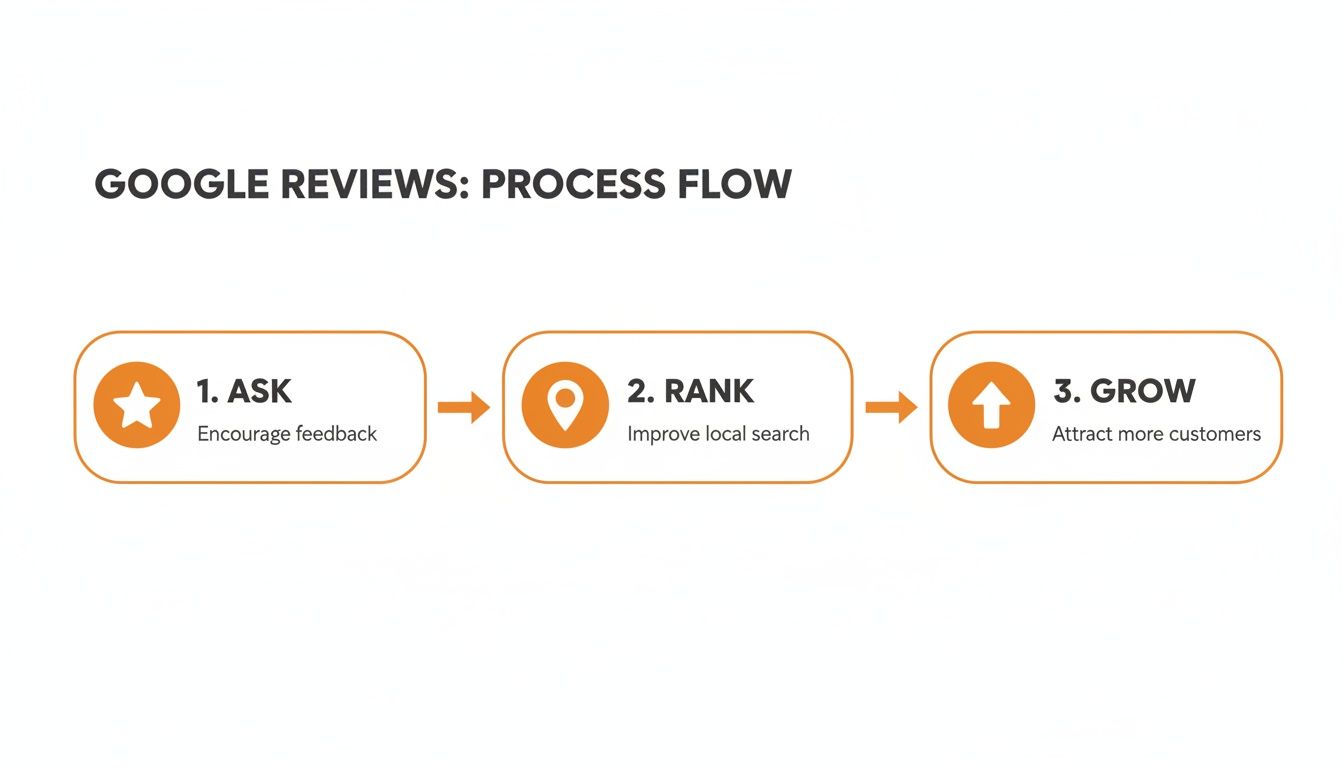
The best way to request Google reviews is to ask happy customers directly via a short text or email immediately after a service. This simple step is critical for conversions because a steady stream of positive, recent reviews builds trust, making potential customers more likely to call, book an appointment, or visit your location. This guide shows you exactly how to turn customer feedback into your most powerful marketing tool.
Key Facts
- Impact on Conversions: Businesses with an average rating between 4.0 and 4.7 stars see the highest conversion rates from their Google Business Profile.
- Customer Trust: 93% of consumers say online reviews influence their purchasing decisions, and 84% trust them as much as a personal recommendation.
- Recency Matters: 73% of consumers only pay attention to reviews written in the last month, making a continuous request strategy essential.
- Response Rate: Roughly 68% of customers will leave a review for a local business when asked.
- Proximity & Prominence: A high volume of positive reviews helps your business rank higher in Google's local search results, even for searches in nearby neighborhoods like [Neighborhood].
Step-by-Step: How to Request Google Reviews
Before you can ask for reviews, you need a shareable link that takes customers directly to the review form. Making this process as frictionless as possible is the key to a high response rate. If a customer has to search for your business and then figure out where to click, you’ve already lost them.
1. Get Your Unique Google Review Link
Every Google Business Profile (GBP) has a unique link for leaving reviews. If you manage multiple locations, like a dental practice in [City] and another in a suburb, each needs its own distinct link.
- Log in to the Google account that manages your Google Business Profile.
- Search for your business name on Google to open your management panel.
- Find and click the “Ask for reviews” button.
- A pop-up will appear with your shareable review link. Copy it.
2. Shorten and Track Your Link
The default link from Google is long and clunky. To improve the customer experience and track performance, use a link shortener.
- Pro Tip: Use a free tool like Bitly to create a clean, memorable link (e.g., bit.ly/Review-YourBrand-City). This looks more professional in a text or email and allows you to track how many people click the link.
For more detail on the customer experience, see our guide on how to add a review on Google.
3. Optimize Your Google Business Profile First
Your review strategy will only be effective if your Google Business Profile is complete and professional. An optimized profile provides the context and information searchers need to convert after reading your great reviews. It’s a foundational part of Google's proximity, relevance, and prominence model for local rankings.
- Proximity: How close your business is to the searcher.
- Relevance: How well your profile matches the search query. Reviews mentioning services like "emergency HVAC repair in [City]" directly boost your relevance.
- Prominence: How well-known your business is. A high volume of positive reviews is a massive signal of prominence and authority.
Quick GBP Optimization Checklist:
- Ensure your Name, Address, and Phone (NAP) are 100% consistent online.
- Select the most accurate primary and secondary business categories.
- Upload at least 10 high-quality photos of your location, team, and work.
- Completely fill out your Services/Products section.
- Publish Google Posts at least once per week to show you are active.
A complete profile is essential for local SEO. Learn more about how to optimize your Google Business Profile in our dedicated guide.
Templates & Scripts for Requesting and Responding
A great request is personal, brief, and sent at the right time. The goal is to make it easy for a happy customer to share their experience while it's still fresh.
Review Request Scripts
a. SMS Script for an Auto Repair Shop
Text messages have high open rates and are perfect for service-based businesses. Send this right after the customer has paid and picked up their vehicle.
"Hi [Customer Name], this is [Your Name] from [Company Name]. Thanks for trusting us with your car today! We'd appreciate it if you could take 30 seconds to share your experience on Google. Here's the link: [Your Short Review Link]. Thank you!"
b. Email Script for a Med Spa (HIPAA-Aware)
Email works well for businesses where the client relationship is more formal. Remember to keep requests HIPAA-aware by focusing on the service experience, not protected health information (PHI).
Subject: A special thank you from [Practice Name]
Body:
Hi [Client First Name],
Thank you for choosing us for your recent visit. We are committed to providing an exceptional experience for every client.
Your feedback is incredibly valuable and helps others in our community. If you have a moment, we would love for you to share your experience on Google.
Leave your review here: [Your Short Review Link]
Thank you again for your time and trust.
Sincerely,
The Team at [Practice Name]
For more ideas, these real estate follow-up email templates can be adapted for any industry.
Review Response Templates
Responding to reviews is as important as requesting them. It shows prospective customers you are engaged and value feedback. Aim to respond to all reviews within 24 hours.
c. Positive Review Response Template
Personalize your thank you by referencing a specific detail from their review.
"Hi [Customer Name], thank you for the wonderful review! We're so glad you were happy with your [mention service, e.g., 'new furnace installation']. Our team works hard to deliver great service, and your feedback makes it all worthwhile. We look forward to helping you again in the future!"
d. Negative Review Response Template
Acknowledge the feedback publicly and move the conversation offline immediately. Never argue.
"Hi [Customer Name], thank you for sharing your feedback. We're very sorry to hear your experience did not meet expectations, as this is not the standard we strive for. We would like to learn more and make things right. Please call our manager, [Manager's Name], at [Phone Number] so we can address this directly."
For a deeper look at handling feedback, see our guide on how to respond to reviews.
How to Measure Your Review Program's Success
A successful review strategy is measurable. Tracking the right metrics proves the return on investment (ROI) and connects your efforts to real business growth, like more calls and bookings.
Key Performance Indicators (KPIs) and Targets
Set clear goals for each business location to ensure accountability and track progress.
- Review Volume: Target 10+ new reviews per location per month.
- Star Rating: Maintain an average rating of 4.5 stars or higher.
- Response Time: Respond to 100% of new reviews within 24 hours.
- GBP Performance: Monitor month-over-month increases in GBP views, calls, and direction requests.
- Lead-to-Sale Conversion: Track the conversion rate of leads originating from your GBP.
Tracking Conversions from Your Review Links
Use Urchin Tracking Module (UTM) parameters to see how your review efforts drive traffic and leads. A UTM is a simple tag you add to your link to track its source in Google Analytics.
For example, a review request link sent via SMS could be:your-review-link?utm_source=sms&utm_campaign=post-service-request
This tag allows you to see how many people clicked the link from a text message. By analyzing this data, you can connect a surge in positive reviews to a corresponding increase in calls or bookings from your GBP, proving the financial impact of your reputation management program. Understanding Local SEO Ranking Factors will further clarify why this data is so important.
7-Day Review Program Launch Checklist
Follow this simple plan to get your review program running in one week.
| Day | Action Item | Goal for the Day |
|---|---|---|
| 1 | Audit & Goal Setting | Analyze current ratings and review volume for all locations. Set targets for star rating, volume, and response time. |
| 2 | Link Generation | Create and shorten unique Google review links for every business location. Organize them in a shared document. |
| 3 | Script Development | Finalize your SMS and email request templates. Draft response templates for positive and negative reviews. |
| 4 | Team Training | Train staff on when and how to ask for reviews. Define who is responsible for responding to reviews. |
| 5 | System Integration | Set up automated SMS or email sends triggered by a completed appointment or sale in your CRM or POS system. |
| 6 | Launch Day | Begin sending review requests to customers. Start monitoring for new reviews and respond within 24 hours. |
| 7 | Review & Refine | Analyze the first week's results. Adjust your scripts, timing, or methods based on the initial response rate. |
Frequently Asked Questions (FAQ)
Here are concise answers to the most common questions about requesting Google reviews.
1. Can I offer a discount or gift for a Google review?
No. Offering incentives for reviews violates Google's policies and can lead to penalties, including the removal of your reviews. The goal is to collect authentic, unbiased feedback.
2. When is the best time to ask for a review?
The ideal time is within 1-2 hours of a successful service completion or purchase, while the positive experience is fresh in the customer's mind. For a veterinarian, this is right after a positive check-up. For a senior living community, it's after a positive family tour.
3. What should I do if I get a fake negative review?
First, flag the review for removal within your Google Business Profile dashboard. While waiting for Google's decision, post a polite and professional public response stating you have no record of the person as a customer but would be happy to discuss the issue offline.
4. Should I ask every customer for a review?
Yes. Asking every customer for feedback is the best practice. It ensures your reviews represent a genuine cross-section of your customer base and helps you generate a steady, natural stream of feedback, which is favored by Google's algorithm.
5. How many reviews do I need to improve my local ranking?
There is no magic number, but volume, velocity (recency), and rating are all important. Aim for at least 10 new reviews per month per location and maintain an average star rating above 4.5. Consistency is more important than a one-time surge. Learn more about how Google reviews help SEO.
Ready to turn customer feedback into your most powerful marketing asset? We build and manage disciplined review programs for our senior living and other multi-location clients to boost local visibility and drive qualified leads. We handle the process from start to finish with flexible month-to-month support.


