
Effective automotive inventory management is the practice of having the right parts in stock at the right time to complete repairs efficiently. For busy shop owners, mastering this process reduces wasted cash on overstock, speeds up service times, and directly boosts customer satisfaction, which leads to more positive reviews and more calls from new customers. Better reviews and faster service are critical for improving your local search ranking and getting more bookings.
Key Facts About Automotive Inventory Management
- The 80/20 Rule: Roughly 80% of your parts revenue comes from just 20% of your inventory (your "A" category parts).
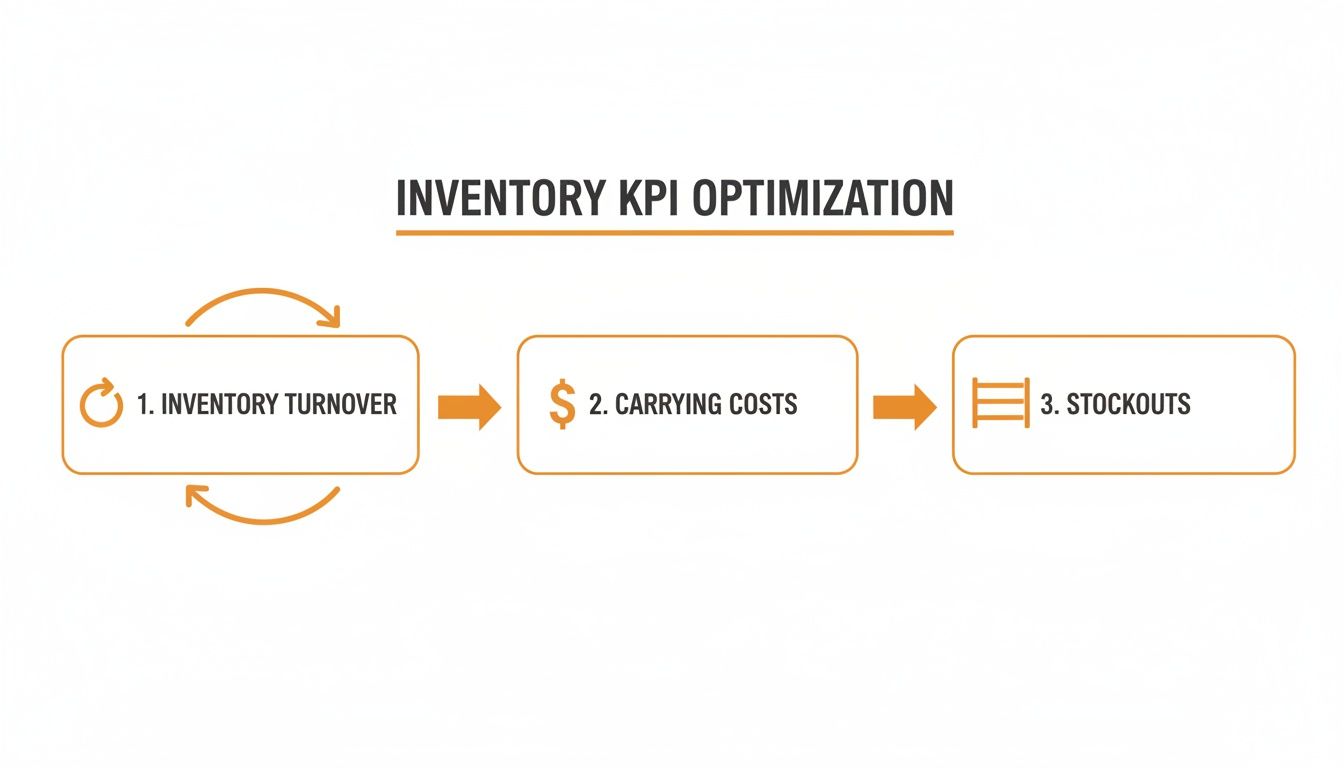
- Ideal Turnover Rate: A healthy auto shop should aim for an inventory turnover rate of 4 to 6 times per year.
- Hidden Costs: Carrying costs (storage, insurance, obsolescence) can consume 20–30% of your inventory's value annually.
- Google's Ranking Factors: Google rewards businesses that demonstrate proximity, relevance, and prominence. Faster service from good inventory management boosts your prominence through better reviews.
- Stockout Target: Aim for a stockout rate below 5% for your most critical "A" category parts to avoid service delays.
- Acronyms Defined:
- SMS: Shop Management System
- ROP: Reorder Point
- UTM: Urchin Tracking Module
Step-by-Step Guide to Optimizing Your Parts Inventory
Step 1: Categorize Your Inventory with ABC Analysis
Not all parts are created equal. Trying to manage a high-demand alternator with the same attention as a box of fuses is inefficient. The ABC analysis method, based on the Pareto Principle (the 80/20 rule), helps you focus your efforts where they matter most.
- Category A: These are your most valuable parts. They represent only 10-20% of your total part count but generate 70-80% of your revenue. Think popular engine components, high-end sensors, or specific transmission kits. These require tight control, frequent counting, and precise reorder points.
- Category B: This is your middle ground, making up about 30% of inventory items and 15-25% of revenue. Common brake pads, rotors, and alternators fall here. They need moderate control.
- Category C: This is the bulk of your inventory (50% or more of items) but contributes only around 5% of revenue. This includes fuses, bulbs, and fasteners. Manage these with simpler, less frequent controls.
Step 2: Set Data-Driven Reorder Points
A reorder point (ROP) is the stock level that triggers an order for more inventory. It prevents you from running out of parts unexpectedly.
Reorder Point = (Average Daily Usage x Lead Time in Days) + Safety Stock
Your safety stock is a buffer against supplier delays or a sudden spike in demand. It should vary by category:
- 'A' Items: Maintain a higher safety stock (e.g., 3-4 extra units of a popular alternator) and check levels weekly. A stockout here is a crisis.
- 'B' Items: Keep a moderate safety stock and review levels monthly.
- 'C' Items: Hold minimal or zero safety stock. The cost of a last-minute run for a specialty clip is far less than the cost of storing hundreds of them.
Step 3: Implement Cycle Counting and Demand Forecasting
Ditch the disruptive annual physical inventory count. Instead, implement cycle counting: counting small, manageable sections of your inventory on a rotating schedule.
- Count 'A' items weekly.
- Count 'B' items monthly.
- Count 'C' items quarterly.
This keeps your on-hand numbers accurate without shutting down the shop. Combine this with demand forecasting by analyzing your service history from the last 12-24 months. Identify seasonal trends (e.g., more A/C parts in spring, more batteries in winter) to predict future needs and order proactively.
Step 4: Choose the Right Software
The right automotive inventory management software automates manual tasks and provides critical data. Look for a system with:
- Tight integration with your Shop Management System (SMS).
- Barcode scanning capability to eliminate manual entry errors.
- Automated low-stock alerts and purchase order generation.
- Multi-location support to view and transfer stock between shops.

Step 5: Optimize Your Google Business Profile
Faster service from efficient inventory management leads to happier customers and better reviews. This directly impacts your local search ranking. To win with customers searching "auto repair near me" in [City], you need to optimize for Google's proximity, relevance, and prominence model.
- Proximity: How close is your shop to the searcher? This is fixed, but you can optimize for neighborhoods like [Neighborhood] by mentioning them in your content.
- Relevance: Does your profile match what the user is searching for? Ensure your categories and services are accurate.
- Prominence: How well-known is your business? This is heavily influenced by the quantity and quality of your online reviews.
Google Business Profile Checklist
- Verify your locations.
- Ensure your Name, Address, and Phone (NAP) are consistent everywhere online.
- Select all relevant service categories (e.g., "Brake shop," "Oil change station").
- Upload at least 10 high-quality, recent photos of your shop, team, and work.
- Actively request and respond to all customer reviews.
- Use the Q&A feature to answer common customer questions.
- Publish weekly GBP Posts with updates or offers.
Templates and Checklists for Your Shop
Review Request Scripts
Email Template:
Subject: How was your service at [Your Shop Name]?
Hi [Customer Name],
Thanks for trusting us with your vehicle today. We hope everything is running smoothly.
When you have a moment, could you share your experience on Google? Your feedback helps drivers in [City] find a reliable repair shop.
Click here to leave a review: [Link to Google Review Page]
We appreciate your business.
The Team at [Your Shop Name]
SMS Template:
Hi [Customer Name], this is [Your Name] from [Your Shop Name]. Thanks for coming in today! Would you mind leaving us a quick review on Google? Your feedback means a lot. [Link to Google Review Page]
Review Response Templates
Positive Review Response:
Hi [Customer Name], thank you so much for the 5-star review! We're thrilled to hear you had a great experience and that your vehicle is running well. We appreciate you choosing us and look forward to seeing you next time.
Negative Review Response:
Hi [Customer Name], thank you for your feedback. We are sorry to hear that your experience did not meet your expectations. Providing excellent service is our top priority, and we would appreciate the opportunity to discuss this with you directly. Please call me at [Phone Number] at your convenience. Thank you, [Your Name], Manager.
7-Day Launch Checklist for a Review Program
- Day 1: Set your goals. Define target star rating and review volume.
- Day 2: Identify your review request software or manual process.
- Day 3: Customize the email and SMS templates with your shop's information.
- Day 4: Train your service advisors on when and how to ask for reviews.
- Day 5: Assign one person to be responsible for responding to all reviews.
- Day 6: Send your first batch of review requests to recent, happy customers.
- Day 7: Review your first new reviews and responses. Make adjustments to the process.
How to Measure Success
Tracking the right metrics is the only way to know if your automotive inventory management system is truly working.
Recommended Performance Targets
- Review Volume: 5-10 new Google reviews per location, per month.
- Star Rating: Maintain a 4.5-star average or higher.
- Response Time: Respond to all new reviews within 24 hours.
- Inventory Turnover: Achieve a rate between 4 and 6 turns per year.
- GBP Views/Calls: Aim for a 10% month-over-month increase in views, clicks-to-call, and direction requests.
- Lead-to-Sale Conversion: Track how many calls from GBP turn into booked appointments. Aim for a conversion rate above 30%.
Tracking Your Results
To connect your efforts to real business, you must track where your leads come from. Use UTM tags on the website and appointment links in your Google Business Profile. This allows you to see in Google Analytics exactly how many website visits, form fills, and calls originated from your GBP listing. This data proves the ROI of your operational efficiency and reputation management efforts.
When you master your inventory, service gets faster, which fuels your online reputation. A strong reputation, in turn, drives more calls and appointments. For expert guidance on connecting these dots, explore our approach to reputation management.
Automotive Inventory Management FAQs
1. I'm starting with a messy parts room. Where do I even begin?
Start with a physical cleanup. Purge all obsolete parts, then organize everything into clearly labeled bin locations. You cannot build an efficient digital system on top of a disorganized physical space.
2. How often should we really be counting inventory?
Use a cycle counting program. Count your high-value "A" parts weekly, your mid-range "B" parts monthly, and your low-cost "C" parts quarterly. This avoids the disruption of a full annual count and keeps your numbers accurate year-round.
3. What's a good inventory turnover rate for an auto repair shop?
The target for most independent auto shops is between 4 and 6 turns per year. A rate below 4 suggests you have too much cash tied up in slow-moving stock. A rate above 6 may indicate you are running too lean and risk stockouts.
4. Can better inventory management actually help my shop get more customers?
Yes, absolutely. Efficient inventory management leads to faster repair times. Faster service is a key driver of positive customer reviews. More high-quality reviews improve your local search ranking on Google, making it easier for new customers to find you.
5. What is the difference between OEM and aftermarket parts?
OEM (Original Equipment Manufacturer) parts are made by the vehicle's manufacturer. Aftermarket parts are made by other companies and are designed to perform the same function. Deciding on a strategy for aftermarket parts vs OEM is a key part of your inventory planning.
6. What is the best way to handle supplier delays?
Always have reliable secondary and tertiary suppliers. For your primary vendor, confirm lead times regularly and adjust your safety stock levels for critical parts to buffer against potential delays.
7. How do I choose the right inventory software?
The most critical feature is seamless integration with your existing Shop Management System (SMS). Also, prioritize systems with barcode scanning, automated reordering alerts, and real-time reporting to make data-driven decisions.
Improving your inventory system is a powerful step toward a more profitable and reputable shop. If you’d like an expert partner to help implement these strategies and manage your online presence, book a strategy call with us. We offer flexible, month-to-month support designed for busy operators like you.


