
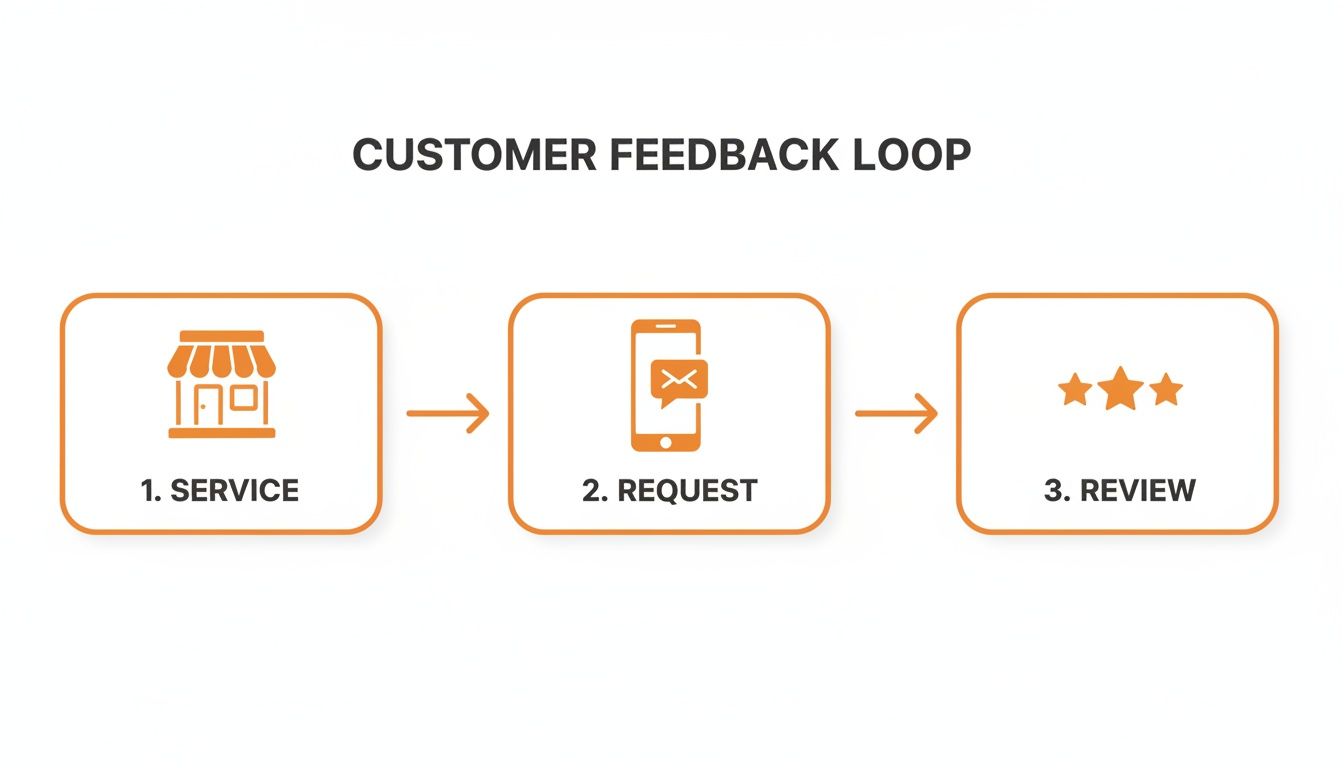
To get more customer feedback, ask for it immediately after a service is complete using a simple, personal SMS or email request. A steady stream of fresh, positive reviews is one of the most powerful ways to improve your local search ranking, which directly leads to more calls, bookings, and new customers. This consistent feedback signals to Google that your business is trustworthy and relevant, driving conversions from prospects searching for your services.
Key Facts
- Ask Immediately: Request feedback right after service while the experience is fresh. This increases response rates and the quality of the feedback.
- Prioritize SMS: Text messages have open rates over 98%, making them the most effective channel for getting a quick response.
- Keep It Simple: Use a direct, one-click link to your review profile. Complicated surveys or multiple steps will drastically lower participation.
- Personalize Your Request: Use the customer’s name and mention the specific service they received to show you value their individual experience.
- Respond to All Reviews: Replying to both positive and negative feedback within 24 hours shows you are engaged and value customer input.
- Track Your Results: Monitor review volume, star rating, and response time to measure the impact of your efforts on leads and sales.
A Step-by-Step Guide to Asking for Customer Feedback
A consistent feedback system is essential for growth. It turns positive customer experiences into powerful online reviews that boost your visibility and attract new business. The goal is a simple, repeatable process for when, where, and how you ask.
Step 1: Choose the Right Channel
The best channel depends on your customer's journey.
- In-Person: Best for relationship-driven businesses. A tour guide at a senior living community mentioning a review site after a family tour adds a powerful personal touch. However, this method is difficult to scale.
- Email: A solid option if you already send follow-up documents, like an auto repair shop including a review link in an emailed receipt. Email response rates are typically lower, around 15-25%.
- SMS (Text Message): The top choice for most local service businesses. With open rates over 98%, a text sent right after an appointment is the most reliable way to get a fast response from clients at a med spa or dental office.
Step 2: Time Your Request Perfectly
When you ask is just as important as how. Send the request while the positive experience is still fresh in the customer's mind.
- Veterinary Clinic: Send an SMS with the feedback link as the client is paying for their pet's visit.
- HVAC Company: Trigger the request the moment a technician marks the job as "complete" in their software.
- Dental Practice: Let the patient know at the front desk that a feedback link is on its way via text while they schedule their next appointment.
Step 3: Segment Your Customers
Tailor your requests for better results.
- New vs. Repeat Customers: A new patient might get a simple "How did we do?" request. A loyal, long-term customer could be asked to share what keeps them coming back.
- Service Type: A med spa client who had a high-value procedure is a great candidate for a detailed testimonial. A customer who had a minor touch-up might get a simple star rating request.
Specialized tools can simplify segmentation and help you create better customer feedback forms. This transforms feedback collection from a random activity into a predictable system for growth.
Templates and Scripts for Any Business

Having ready-to-use scripts saves time, ensures brand consistency, and makes it easy for customers to respond. These templates are designed to be professional yet approachable. Note that any healthcare examples are HIPAA-aware (avoiding Protected Health Information, or PHI), and housing examples are Fair Housing neutral.
SMS Review Request Script (Med Spa)
When to send: Immediately upon checkout.
Template:
"Hi [Client Name], thank you for visiting us at [Med Spa Name] in [City] today! We'd love to hear about your experience. Could you take 30 seconds to leave us a review? [Link to Google Business Profile]"
Email Review Request Script (Veterinary Clinic)
When to send: Within one hour of the appointment.
Template:
Subject: A quick question about your visit to [Clinic Name]
"Hi [Client Name],
Thanks again for trusting us with [Pet's Name]'s care today at our [Neighborhood] clinic. We're always working to provide the best experience for our clients and their beloved pets.
Would you be willing to share your feedback on a public review site? It really helps other pet owners in the area find us.
[Link to Google Business Profile]
We appreciate your time.
Sincerely,
The Team at [Clinic Name]"
Review Response Templates
Responding to reviews is as important as asking for them. For more examples, see our guide on customer service response templates.
Positive Review Response Template:
"Hi [Reviewer Name], thank you so much for the kind words! We're thrilled to hear you had a great experience with our team at our [City] location. We appreciate you taking the time to share your feedback and look forward to seeing you again soon!"
Negative Review Response Template:
"Hi [Reviewer Name], thank you for bringing this to our attention. We are sorry to hear that your experience did not meet your expectations. We take feedback very seriously and would appreciate the opportunity to learn more. Please contact our practice manager, [Manager Name], at [Phone Number] or [Email Address] so we can address your concerns directly."
This response is professional, acknowledges their frustration, and moves the conversation offline, which is a critical best practice.
How to Measure Your Feedback Program's Success
A feedback program is a growth engine, but only if you track the right metrics. Measuring your performance connects reputation efforts to real business outcomes like more calls, bookings, and revenue.
Key Performance Indicators (KPIs) to Track
- Review Volume and Recency: Aim for 5-10 new reviews per location, per month to keep your profile fresh and active.
- Average Star Rating: Strive for an overall rating of 4.5 stars or higher to build trust with potential customers.
- Response Time: Respond to all reviews, positive and negative, within 24 hours to show you are engaged and attentive.
- Google Business Profile (GBP) Views/Calls: Monitor the number of profile views, website clicks, and calls originating from your GBP listing to see if traffic is growing.
- Lead-to-Sale Conversion: Track how many leads from your GBP turn into actual customers to measure the true return on investment (ROI).
How to Track Conversions from GBP
To prove that reviews are driving revenue, you need to connect your GBP activity to actual sales. Use UTM (Urchin Tracking Module) parameters to tag links and track the customer journey. A UTM is a small piece of code added to a URL that tells analytics tools where a user came from.
For example, a link in your feedback request email could be:yourwebsite.com/booking?utm_source=google&utm_medium=email&utm_campaign=review_request
This tag allows you to see in Google Analytics how many people clicked from your review request campaign and then completed a booking. This provides hard data on your program's ROI. Our guide on how to track customer feedback explains this process in detail.
7-Day Launch Checklist for Your Review Program
| Day | Action Item | Objective |
|---|---|---|
| 1 | Define Goals & Choose Channels | Set targets for review volume and star rating. Decide on SMS, email, or both. |
| 2 | Finalize Templates & Get Links | Write your request copy. Generate a direct review link for your Google Business Profile. |
| 3 | Set Up Automation Workflow | Configure your software to send requests automatically after a service is completed. |
| 4 | Train Your Frontline Team | Explain the process to your staff and show them how to mention it to customers. |
| 5 | Create Your Response Plan | Assign who will respond to reviews and create templates for positive and negative feedback. |
| 6 | Test the System End-to-End | Send a test request to yourself to ensure the link works and the automation is correct. |
| 7 | Launch & Monitor KPIs | Go live. Start tracking your review volume, rating, and response time from day one. |
Frequently Asked Questions (FAQs)
1. How does customer feedback impact local SEO?
Customer feedback is a key driver of local SEO. A steady stream of fresh, positive reviews boosts your business's prominence in Google's ranking algorithm, which also considers proximity and relevance. When customers mention specific services (e.g., "emergency AC repair") in their reviews, it enhances your relevance for those search terms, helping you appear in the "Map Pack" for searches like "HVAC near me." For more on this, read our guide on how Google reviews help SEO.
2. What is a Google Business Profile (GBP) Optimization Checklist?
Optimizing your GBP is foundational to local SEO. Here is a short checklist:
- Claim and verify your listing for all locations.
- Ensure your business Name, Address, and Phone number (NAP) are 100% accurate.
- Select all relevant primary and secondary business categories.
- Write a keyword-rich business description mentioning services and your service area (e.g., "[Neighborhood]").
- Upload at least 10 high-quality photos of your location, team, and work.
- Enable the messaging feature and respond quickly to inquiries.
- Use Google Posts weekly to share updates and offers.
A fully optimized profile makes your business more visible and credible. For expert help, you can optimize your Google Business Profile with our services.
3. Can I offer incentives for reviews?
No. Offering incentives like discounts or gift cards for reviews violates the terms of service for major platforms like Google and Yelp. Doing so can lead to review removal or profile suspension. Focus instead on providing excellent service and making the feedback process as easy as possible.
4. What is the best way to handle a negative review?
Respond publicly and promptly (within 24 hours). Acknowledge the customer's frustration, apologize that their experience did not meet expectations, and provide a direct contact (name, phone, or email) to take the conversation offline for resolution. A professional response can demonstrate your commitment to customer satisfaction.
5. How many reviews do I need?
There is no magic number. Consistency is more important than volume. Aim for a steady stream of 5-10 new reviews per month per location. This demonstrates to Google and potential customers that your business is active, relevant, and consistently delivering quality service.
6. What is the best time to ask for a review?
The best time is immediately after the service is completed. The positive experience is fresh in the customer's mind, leading to higher response rates. Whether it's at checkout, when a job is marked complete, or right after an appointment, do not wait.
7. Which channel is better for review requests: SMS or email?
For most local service businesses (dental, HVAC, vet, auto), SMS is superior due to its 98%+ open rates and immediate nature. Email is a good secondary option, especially if you are already sending a receipt or follow-up summary, but its response rates are significantly lower.
Ready to turn customer feedback into your most powerful marketing asset? A disciplined program is the key to effective reputation management. We provide the platform, strategy, and month-to-month support to boost your search visibility and drive measurable growth. Book a strategy call to see how we can help.


