
Local SEO for medical practices is the process of optimizing your online presence to attract more patients from local searches like "dentist near me" or "urgent care in [City]." It matters because showing up in these critical moments directly translates into more calls, appointment bookings, and new patient revenue. This guide provides a step-by-step plan for busy practice managers and owners to improve their local search visibility.
Key Facts
- Google Business Profile is Your Digital Front Door: It's the most critical factor for local SEO, often being the first interaction a potential patient has with your practice.
- Reviews are a Ranking Factor: A steady stream of recent, positive patient reviews is a powerful signal to Google that your practice is trustworthy and prominent.
- Proximity, Relevance, Prominence: These are Google's three core pillars for local search. Your practice must be close to the searcher (proximity), clearly offer the service they need (relevance), and have a strong local reputation (prominence).
- Consistency is Crucial: Your practice's Name, Address, and Phone number (NAP) must be identical across all online listings to build trust with search engines.
- HIPAA Compliance is Non-Negotiable: All patient communications, including review requests and responses, must be generic and contain no Protected Health Information (PHI).
Step-by-Step Guide to Medical Local SEO
Step 1: Optimize Your Google Business Profile (GBP)
Your Google Business Profile (GBP), the listing that appears in Google Maps and local search results, is your single most important local SEO asset. It’s your digital storefront. A complete, accurate profile is non-negotiable for getting calls and appointments.
Google Business Profile Optimization Checklist:
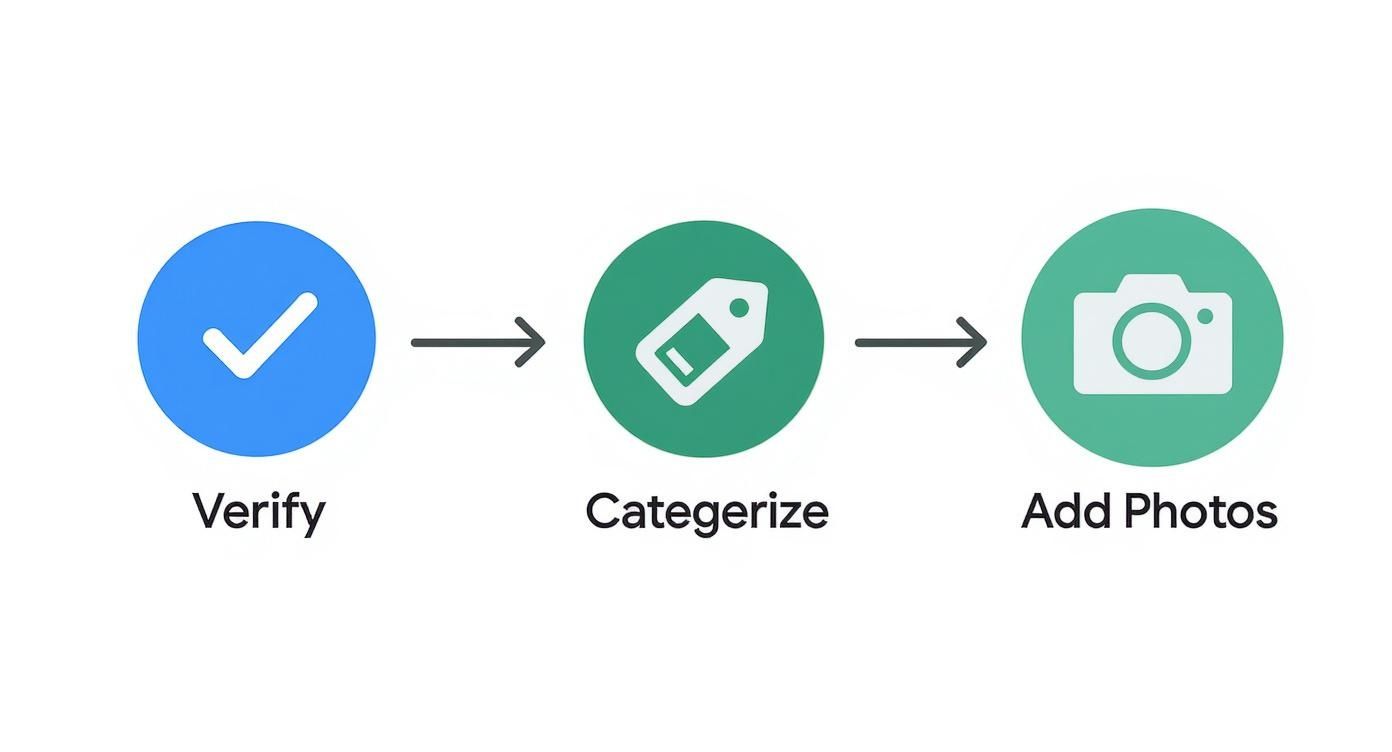
- Claim and Verify: Ensure you have full ownership of your listing for each location.
- Consistent NAP: Your Name, Address, and Phone number must be 100% identical to your website and other major directories. A single discrepancy, like "St." vs. "Street," can hurt your ranking.
- Choose Specific Categories: Select the most accurate primary category (e.g., "Pediatric Dentist" instead of just "Dentist"). Add secondary categories for all other relevant services you offer (e.g., "Cosmetic Dentist," "Orthodontist").
- Add HIPAA-Aware Photos: Upload high-quality photos of your building exterior, reception area, treatment rooms, and professional team headshots. Never include images of patients without explicit, documented consent.
- List All Services & Insurances: Detail every service you provide (e.g., "Acne Treatment," "Mole Removal") and list the insurance plans you accept. This answers key patient questions upfront.
- Enable Messaging: Turn on the GBP messaging feature to allow patients to contact you directly from your profile, but have a plan to respond within 24 hours.
For multi-location practices, create a unique, fully optimized GBP for each clinic. Use a consistent naming convention like "[Brand Name] – [Neighborhood]" (e.g., "Apex Health – [City] Center") to avoid confusion. For a deeper dive, see our full guide on how to optimize your Google Business Profile.
Step 2: Build a System for Patient Reviews
A steady flow of positive reviews is a direct signal to Google that your practice is a prominent local authority. Reviews are also the modern word-of-mouth, providing the social proof that convinces a searcher to become a patient. Effective reputation management is essential.
The best time to ask for a review is immediately after an appointment. Automating this process via SMS and email is the most efficient way to ensure consistency.
Step 3: Create Localized Website Content
Your website is where patients make the final decision to book. It must be optimized to reinforce your local authority.

- Create Location Pages: If you have multiple clinics, each one needs its own dedicated webpage. This page must include the unique NAP, an embedded Google Map, provider bios for that location, and location-specific patient testimonials.
- Write Local Service Pages: Don't just list your services. Create pages that speak to local needs, such as "Allergy Testing in [City]" or "Sports Physicals for [Neighborhood] Schools." These pages help you rank for high-intent, long-tail keywords.
- Publish Helpful Blog Content: Answer questions your local community is asking. A dental practice in [City] could write a post on "Finding a Kid-Friendly Dentist in the [City] School District." This builds trust and attracts relevant local traffic. For more ideas, explore our resources on specialized Doctor SEO services.
Templates & Scripts for Your Practice
Review Request Scripts (HIPAA-Aware)
SMS Template:
Hi [Patient First Name], this is [Practice Name]. Thanks for visiting us today. Would you mind sharing your experience on Google to help other patients in our community? [Link to Google Review Page]
Email Template:
Subject: How was your visit to [Practice Name]?
Hi [Patient First Name],
Thank you for choosing us for your care. We would be grateful if you could take a moment to leave us a review on Google. Your feedback helps us improve and helps others find our practice.
Click here to share your experience: [Link to Google Review Page]
Sincerely,
The Team at [Practice Name]
Review Response Templates
Positive Review Response:
Thank you for your kind words, [Reviewer Name]! We're so glad you had a positive experience. Our team strives to provide excellent care, and your feedback means a lot to us.
Negative Review Response (HIPAA-Compliant):
Hi [Reviewer Name], thank you for your feedback. We take all patient experiences seriously and are committed to providing the best care possible. Please contact our Practice Manager, [Manager's Name], at [Phone Number] so we can address your concerns directly and privately.
7-Day Review Program Launch Checklist
- Day 1: Select a review management software and connect it to your patient scheduling system.
- Day 2: Customize and load the SMS and email request templates into the software.
- Day 3: Assign a team member to be responsible for monitoring and responding to all reviews.
- Day 4: Draft and save your positive and negative review response templates.
- Day 5: Send a test request to a staff member to confirm the automation works correctly.
- Day 6: Activate the automated review requests for all departing patients.
- Day 7: Monitor the first incoming reviews and respond within 24 hours.
How to Measure Local SEO Success
Tracking performance is the only way to prove that your local SEO efforts are generating new patients. Focus on metrics that connect online visibility to bottom-line results like calls and bookings.
The first step is tracking where your leads come from. Use UTM parameters (tracking tags) on the website link in your Google Business Profile. This allows Google Analytics to show you exactly how many website visitors and form submissions originate from your GBP listing.
Key Metrics and Monthly Targets:
| Metric | Target (Per Location) | How to Track |
|---|---|---|
| GBP Views (Search & Maps) | 15-25% MoM increase | GBP Insights |
| New Patient Reviews | 3-5 per month | GBP Insights / Review Software |
| Average Star Rating | Maintain >4.5 stars | GBP Insights / Review Software |
| Review Response Time | Under 24 hours | Review Software |
| GBP Clicks (Website/Calls) | 10-20% MoM increase | GBP Insights |
| Lead-to-Patient Conversion Rate | 15-25% | Call Tracking / CRM |
These targets provide a clear framework for success. If your numbers are falling short, consider conducting one of our local SEO audits to identify specific areas for improvement.
Frequently Asked Questions (FAQ)
1. How long does local SEO take to show results for a medical practice?
You can often see an increase in calls and profile views within 30-60 days of a thorough GBP optimization. However, achieving stable, top-3 rankings in the "map pack" for competitive keywords like "dentist in [City]" typically takes 3-6 months of consistent effort, including review generation and content creation.
2. What’s the difference between local SEO and general SEO?
General SEO targets broad, informational searches (e.g., "what causes migraines") to a national audience. Local SEO targets high-intent, geographical searches (e.g., "neurologist near me") to attract nearby patients. It relies heavily on local-specific signals like your GBP listing, patient reviews, and NAP consistency across directories.
3. Can we ask patients for reviews without violating HIPAA?
Yes, absolutely. The key is to keep all communications generic. Your request should never contain Protected Health Information (PHI) or even confirm their patient status. Similarly, your public responses to reviews must be generic and never acknowledge that the reviewer was a patient or discuss their care.
4. Is local SEO a one-time setup?
No. Local SEO is an ongoing process. Google's algorithm is always changing, new competitors emerge, and patient search behavior evolves. Consistent effort—earning new reviews, publishing fresh local content, and monitoring your listings for accuracy—is required to maintain and improve your rankings.
5. How does Google decide which medical practices to rank in local search?
Google uses its Proximity, Relevance, and Prominence model.
- Proximity: How close your practice is to the searcher.
- Relevance: How well your GBP categories and website content match the search query (e.g., "pediatric dentist").
- Prominence: How well-known and trusted your practice is, which Google measures through the quantity and quality of your patient reviews, links from other local websites, and overall online authority.
Mastering local SEO for medical practices is a continuous effort, but it delivers a predictable stream of new patients. We provide the expertise and tools to manage your online reputation, ensure listing accuracy, and turn local searchers into scheduled appointments. If you're ready for a clear strategy with month-to-month support, book a strategy call with our team today.


