
The best customer experience management practices focus on making every interaction with your business—from a Google search to a post-service follow-up—easy, consistent, and positive. For local businesses, mastering this creates a trustworthy reputation that directly increases conversions like calls, messages, and bookings. Happy customers leave better reviews, signaling to Google that your business is a top choice for people searching "near me."
Key Facts
- Definition: Customer Experience Management (CEM or CXM) is the strategy of designing and reacting to customer interactions to meet or exceed their expectations, leading to greater satisfaction, loyalty, and advocacy.
- Local Impact: A positive CX drives higher local search rankings on Google through better reviews, signaling relevance and prominence to potential customers.
- Conversion Driver: A seamless experience reduces friction, making it easier for customers to book appointments, request quotes, or make purchases.
- Top Metric: Net Promoter Score (NPS) is a key metric that measures customer loyalty by asking how likely they are to recommend your business.
- Foundation: A consistent and accurate online presence, especially on Google Business Profile, is the first step to a good customer experience.
- Employee Role: Empowered and engaged employees are critical, as their satisfaction directly translates to the quality of service they provide.
Step-by-Step Guide to Implementing CXM Best Practices
1. Master Your Digital Front Door: Google Business Profile (GBP)
Your Google Business Profile is often the first touchpoint for customers in [City]. An incomplete or inaccurate profile creates immediate friction. Google's local search algorithm relies on proximity (how close you are to the searcher), relevance (how well your profile matches the search), and prominence (how well-known your business is, often judged by review count and quality).
GBP Optimization Checklist:
- Verify All Locations: Ensure every single one of your locations is claimed and verified.
- Consistent NAP: Check that your Name, Address, and Phone number (NAP) are identical across all listings and your website.
- Select All Relevant Categories: Choose a primary category (e.g., "Dental Clinic") and all applicable secondary categories (e.g., "Cosmetic Dentist," "Orthodontist").
- Upload High-Quality Photos: Add at least 10 photos of your storefront, interior, team, and services.
- Enable Messaging: Turn on the messaging feature to allow customers to contact you directly from your profile.
- Use Google Posts: Regularly share updates, offers, and news to keep your profile fresh.
- Build Out Q&A: Proactively add and answer common questions to your profile's Q&A section.
2. Map the Customer Journey
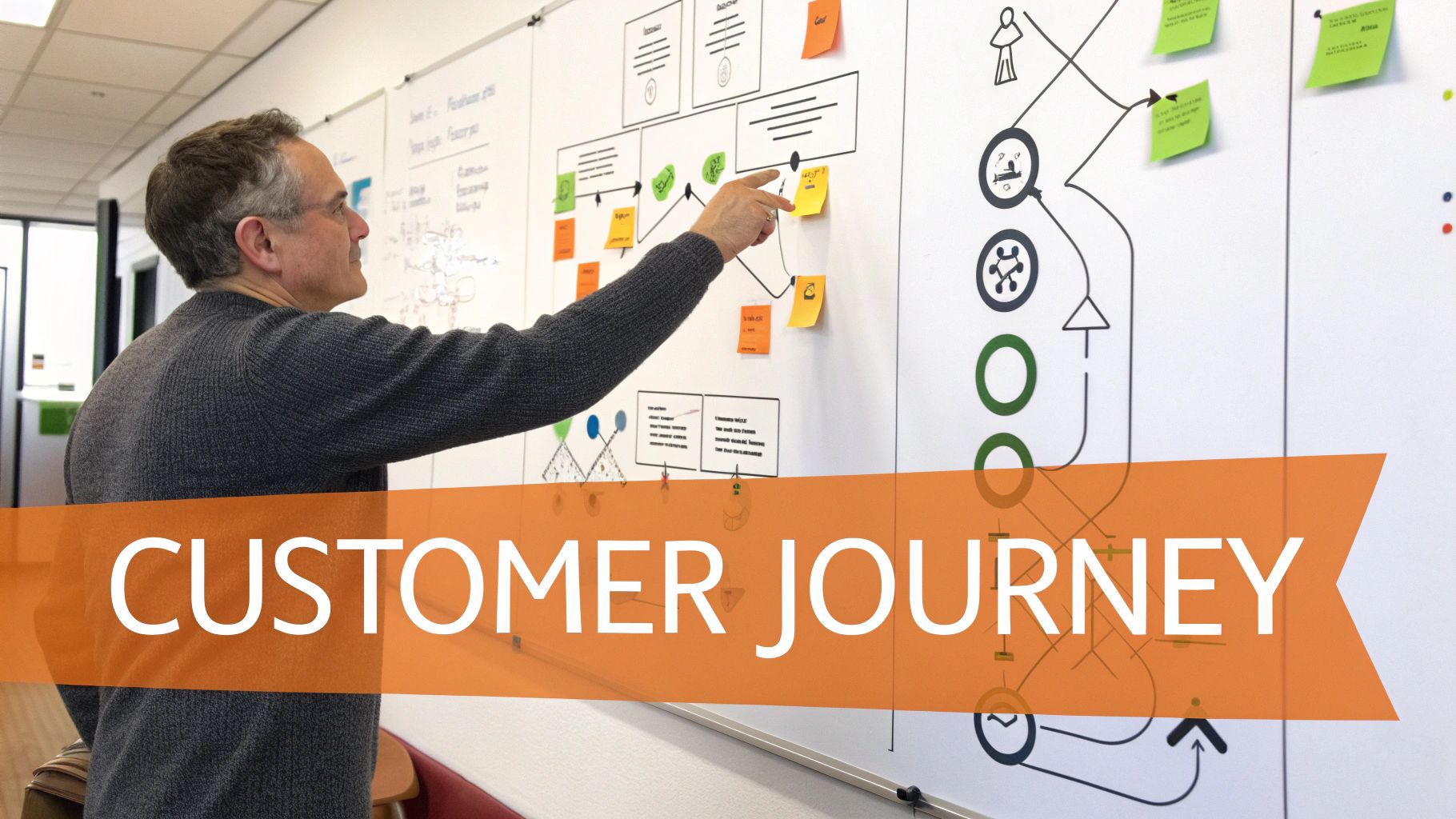
Visualize every step a customer takes, from their first search for "HVAC repair in [Neighborhood]" to leaving a review. This reveals pain points you didn't know existed.
- Awareness: How do they find you? (Google search, social media, referral)
- Consideration: What information do they look for? (Reviews, services, pricing)
- Booking/Purchase: Is your booking process easy? (Online form, phone call, text)
- Service: What is the in-person or on-site experience like?
- Post-Service: How do you follow up? (Review request, next appointment reminder)
3. Create a Seamless Omnichannel Experience
Ensure a customer's experience is consistent whether they contact you via phone, webchat, SMS, or in person. For example, a potential med spa client starts a webchat, then calls. Your front desk should have access to that chat history so the client doesn't have to repeat themselves. Using a unified platform for customer communication management software is key.
4. Systematize Feedback Collection (VoC)
A Voice of the Customer (VoC) program systematically gathers and analyzes feedback. Don't wait for reviews to happen; actively solicit them.
- Automate Requests: Use SMS and email to automatically ask for a review within 24 hours of service completion.
- Use Surveys: Send short, simple surveys (like NPS) to measure satisfaction at key moments.
- Listen Socially: Monitor mentions of your brand on platforms like Facebook and Nextdoor.
5. Empower Your Employees
Happy employees create happy customers. An empowered vet tech who can resolve a billing question on the spot without manager approval creates a far better experience than one who has to say, "I need to ask someone."
- Train for Soft Skills: Coach your team on empathy, active listening, and problem-solving.
- Give Autonomy: Empower frontline staff to make decisions that benefit the customer.
- Share Feedback: Make sure your team sees the positive reviews they helped earn.
Templates & Scripts for Your CXM Program
Using templates ensures a consistent, professional response every time. Customize them to fit your brand's voice.
Review Request Scripts
- SMS Template (Med Spa): "Hi [Client Name], it's [Staff Name] from [Med Spa Name]. We loved seeing you today! Would you mind sharing your experience with us on Google? It helps others find us. [Link to Google Review page]"
- Email Template (Dental Practice): "Subject: How was your visit to [Practice Name]? Hi [Patient Name], Thank you for trusting us with your smile! We're always striving to improve, and your feedback is invaluable. If you have a moment, please share your experience by leaving us a review on Google: [Link to Google Review page]. Thank you, The Team at [Practice Name]"
Review Response Templates
- Positive Review Response (5 Stars): "Hi [Reviewer Name], thank you so much for your kind words! We're thrilled to hear you had a great experience with [mention specific detail like 'Dr. Smith' or 'our front desk team']. We appreciate you choosing us and look forward to seeing you again soon!"
- Negative Review Response (1-3 Stars): "Hi [Reviewer Name], thank you for bringing this to our attention. We are sorry to hear your experience did not meet expectations. We are committed to providing the best service possible, and we would appreciate the opportunity to learn more and make things right. Please contact our manager, [Manager Name], at [Phone Number] or [Email Address] at your convenience."
7-Day Launch Checklist for a Review Program
- Day 1: Finalize and get approval on your review request and response templates.
- Day 2: Set up your review request automation software to send messages 1-24 hours after an appointment is completed.
- Day 3: Train your front-line staff. Explain why reviews are important and how the new automated system works.
- Day 4: Designate a point person responsible for responding to all new reviews.
- Day 5: Launch the automated system. Monitor the first batch of requests to ensure they are being delivered correctly.
- Day 6: Respond to your first incoming reviews using the new templates within 24 hours.
- Day 7: Review the week's results: How many requests were sent? How many new reviews did you get? Share early wins with your team.
How to Measure Customer Experience Success
Vague goals lead to vague results. Track these specific metrics to measure the ROI of your customer experience efforts.
-
Online Reputation:
- Star Rating: Target an average of 4.5+ stars on Google.
- Review Volume: Aim for at least 5-10 new reviews per location per month.
- Review Recency: Ensure your latest review is less than 2 weeks old.
- Response Time: Respond to 100% of reviews within 24 hours.
-
Google Business Profile Performance:
- Views: Track the month-over-month increase in profile views.
- Calls & Website Clicks: Monitor the number of direct leads generated from your profile. Use UTM (Urchin Tracking Module) tags on your GBP website links to track this traffic in Google Analytics. For example, your link could be
yourwebsite.com/?utm_source=google&utm_medium=organic&utm_campaign=gmb. This helps you see how many website visitors and form fills came directly from your local listing.
-
Business Growth:
- Lead-to-Sale Conversion Rate: Measure the percentage of inquiries (calls, messages, forms) that become paying customers. An improved CX should increase this rate.
- Customer Retention Rate: Track how many customers return for another service within a typical timeframe.
Frequently Asked Questions (FAQs)
1. What is customer experience management (CEM)?
Customer Experience Management (also known as CXM) is the process of designing and managing every interaction a customer has with your business to foster loyalty. It covers all touchpoints, from discovery on Google Maps to post-purchase support.
2. Why are customer experience management best practices important for local businesses?
They are critical because a positive customer experience leads to better online reviews, which directly impacts your visibility and ranking in local search results (like Google Maps). This builds trust and drives more calls, appointment bookings, and foot traffic.
3. What is the difference between customer service and customer experience?
Customer service is one piece of the puzzle—it's the direct assistance you provide to a customer (e.g., answering a phone call). Customer experience is the customer's entire journey and perception of your brand, including finding your website, the cleanliness of your office, and the ease of your billing process.
4. How can I get more online reviews?
The most effective way is to ask every customer. Use automated SMS and email software to send a direct link to your Google review page shortly after their appointment or service is complete. Make it as easy as possible for them to leave feedback. Strong reputation management is key.
5. What is the first step I should take to improve our customer experience?
Start by auditing and optimizing your Google Business Profile for every location. Ensure your name, address, phone number, and hours are 100% accurate. This is your digital front door and the foundation for a positive customer journey. You can optimize your Google Business Profile with expert help.
6. How do I handle negative reviews?
Respond quickly (within 24 hours), professionally, and with empathy. Acknowledge the customer's frustration, apologize for their experience, and offer to take the conversation offline to resolve the issue. Never argue or get defensive publicly.
7. How much does implementing a CXM strategy cost?
The cost varies. Basic steps like optimizing Google Business Profile are free. Implementing software for review automation or a unified communications platform will have a monthly fee. However, the ROI from increased leads and better retention often far outweighs the investment.
Improving your customer experience is the most sustainable way to grow your local or multi-location business. To see how a dedicated platform can automate feedback collection, centralize communications, and give you the insights needed to deliver a five-star experience, book a strategy call with our team. We offer expert, month-to-month support to help you succeed.


