
Getting a 5-star Google rating is about more than just looking good online; it’s a direct driver of new business. A high rating with consistent, fresh reviews acts as the strongest trust signal for potential customers, directly increasing calls, bookings, and in-store visits. For busy local operators, a streamlined review strategy is the most efficient way to stand out in "near me" searches and convert more prospects into paying customers.
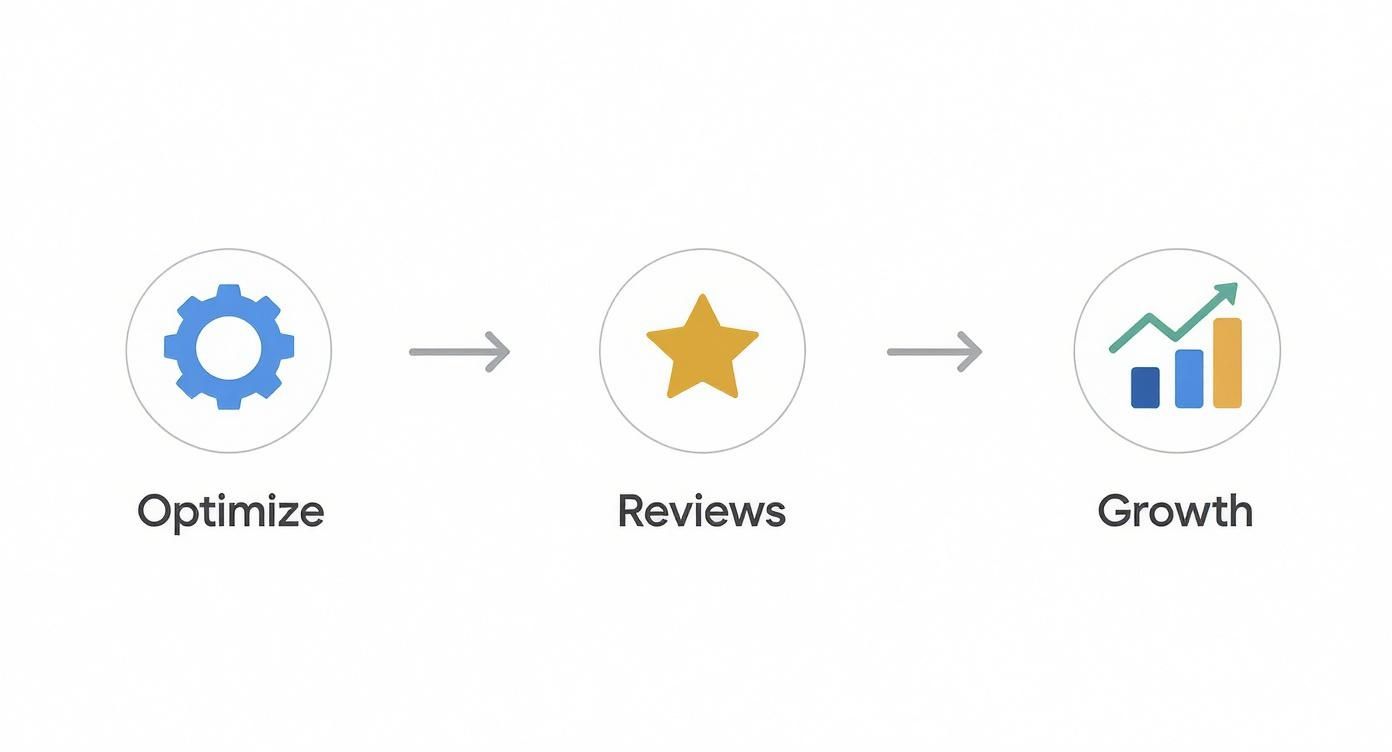
This guide provides a complete playbook for earning that coveted 5-star Google rating. We'll cover everything from optimizing your Google Business Profile to deploying proven request scripts and measuring your return on investment (ROI).
Key Facts About Google Ratings
- Conversion Impact: Businesses with a 4.6-star rating or higher see significantly more clicks, calls, and conversions from their Google Business Profile.
- Local SEO Factor: Google’s local search algorithm uses review quantity, quality, and recency as a top factor for ranking in the Maps "3-Pack."
- Recency Matters: 73% of consumers only pay attention to reviews written in the last month, making a continuous flow of new feedback essential.
- Response Rate: Responding to over 50% of your reviews can improve your local search ranking and customer trust.
- ROI Potential: An improvement of just 0.5 stars can increase revenue by up to 20% for a local business.
Step 1: Optimize Your Google Business Profile Foundation
Before asking for a single review, you must ensure your Google Business Profile (GBP) is fully optimized. A complete and accurate profile is the foundation for local search visibility and tells Google you are a legitimate, active business. This is a non-negotiable first step.
Google's local ranking algorithm is based on three core principles:
- Proximity: How physically close your business is to the person searching (e.g., "dentist near me").
- Relevance: How well your GBP categories and content match the search query (e.g., having "pediatric dentistry" as a service).
- Prominence: How well-known and trusted your business is. This is where your 5-star Google rating and review volume have the most significant impact.
A consistent stream of positive reviews signals to Google that you are a prominent, authoritative choice in [City], boosting your visibility.
Google Business Profile Optimization Checklist
Use this checklist to ensure your profile is ready to attract and convert customers.
- [ ] Verify Core Information: Confirm your business Name, Address, and Phone number (NAP) are 100% consistent across the web.
- [ ] Select Primary & Secondary Categories: Choose the most accurate primary category (e.g., "HVAC Contractor") and add all relevant secondary ones (e.g., "Air Conditioning Repair Service").
- [ ] Define Service Areas: List the specific neighborhoods, cities, and zip codes you serve, like [Neighborhood] and surrounding areas.
- [ ] Write a Compelling Description: Craft a keyword-rich description that highlights what makes your business unique.
- [ ] Upload High-Quality Photos: Add at least 10 recent, high-resolution photos of your team, location, and work.
- [ ] Use the Q&A Feature: Proactively add and answer 5-7 frequently asked questions to address common concerns before they become issues.
Step 2: Create a System for Generating Reviews
Great ratings are the result of a deliberate, repeatable system, not luck. By implementing a process to consistently ask for feedback, you create a predictable engine for business growth.
Choose Your Channels and Timing
The most effective channels for review requests are SMS (text messaging) and email. SMS has over a 90% open rate, making it ideal for immediate requests. Email allows for more personalization and is a great follow-up tool.
The best time to ask is within 1-2 hours of a successful service. The positive experience is fresh in the customer's mind, making them much more likely to respond. For a vet clinic in [City], this means sending the request shortly after a positive check-up. For an auto shop, it's right after the customer has picked up their perfectly repaired car.
Step 3: Use Proven Templates and Scripts
Generic requests are easily ignored. Your scripts must be personal, direct, and make it effortless for the customer to leave a review. Always include a direct link to your Google review page.
Review Request Templates
SMS Script (For a Med Spa)
"Hi [Client Name], it's [Staff Name] from [Med Spa Name] in [City]. We loved seeing you today! Would you mind taking 30 seconds to share your experience on Google? It helps others find us. Thank you! [Direct Google Review Link]"
Email Script (For a Senior Living Community)
Subject: A quick question about your tour at [Community Name]
Hi [Family Member Name],
Thank you for visiting [Community Name] today to explore our community. We hope you found the tour of our [Neighborhood] location helpful.
When you have a moment, we would be grateful if you could share your impressions on Google. Your feedback is invaluable to other families searching for the right care.
[Click Here to Leave a Review on Google]
We appreciate your time.
Sincerely,
The Team at [Community Name]
7-Day Review Program Launch Checklist
- Day 1: Get Your Direct Review Link. Find the "Get more reviews" button in your GBP dashboard and copy the unique URL.
- Day 2: Finalize Your Scripts. Adapt the templates above to match your brand's voice for both SMS and email.
- Day 3: Train Your Team. Explain why reviews are critical for business growth. Role-play the process of asking customers for feedback.
- Day 4: Set Up Automation. If using a platform, configure triggers to automatically send requests after an appointment or transaction is completed.
- Day 5: Run a Test. Send test requests to your team to check links and formatting on mobile and desktop.
- Day 6: Identify Initial Targets. List 5-10 recent, happy customers to be your first requests.
- Day 7: Go Live. Begin sending your requests and monitor your GBP for new reviews.
Review Response Templates
Responding to all reviews shows you are engaged and care about feedback. It's a critical part of your reputation management strategy.
Positive Review Response Template (5-Star)
"Hi [Customer Name], thank you so much for the fantastic review! We're thrilled you appreciated [mention a specific detail, e.g., 'our technician's friendly service']. Your feedback means a lot to our team here at [Business Name]. We look forward to seeing you again!"
Negative Review Response Template (1-Star)
"Hi [Customer Name], thank you for sharing your feedback. We are very sorry to hear your experience did not meet expectations, and we take your comments about [mention the core issue, e.g., 'the scheduling delay'] seriously. Our manager, [Manager's Name], would like to connect with you directly to resolve this. Please call them at [Phone Number]."
Step 4: Measure What Matters
If you don't track your efforts, you can't improve them. Measuring key metrics proves the ROI of your review strategy and shows you where to focus your attention.

Key Metrics and Recommended Targets
| Metric | Recommended Target | How to Track |
|---|---|---|
| New Reviews Per Month | 10+ per location | Reputation management platform or manual GBP check. |
| Average Star Rating | 4.6 stars or higher | Your public Google Business Profile listing. |
| Average Response Time | Under 24 hours | Software dashboard or manual tracking. |
| GBP Profile Views | 15% month-over-month growth | "Performance" tab in your GBP manager. |
| GBP Clicks-to-Call/Book | 10% month-over-month growth | "Performance" tab in your GBP manager. |
| Lead-to-Sale Conversion | Varies by industry; track improvement | CRM or call tracking software. |
Tracking ROI from GBP to Sales
To connect your 5-star Google rating to revenue, you must track the customer journey. Use UTM (Urchin Tracking Module) parameters to tag the links on your Google Business Profile (e.g., your website and booking links).
By adding a simple code snippet like ?utm_source=google&utm_medium=organic&utm_campaign=gbp, you can see in Google Analytics exactly how many website visits, form fills, and bookings originated from your profile. This allows you to report with certainty, "Last month, our Google Business Profile generated 30 new patient appointments," demonstrating clear ROI.
Frequently Asked Questions (FAQ)
1. Can I delete a bad Google review?
No, you cannot directly delete a negative review. You can, however, "flag" or report a review that violates Google's policies (e.g., spam, hate speech, conflict of interest). Your best strategy is to respond professionally and take the conversation offline.
2. How many reviews do I need to get a rating?
Google typically begins displaying a star rating after you receive 3-5 reviews. To build trust and improve rankings, aim for a steady stream of at least 10 new reviews per location each month.
3. Is a perfect 5.0-star rating the goal?
Not necessarily. While a high rating is crucial, research shows that ratings between 4.2 and 4.6 stars often appear more authentic to consumers. A perfect 5.0 with few reviews can sometimes look suspicious. Focus on achieving a high rating (4.5+) with a high volume of recent reviews.
4. How should I handle a fake review?
First, flag the review for removal, explaining to Google why you believe it is fake. Second, post a polite, professional public response stating that you have no record of the individual as a customer and invite them to contact your manager directly to resolve the issue.
5. How long does it take for a new review to affect my rating?
The impact is almost immediate. As soon as a new review is published, Google recalculates your average star rating. This is why a proactive review generation system is vital to offset the impact of any potential negative feedback.
6. Why do some of my Google reviews disappear?
Reviews can be removed for several reasons: the user deleted it, Google's automated spam filters removed it for violating policy (e.g., posted by an employee), or the user deleted their Google account.
7. How are Google star ratings calculated?
It is a simple mathematical average: the total sum of all star ratings divided by the number of reviews. However, Google’s algorithm may give more weight to newer, more detailed reviews from established user accounts.
A strong online reputation is built through consistent effort. If you've tried to how to optimize your Google Business Profile but need expert help turning feedback into growth, we're here. We provide month-to-month support for local and multi-location businesses, with industry-specific strategies tailored to your needs. Book a strategy call with us today to get started.


