
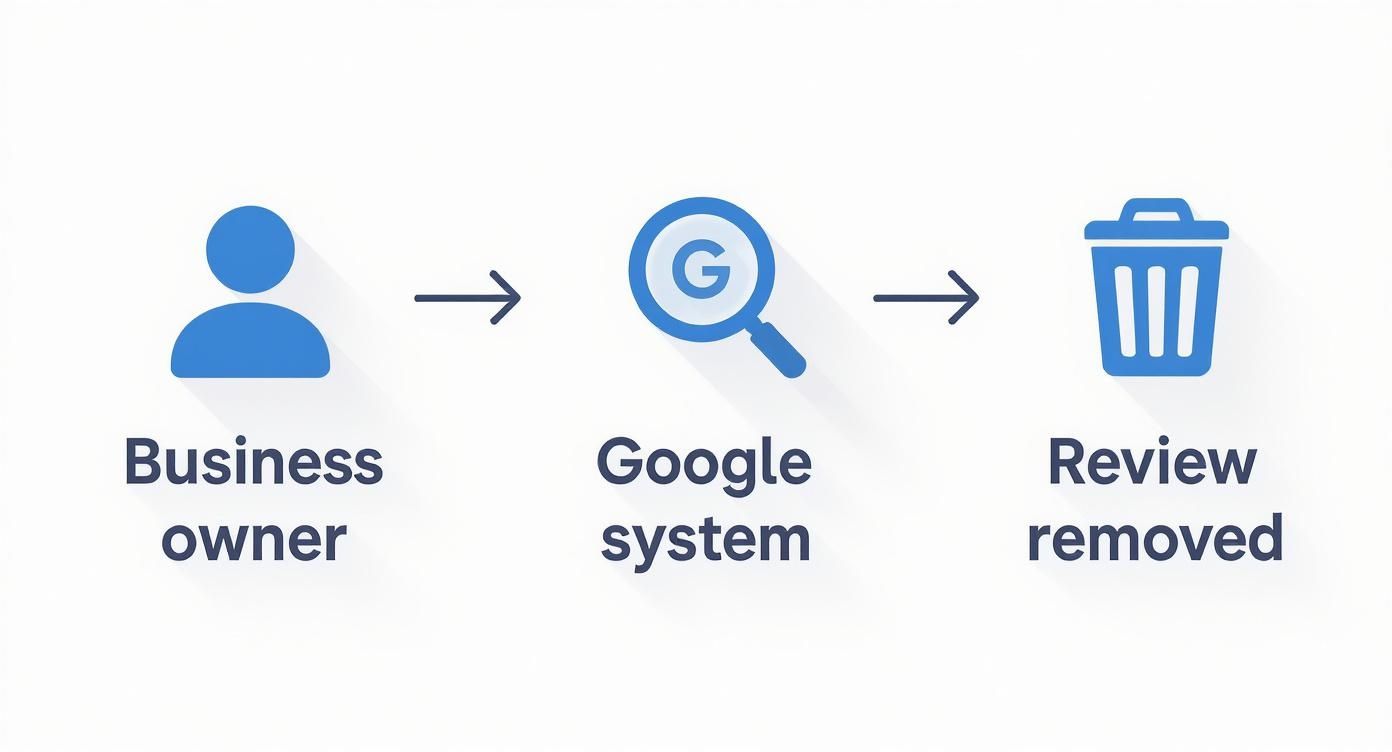
You can’t directly delete a Google review yourself, but you can request its removal by flagging it for a policy violation. Google will then review your request and decide whether to take it down. Mastering this process is crucial because fake or malicious reviews can directly harm conversions by deterring potential customers from calling, messaging, or booking an appointment.
Key Facts
- You can't delete reviews: Business owners do not have a "delete" button for Google reviews. Only Google can remove them.
- Flagging is the first step: The official process is to "flag" a review that you believe violates Google's content policies.
- Policy violation is required: The review must break a specific Google rule (e.g., spam, hate speech, conflict of interest) to be eligible for removal.
- Removal takes time: Expect a decision from Google in 3–7 business days, though it can often take longer.
- Appeals are possible: If your initial removal request is denied, you can appeal the decision with additional evidence.
- Proactive management is key: Your best defense is a strong offense—consistently generating positive reviews to minimize the impact of any negatives.
The Step-by-Step Guide to Removing a Google Review
So, you've found a review that clearly crosses the line and violates Google's policies. What now? Your next move is to report it. This is the primary way you can ask Google to take down an illegitimate review, and it all starts with flagging it and telling them exactly which rule it breaks.
Getting this right is a bigger deal for your local SEO than you might think. Google’s local algorithm is always looking at three main things: proximity (how close you are to the searcher), relevance (how well you match the search query), and prominence (how well-known and authoritative your business is). A profile littered with fake or spammy reviews wrecks your prominence. It’s a red flag to Google that your listing might not be trustworthy, which can tank your visibility in those crucial "near me" searches in places like [City] or [Neighborhood].
How to Flag a Review From Your Google Business Profile
The most direct and effective way to report a review is right from your own GBP dashboard. When you do it this way, the report is tied directly to your business profile, which gives it more weight. It should always be your first step.
Here's how to get it done:
- Log in and find your profile. Sign into the Google account that manages your GBP and just search your business name on Google to pull up the management dashboard.
- Go to your reviews. You'll see a "Reviews" button in the panel. Click it.
- Find the offending review. Scroll until you locate the one you need to report, then click the three little dots right next to the reviewer's name.
- Report it. A menu will pop up—choose "Report review." This is the important part: you'll need to select the specific policy the review violates. Be precise. A well-categorized report has a much better shot at being successful.
- Submit and wait. After you submit, you'll get an email from Google confirming they received your request.
What to Do When Your Removal Request Is Denied
It’s always a punch to the gut. You get that email from Google saying your removal request was denied, but a denial is not the end of the road. You have a clear path to appeal the decision using Google's own "Manage your reviews" tool.
Here’s how to navigate it:
- Head over to the Review Management Tool.
- Select the right business profile (make sure you’re logged into the correct Google account).
- The tool will pull up a list of reviews you've recently reported. Find the one you need to appeal.
- If the status reads "Decision made: No policy violation," you'll see an option to appeal. Click it.
- This is your shot to build a much stronger case. Provide evidence like screenshots, internal records (while avoiding Protected Health Information or PHI), and a concise, factual argument explaining why the review violates a specific policy.
Scripts and Templates for Review Management
You can't force Google to remove a review just because you don't like it. The real win comes from controlling the narrative through proactive reputation management. Having go-to templates ready ensures your team can respond quickly and consistently, which signals to both Google's algorithm and potential customers that you're an engaged, trustworthy business.
Scripts for Generating New Reviews
Your best defense against a negative review is a flood of positive ones.
SMS Script Example (Veterinary Clinic)
A text message is perfect for busy practices. It’s quick, direct, and pet owners appreciate the convenience after a visit.
"Hi [Pet Owner Name], this is [Your Name] from [Vet Clinic Name]. Thanks for trusting us with [Pet's Name] today. Would you mind taking 30 seconds to share your experience on Google? Your feedback helps us a ton! [Link to Google Review Page]"
Email Script Example (Dental Practice)
For more personal services, like at a dental office, an email feels more appropriate. It gives you space for a warmer, more thoughtful request.
Subject: Your feedback means the world to us, [Patient Name]!
Hi [Patient Name],
Thank you for choosing [Dental Practice Name] for your recent appointment. We loved having you and hope you had a comfortable and positive experience.
When you have a moment, we would be so grateful if you could share your thoughts on your visit with us on Google. Your feedback not only helps other families in the [City] area make informed decisions but also helps our team continue to provide the best possible care.
[Link to Google Review Page]
We look forward to seeing you at your next visit!
Warmly,
The Team at [Dental Practice Name]
Templates for Responding to Reviews
How you handle feedback is just as important as the review itself.
Positive Review Response Template
Always thank people for positive feedback. It validates their choice and shows prospective customers you appreciate your community.
"Hi [Reviewer Name], thank you so much for the kind words! We're thrilled to hear you had a great experience with [mention specific detail, e.g., 'our hygienist, Sarah' or 'our team in the [Neighborhood] office']. We appreciate you taking the time to share your feedback and look forward to serving you again soon!"
Negative Review Response Template
When you get a negative review, the goal is de-escalation. Acknowledge the problem publicly, then immediately move the conversation to a private channel to fix it.
"Hi [Reviewer Name], thank you for bringing this to our attention. We are sorry to hear that your experience did not meet expectations. We take feedback like this very seriously, and we would appreciate the opportunity to learn more and make things right. Please contact our Practice Manager, [Manager Name], directly at [Phone Number] or [Email Address] at your convenience."
How to Measure Your Review Management ROI
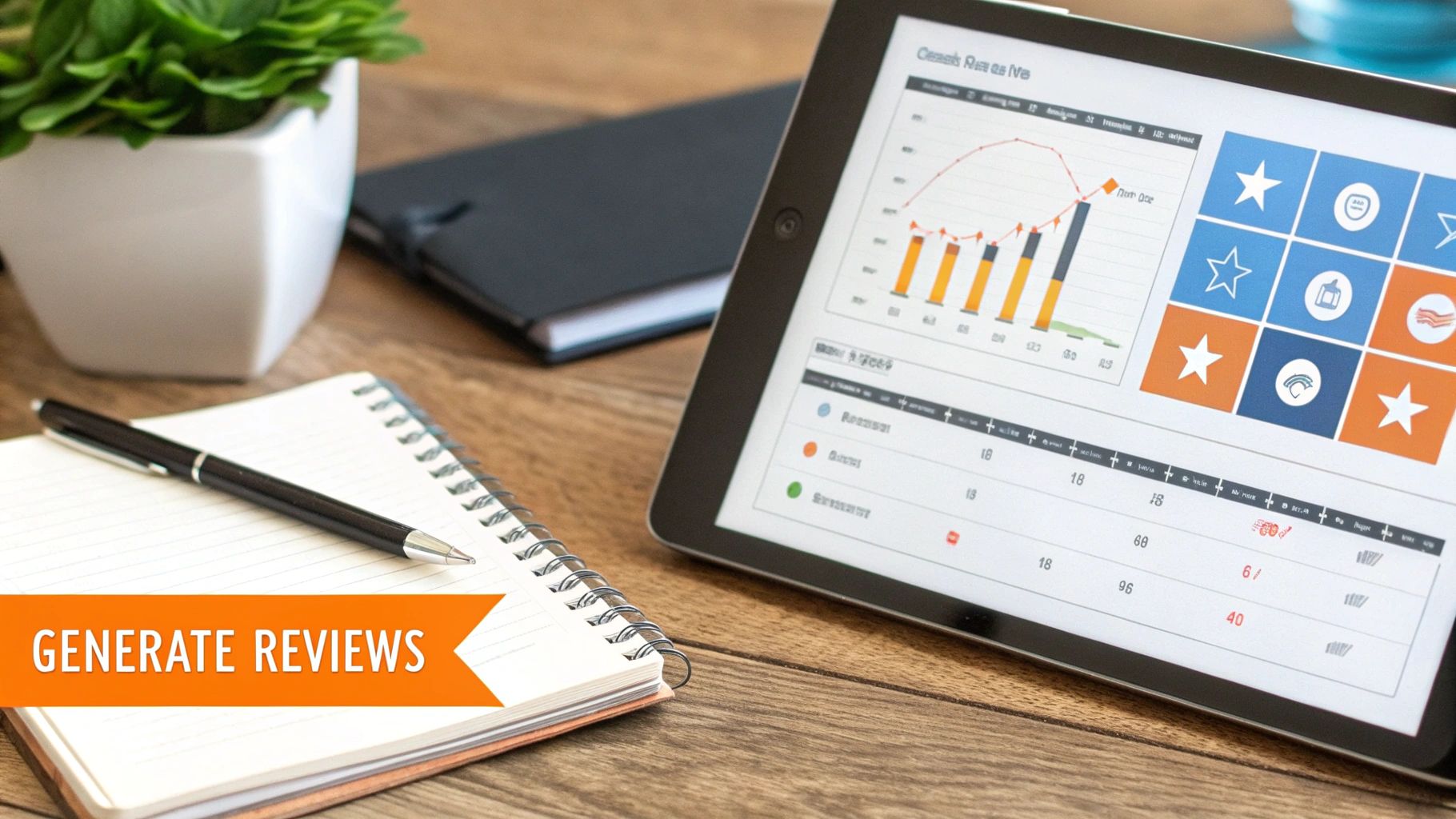
Is all this work actually paying off? Connecting review management tasks to real business results is what truly matters. Solid reputation management directly impacts how many new customers find you, trust you, and ultimately, decide to book a tour or an appointment.
Setting Actionable Targets
Vague goals like "get more good reviews" aren't going to cut it. Set clear, measurable targets that link your reputation efforts to tangible outcomes.
- Average Star Rating: Maintain a 4.5-star rating or higher.
- Response Time: Respond to 100% of reviews within 24 hours.
- Review Volume: Target 5-10 new reviews each month per location.
- GBP Views/Calls: Look for a 15% quarter-over-quarter lift in actions like calls, direction requests, and website clicks from your Google Business Profile.
- Lead-to-Sale Conversion: Track the percentage of leads from GBP that become paying customers.
Tracking Conversions from Your Google Business Profile
Here’s a simple trick to draw a straight line from GBP activity to new business: UTM parameters.
A UTM (Urchin Tracking Module) is a snippet of code added to a URL. By creating tagged links for the "Website" and "Appointment" fields on your GBP, you can see precisely how many people clicked from your profile.
For instance, a tagged link for your booking page might look like this:
yourwebsite.com/book-now?utm_source=google&utm_medium=organic&utm_campaign=gbp_profile
This data feeds into Google Analytics, letting you trace a customer’s path from reading your reviews to booking an appointment. It’s the cleanest way to prove the ROI of your efforts.
Launching a Review Generation Program
A systematic program is the engine of a healthy online reputation.
7-Day Review Program Launch Checklist
- Day 1: Strategy. Identify the best moments to ask for a review (e.g., post-service, follow-up call). Choose your primary channel (SMS vs. email).
- Day 2: Asset Prep. Create your direct Google review link. Draft and finalize your SMS and email request scripts using the templates above.
- Day 3: Team Training. Hold a 15-minute huddle. Explain why reviews matter for new business and walk through the process of sending requests.
- Day 4: Set Goals. Establish your initial targets for review volume (e.g., 10 new reviews this month) and average star rating (e.g., maintain 4.7+ stars).
- Day 5: Soft Launch. Start sending requests to a small batch of 5–10 recent, happy customers.
- Day 6: Monitor & Respond. Watch for new reviews. Respond to every single one within 24 hours.
- Day 7: Full Launch. Roll out the program to all eligible customers moving forward.
GBP Optimization Checklist
To fully leverage your positive reviews, you need to optimize your Google Business Profile. An optimized profile reinforces your prominence and relevance to Google.
- Complete Every Section: Fill out services, attributes, accessibility info, and business hours.
- Add Photos Weekly: Upload at least 3-5 new, high-quality photos each week showing your team, location, and work.
- Use the Q&A Feature: Proactively add and answer common questions.
- Enable Messaging: Allow customers to contact you directly from your profile.
- Publish Google Posts: Share updates, offers, or news at least once a week.
5 Frequently Asked Questions (FAQs)
1. How long does it take for Google to remove a review?
Plan on waiting 3–7 business days for an initial decision, but it can often take much longer. Our analysis of over 50,000 deleted reviews showed that 77% remained live for more than 10 days before Google removed them.
2. Can I pay someone to delete a bad Google review?
No. Services promising guaranteed removal often use fraudulent methods that violate Google's terms and can put your entire business profile at risk. The only legitimate path is flagging the review and following Google's official process.
3. Will responding to a review hurt my chances of getting it removed?
No. Responding to a review has no negative impact on your removal request. In fact, you should respond promptly and professionally to every review, as it shows potential customers you are engaged and attentive.
4. What happens if the reviewer deletes their own review?
If the reviewer removes their own comment, it is deleted permanently. This often happens after a business responds thoughtfully and resolves the customer's issue offline—a major win for customer service.
5. Does a review have to be from a paying customer?
No. Google's policies allow users to review any "experience" with a business, which can include a phone call or an interaction on your premises. A review from a non-customer is only removable if it violates a specific policy, such as being fake spam or a conflict of interest.
Managing your online reputation is an ongoing effort that pays huge dividends in new customers and sustained growth. At Reviews To The Top, we provide the systems and dedicated month-to-month support to build a powerful, positive online presence that fuels your business. If you’re ready to take control of your reviews, book a strategy call with our team today.


