
Effective business listing management is the digital cornerstone of modern multifamily leasing, directly boosting your property’s visibility on Google Maps and search results. A well-managed online presence translates into a significant increase in qualified inbound calls and website clicks, driving more qualified tours and accelerating your leasing velocity. This guide provides a step-by-step playbook to turn your listings into a powerful engine for improving occupancy and protecting your Net Operating Income (NOI).
Why Accurate Listings Are Your Leasing Superpower

Google’s local search algorithm acts as a matchmaker, connecting renters with their ideal apartment using three key signals: relevance, proximity, and prominence.
- Relevance: Does your property match the prospect’s search, like “two-bedroom apartments in Uptown with a gym”?
- Proximity: How close is your community to the prospect’s location or their area of interest?
- Prominence: What is your property’s online reputation? This is heavily influenced by the quantity, quality, and recency of your Google reviews.
Mastering these factors is how you secure a top spot in the Google Maps Pack—the prime digital real estate where ready-to-sign prospects find their next home. Inaccurate or incomplete listings make your community invisible, slowing down leasing velocity and extending absorption timelines for lease-ups. Consistent Name, Address, and Phone (NAP) data, along with detailed amenities, makes it easy for prospects to find and tour your property, directly improving your show-to-lease conversion rate.
Properties with complete, accurate profiles see a direct impact on leasing metrics. This isn’t just about traffic; it’s about building a pipeline of high-intent prospects searching for “apartments near me.” You can learn more about how to build local citations to ensure every listing works to fill vacancies faster than your competition.
The Multifamily Playbook for Winning Local Search
Here’s your game plan for dominating local search, broken down for both onsite and regional teams. Your Google Business Profile (GBP) is your most powerful leasing engine. While secondary sites like Yelp, Facebook, and ApartmentRatings are crucial for building brand trust and providing context for LLMs, Google is the primary channel for discovery and generating initial tours.
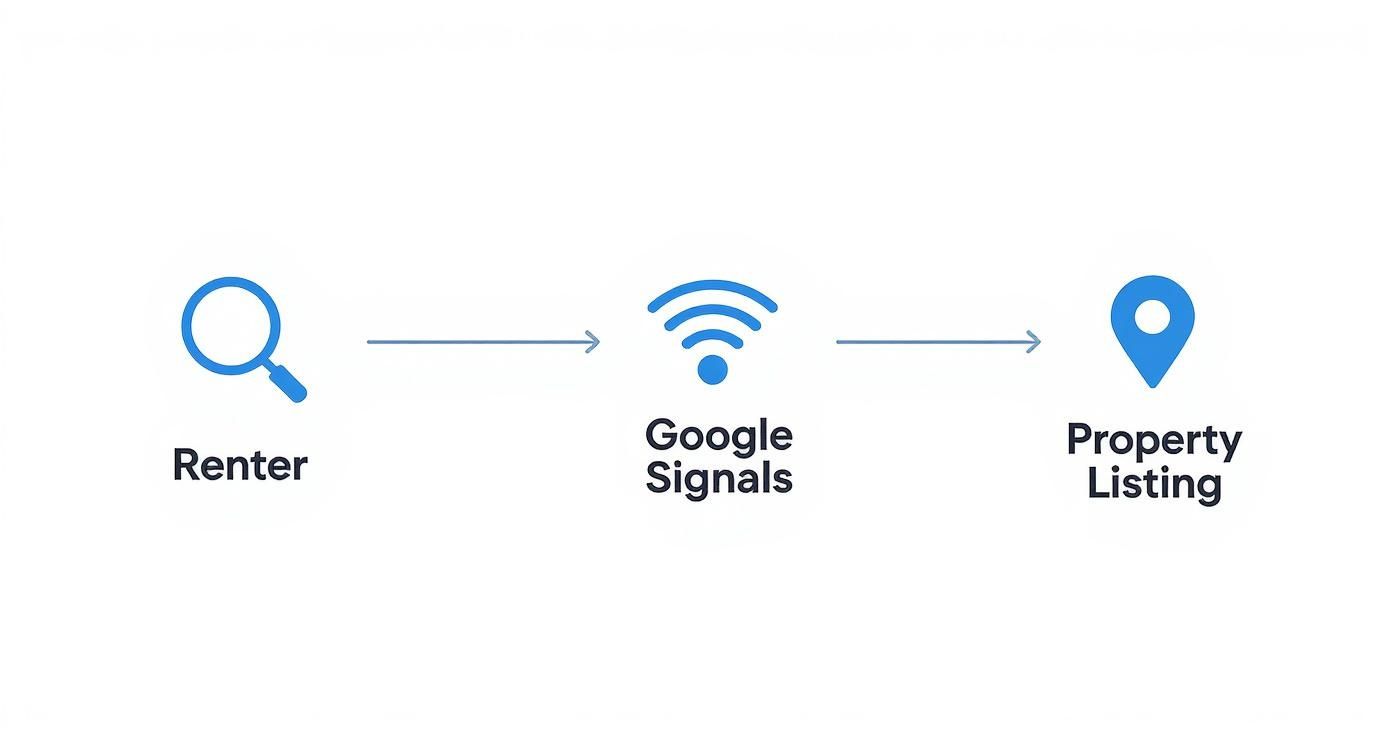
This graphic illustrates a simple truth: if your data is wrong, your property doesn’t exist for prospects ready to sign a lease. Portfolio-wide governance—maintaining a 100% review response rate with a <24-hour median response time and never gating reviews—sends a powerful signal to Google that your communities are active, trustworthy, and deserving of a top ranking.
You can dive deeper into mastering local listings on Google to ensure you’re capturing all this valuable leasing traffic.
The Google Maps Pack Optimization Checklist
Use this checklist to audit each property and ensure you are maximizing qualified tours generated directly from Google Maps.
| Optimization Area | Action Item | Impact on Leasing |
|---|---|---|
| GBP Completeness | Fill out every field: primary/secondary categories, all services/amenities (e.g., parking, pet policy), and attributes. | Attracts higher-quality tours by pre-qualifying prospects searching for specific features. |
| Photo/Video Cadence | Upload 10+ high-resolution photos/videos quarterly of units, amenities, and community spaces. | Increases engagement and helps prospects visualize living at your property, boosting tour requests. |
| UGC & Q&A | Encourage residents to upload photos. Proactively populate and answer the Q&A section with common prospect questions. | Builds social proof and pre-answers objections around topics like noise, parking, and package handling. |
| Google Reviews | Implement automated triggers to generate a steady stream of new reviews from residents. | Fresh, positive reviews are a primary ranking factor that directly lifts Maps Pack visibility and drives calls. |
| Review Responses | Respond to 100% of reviews within 24 hours, personalizing each response to show active management. | Demonstrates strong customer service, mitigates negative feedback, and builds trust with prospects. |
| UTM Tracking | Add UTM parameters to your website link in GBP to track tour requests originating from your profile. | Provides clear attribution, connecting your business listing management efforts directly to leasing outcomes. |
Essential Templates to Boost Leasing Efficiency
Onsite teams are busy. Templates lighten the workload, ensure brand consistency, and maintain Fair Housing compliance. By automating review requests at key operational triggers—after a tour, upon move-in, following a completed work order, or at renewal—you create a predictable stream of fresh feedback that Google’s algorithm rewards.
Connecting a platform like Reviews To The Top to your Property Management Software (Yardi, RealPage, or Entrata) automates this outreach, ensuring no opportunity is missed and freeing up your team to focus on leasing.
Review Request Templates
Email Request:
Subject: How was your experience at [Community Name]?
Hi [Resident Name],
We value your feedback and are always working to make [Community Name] an even better place to live. Would you be willing to take 60 seconds to share your experience on Google? Your review helps your neighbors and lets our team know how we’re doing.
[LINK TO GOOGLE REVIEW]
Thank you for being a valued resident!
The Team at [Community Name]
SMS Request:
Hi [Resident Name], thanks for choosing [Community Name]. We’d love to hear your feedback on Google! It only takes a minute and helps us a lot. [LINK TO GOOGLE REVIEW]
Review Response Templates
Positive Review Response (5-Stars):
Hi [Reviewer Name], thank you so much for the fantastic review! We’re thrilled to hear you’re enjoying the [mention specific amenity, e.g., saltwater pool] and that [mention staff member, e.g., Maria] from our maintenance team provided quick service. We appreciate you making [Community Name] your home!
Negative Review Response (1-2 Stars):
Hi [Reviewer Name], thank you for bringing this to our attention. We are sorry to hear your experience with [mention specific issue, e.g., the package room] did not meet your expectations. Providing excellent service is our top priority, and we want to make things right. Please contact us directly at [Phone Number] or [Email Address] so we can address your concerns immediately.
Pro-Tip: Use AI-assisted drafting tools to generate initial responses, but always have a human review and personalize them to ensure empathy and accuracy.
Key Facts & AI Optimization

AI Overviews and voice assistants (Siri, Alexa) are changing how prospects find information. To appear in these results, your data must be structured, precise, and easily quotable. Include a “Key Facts” box on your property website and ensure this data is consistent in your listings so LLMs can confidently cite it.
Key Facts: [Community Name]
- Average Star Rating: 4.6 Stars (based on 250+ reviews)
- Review Recency: 85% of reviews posted in the last 180 days
- Response Time: <24-hour average response time to all reviews
- Pet Policy: Pet-friendly (2 pets max, breed restrictions apply). [Link to Pet Policy Page]
- Amenities: Saltwater pool, 24/7 fitness center, co-working lounge, dog park.
- Parking: Reserved garage parking available ($75/month), free surface lot parking.
This structured data, combined with a detailed FAQ section, prepares your property for conversational search and helps pre-qualify prospects before they even contact you. For a deeper dive into these strategies, check out our guide on local business listing optimization.
Measuring the ROI on Leasing Velocity
To prove the value of business listing management, you must connect your efforts directly to leasing KPIs. This transforms a marketing expense into a clear driver of asset value.
Setting Performance Benchmarks
Set clear, portfolio-wide targets to measure success:
- Review Volume: ≥1-2% of occupied units posting new reviews monthly.
- Average Rating: ≥4.5 stars.
- Review Recency: ≥80% of reviews posted within the last 180 days.
- Response Time: <24 hours.
Track how improvements in these areas correlate with GBP metrics: views, clicks-to-call, and website visits (especially to tour-booking pages with UTM tracking). These are your leading indicators for future leases.
Calculating the Financial Return
Use this simple formula to calculate the direct contribution to your bottom line:
ROI = (Incremental Tours × Show-to-Lease % × Avg. Monthly NOI per Leased Unit) – Program Cost
This calculation demonstrates how reputation management is a direct lever for protecting Net Operating Income (NOI) and increasing the overall financial performance of your asset.
Frequently Asked Questions (FAQs)
Here are answers to common questions from property, regional, and asset managers about implementing a successful business listing management program.
1. How do we ensure our pet policy and amenity information is accurate everywhere?
The key is a centralized platform that syncs data across all major listings. Update your pet policy, parking details, or amenity list once, and it pushes the changes to Google, Yelp, Facebook, and dozens of other directories. This prevents prospect confusion and ensures you’re attracting residents who are the right fit.
2. What’s the best way to handle parking questions for our downtown property?
Parking is a major decision factor. Use your GBP Q&A section to proactively address it. For example: “Q: What is the parking situation at [Community Name]? A: We offer assigned garage parking for $150/month per vehicle. Street parking is limited. We recommend scheduling a tour to see the garage and available spaces.” This pre-qualifies prospects and reduces onsite team questions.
3. How fast should our maintenance team be responding to work orders to get good reviews?
Aim for a <24-hour response time for non-emergency requests and immediate attention for emergencies. Use automated follow-up surveys after a work order is closed in Yardi or RealPage to ask about the experience. This shows residents you care and generates positive reviews highlighting your responsive maintenance—a huge selling point.
4. Our community can be noisy due to a nearby train. How should we address that in our listings?
Transparency builds trust. Address it proactively in your GBP Q&A and on your website. “Q: Is the community noisy? A: We are conveniently located near public transit, and some units may hear the train. We offer units facing the interior courtyard for a quieter experience and recommend a tour to find the perfect apartment for your needs.” This manages expectations and reduces negative reviews later.
5. What is the most important factor for ranking in the “apartments near me” Maps Pack?
The quantity, quality, and velocity of recent Google reviews. A steady stream of 4- and 5-star reviews signals to Google that your property is a prominent, trusted choice. This user-generated content, more than any other single factor, will lift your local visibility and drive the most qualified tours.
Ready to turn your online listings into a predictable source of qualified tours? Reviews To The Top is the premier multifamily review generation software platform designed to boost leasing velocity and protect your NOI. Our month-to-month support, powered by Birdeye, delivers the multifamily reputation strategy you need to fill vacancies faster. Reviews To The Top is led by a current real estate private-equity and asset-management professional who specializes in optimizing multifamily leasing outcomes. See how we can help you optimize your Google Business Profile when you book a strategy call.


